


DELL
DELL Latitude 5440 14" FHD Core i5-1335U 64GB DDR4 256GB SSD Windows 11 Pro
14-inch FHD business laptop with a 10-core Core i5-1335U, 64 GB DDR4 memory and 256 GB SSD running Windows 11 Pro
- ColorGray
- Operating SystemWindows 11 Pro
- CPU TypeIntel Core i5 13th Gen
- Processor NameIntel Core i5-1335U
- CPU L2 Cache6MB
- Screen Size14.0"
Options i5-1335U 64GB/256GB W11P
- 13th Gen Intel Core i5-1335U with 10 cores up to 4.6 GHz for responsive multitasking
- 64 GB DDR4 memory handles demanding workloads without slowdown
- 256 GB PCIe NVMe M.2 SSD provides fast boot and app launch
- 0" FHD anti-glare display with 250 nits brightness for clear viewing
- Wi-Fi 6 and Bluetooth 5.2 plus HDMI 2.0 and USB-C 3.2 Gen 2 for versatile connectivity
Business laptop for multitasking professionals
The Dell Latitude 5440 pairs a 13th Gen Intel Core i5-1335U processor with 64 GB DDR4 memory and a 256 GB NVMe SSD. A 14.0 inch FHD anti-glare display and Intel Iris Xe graphics handle daily productivity. Windows 11 Pro is pre-installed on this new unit.
Suits office users who need high RAM capacity out
Buyers who want a touchscreen, discrete graphics or a larger display should consider other options. The integrated GPU and 250 nit panel limit colour-critical work and gaming. The fixed 256 GB drive may require external storage for large media libraries.
64 GB DDR4 memory decides fit for heavy multitasking
This capacity supports many browser tabs, virtual machines and large datasets without paging. The memory type is DDR4 only; other generations are not compatible. Verify your workload needs this much RAM before purchase.
Põhijooned
- 13th Gen Intel Core i5-1335U with 10 cores up to 4.6 GHz for responsive multitasking
- 64 GB DDR4 memory handles demanding workloads without slowdown
- 256 GB PCIe NVMe M.2 SSD provides fast boot and app launch
- 0" FHD anti-glare display with 250 nits brightness for clear viewing
- Wi-Fi 6 and Bluetooth 5.2 plus HDMI 2.0 and USB-C 3.2 Gen 2 for versatile connectivity
Tehnilised andmed
| Brand | DELL |
|---|---|
| Series | 5000 |
| Model | Latitude |
| Part Number | 5440 |
| Color | Gray |
| Operating System | Windows 11 Pro |
| CPU Type | Intel Core i5 13th Gen |
| Processor Name | Intel Core i5-1335U |
| CPU L2 Cache | 6MB |
| Screen Size | 14.0" |
| Touchscreen | Non-Touch Screen |
| Display Type | FHD |
| Resolution | 1920 x 1080 |
| GPU/VPU | Intel Iris Xe Graphics |
| Graphic Type | Integrated Card |
| SSD | 256GB |
| HDD | No |
| Storage Spec | 256 GB SSD |
| Memory | 64GB |
| Memory Speed | DDR4 |
| Memory Spec | 32 GB x 2 |
| Memory Slot (Total) | 2 |
| Memory Slot (Available) | 0 |
| Max Memory Supported | 64 GB |
| Optical Drive Type | No |
| LAN | 10/100/1000Mbps |
| WiFi Generation | Wi-Fi 6 |
| Bluetooth | Yes |
| USB | 2 x USB 3.2 Gen 1, 1 x USB 3.2 (PowerShare), 1 x USB-C 3.2 Gen 2 |
| Video Port | 1 x HDMI 2.0 |
| HDMI | 1 x HDMI 2.0 |
| Audio Ports | 1 x Microphone Jack, 1 x Headphone Jack |
| Audio | Integrated Sound card |
| Touchpad | Yes |
| Keyboard | Standard |
| Webcam | Yes |
| Style | Ultrabook |
| Type | Home / Personal |
| Usage | Consumer |
| AC Adapter/Charger | 65-watt AC Adapter |
| Weight | 3 - 3.9 lbs. |
Selle mudeli teised versioonid
5 veel samast sarjast
Sama seeria, erinev mälumaht, jahutus või taktsagedus — võrrelge enne otsustamist.


DELL
DELL Latitude 5440 laptop 14" FHD Core i5-1335U 32GB DDR4 256GB SSD Windows 11 Pro
- Gray
- Windows 11 Pro
554,99 $
0.00721769BTC
Laos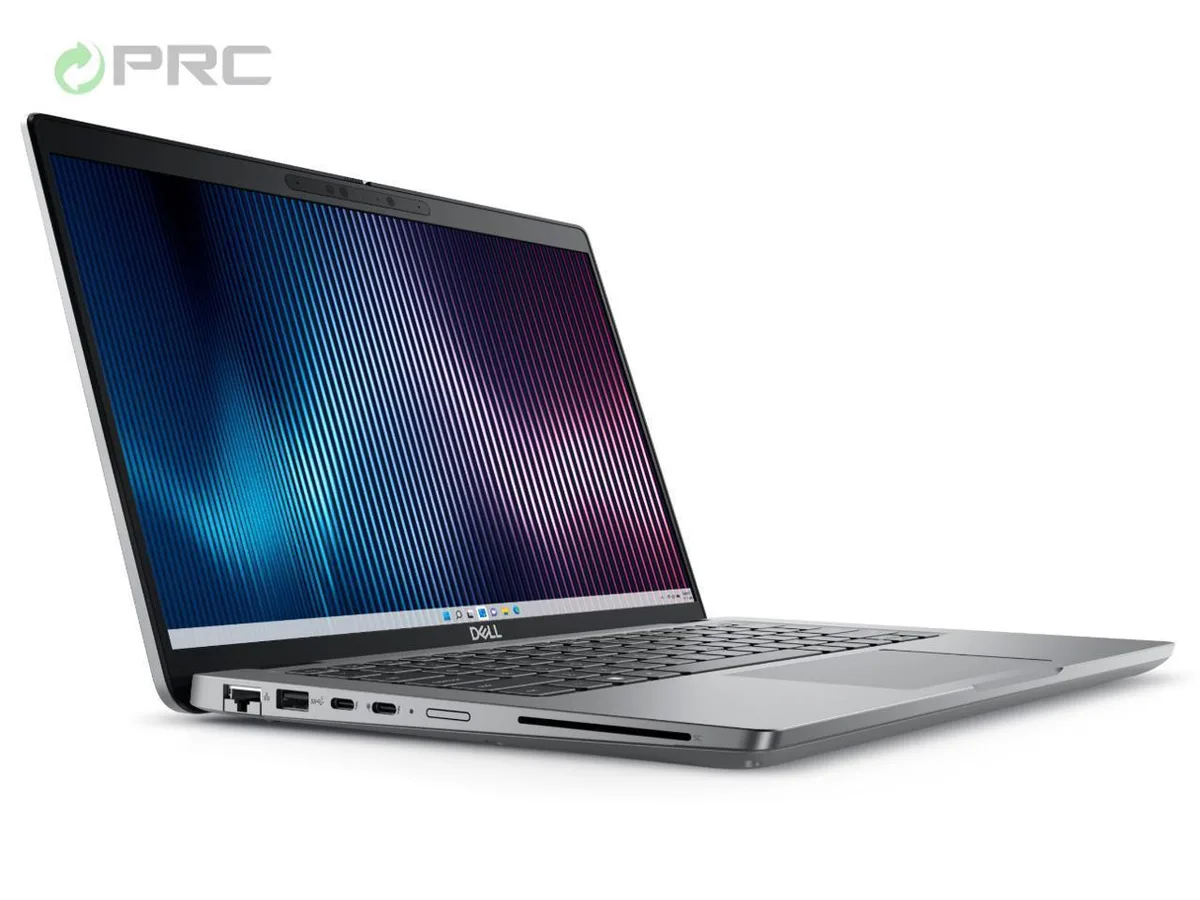
DELL
DELL Latitude 5440 14" i7-1355U 16 GB DDR4 256 GB NVMe
- Gray
- Windows 11 Pro
596,99 $
0.00776391BTC
Laos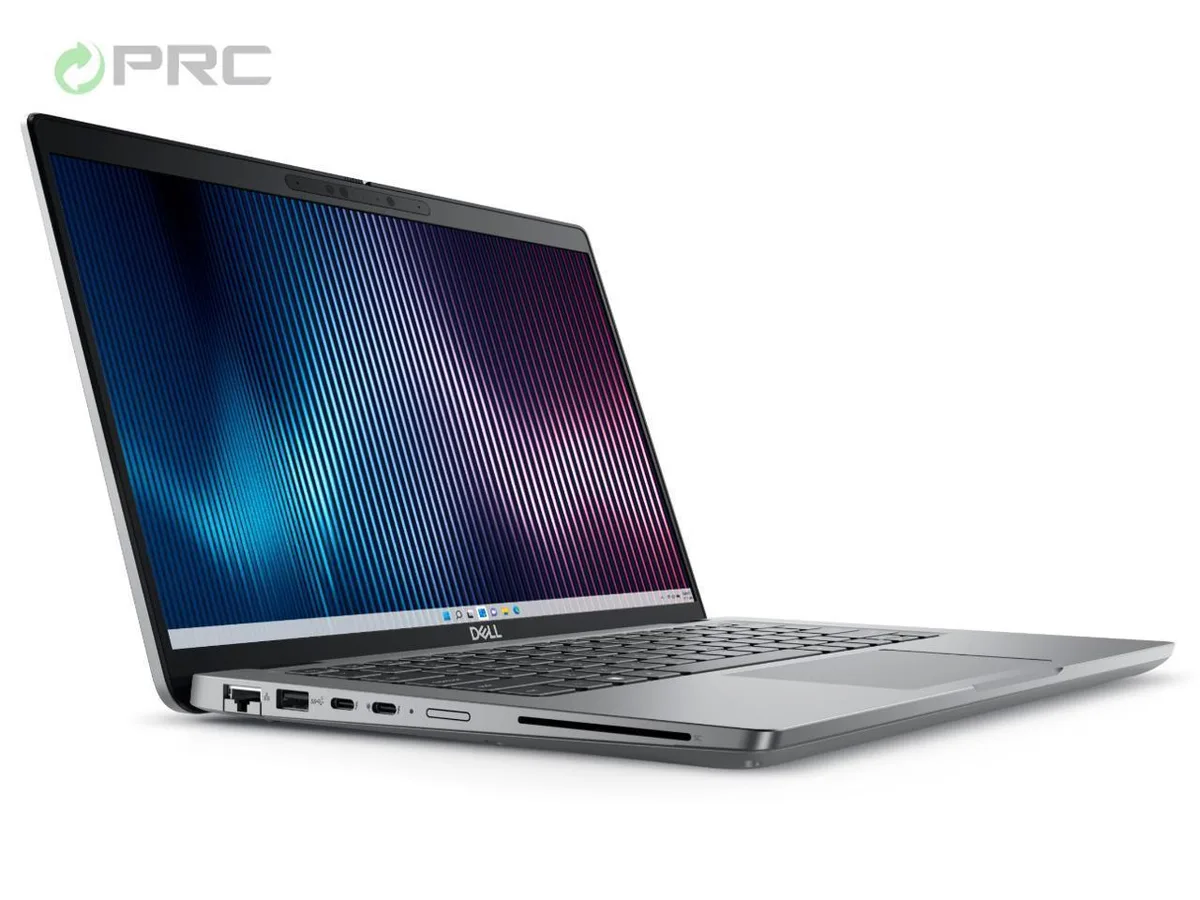
DELL
DELL Latitude 5440 14.0" FHD i7-1355U 32GB DDR4 256GB SSD Windows 11 Pro
- Gray
- Windows 11 Pro
643,99 $
0.00837514BTC
Laos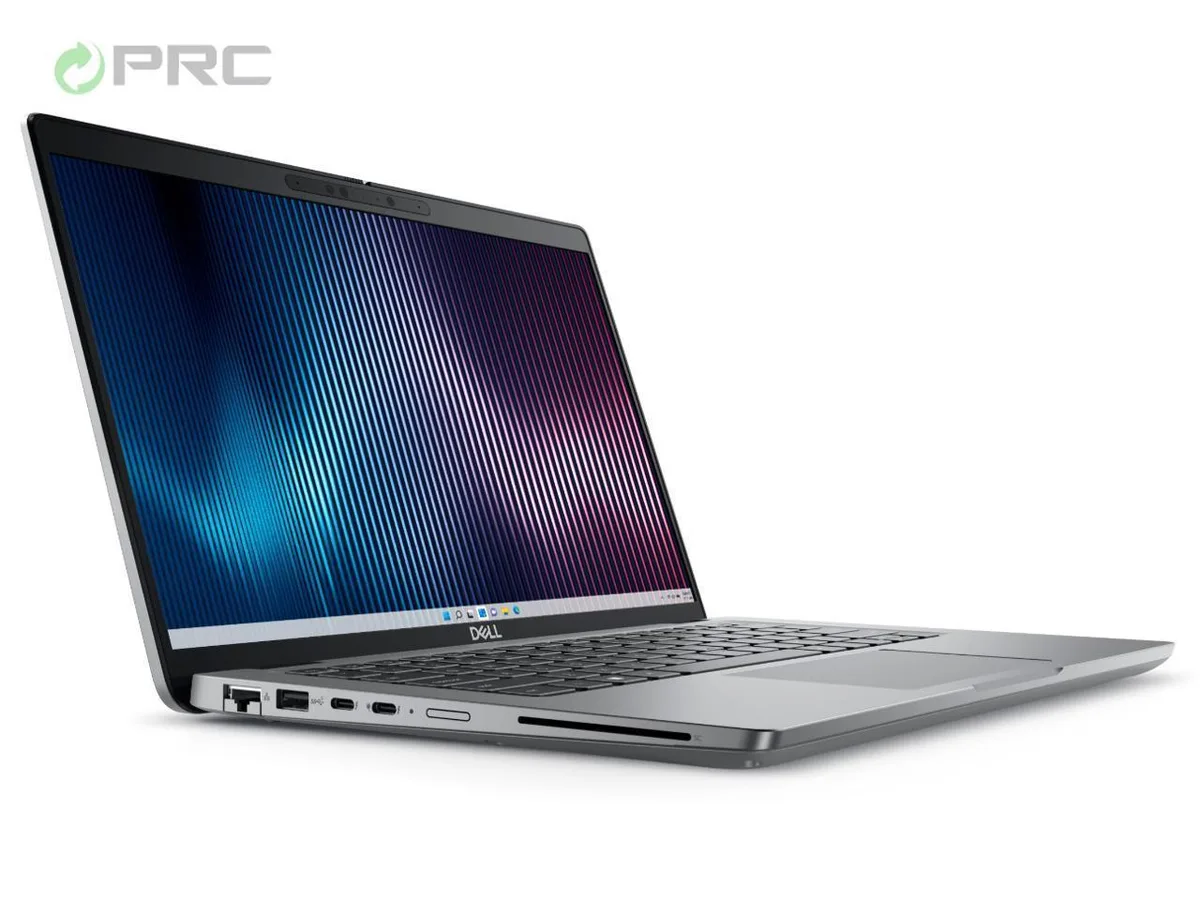
DELL
DELL Latitude 5440 14.0" i7-1355U 64GB DDR4 256GB NVMe
- Gray
- Windows 11 Pro
795,99 $
0.01035192BTC
LaosKüsimused selle toote kohta
Does the 10-core i5-1335U throttle under long compile jobs?
The 10-core i5-1335U runs P-cores up to 4.6 GHz and E-cores up to 3.4 GHz; sustained loads are managed by the 65 W adapter and the 19.1 mm thermal design.
How loud and hot does the 14" chassis get during an all-day video call?
Integrated Iris Xe graphics and the 250-nit non-touch display keep heat modest; the slim 1.39 kg frame uses passive vents and a single fan that stays quiet on typical office workloads.
Which dock or monitor cables must I already own to drive two external screens?
One HDMI 2.0 port and one USB-C 3.2 Gen 2 port support external displays; bring an HDMI cable and a USB-C to DisplayPort or HDMI adapter for dual-monitor setup.
Veel samast osakonnast
Kliendid võrdlesid neid ka
Sama osakond, sama kassa — kaheksa krüptovaluutat ja 30-minutiline kursilukk.


Microsoft
Microsoft Surface 3 1657 128GB CRB 2-in-1 laptop
- Silver
- Windows 10 Pro
244,99 $
0.00318612BTC
Laos
Microsoft
Microsoft Surface Pro FGG-2D-00001-RFB 2-in-1 laptop 16 GB 512 GB 12.0" touchscreen 2736 x 1824 refurbished
- 12.0"
- Touch Screen
687,99 $
0.00894737BTC
Laos
Lenovo
Lenovo Chromebook 500e Gen 5 M89 83TA0004US 12.2" MediaTek 8GB 64GB
- 12.2"
392,99 $420,99 $−7%
0.00511087BTC
Laos