


DELL
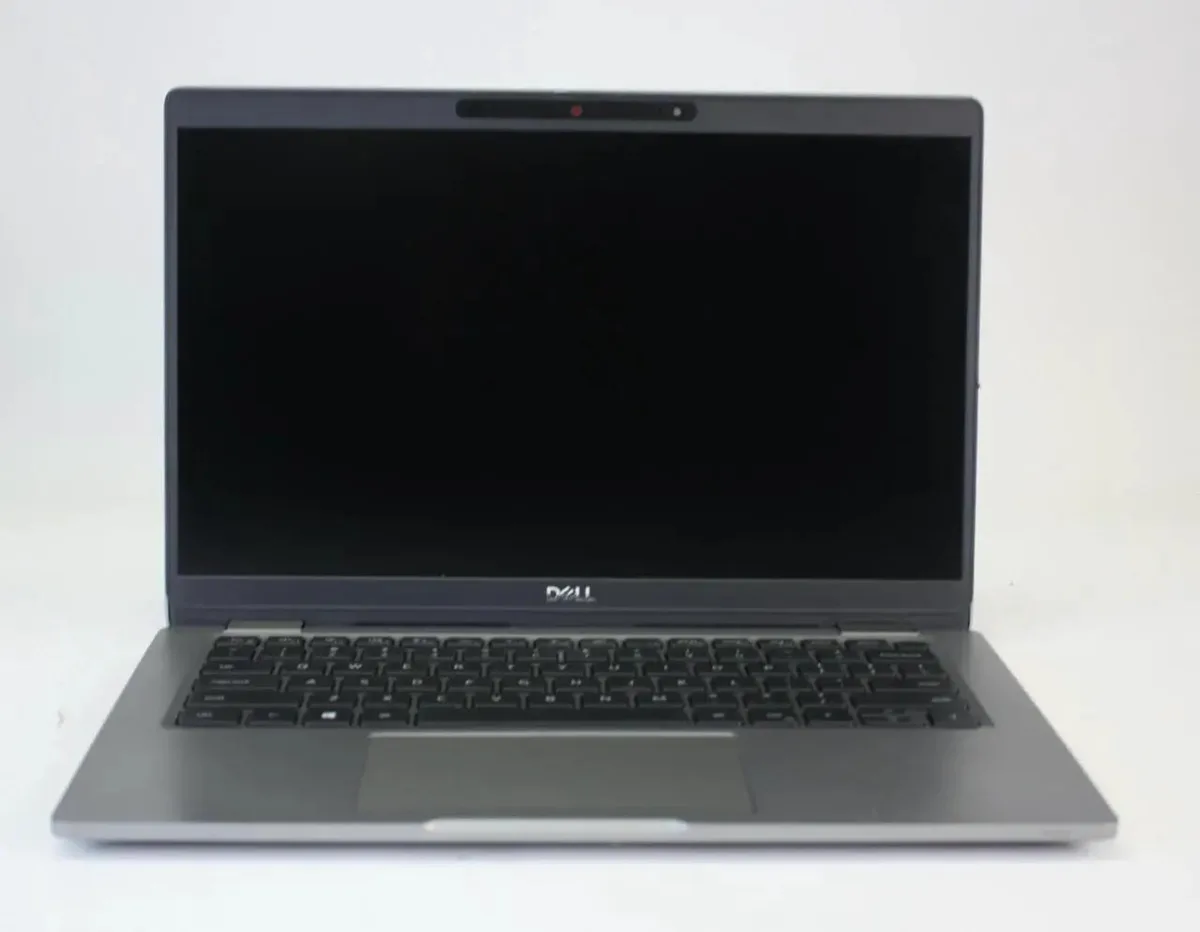
DELL Latitude 5320 Touchscreen i5-1145G7 8GB 512GB 13.3" FHD
A 13.3 inch touchscreen laptop with an Intel Core i5 1145G7 processor, 8GB RAM, 512GB SSD and Windows 11 Pro
- Screen Size13.3"
- Responsive multitasking from 11th Gen Core i5-1145G7 at 2.60 GHz
- Fast boot and file access with 512 GB solid-state storage
- Sharp touch interaction on 13.3" 1920 x 1080 FHD display
- Secure sign-in via webcam and smartcard reader
- Productive typing in low light with backlit keyboard
Business laptop with 13.3 inch touchscreen
The DELL Latitude 5320 is a compact business laptop built around an Intel Core i5 1145G7 processor running at 2.60 GHz. It ships with 8 GB of memory and a 512 GB solid-state drive. A 13.3 inch full HD touchscreen, webcam, backlit keyboard and Windows 11 Pro complete the core specification.
Suits mobile professionals needing pen input
This configuration suits professionals who want a lightweight Windows device with touch and stylus support for note-taking or presentations. Buyers who need more than 8 GB of memory or a larger display for multi-window workflows should look at other models.
Simple setup with included 65 W adapter
The laptop arrives ready to use with a 65 W USB Type-C power adapter and a working battery. Windows 11 Pro is pre-installed so initial configuration follows the standard out-of-box experience. The supplier notes the unit shows some usage wear, so inspect the chassis and screen for cosmetic marks on arrival.
Erősségek
- Responsive multitasking from 11th Gen Core i5-1145G7 at 2.60 GHz
- Fast boot and file access with 512 GB solid-state storage
- Sharp touch interaction on 13.3" 1920 x 1080 FHD display
- Secure sign-in via webcam and smartcard reader
- Productive typing in low light with backlit keyboard
Műszaki adatok
| Screen Size | 13.3" |
|---|
Kérdések a termékről
Does the Dell 65W USB Type-C AC adapter come in the box so I can power the Latitude 5320 immediately?
Yes, the 65W USB Type-C AC adapter is included, so the laptop can be charged and used straight away.
Will my existing USB-A peripherals work with the Latitude 5320's USB Type-C port, or do I need new cables?
The USB Type-C port handles data and power; legacy USB-A devices will need a Type-C to Type-A adapter or hub to connect.
How can I confirm the 1920 x 1080 touchscreen and Intel Iris Xe graphics are active after setting up Windows 11 Pro?
Open Settings > System > Display to verify the 1920 x 1080 resolution, then check Device Manager > Display adapters for Intel Iris Xe.
Szintén ezen a polcon
Vásárlók ezeket hasonlították össze
Ugyanaz a polc, ugyanaz a pénztár — nyolc pénznem és 30 perces árfolyamzár.


Microsoft
Microsoft Surface 3 1657 128GB CRB 2-in-1 laptop
- Silver
- Windows 10 Pro
244,99 USD
0.003179BTC
Raktáron
Microsoft
Microsoft Surface Pro FGG-2D-00001-RFB 2-in-1 laptop 16 GB 512 GB 12.0" touchscreen 2736 x 1824 refurbished
- 12.0"
- Touch Screen
687,99 USD
0.0089274BTC
Raktáron
Lenovo
Lenovo Chromebook 500e Gen 5 M89 83TA0004US 12.2" MediaTek 8GB 64GB
- 12.2"
392,99 USD420,99 USD−7%
0.00509946BTC
Raktáron