


Acer America
Acer America PM161Q Bbmiuux UM.ZP1AA.B01 15.6 portable monitor
A 15.6 inch Full HD IPS portable monitor with AMD FreeSync, two USB-C ports, Mini HDMI, built-in speakers and VESA mounting
- Monitor TypePortable Monitor
- PanelIPS
- Screen Size15.6
- Display TypeFHD
- WidescreenYes
- Resolution1920 x 1080
- Wide 170° viewing angles keep colours consistent
- 6" Full HD IPS panel delivers 1920 x 1080 detail
- Two USB-C ports carry video, data and 15 W power
- Mini HDMI adds a second display input
- Ultra-slim 0.40" profile weighs just 2.40 lbs
15.6" Full HD Portable IPS Monitor
The Acer PM161Q Bbmiuux is a 15.6-inch Full HD IPS portable monitor built for professionals who need a second screen while travelling or working remotely. It delivers a 1920 x 1080 resolution at 60Hz with 170° viewing angles and AMD FreeSync support for smoother visuals. The 250 cd/m² brightness and 1000:1 contrast ratio suit general business tasks and media consumption.
Dual USB-C With Power Delivery And Mini HDMI
Two USB 3.1 Type-C ports handle video, data and up to 15W of power delivery over a single cable, reducing clutter on the desk. A Mini HDMI port adds compatibility with laptops, consoles or cameras that lack USB-C video output. The ultra-slim 0.40-inch profile and 2.40 lb weight make it easy to slip into a bag, while the 45° to 60° tilt stand and 75 x 75mm VESA mount offer flexible positioning.
Check Your Ports And Power Budget Before Buying
Verify that your device supplies DisplayPort Alt Mode over USB-C or provides a Mini HDMI output, otherwise the monitor will not receive a video signal. The 15W USB-C power delivery may not charge power-hungry laptops while driving the display, so a separate charger could be necessary. Buyers needing touch input, higher refresh rates or built-in battery operation should consider other models.
Privalumai
- Wide 170° viewing angles keep colours consistent
- 6" Full HD IPS panel delivers 1920 x 1080 detail
- Two USB-C ports carry video, data and 15 W power
- Mini HDMI adds a second display input
- Ultra-slim 0.40" profile weighs just 2.40 lbs
Specifikacijos
| Brand | Acer |
|---|---|
| Model | PM161Q Bbmiuux |
| Part Number | UM.ZP1AA.B01 |
| Monitor Type | Portable Monitor |
| Panel | IPS |
| Screen Size | 15.6 |
| Display Type | FHD |
| Widescreen | Yes |
| Resolution | 1920 x 1080 |
| Refresh Rate | 60Hz |
| Viewing Angle | 170° (H) / 170° (V) |
| Pixel Pitch | 0.179mm |
| Display Colors | 16.7 Million |
| Aspect Ratio | 16:9 |
| Brightness | 250 cd/m2 |
| Contrast Ratio | 1000:1 |
| Response Time | 4ms (G to G) |
| Video Ports | 2 x USB 3.1 (Type-C) port (Gen 1 up to 5 Gbps) supporting data, power (15W) and DisplayPort over USB-C 1 x Mini HDMI |
| Power Supply | 100 - 240 VAC, 50/60Hz |
| Power Consumption | Normal Operation: <12Watts Off (power-save): <1 Watts |
| Regulatory Approvals | UL, cUL, FCC Class B, CE, TUV/GS, VCCI, RoHS, MPRII |
| Built-in Speakers | 2 x 1W |
| VESA Compatibility - Mountable | 75 x 75mm |
| Dimensions | 8.70" x 13.96" x 0.40" |
| Weight | 2.40 lbs. |
| Package Contents | Display Power Cord USB Type-C Cable Mini HDMI Cable |
| Siuntos svoris | 2.27 kg |
| Pakuotės dydis | 381 × 229 × 51 mm |
Klausimai apie šią prekę
What does the USB 3.1 Gen 1 Type-C interface cap at for video and power on this monitor?
Each USB 3.1 Gen 1 Type-C port carries DisplayPort video up to 5 Gbps and delivers up to 15 W of power to the display.
What physical mounting pattern and clearance does the 15.6-inch panel require?
The monitor uses a 75 x 75 mm VESA pattern and measures 8.70 x 13.96 x 0.40 inches, so the mount must match those hole centres and allow the slim depth.
How do you set up the PM161Q over USB-C, and which step is often missed?
Connect the supplied USB-C cable to a host port that supports DisplayPort Alt Mode; the step users miss is confirming the host port actually carries video, not just data or charging.
Taip pat šiame skyriuje
Kiti pirkėjai taip pat lygino
Ta pati lentyna, tas pats atsiskaitymas — aštuonios monetos ir 30 minučių fiksuotas kursas.


Innovera
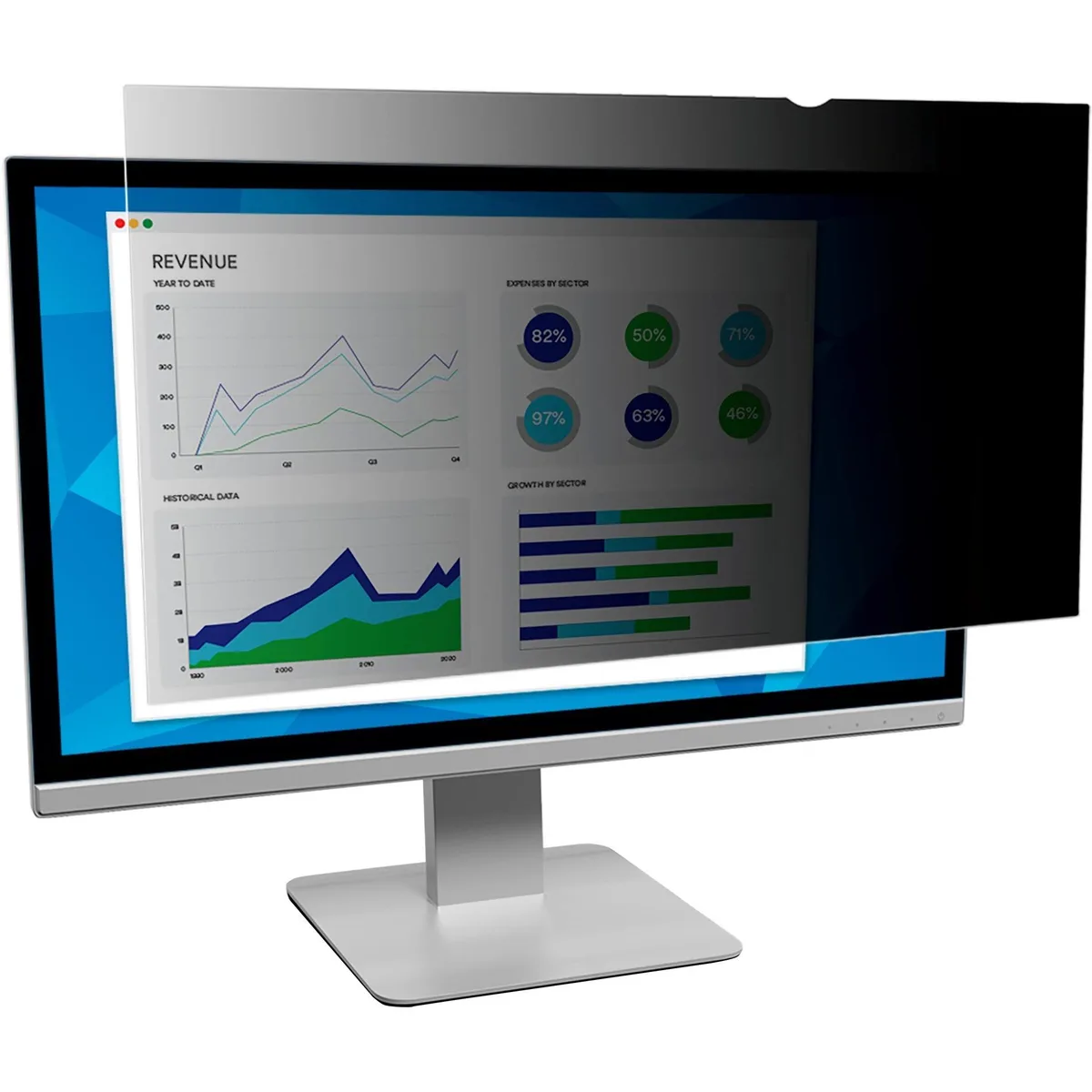
Innovera Privacy Filter 20" Widescreen 16:9 Black Frameless
- Privacy Filter
- Black
28,99 USD
0.00035684BTC
Yra sandėlyje

DELL
DELL MDS19 Dual Monitor Stand 19–27 in monitor accessory
- Dual Monitor Stand
- Black
140,99 USD
0.00173548BTC
Yra sandėlyje