DELL
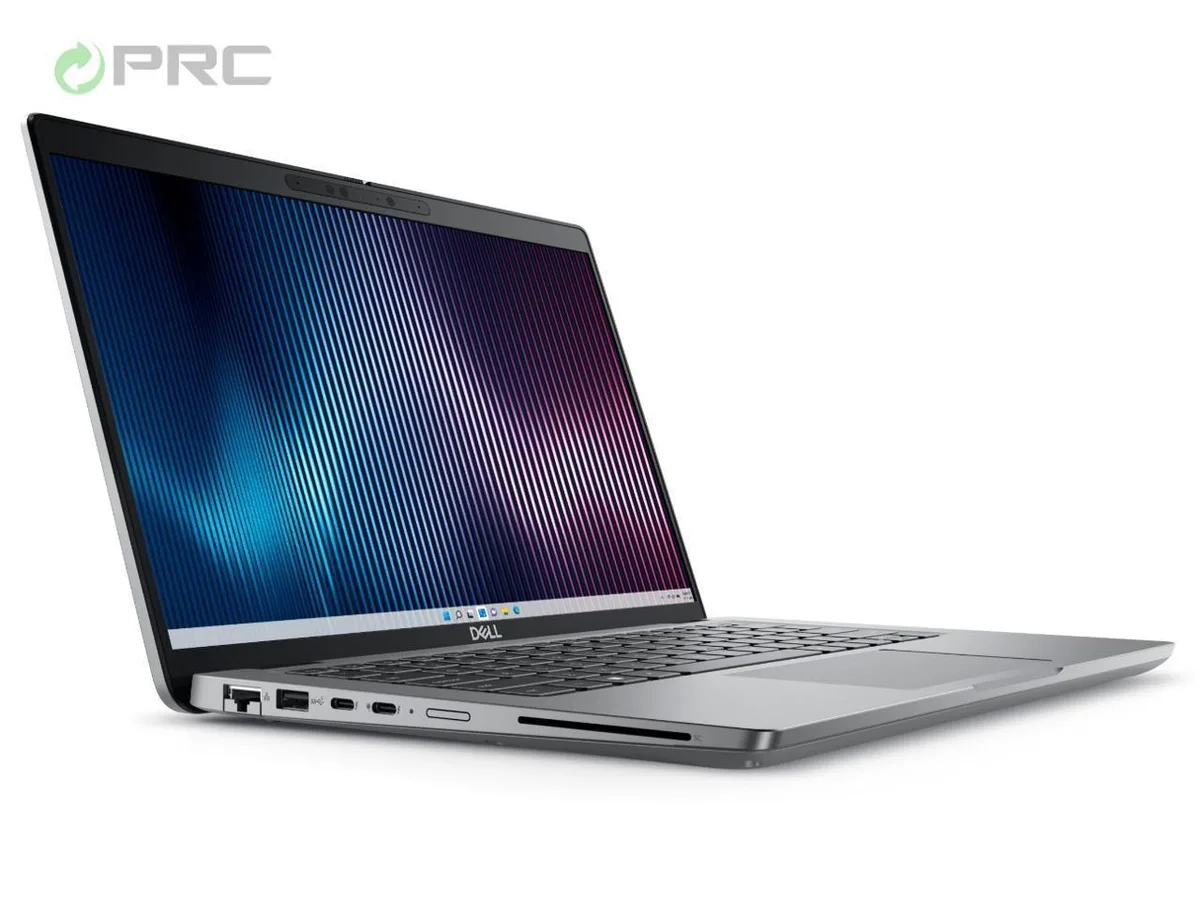
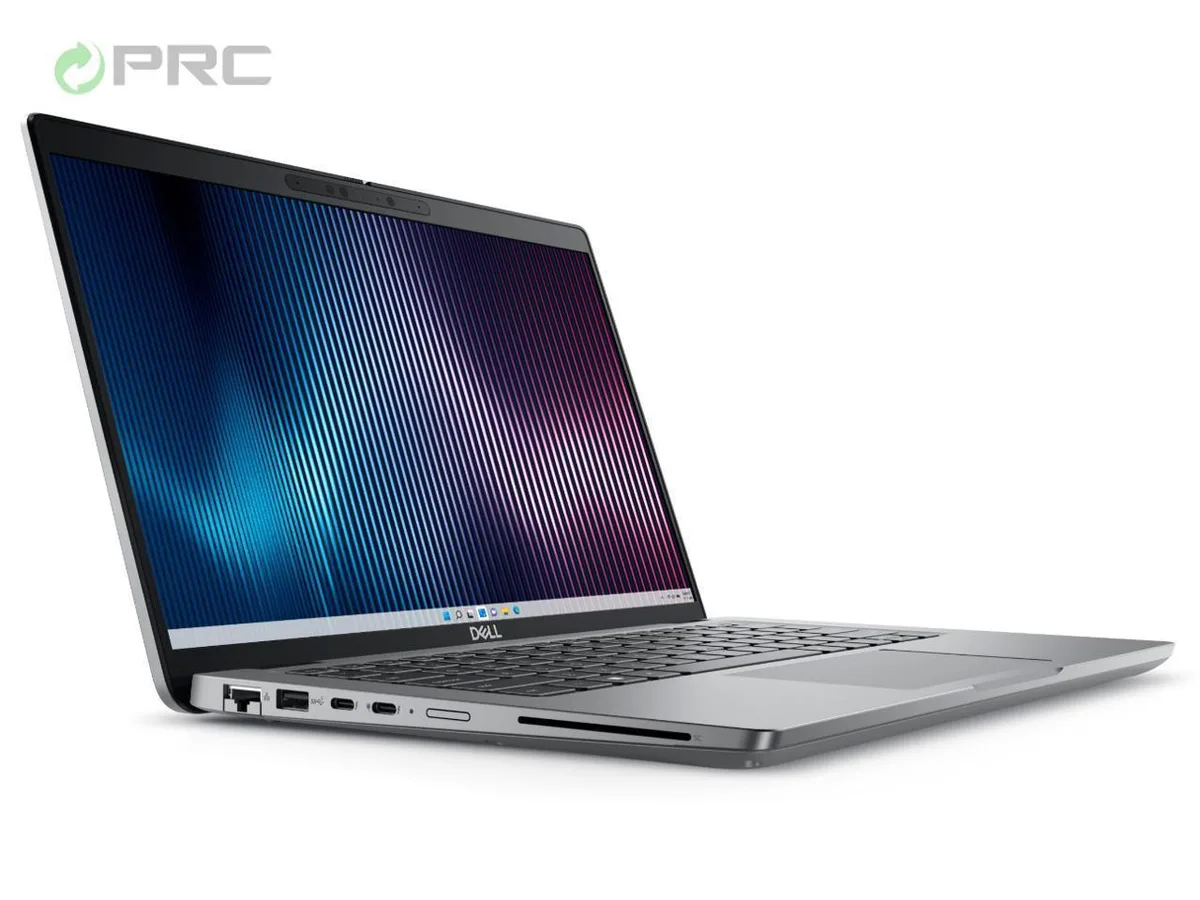
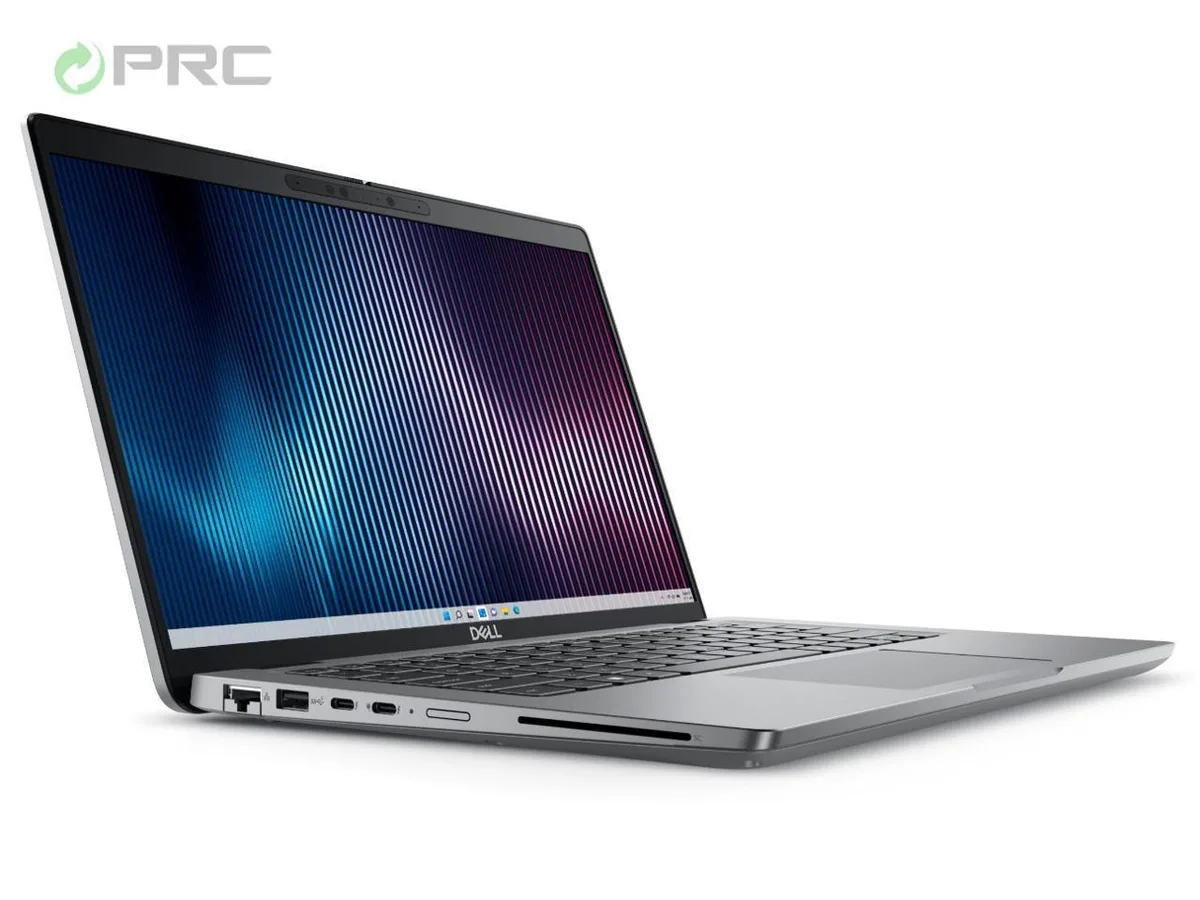
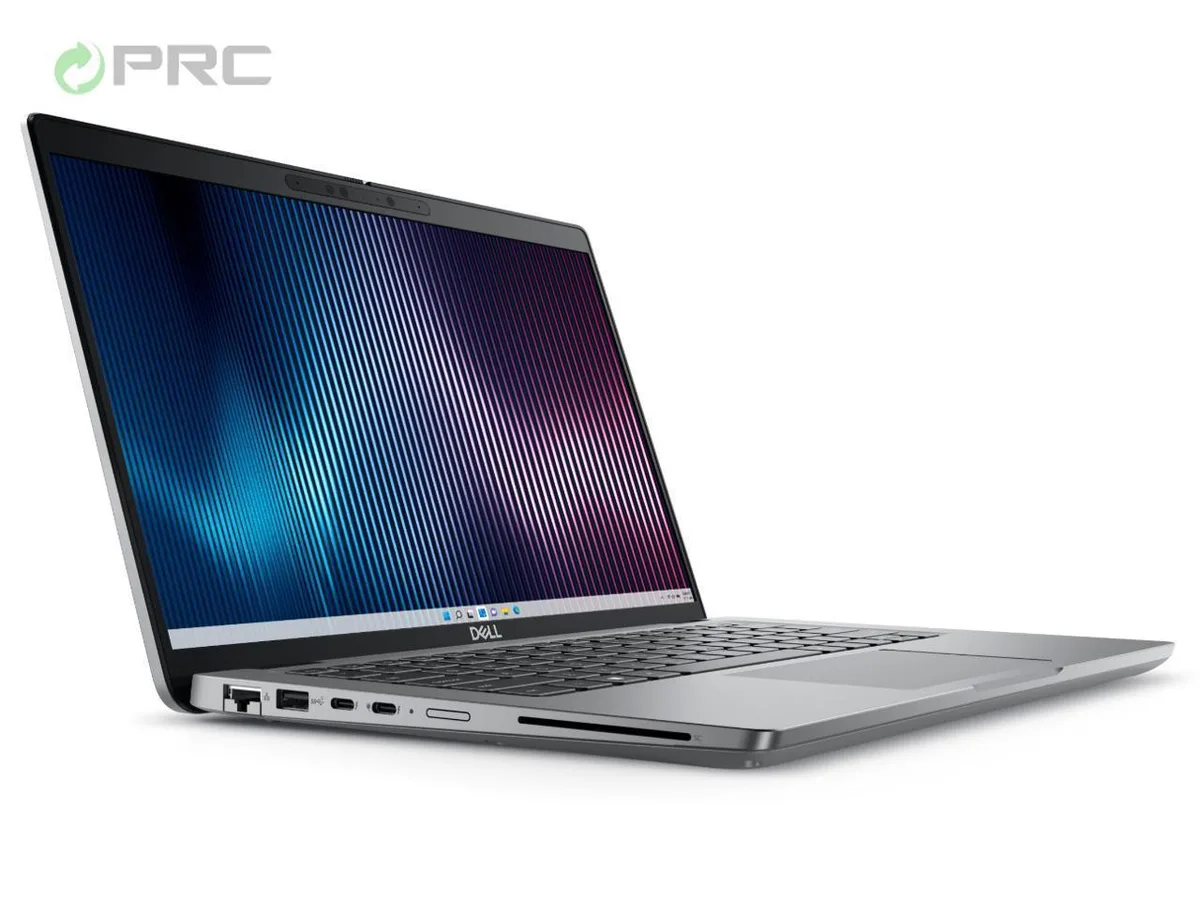
DELL Latitude 5440 14.0" FHD i7-1355U 8 GB DDR4 128 GB SSD
- Gray
- Windows 11 Pro
581,99 USD
0.00744814BTC
Yra sandėlyjePriimame kriptovaliutą — taip monetos, kurias turite, gali nupirkti tikrą techniką.Mokėkite kriptovaliuta, išleiskite ją tikrai technikai. Nemokamas apdraustas pristatymas visame pasaulyje virš 399 $. Paprastos, be žymų siuntos dėžės, siunčiamos iš Vokietijos.Nemokamas apdraustas pristatymas virš 399 $. Jūsų kursas fiksuojamas 30 minučių, kai tik prasideda atsiskaitymas.Kursas fiksuojamas 30 minučių. Kiekvienas gaminys užplombuotas, jo serijos numeris patikrintas, ir jam taikoma 24 mėnesių garantija.Užplombuota, 24 mėnesių garantija.


DELL
14-inch Windows 11 Pro laptop with 10-core i7-1355U, 64 GB DDR4, 128 GB NVMe SSD, FHD anti-glare display, Wi-Fi 6 and Bluetooth 5.2
Options i7-1365U 64GB/128GB W11P
The Dell Latitude 5440 is a 14.0-inch business laptop powered by a 13th Gen Intel Core i7-1355U processor with 10 cores. It ships with 64 GB of DDR4 memory and a 128 GB NVMe SSD. Windows 11 Pro comes pre-installed. The anti-glare FHD display runs at 1920 x 1080 resolution.
The 64 GB DDR4 configuration handles heavy multitasking, virtual machines and large datasets without paging. Integrated Intel Iris Xe graphics share system memory for light creative work. The 128 GB NVMe drive fills quickly with modern applications and media libraries, so external or cloud storage becomes necessary for larger projects.
An OEM 65 W AC adapter is bundled for charging via the USB-C 3.2 Gen 2 port or the dedicated barrel connector. Connectivity covers HDMI 2.0 for external displays, two USB 3.2 Gen 1 Type-A ports, one USB 3.2 Gen 1 with PowerShare, RJ-45 Ethernet, and a universal audio jack. Wi-Fi 6 and Bluetooth 5.2 handle wireless links.
| Brand | DELL |
|---|---|
| Series | 5000 |
| Model | Latitude |
| Part Number | 5440 |
| Color | Gray |
| Operating System | Windows 11 Pro |
| CPU Type | Intel Core i7 13th Gen |
| Processor Name | Intel Core i7-1355U |
| CPU L2 Cache | 6MB |
| Screen Size | 14.0" |
| Touchscreen | Non-Touch Screen |
| Display Type | FHD |
| Resolution | 1920 x 1080 |
| GPU/VPU | Intel Iris Xe Graphics |
| Graphic Type | Integrated Card |
| SSD | 128GB |
| HDD | No |
| Storage Spec | 128 GB SSD |
| Memory | 64GB |
| Memory Speed | DDR4 |
| Memory Spec | 32 GB x 2 |
| Memory Slot (Total) | 2 |
| Memory Slot (Available) | 0 |
| Max Memory Supported | 64 GB |
| Optical Drive Type | No |
| LAN | 10/100/1000Mbps |
| WiFi Generation | Wi-Fi 6 |
| Bluetooth | Yes |
| USB | 2 x USB 3.2 Gen 1, 1 x USB 3.2 (PowerShare), 1 x USB-C 3.2 Gen 2 |
| Video Port | 1 x HDMI 2.0 |
| HDMI | 1 x HDMI 2.0 |
| Audio Ports | 1 x Microphone Jack, 1 x Headphone Jack |
| Audio | Integrated Sound card |
| Touchpad | Yes |
| Keyboard | Standard |
| Webcam | Yes |
| Style | Ultrabook |
| Type | Mainstream |
| Usage | Consumer |
| AC Adapter/Charger | 65-watt AC Adapter |
| Weight | 3 - 3.9 lbs. |
Kiti šio modelio variantai
Ta pati šeima, bet skiriasi atmintis, aušintuvas ar dažnis — palyginkite prieš apsispręsdami.
The laptop ships with 64 GB of DDR4 memory. The manufacturer notes the configuration is maxed out at 64 GB, so no further expansion is possible.
Open Windows Settings > System > Display to confirm 1920 x 1080 resolution and 250 nits brightness. Run DirectX Diagnostic Tool (dxdiag) to verify Intel Iris Xe Graphics is detected and the driver version is current.
The package contains the laptop and an OEM 65 W AC adapter. HDMI and USB-C cables are not included; purchase certified cables separately if you do not already have them.
Taip pat šiame skyriuje
Ta pati lentyna, tas pats atsiskaitymas — aštuonios monetos ir 30 minučių fiksuotas kursas.
Tai, kuo mokate, ir valiuta, kuria matote kainas.
Išsiunčiama iš Jūsų piniginės atsiskaitant
Tik rodoma — katalogo kainos nurodytos doleriais
Tokios valiutos nerasta.
Pasirinkite kalbą, kuria Jums kalbės svetainė.
Tokios kalbos nerasta.
Pirmą kartą čia?
Jau turite paskyrą?
Automatinio atstatymo nėra: ši parduotuvė nesiunčia jokių el. laiškų, todėl nėra jokios vienkartinės nuorodos, kurios būtų galima paprašyti. Palikite adresą paskyroje, ir juo bus pasirūpinta rankiniu būdu.
Prašymas užfiksuotas
Į Jūsų pašto dėžutę niekas nekeliauja — ši parduotuvė apskritai nesiunčia jokių el. laiškų. Šiuos prašymus kažkas peržiūri rankiniu būdu.
Prisiminėte?