


DELL
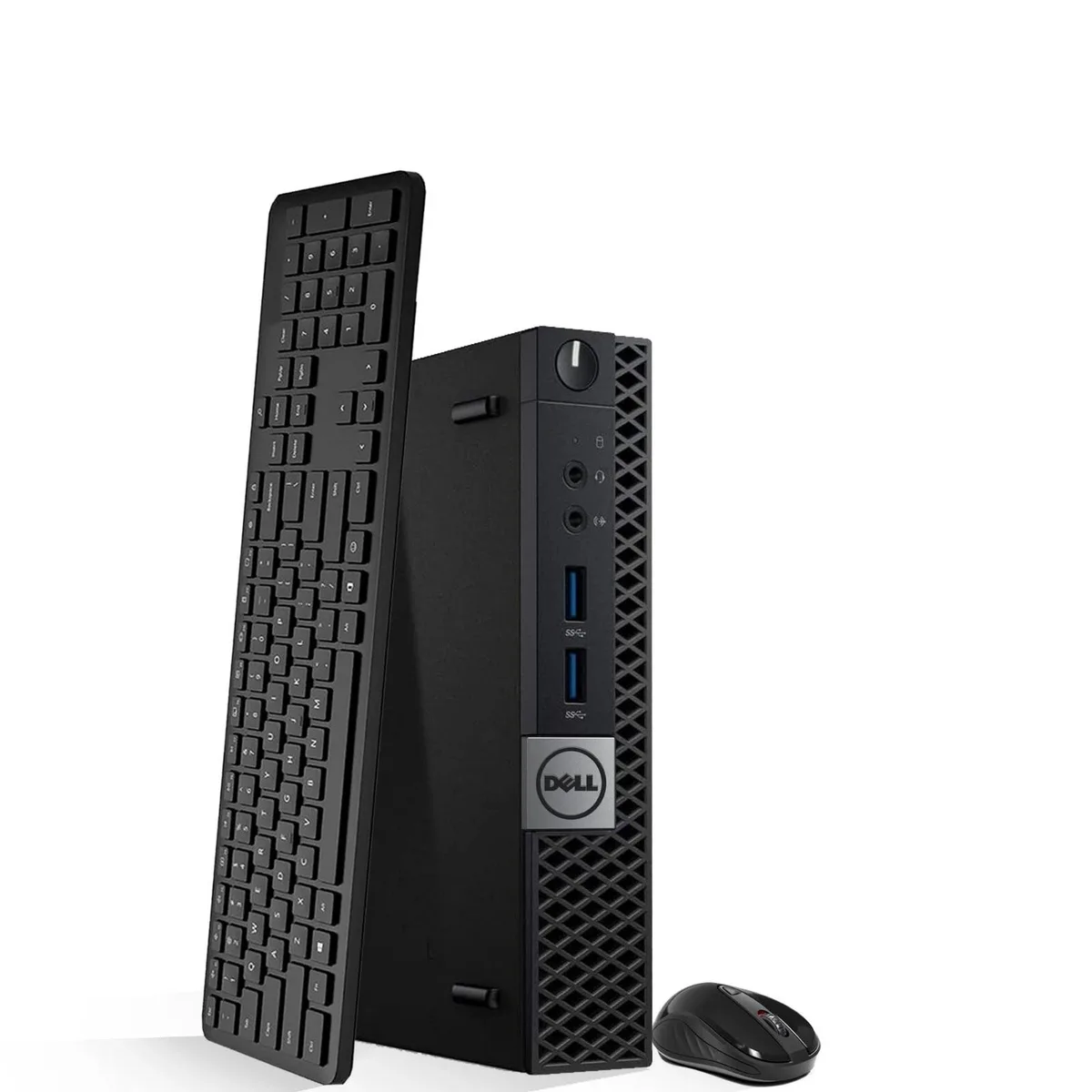
DELL Optiplex 7050 Tiny Desktop PC i5-6500 3.20-3.60GHz 8GB DDR4 256GB SSD
A compact desktop with an Intel Core i5-6500 up to 3.60 GHz, 8 GB DDR4 and a 256 GB SSD, running Windows 11 Pro
- Compact Tiny form factor saves desk space
- Intel Core i5-6500 quad-core processor runs at 3.20-3.60GHz
- 8GB DDR4 memory supports smooth multitasking
- 256GB SSD provides fast boot and load times
- Intel UHD Graphics 530 handles everyday visual tasks
Compact business desktop for office and study
The Dell Optiplex 7050 Tiny is a small-form-factor PC built for everyday productivity. It suits professionals, students and home users who need a reliable Windows 11 machine for web apps, document work and multitasking. Its miniature chassis fits tight desk spaces without sacrificing core connectivity.
8 GB DDR4 memory and 256 GB SSD storage
Eight gigabytes of DDR4 RAM provides enough headroom for typical office workloads and several browser tabs at once. The 256 GB solid-state drive boots Windows 11 quickly and holds the operating system plus essential business files. Heavy media libraries or large project folders will require external or cloud storage.
Intel UHD Graphics 530 and included peripherals
Integrated Intel UHD Graphics 530 drives standard office displays and supports dual-monitor setups for spreadsheet work. The bundle supplies a keyboard and mouse so the system is ready to use immediately. The tiny enclosure limits internal expansion, so users needing discrete graphics or additional drive bays should consider larger form factors.
Priekšrocības
- Compact Tiny form factor saves desk space
- Intel Core i5-6500 quad-core processor runs at 3.20-3.60GHz
- 8GB DDR4 memory supports smooth multitasking
- 256GB SSD provides fast boot and load times
- Intel UHD Graphics 530 handles everyday visual tasks
Specifikācijas
Šai precei pagaidām nav publicētu specifikāciju.
Jautājumi par šo preci
Will the 256GB SSD in the Optiplex 7050 Tiny work as a boot drive alongside an older mechanical hard drive I keep for storage?
Yes, the 256GB SSD serves as the primary boot drive and you can add a second drive for extra storage if the chassis allows.
How can I confirm the Intel UHD Graphics 530 is active after installing Windows 11 Pro?
Open Device Manager and check Display adapters for Intel UHD Graphics 530; the driver version there shows it is running.
Does the box include a Wi-Fi antenna or must I buy one separately for wireless?
The system ships with Wi-Fi hardware installed; antennas are integrated into the Tiny chassis so no separate antenna is required.
Arī šajā sadaļā
Klienti arī salīdzināja
Tas pats plaukts, tā pati kase — astoņas kriptovalūtas un kursa fiksēšana uz 30 minūtēm.



Higole
Higole 11.6" Touch All-in-One PC Celeron N5095 8GB 128GB
- 11.6"
- 1366 x 768
307,99 $
0.00394444BTC
Krājumā
Toemaagic
Toemaagic All-in-One PC 24" FHD i7 4.0GHz 16GB 512GB White
- Toemaagic
- 16 GB
318,99 $
0.00408532BTC
Krājumā
Lenovo
Lenovo A100 23.8" FHD All-in-One PC Intel N100 32GB DDR4 2TB SSD 1TB Dock Windows 11 Pro White
- All-in-One PC
- All-in-One
930,99 $
0.01192323BTC
Krājumā