


Gawfolk
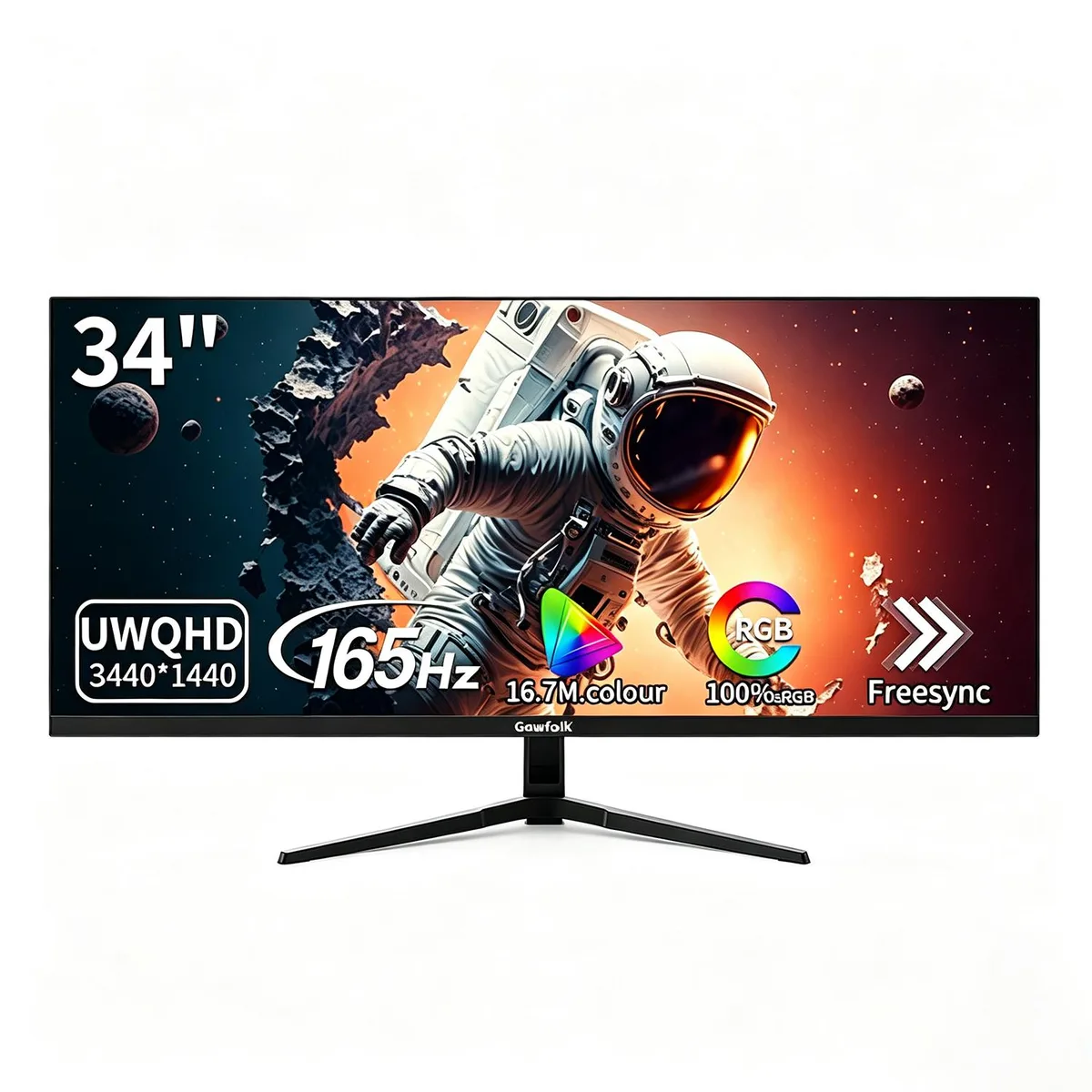
Gawfolk 34" 165Hz UWQHD IPS Gaming Monitor
A 34-inch 21:9 ultrawide IPS gaming monitor with UWQHD 3440×1440 resolution, 165Hz refresh rate, 0.01ms response time and Adaptive FreeSync for tear-free competitive play
- Screen Size34"
- Refresh Rate165Hz
- Resolution3440 x 1440
- Response Time0.01 ms
- PanelIPS
- Aspect Ratio21:9
24-49 34" 3440x1440 165Hz Black Flat
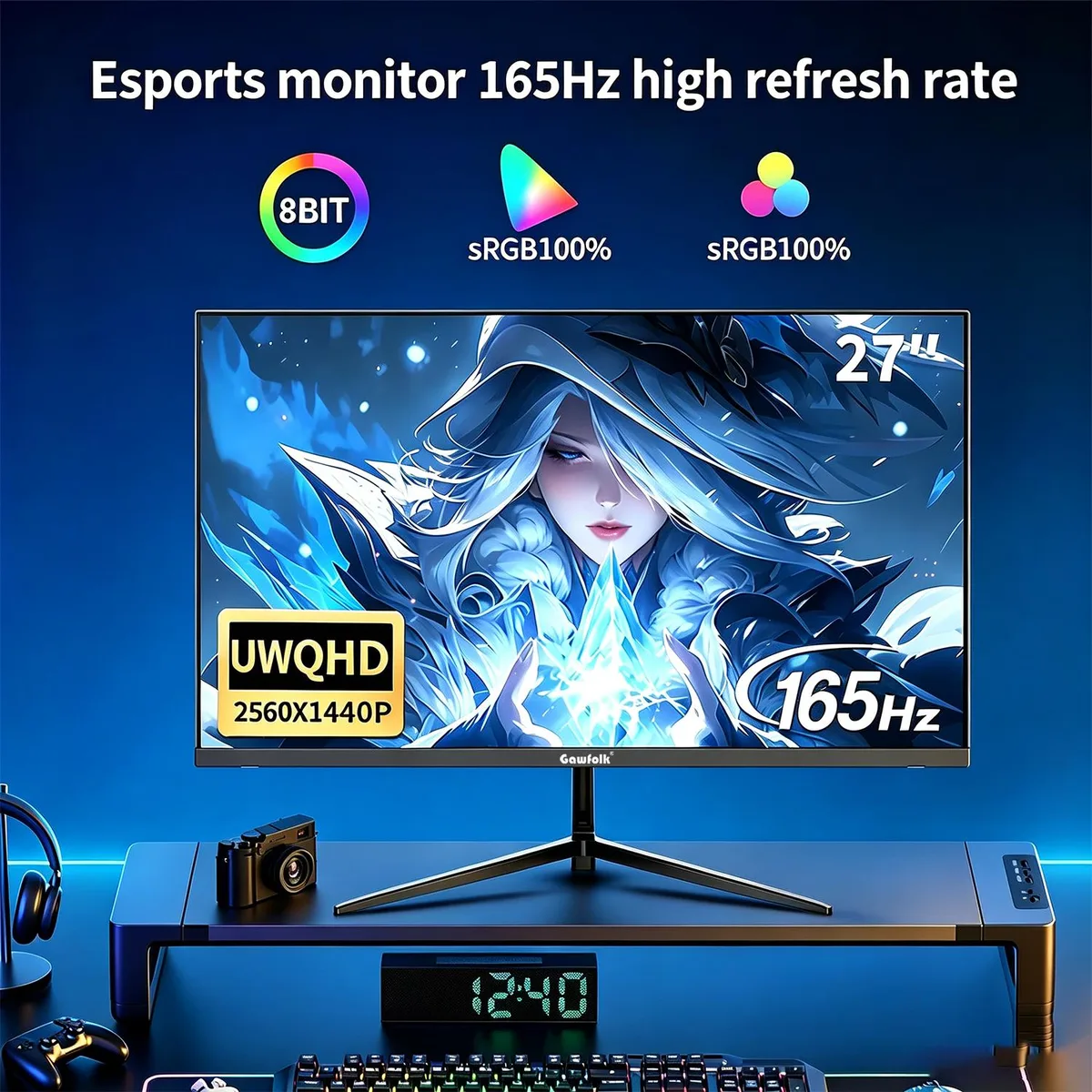
- 27" 2K 165Hz Flat Black
- 32" FHD 180Hz 1800R Curved Black
- 34" 3440x1440 165Hz Black Flat
- 34" 3440x1440 165Hz 3800R Curved Black w/ Speakers
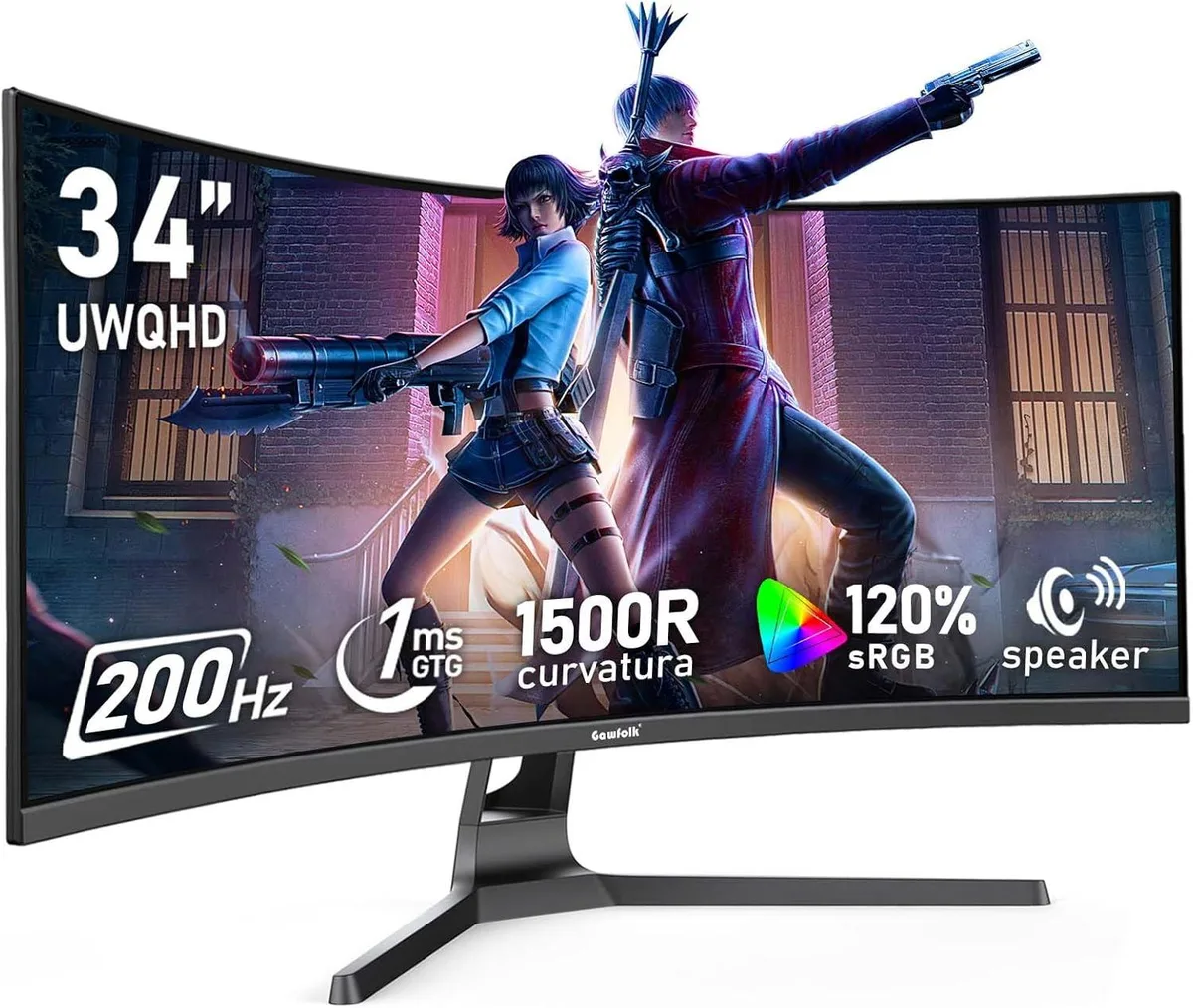
- 34" 3440x1440 200Hz 1500R Curved Black w/ Speakers
Pārsvītrotās versijas pastāv, taču šeit nav pieejamas.
- UWQHD 3440×1440 resolution across a 34" 21:9 ultrawide gives 34% wider field of view for immersive gaming and multitasking
- 165Hz refresh rate with Adaptive FreeSync eliminates screen tear and delivers low-latency smooth gameplay for competitive PC gaming
- 100% sRGB colour gamut with 16.7M colours and 3000:1 contrast ratio provides professional colour performance for editing and design work
- Built-in stereo speakers deliver immersive audio without extra sound equipment for a complete desktop setup
- Low blue light and flicker-free technology plus crosshair assist protect eyes during long sessions while VESA 100×100mm
Ultrawide Gaming Monitor
The Gawfolk 34" IPS panel delivers UWQHD 3440x1440 resolution at 165Hz with Adaptive FreeSync for tear-free competitive play. Its 21:9 aspect ratio expands the field of view by 34% over standard 16:9 displays, suiting gamers and multitaskers who want a single immersive screen.
Connectivity And Mounting
Dual DisplayPort 1.4 and HDMI 2.0 inputs handle high-refresh sources while HDCP support ensures protected content playback. The 100x100mm VESA pattern allows wall or arm mounting, and the included stand provides -5° to 15° tilt adjustment for ergonomic positioning during long sessions.
Compatibility Check
Verify your graphics card can drive 3440x1440 at 165Hz over DisplayPort 1.4 or HDMI 2.0 before ordering. Confirm desk space accommodates a 34-inch ultrawide cabinet and that your mount hardware matches the 100mm VESA square if you plan to remove the supplied stand.
Priekšrocības
- UWQHD 3440×1440 resolution across a 34" 21:9 ultrawide gives 34% wider field of view for immersive gaming and multitasking
- 165Hz refresh rate with Adaptive FreeSync eliminates screen tear and delivers low-latency smooth gameplay for competitive PC gaming
- 100% sRGB colour gamut with 16.7M colours and 3000:1 contrast ratio provides professional colour performance for editing and design work
- Built-in stereo speakers deliver immersive audio without extra sound equipment for a complete desktop setup
- Low blue light and flicker-free technology plus crosshair assist protect eyes during long sessions while VESA 100×100mm
Specifikācijas
| Screen Size | 34" |
|---|---|
| Refresh Rate | 165Hz |
| Resolution | 3440 x 1440 |
| Response Time | 0.01 ms |
| Panel | IPS |
| Aspect Ratio | 21:9 |
| Brand | Gawfolk |
| Cabinet Color | Black |
| HDCP Support | Yes |
| HDMI | Yes |
| DisplayPort | 2 |
| Package Contents | Monitor, Stand, Base, Power Adapter , DP Cable |
Citas šī modeļa versijas
Vēl 3 šajā sērijā
Viena saime, taču atšķirīga atmiņa, dzesētājs vai frekvence — salīdziniet, pirms izlemjat.


Jautājumi par šo preci
What refresh rate does the DisplayPort 1.4 connection support on this monitor?
The DisplayPort 1.4 interface supports the full 165Hz refresh rate at the native 3440 x 1440 resolution for smooth gaming performance.
What VESA mount pattern and tilt range does the 34-inch ultrawide monitor use?
It uses a 100 x 100 mm VESA pattern and offers a tilt adjustment range of -5° to 15° for ergonomic positioning.
How do I enable the 165Hz refresh rate after connecting the included DP cable?
Connect the supplied DP cable to the DisplayPort 1.4 port, then set the refresh rate to 165Hz in your operating system display settings or GPU control panel.
Arī šajā sadaļā
Klienti arī salīdzināja
Tas pats plaukts, tā pati kase — astoņas kriptovalūtas un kursa fiksēšana uz 30 minūtēm.



