Pi Supply
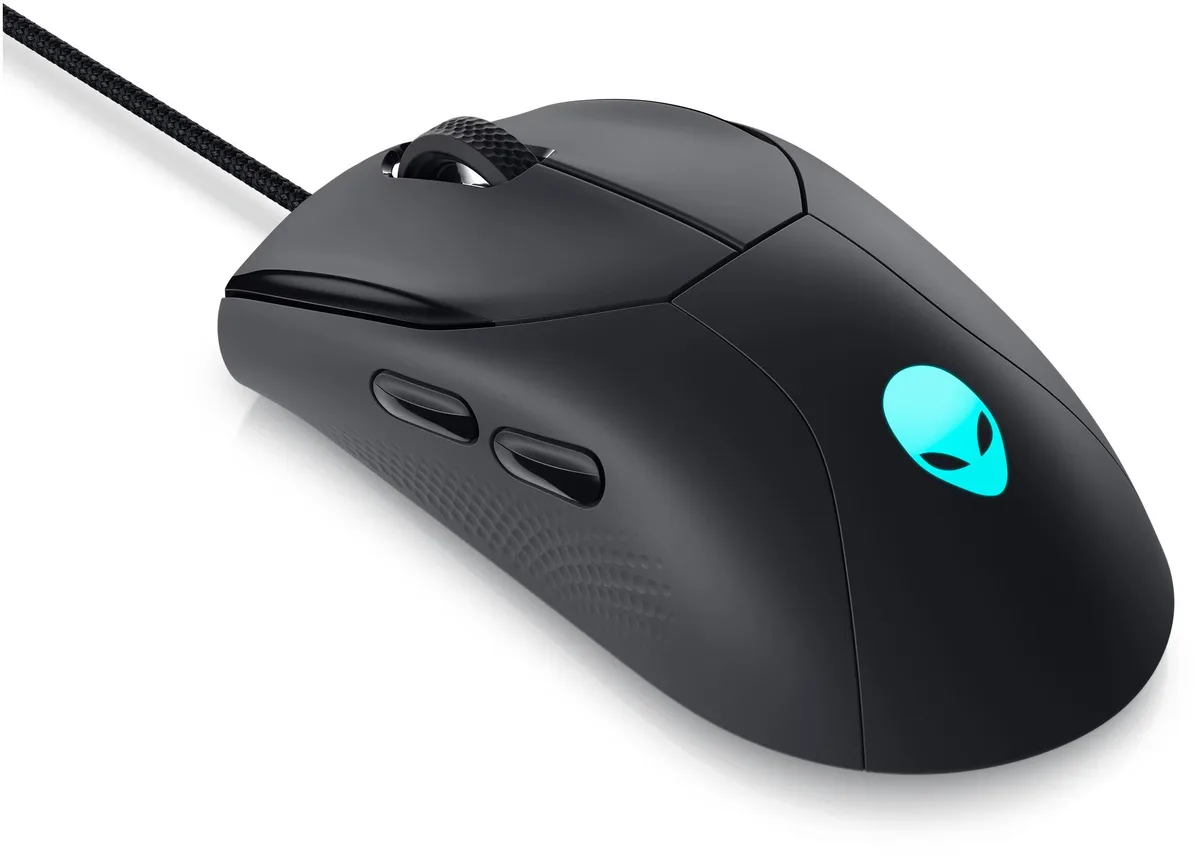
Pi Supply Official Raspberry Pi Mouse Red/White
Three-button optical USB mouse with scroll wheel, ergonomic design and official Raspberry Pi compatibility
- Official Raspberry Pi mouse in red/white colourway
- Three-button optical sensor for precise cursor control
- Scroll wheel enables smooth vertical navigation
- USB type-A connector works with every Raspberry Pi model
- Ergonomic shape designed for comfortable extended use
Official Raspberry Pi Mouse
The official Raspberry Pi Mouse in red and white is a three-button optical mouse with a scroll wheel. It connects through a USB type-A connector and works with every Raspberry Pi product. The ergonomic shape is designed for comfortable use during long sessions.
Ideal for Pi desktop users
This mouse suits anyone building a Raspberry Pi desktop who wants a matching, plug-and-play pointing device. Buyers who need extra programmable buttons, adjustable DPI settings or a wireless connection should look at other models.
Simple USB installation
Plug the USB type-A connector into any free port on the Raspberry Pi and the mouse is recognised immediately with no drivers required. The only common issue is attempting to use it on a USB-C-only host without an adapter, which will prevent connection.
Priekšrocības
- Official Raspberry Pi mouse in red/white colourway
- Three-button optical sensor for precise cursor control
- Scroll wheel enables smooth vertical navigation
- USB type-A connector works with every Raspberry Pi model
- Ergonomic shape designed for comfortable extended use
Specifikācijas
Šai precei pagaidām nav publicētu specifikāciju.
Jautājumi par šo preci
Does this mouse need a USB Type-A port on the Raspberry Pi to work?
Yes, it connects via a USB Type-A connector and is compatible with all Raspberry Pi models that provide a standard USB-A port.
Will the three-button optical sensor work reliably on an older Raspberry Pi running legacy Raspbian?
The mouse uses a standard USB HID interface, so it functions on older Raspberry Pi boards and legacy operating systems without extra drivers.
How can I verify the scroll wheel and all three buttons register correctly after plugging it in?
Open the Raspberry Pi Configuration tool or a terminal and run `xinput test` or `libinput debug-events` to see live button and scroll events.
Arī šajā sadaļā
Klienti arī salīdzināja
Tas pats plaukts, tā pati kase — astoņas kriptovalūtas un kursa fiksēšana uz 30 minūtēm.