


STARTECH
STARTECH PEX4SFF8639 U.2 to PCIe 2.5 inch SFF-8639 interface expansion card
Adds a 2.5 inch U.2 NVMe SSD via x4 PCIe 3.0 using the SFF-8639 connector for fast storage expansion
- TypeNo
- Add an NVMe U.2 SSD for ultra-fast data access
- Connects via x4 PCI Express 3.0 slot for high-speed performance
- Direct SFF-8639 connection eliminates adapter cables and reduces clutter
- Full-profile bracket simplifies installation inside the system
- Supports 2.5 inch U.2 NVMe SSDs such as Intel 750 Series
U.2 NVMe adapter for PCIe 3.0 x4 slots
This expansion card adds a 2.5 inch U.2 NVMe SSD to a desktop with a free x4 PCI Express 3.0 slot. It targets builders who want enterprise-class storage performance without a native U.2 port on the motherboard. The card mounts the drive directly on the PCB to keep the build clean.
Replaces cable-based U.2 enclosures and M.2 adapters
The direct SFF-8639 connector removes the need for a separate cable or drive bay, reducing clutter and potential signal loss. The jump is worth it when your board has an open x4 PCIe 3.0 lane and you want a simpler, more reliable path to U.2 storage.
Handles one 2.5 inch U.2 NVMe drive at PCIe 3.0 x4
The adapter comfortably runs drives such as the Intel 750 Series at full x4 bandwidth. It runs out when the system lacks a compatible x4 PCIe 3.0 slot or when the workload demands more than a single drive can deliver.
Priekšrocības
- Add an NVMe U.2 SSD for ultra-fast data access
- Connects via x4 PCI Express 3.0 slot for high-speed performance
- Direct SFF-8639 connection eliminates adapter cables and reduces clutter
- Full-profile bracket simplifies installation inside the system
- Supports 2.5 inch U.2 NVMe SSDs such as Intel 750 Series
Specifikācijas
| Type | No |
|---|---|
| Sūtījuma svars | 0.23 kg |
| Sūtījuma izmēri | 178 × 127 × 13 mm |
Jautājumi par šo preci
Will this card fit a standard 2.5 inch U.2 NVMe drive and a full-profile PCIe slot?
Yes, the adapter mounts a 2.5 inch U.2 NVMe drive directly onto the SFF-8639 connector and uses a full-profile bracket for the PCIe slot.
How do I install the drive onto the card without using an adapter cable?
Align the drive with the onboard SFF-8639 connector, press it firmly into place, then secure the card into an x4 PCI Express 3.0 slot on the motherboard.
When would I need to replace the drive used with this adapter?
Replace the U.2 NVMe SSD when its endurance rating is reached or if SMART data reports critical warnings or media errors.
Arī šajā sadaļā
Klienti arī salīdzināja
Tas pats plaukts, tā pati kase — astoņas kriptovalūtas un kursa fiksēšana uz 30 minūtēm.


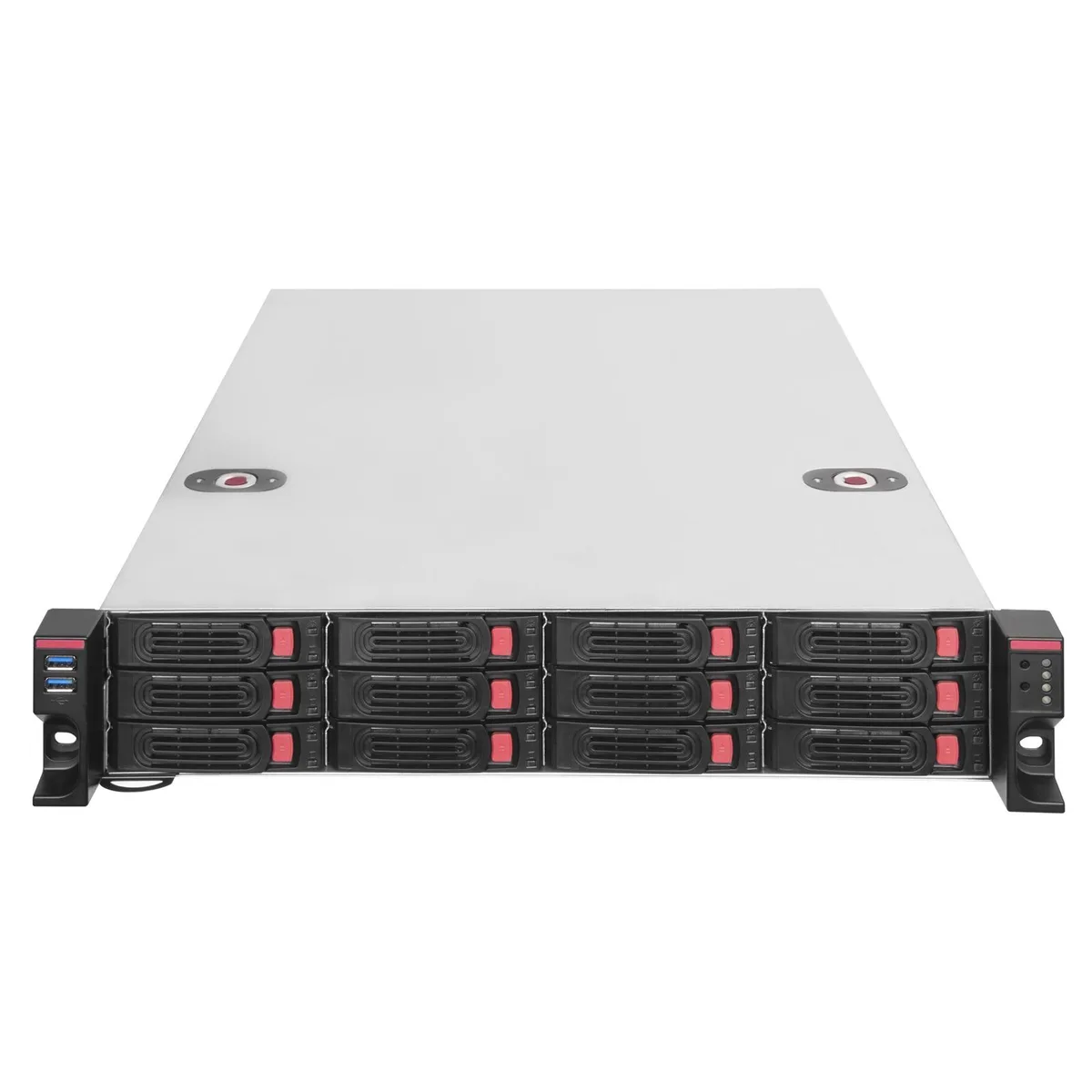
Silverstone
Silverstone RM22-312 2U 12-bay 2.5" / 3.5" server chassis
- Rackmount
444,99 $
0.0056939BTC
Krājumā
iStarUSA Inc.
iStarUSA Inc. D400-6SE-B6SA-SL 4U Rackmount Server Chassis 6 Hot-Swap Bays
- Rackmount
- 4U
459,99 $
0.00588584BTC
Krājumā