UOTEK
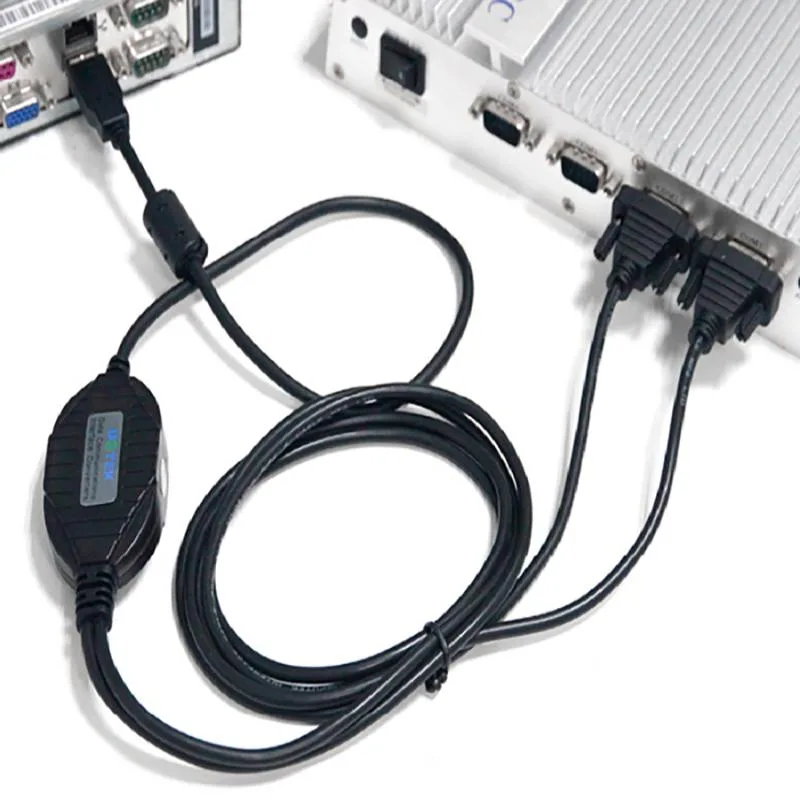
UOTEK UT-885 USB to RS-485 RS-422 Converter 5-pin Terminal Block
- CONVERTER
- Black
18,99 $
0.00024263BTC
LaosMe võtame vastu krüptoraha — nii saab teie hoitav krüptoraha osta päris riistvara.Makske krüptorahaga, kulutage seda päris riistvarale. Tasuta kindlustatud tarne kogu maailmas, üle 399 $. Lihtsad, kaubamärgita väliskarbid, saadetud Saksamaalt.Tasuta kindlustatud tarne üle 399 $. Teie kurss lukustatakse 30 minutiks kohe, kui kassa avaneb.Kurss lukustatud 30 minutiks. Iga toode on pitseeritud, selle seerianumber on kontrollitud ja sellel kehtib 24-kuuline garantii.Pitseeritud, 24-kuulise garantiiga.


Fans
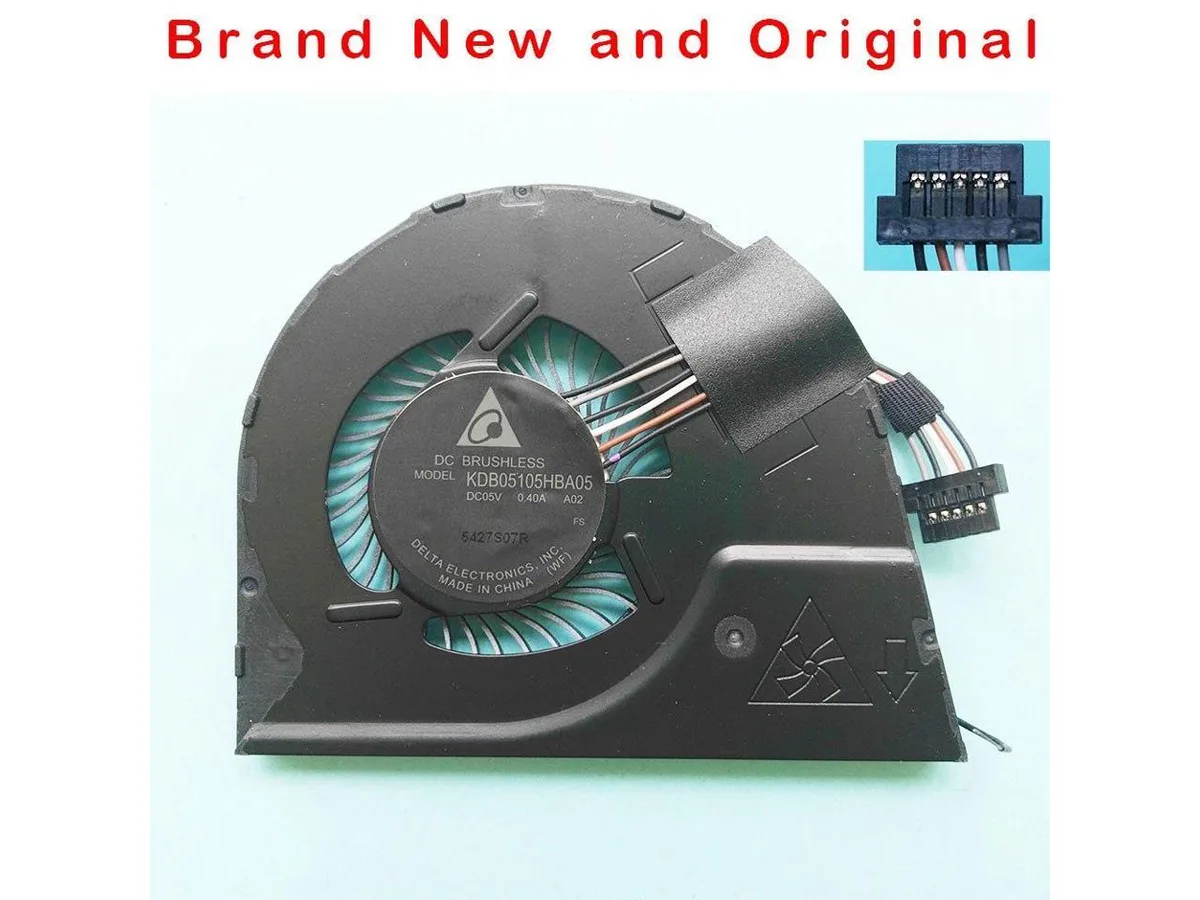
Original replacement CPU cooling fan for Lenovo ThinkPad YOGA S1 and YOGA12 laptops
This new original CPU cooling fan matches part numbers KDB05105HBA05, 04X6440 and 00HT723. It is built for the Lenovo ThinkPad YOGA S1 and YOGA12 models. The unit restores factory cooling performance in compatible ultraportables.
This cooler fits only the listed ThinkPad YOGA models and will not mount in other Lenovo lines, different brands or desktop sockets. Buyers needing a fan for another chassis or a higher airflow design must source a different part.
Selle toote kohta ei ole veel tehnilisi andmeid avaldatud.
It is made for the YOGA S1 and YOGA12 chassis, matching the original KDB05105HBA05, 04X6440 and 00HT723 part numbers.
Disconnect the battery first, then remove the bottom cover; the fan cable sits under the motherboard edge and is easy to tear if pulled before the board is lifted.
Veel samast osakonnast
Sama osakond, sama kassa — kaheksa krüptovaluutat ja 30-minutiline kursilukk.
See, millega maksate, ja see, milles vaatate hindu.
Saadetud teie rahakotist kassas
Ainult kuvamiseks — kataloogi hinnad on dollarites
Ükski vääring ei vasta sellele.
Valige keel, milles sait teiega räägib.
Ükski keel ei vasta.
Esimest korda siin?
Teil on juba konto?
Automaatset lähtestamist ei ole: see pood ei saada ühtegi e-kirja, seega pole ka ühekordset linki, mida küsida. Jätke aadress kontole alles, seda käsitletakse käsitsi.
Päring registreeritud
Teie postkasti ei jõua midagi — see pood ei saada e-kirju üldse. Keegi tegeleb sellega käsitsi.
Tuli meelde?