Simmtec, Inc
Simmtec, Inc 8GB DDR3L 1600MHz 1.35V 240-pin DIMM for ASUS P8H61-M LX R2.0
An 8 GB DDR3L 1600 MHz DIMM built for the ASUS P8H61-M LX R2.0 motherboard
- 8GB capacity lets you run more applications at once
- DDR3L 1.35V operation reduces power draw and heat
- 1600MHz speed delivers responsive desktop performance
- 240-pin DIMM fits the ASUS P8H61-M LX R2.0 motherboard
- Non-ECC unbuffered design installs without configuration changes
8 GB DDR3L module for ASUS P8H61-M LX R2.0
This 8 GB DDR3L DIMM is built to match the ASUS P8H61-M LX R2.0 desktop and workstation motherboard. It delivers a straightforward capacity upgrade for systems that still rely on DDR3 memory. The module is sold new and ready to install.
240-pin non-ECC stick at 1.35 V
The stick uses a standard 240-pin DIMM form factor and runs at 1.35 V, matching the lower-voltage DDR3L specification. Its non-ECC, unbuffered design means it drops into regular consumer DIMM slots without extra configuration. The 2Rx8 organisation is handled by the board's memory controller automatically.
PC3L-12800 1600 MHz rating
The module is rated PC3L-12800 at 1600 MHz, which is the single speed grade the motherboard supports for DDR3L. If your system requires a different frequency or voltage, this part will not be compatible. Buyers needing ECC, registered DIMMs or higher capacities should look elsewhere.
Istaknuto
- 8GB capacity lets you run more applications at once
- DDR3L 1.35V operation reduces power draw and heat
- 1600MHz speed delivers responsive desktop performance
- 240-pin DIMM fits the ASUS P8H61-M LX R2.0 motherboard
- Non-ECC unbuffered design installs without configuration changes
Specifikacije
Za ovaj artikl još nisu objavljene specifikacije.
Pitanja o ovom artiklu
Does the DDR3L 1600MHz interface cap the module at PC3L-12800 bandwidth?
Yes, the DDR3L 1600MHz rating corresponds to a PC3L-12800 peak transfer rate, which is the maximum throughput this module delivers.
Will the 240-pin DIMM fit the ASUS P8H61-M LX R2.0 motherboard slots?
The 240-pin DIMM form factor matches the standard desktop DDR3 slots on the ASUS P8H61-M LX R2.0, so it installs directly without adapters.
How do I install the module, and which orientation mistake should I avoid?
Align the notch on the module gold edge with the key in the slot, press down firmly until both side clips click; the common error is inserting it backwards, which prevents the clips from locking.
Također u ovoj kategoriji
Kupci su usporedili ovo
Ista polica, ista blagajna — osam valuta i blokada tečaja na 30 minuta.

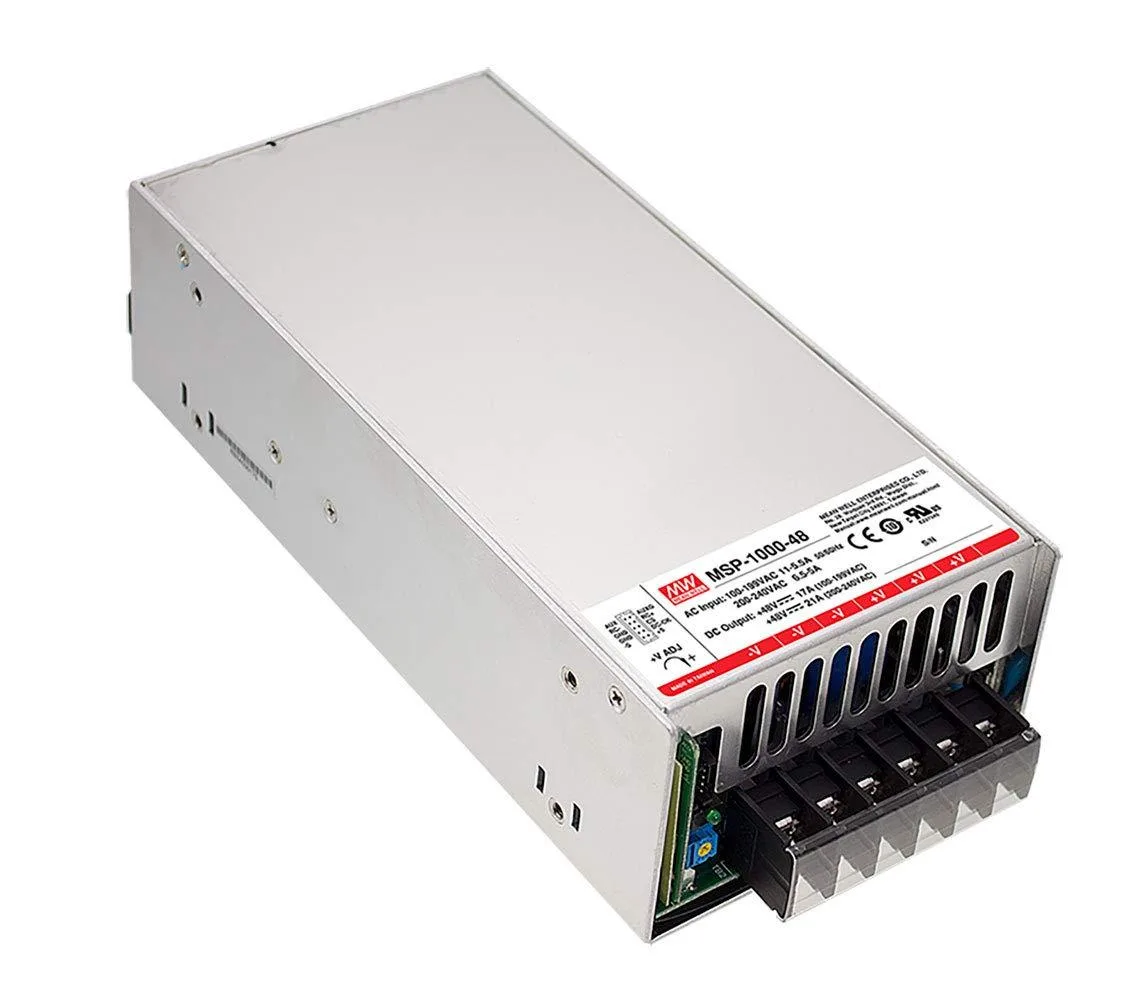
NShi
NShi 1008W 48V 21A AC-DC Medical Power Supply server chassis
- Desktop
253,99 USD
0.00311858BTC
Na zalihi