


Valcom, Inc
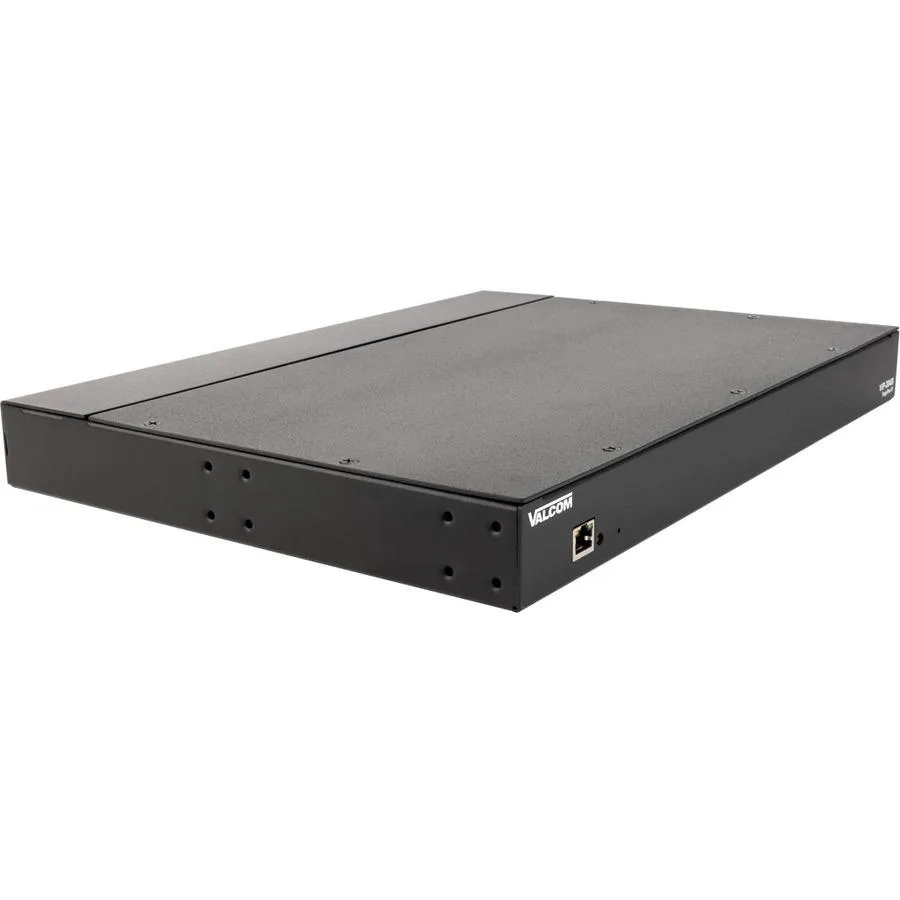
Valcom, Inc VIP-204B Pagepro IP SIP Paging Server - 4 Zones
IP SIP paging server handles four zones and expands to 256 zones with 65,000 speakers
- 4-zone SIP paging server scales to 256 IP zones
- Supports up to 65,000 speakers for large deployments
- PoE 802.3 af or local power simplifies installation
- Compatible with Cisco, Avaya, Nortel and most IP phone systems
- Live and recorded messaging with feedback elimination included
Product role
The Valcom VIP-204B Pagepro IP SIP Paging Server delivers four direct paging zones and up to eight IP zones for organisations that need live or recorded one-way announcements across large facilities. It suits campuses, warehouses or multi-building sites where a single system must address many areas at once.
Connections and mounting
The unit links to existing computer networks and works with Cisco, Nortel, Avaya, Iwatsu and most IP telephone systems. It supports IP and analog amplified speakers, IP talkback speakers and legacy paging systems, while PoE 802.3 af or local power options simplify installation without extra wiring.
Thermals, noise and power
Power over Ethernet 802.3 af keeps cabling minimal and power draw low for a network-attached device. Fanless operation means silent performance in offices, hallways or classrooms, and the compact chassis dissipates heat passively during continuous paging duty.
Helstu kostir
- 4-zone SIP paging server scales to 256 IP zones
- Supports up to 65,000 speakers for large deployments
- PoE 802.3 af or local power simplifies installation
- Compatible with Cisco, Avaya, Nortel and most IP phone systems
- Live and recorded messaging with feedback elimination included
Tæknilýsing
| Brand | Valcom, Inc |
|---|
Spurningar um þessa vöru
Does the VIP-204B use the 802.3 af PoE standard to power itself?
Yes, the VIP-204B accepts PoE under the 802.3 af standard, so it can draw power from a compliant switch and does not require a local power adapter when PoE is available.
What network connection does the VIP-204B need for mounting and cabling?
The VIP-204B connects to the network with a standard Ethernet cable; PoE power arrives on the same cable, so only one cable run is needed for both data and power.
How is the VIP-204B installed, and what step is often missed?
Connect the VIP-204B to a PoE switch or add a local power supply, assign an IP address via DHCP, register the four SIP zones with your phone system, then map each zone to its speaker group — the step often missed is confirming the zone-to-speaker mapping in the web interface before going live.
Einnig í þessum vöruflokki
Fólk bar þetta saman
Sama hilla, sama greiðsluferli — átta myntir og 30 mínútna gengislæsing.

Ubiquiti Networks
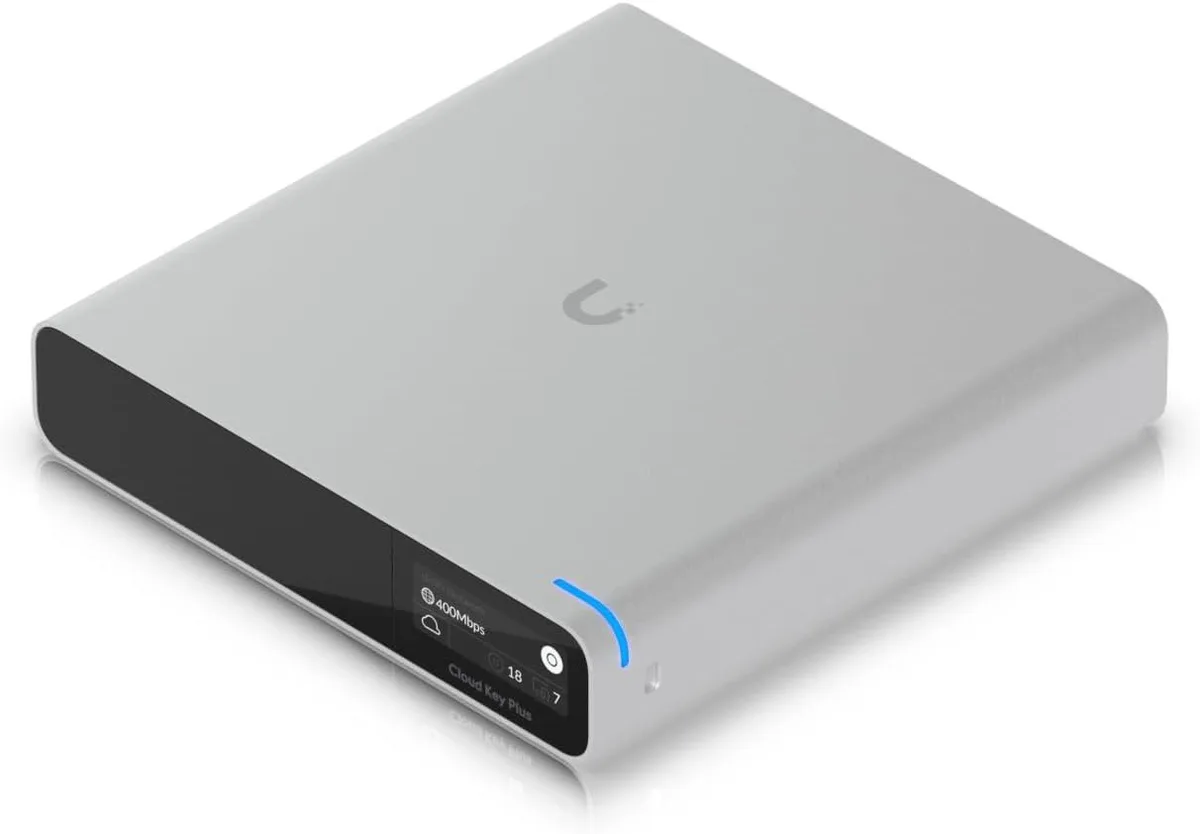
Ubiquiti Networks Cloud Key Gen2 UCK-G2-SSD wireless router
400,99 USD
0.00513103BTC
Til á lager

Ubiquiti Networks
Ubiquiti Networks UniFi 6 Pro Access Point US Model
232,99 USD
0.00298132BTC
Til á lager