Acer America
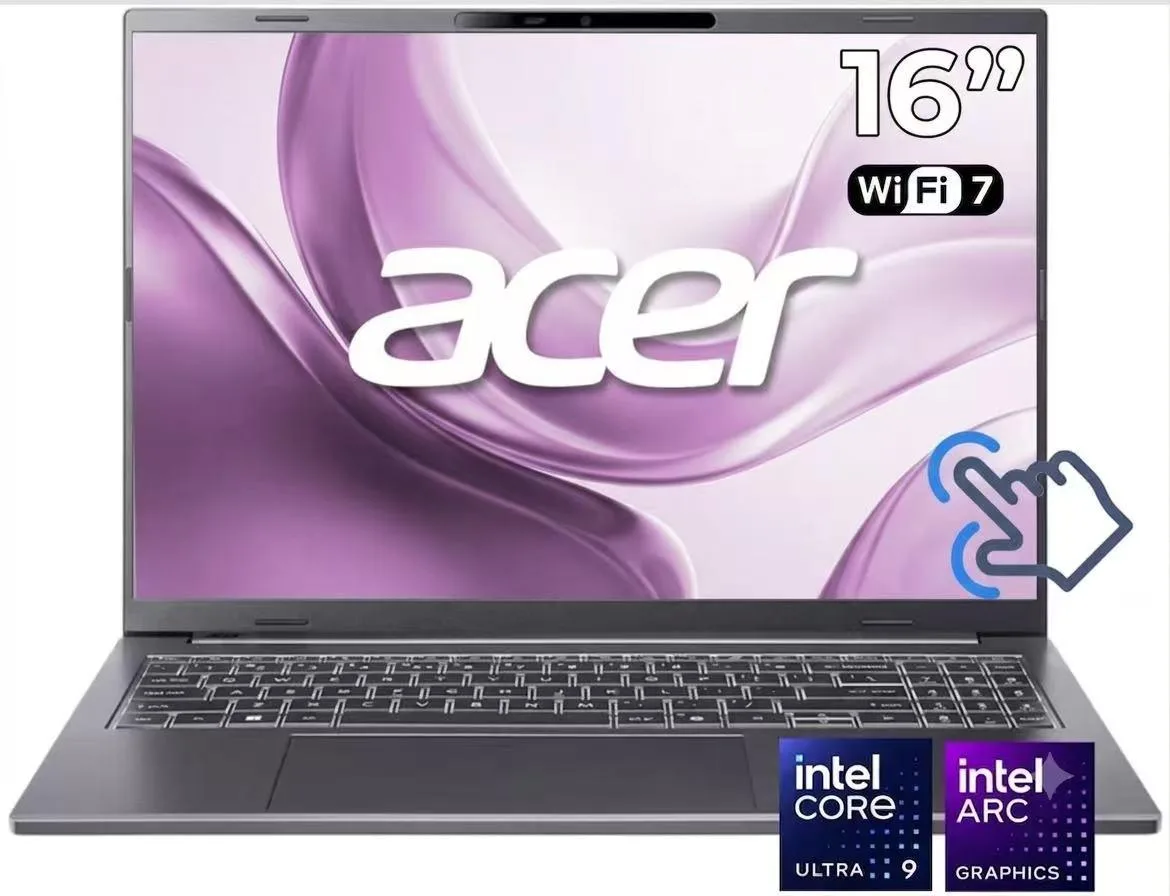
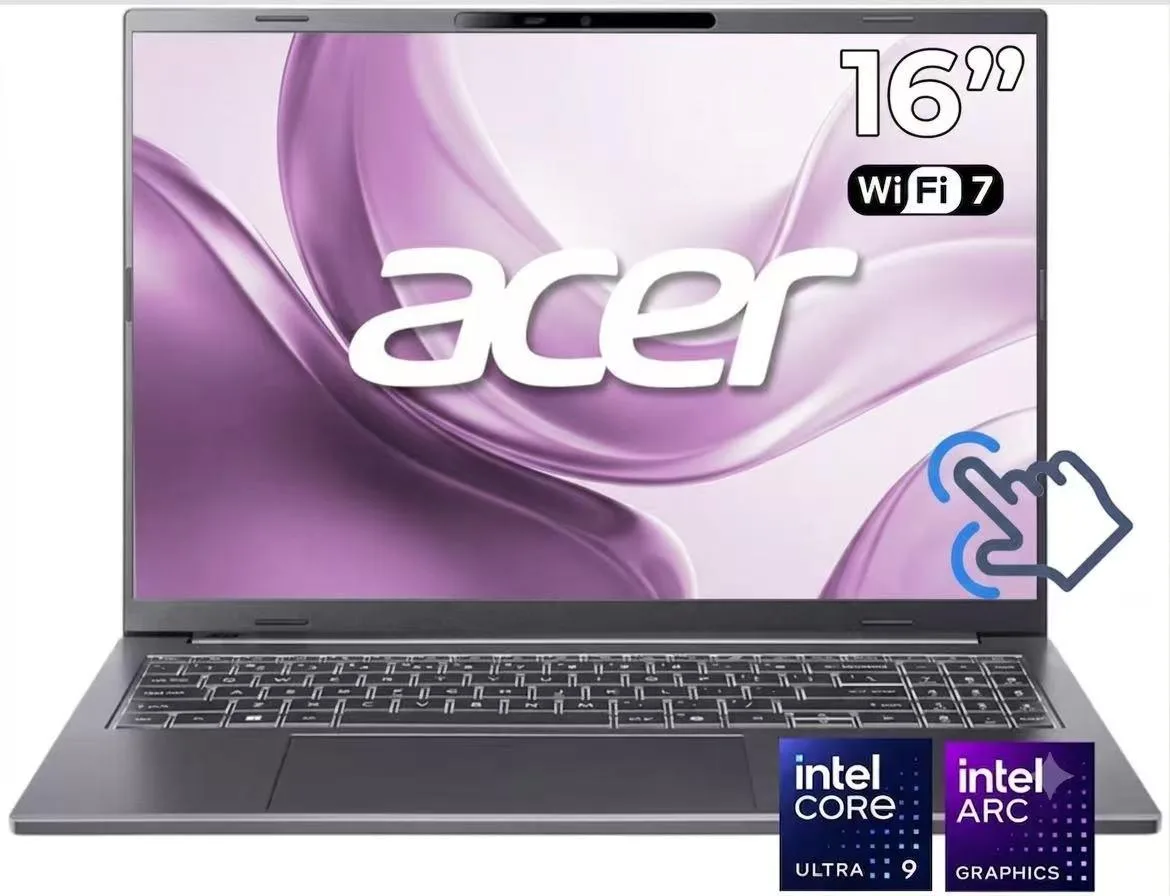
Acer Aspire 14" WUXGA Touchscreen Laptop Core Ultra 9 288V 32GB DDR5 1TB SSD Gray
- Gray
- Copilot+ PC
868,99 $
0.01118996BTC
KrājumāMēs pieņemam kriptovalūtu — lai tā, kas Jums pieder, varētu nopirkt īstu aparatūru.Maksājiet kriptovalūtā, iztērējiet to īstai aparatūrai. Bezmaksas apdrošināta piegāde visā pasaulē virs 399 $. Vienkāršas, nemarķētas kastes, sūtītas no Vācijas.Bezmaksas apdrošināta piegāde virs 399 $. Jūsu kurss tiek fiksēts uz 30 minūtēm, tiklīdz atveras kase.Kurss fiksēts uz 30 minūtēm. Katra prece ir aizzīmogota, tās sērijas numurs ir pārbaudīts, un uz to attiecas 24 mēnešu garantija.Aizzīmogots, 24 mēnešu garantija.


Acer America
A 14-inch touchscreen laptop with an Intel Core Ultra 9 288V processor, 32GB DDR5 memory, and a 1TB SSD
Screen Size 14 inches
Storage 1TB
System Edition Home
The Acer Aspire 14 is a 14.0 inch WUXGA touchscreen laptop powered by an Intel Core Ultra 9 288V processor with 8 cores. It includes 32GB DDR5 memory, a 1TB PCIe Gen 4 NVMe SSD, and Intel ARC 140V integrated graphics. Windows 11 Home and Copilot+ PC AI features come pre-installed.
This configuration suits users who want a 120Hz IPS panel with 100% sRGB coverage and 400 nits brightness for colour-critical work. The 32GB DDR5 8533 MT/s RAM supports heavy multitasking. Buyers who require a discrete GPU for 3D rendering or dedicated video memory should consider other form factors.
The laptop arrives fully assembled with the operating system ready to use. Memory is soldered to the board so it cannot be upgraded after purchase. The 1TB NVMe M.2 slot may allow storage expansion if an additional bay exists. Wi-Fi 6E and Bluetooth 5.3 drivers install automatically on first boot.
| Brand | Acer |
|---|---|
| Color | Gray |
| AI Features | Copilot+ PC |
| Operating System | Windows 11 Home |
| CPU Type | Intel Core Ultra 9 (Series 2) |
| Processor Name | Intel Core Ultra 9 288V |
| Number of Cores | 8-core Processor |
| CPU L2 Cache | 12MB |
| Screen Size | 14.0" |
| Touchscreen | Touch Screen |
| Display Type | WUXGA |
| Resolution | 1920 x 1200 |
| Panel | IPS |
| Refresh Rate | 120 Hz |
| GPU/VPU | Intel Arc Graphics 140V |
| Graphic Type | Integrated Card |
| SSD | 1 TB |
| HDD | No |
| Memory | 32GB |
| Memory Speed | DDR5 8000 |
| LAN | 10/100/1000Mbps |
| WiFi Generation | Wi-Fi 6E |
| Bluetooth | Bluetooth 5.3 |
| USB | 2 x USB 3.2 Gen 2 Type-C |
| Thunderbolt | 1 x Thunderbolt 4 |
| Video Port | 1 x HDMI |
| HDMI | 1 x HDMI 2.1 |
| Audio Ports | 1 x Headphone/Microphone Combo Jack |
| Audio | High Definition (HD) Audio |
| Speaker | Integrated Stereo Speakers |
| Touchpad | Yes |
| Keyboard | Full size with Keyboard light |
| Backlit Keyboard | Backlit |
| Webcam | 1080p FHD |
| Style | Ultrabook |
| Type | Work / Business |
| Usage | Business |
| Weight | 3 - 3.9 lbs. |
Citas šī modeļa versijas
Viena saime, taču atšķirīga atmiņa, dzesētājs vai frekvence — salīdziniet, pirms izlemjat.
The laptop uses DDR5 8533 MT/s memory; any additional modules must match that generation and speed.
Yes, the two USB 3.2 Gen 1 Type-A ports are backward compatible with your existing USB 3.2 Gen 1 devices.
Open Windows Settings > System > Display > Advanced display and confirm the refresh rate shows 120 Hz for the built-in panel.
Arī šajā sadaļā
Tas pats plaukts, tā pati kase — astoņas kriptovalūtas un kursa fiksēšana uz 30 minūtēm.
Kriptovalūta, kurā maksājat, un valūta, kurā redzat cenas.
Nosūtīts no Jūsu maciņa, noformējot pasūtījumu
Tikai informatīvi — katalogā cenas norādītas ASV dolāros
Neviena valūta neatbilst.
Izvēlieties valodu, kurā vietne sarunājas ar Jums.
Pirmo reizi šeit?
Jau ir konts?
Automātiskas atiestatīšanas nav: šis veikals nesūta e-pastus, tāpēc nav arī vienreizējas saites, ko pieprasīt. Atstājiet adresi kontā, un tā tiks apstrādāta manuāli.
Pieprasījums saņemts
Uz Jūsu e-pastu nekas neatnāks — šis veikals vispār nesūta e-pastus. Kāds šos pieprasījumus apstrādā manuāli.
Atcerējāties?