Acer America
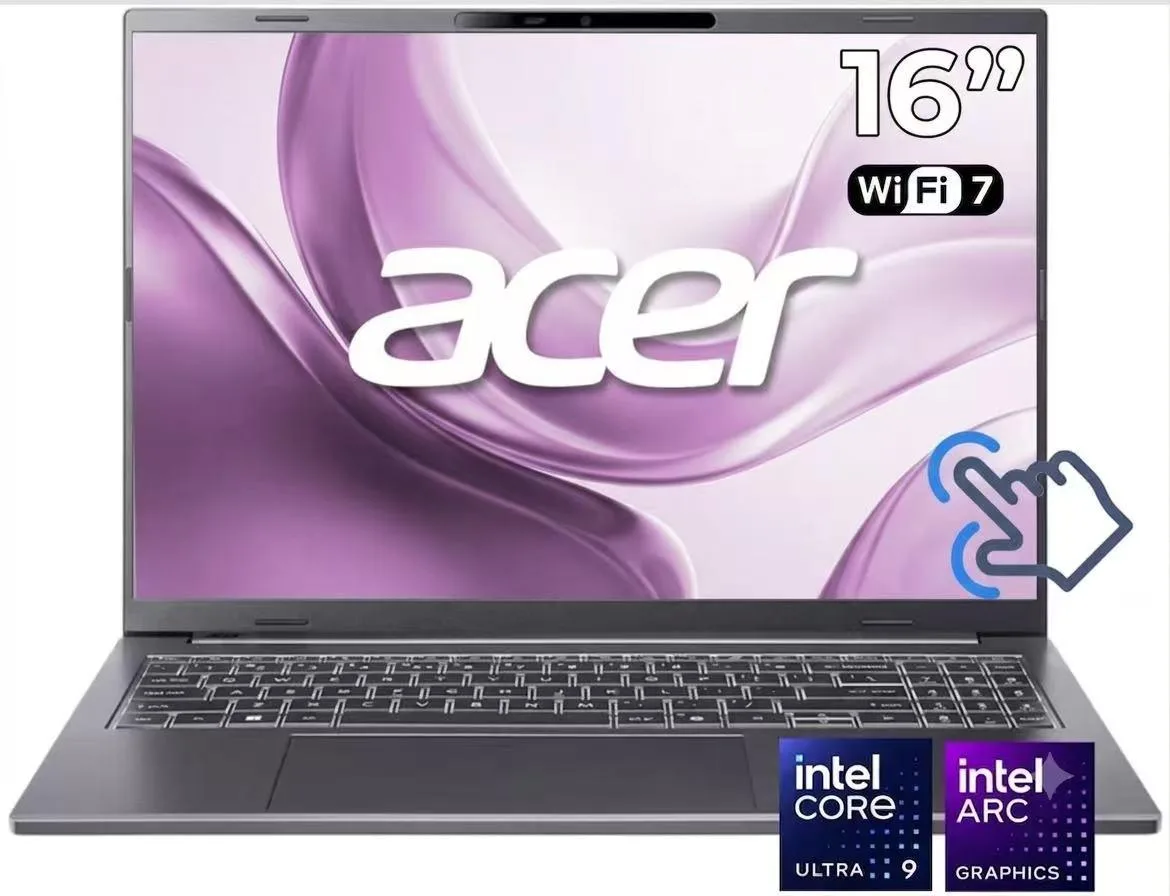
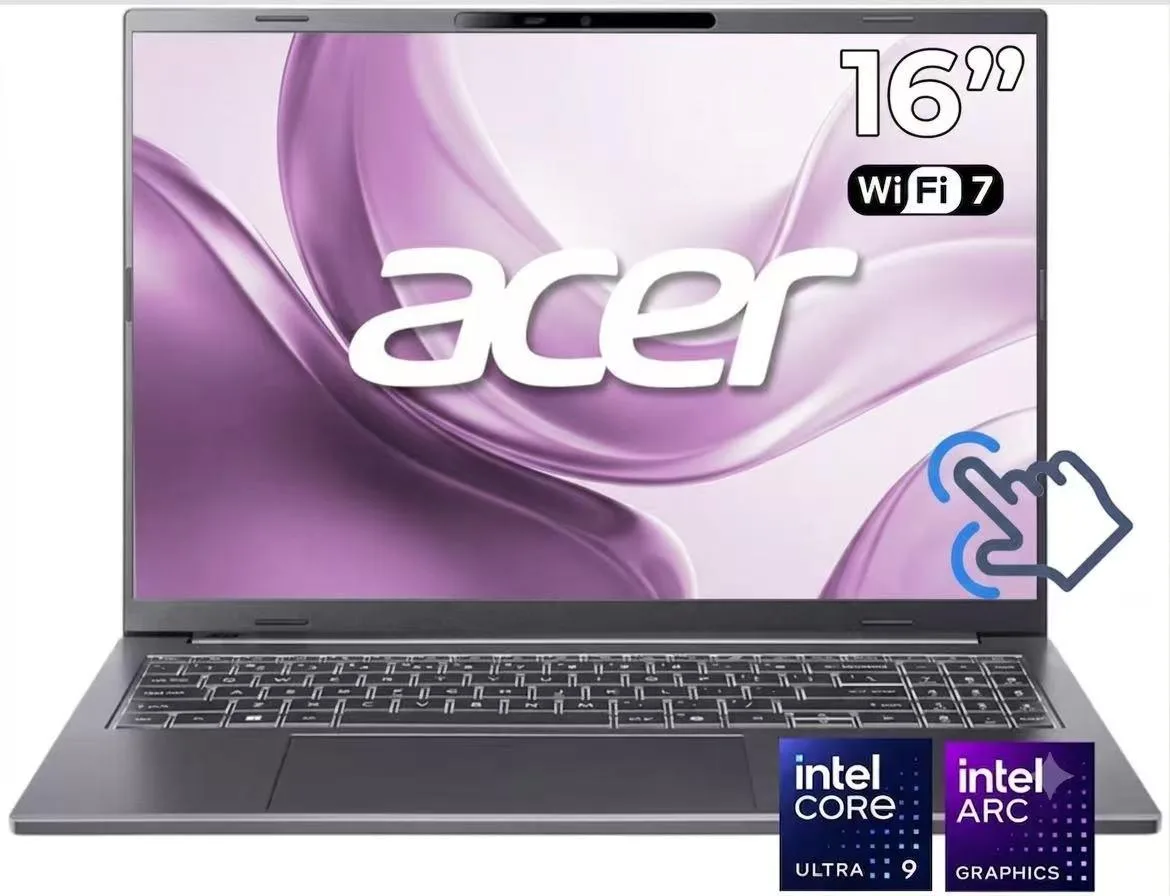
Acer Aspire 14" WUXGA Touchscreen Laptop Core Ultra 9 288V 32GB DDR5 1TB SSD Gray
- Gray
- Copilot+ PC
US$ 868,99
0.01082516BTC
Op voorraadWij accepteren cryptovaluta — zo kunnen de munten die u bezit echte hardware kopen.Betaal in crypto, besteed het aan echte hardware. Gratis verzekerde verzending wereldwijd vanaf $399. Neutrale dozen zonder merk, verzonden vanuit Duitsland.Gratis verzekerde verzending vanaf $399. Uw koers wordt 30 minuten vastgezet zodra het afrekenen begint.Koers 30 minuten vastgezet. Elk artikel is verzegeld, het serienummer wordt gecontroleerd, en het valt onder 24 maanden garantie.Verzegeld, 24 maanden garantie.


Acer America
A 14-inch touchscreen laptop with an Intel Core Ultra 9 288V processor, 32GB DDR5 memory, and a 1TB SSD
Screen Size 14 inches
Storage 1TB
System Edition Home
The Acer Aspire 14 is a 14.0 inch WUXGA touchscreen laptop powered by an Intel Core Ultra 9 288V processor with 8 cores. It includes 32GB DDR5 memory, a 1TB PCIe Gen 4 NVMe SSD, and Intel ARC 140V integrated graphics. Windows 11 Home and Copilot+ PC AI features come pre-installed.
This configuration suits users who want a 120Hz IPS panel with 100% sRGB coverage and 400 nits brightness for colour-critical work. The 32GB DDR5 8533 MT/s RAM supports heavy multitasking. Buyers who require a discrete GPU for 3D rendering or dedicated video memory should consider other form factors.
The laptop arrives fully assembled with the operating system ready to use. Memory is soldered to the board so it cannot be upgraded after purchase. The 1TB NVMe M.2 slot may allow storage expansion if an additional bay exists. Wi-Fi 6E and Bluetooth 5.3 drivers install automatically on first boot.
| Brand | Acer |
|---|---|
| Color | Gray |
| AI Features | Copilot+ PC |
| Operating System | Windows 11 Home |
| CPU Type | Intel Core Ultra 9 (Series 2) |
| Processor Name | Intel Core Ultra 9 288V |
| Number of Cores | 8-core Processor |
| CPU L2 Cache | 12MB |
| Screen Size | 14.0" |
| Touchscreen | Touch Screen |
| Display Type | WUXGA |
| Resolution | 1920 x 1200 |
| Panel | IPS |
| Refresh Rate | 120 Hz |
| GPU/VPU | Intel Arc Graphics 140V |
| Graphic Type | Integrated Card |
| SSD | 1 TB |
| HDD | No |
| Memory | 32GB |
| Memory Speed | DDR5 8000 |
| LAN | 10/100/1000Mbps |
| WiFi Generation | Wi-Fi 6E |
| Bluetooth | Bluetooth 5.3 |
| USB | 2 x USB 3.2 Gen 2 Type-C |
| Thunderbolt | 1 x Thunderbolt 4 |
| Video Port | 1 x HDMI |
| HDMI | 1 x HDMI 2.1 |
| Audio Ports | 1 x Headphone/Microphone Combo Jack |
| Audio | High Definition (HD) Audio |
| Speaker | Integrated Stereo Speakers |
| Touchpad | Yes |
| Keyboard | Full size with Keyboard light |
| Backlit Keyboard | Backlit |
| Webcam | 1080p FHD |
| Style | Ultrabook |
| Type | Work / Business |
| Usage | Business |
| Weight | 3 - 3.9 lbs. |
Andere versies van dit model
Dezelfde familie, met ander geheugen, andere koeler of kloksnelheid — vergelijk voordat u beslist.
The laptop uses DDR5 8533 MT/s memory; any additional modules must match that generation and speed.
Yes, the two USB 3.2 Gen 1 Type-A ports are backward compatible with your existing USB 3.2 Gen 1 devices.
Open Windows Settings > System > Display > Advanced display and confirm the refresh rate shows 120 Hz for the built-in panel.
Ook in deze afdeling
Dezelfde afdeling, dezelfde kassa — acht munten en een koers die 30 minuten vaststaat.
Waarmee u betaalt, en waarin u de prijzen leest.
Verzonden vanuit uw wallet bij het afrekenen
Alleen ter weergave — de catalogus is geprijsd in USD
Geen valuta gevonden.
Kies de taal waarin de site met u spreekt.
Nieuw hier?
Al een account?
Er is geen automatisch herstel: deze winkel verstuurt geen e-mail, dus er is geen eenmalige link om aan te vragen. Laat het adres op het account achter en het wordt handmatig opgepakt.
Verzoek genoteerd
Er is niets onderweg naar uw inbox — deze winkel verstuurt helemaal geen e-mail. Iemand pakt dit handmatig op.
Weet u het weer?