ASUS
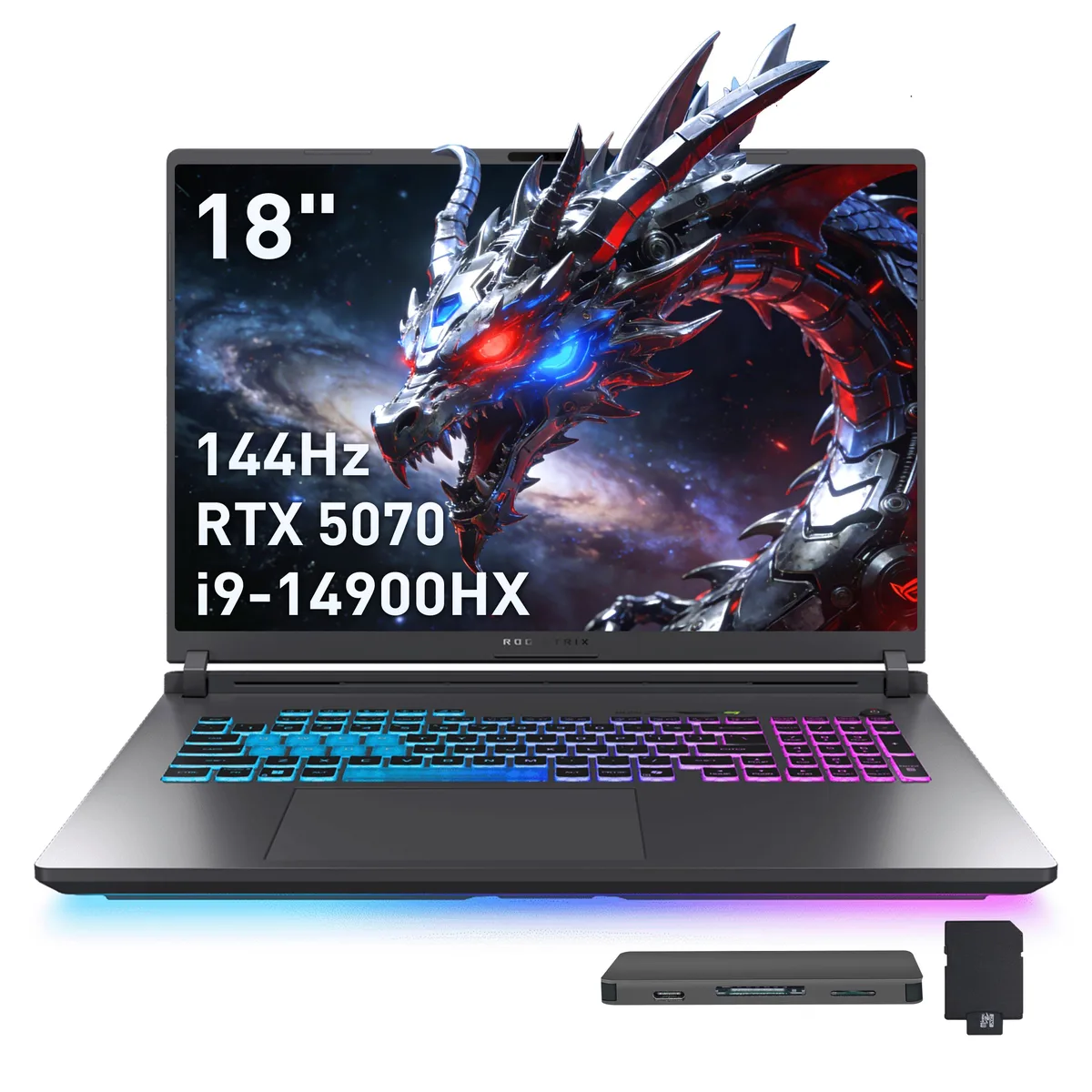
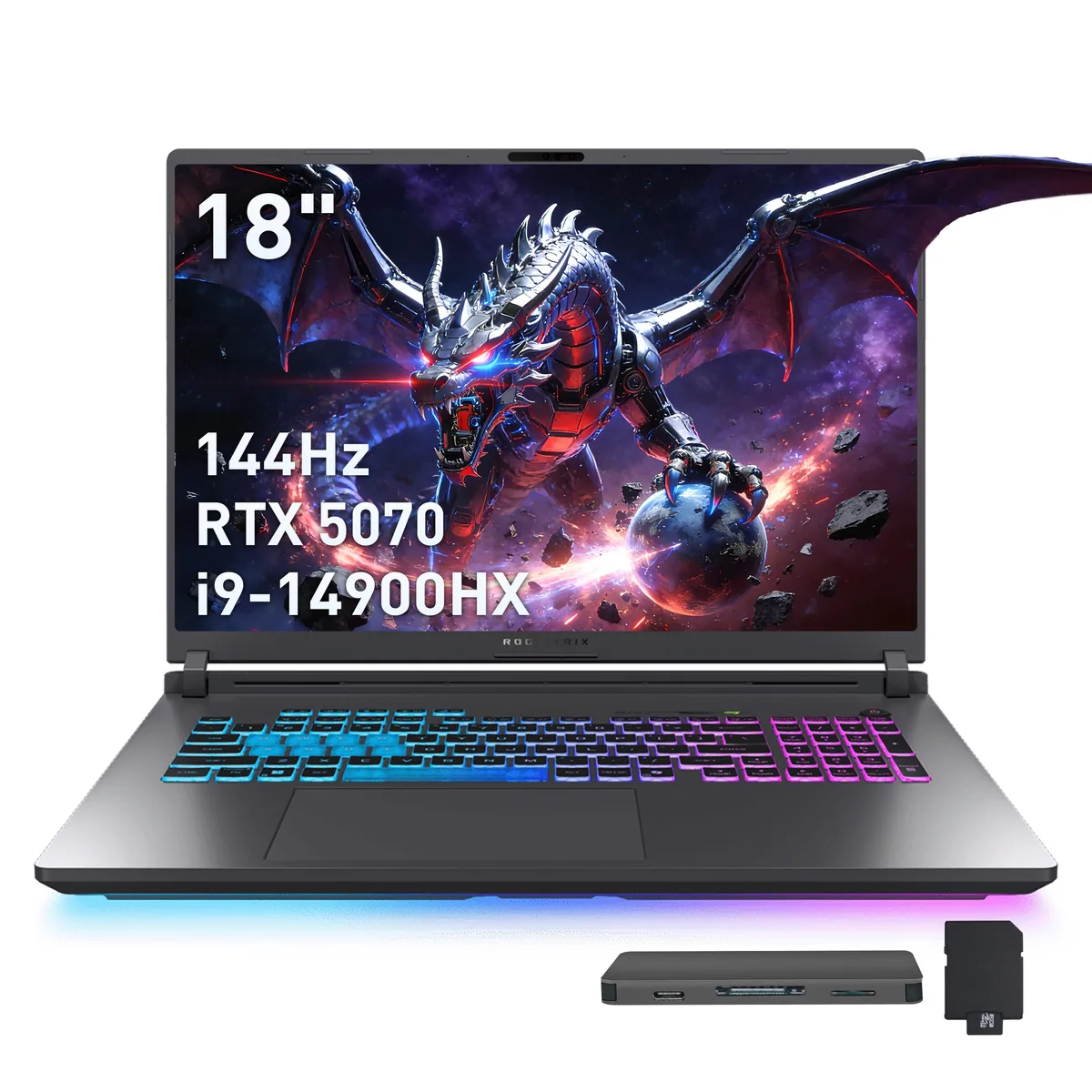
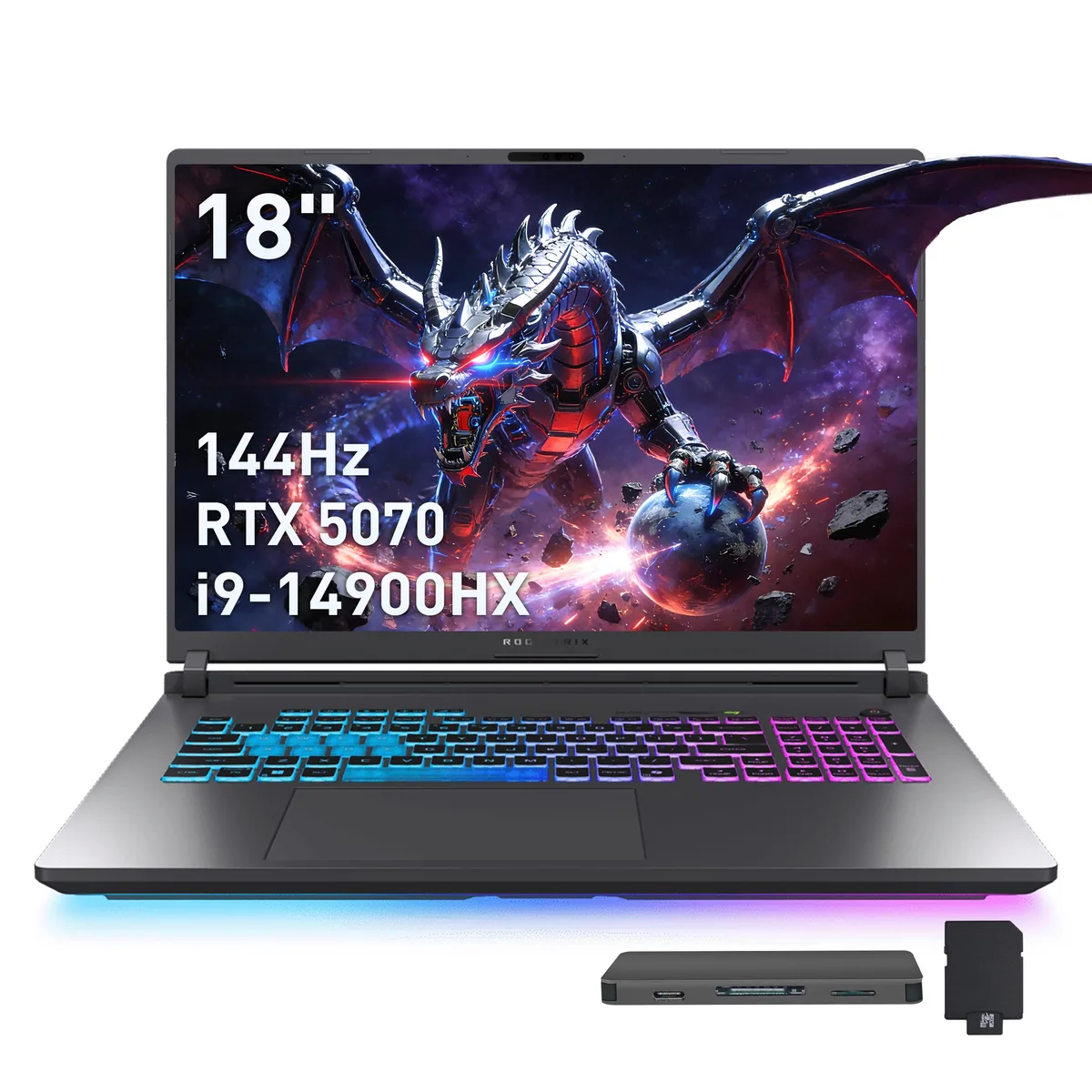
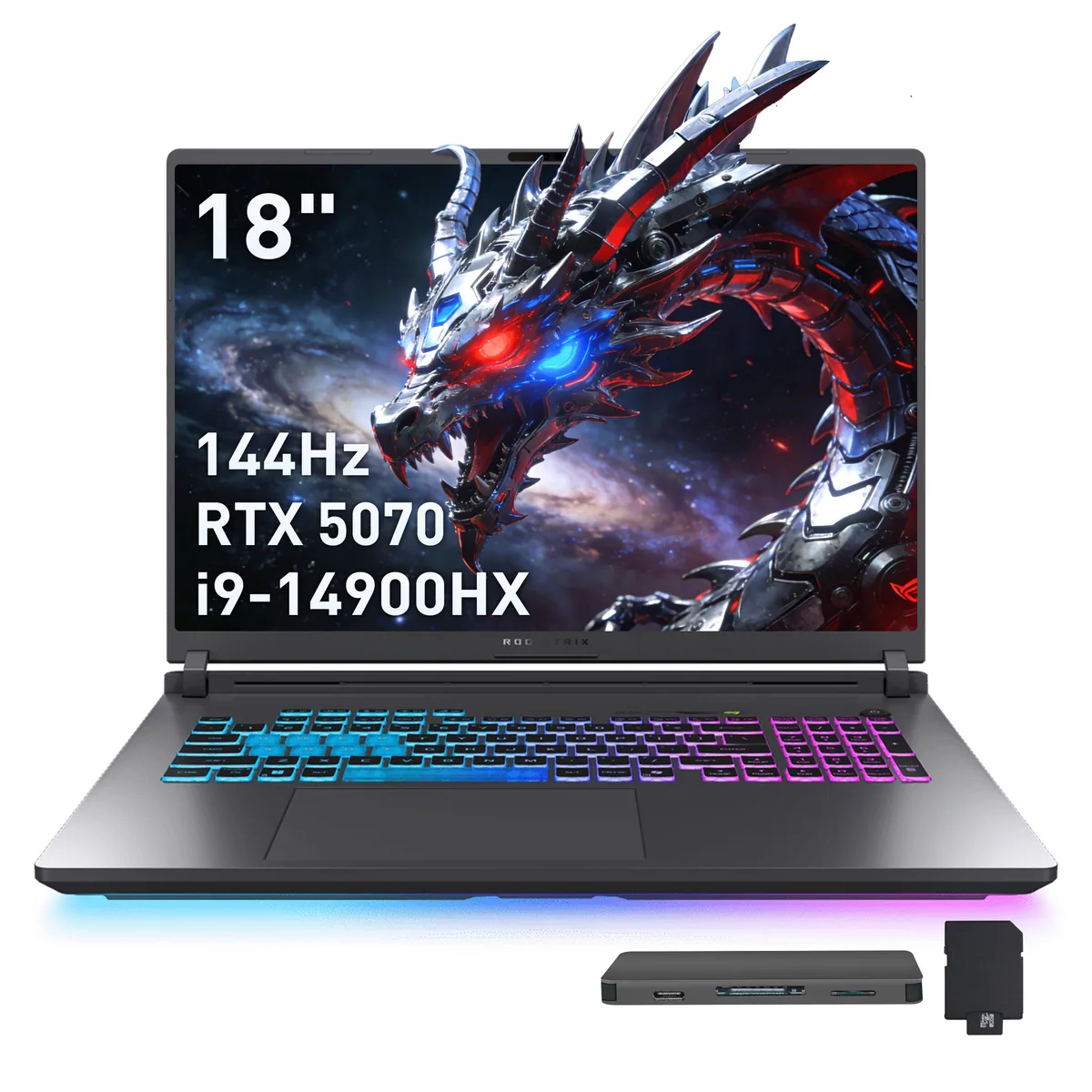
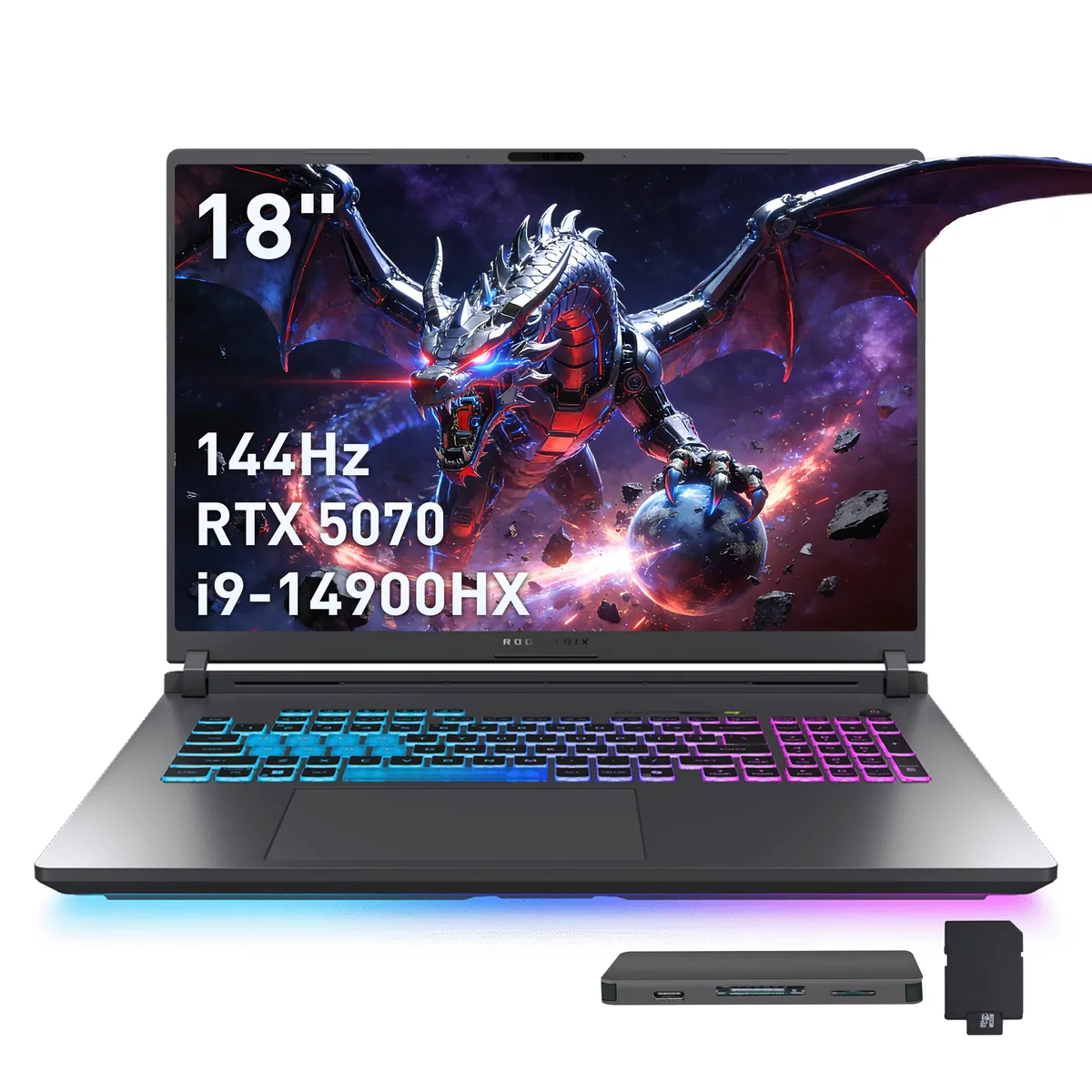
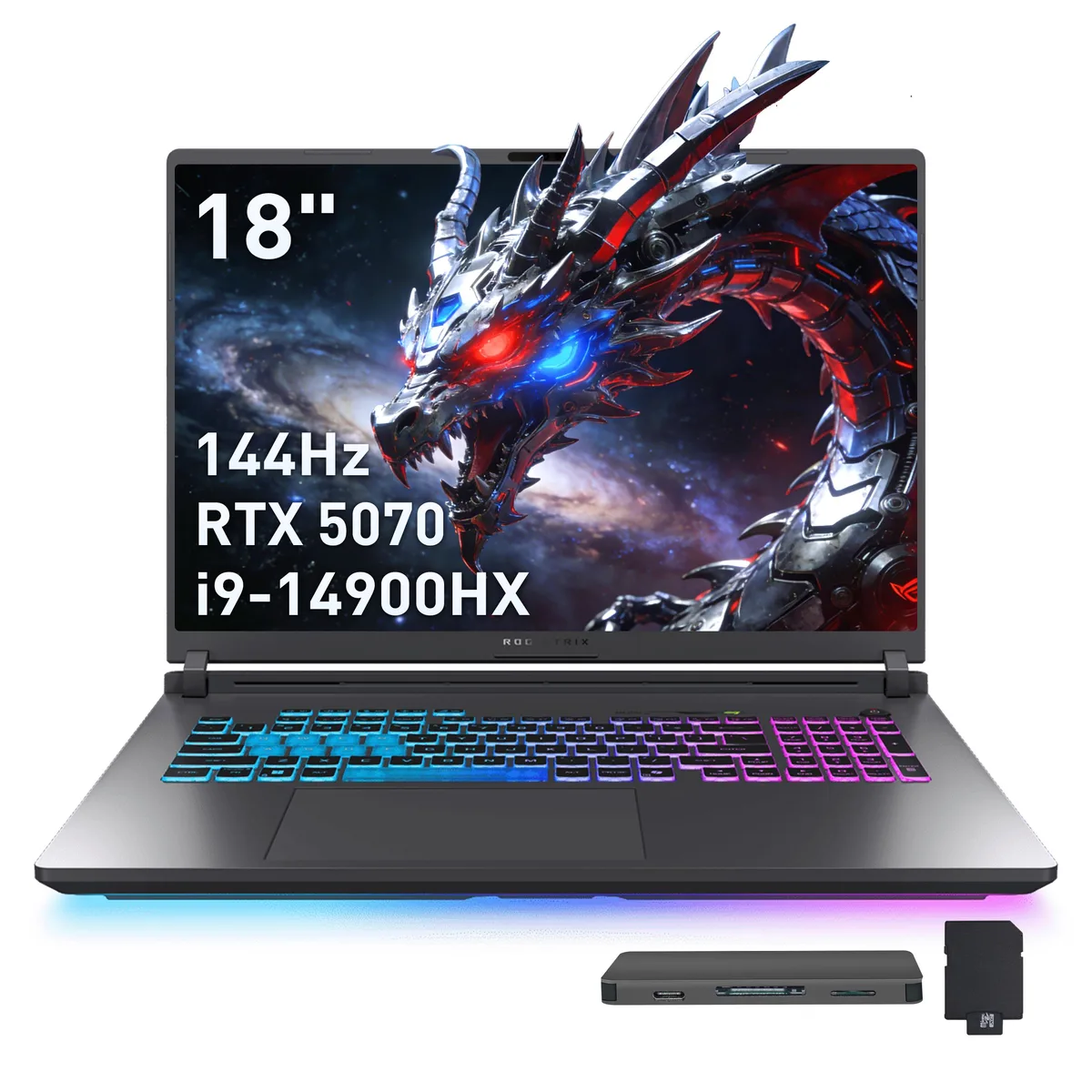
ASUS ROG Strix G18 18" WUXGA 144Hz i9-14900HX RTX 5070 16GB 1TB+1TB Dock Gray gaming laptop
- Gray
- Intel Core i9 14th…
USD 1,907.99
0.02436862BTC
Ada stokKami menerima kripto — jadi koin yang anda simpan boleh membeli perkakasan sebenar.Bayar dengan kripto, belanjakannya untuk perkakasan sebenar. Penghantaran berinsurans percuma ke seluruh dunia untuk belian melebihi USD 399. Kotak biasa tanpa jenama, dihantar dari Jerman.Penghantaran berinsurans percuma untuk belian melebihi USD 399. Kadar anda dikunci selama 30 minit sebaik sahaja proses pesanan bermula.Kadar dikunci selama 30 minit. Setiap item disegel, nombor sirinya disemak, dan dilindungi waranti 24 bulan.Disegel, waranti 24 bulan.


ASUS
An 18 inch 144Hz WUXGA gaming laptop with a 24-core Intel Core i9-14900HX, RTX 5070 graphics, 32GB DDR5, 2TB SSD plus a 1TB docking station, Wi-Fi 7 and Bluetooth 5.4
Capacity 32GB DDR5 / 2TB SSD
The ASUS ROG Strix G18 pairs an 18.0 inch WUXGA panel running at 144 Hz with an Intel Core i9-14900HX and NVIDIA GeForce RTX 5070 graphics. Thirty-two gigabytes of DDR5 memory and 2 TB of internal SSD storage handle large game libraries and creative workloads. Windows 11 Pro ships pre-installed on the gray chassis.
The 24-core processor reaches speeds up to 5.8 GHz while the Blackwell-based GPU enables DLSS upscaling for smoother frame rates. Wi-Fi 7 and Bluetooth 5.4 maintain low-latency wireless connectivity during sessions. The cooling system manages heat from both high-performance components under sustained load.
A numeric keypad and RGB backlit keyboard support both data entry and low-light gaming. The port array includes two USB-C, three USB-A, HDMI, an audio combo jack and RJ45 Ethernet. A bundled 7-in-1 docking station adds 1 TB of extra storage alongside a 32 GB microSD card, cables and a cleaning cloth.
| Brand | ASUS |
|---|---|
| Series | ASUS ROG Strix G18 |
| Color | Gray |
| CPU Type | Intel Core i9 14th Gen |
| Processor Name | Intel Core i9-14900HX |
| Number of Cores | 24-core Processor |
| Screen Size | 18.0" |
| Touchscreen | Non-Touch Screen |
| Display Type | WUXGA |
| Resolution | 1920 x 1200 |
| Refresh Rate | 144 Hz |
| Operating System | Windows 11 Pro |
| GPU/VPU | GeForce RTX 5070 Laptop GPU |
| Graphic Type | Dedicated Card |
| SSD | 2TB |
| Storage Spec | 2TB |
| Memory | 32GB DDR5 |
| WLAN | 802.11be Wireless LAN |
| WiFi Generation | Wi-Fi 7 |
| Bluetooth | Bluetooth 5.4 |
| USB | 3x USB-A, 2X USB-C |
| HDMI | 1 x HDMI |
| Ethernet | 1 x RJ-45 |
| Audio Ports | 1 x Headphone/Microphone Combo Jack |
| Backlit Keyboard | Backlit |
| Webcam | Yes |
| Style | Standard |
| Type | Gaming |
| Usage | Gaming |
| Package Content | Laptop, Power Adapter, Documentation, 1TB Docking Station Set |
Versi lain model ini
Keluarga yang sama, memori, penyejuk atau kelajuan jam yang berbeza — bandingkan sebelum membuat keputusan.
Connect the docking station to one of the two USB-C ports using the supplied Type-C data cable; the step many skip is plugging the dock into mains power so the 1TB drive and extra ports actually work.
The 32GB DDR5 is soldered and not user-replaceable, so no routine memory maintenance is required; only a board-level repair would change capacity.
The 24-core processor hits its thermal ceiling before power limits, causing clock speeds to drop from the 5.8 GHz peak during extended heavy workloads.
Juga di rak ini
Rak yang sama, checkout yang sama — lapan koin kripto dan kunci kadar 30 minit.
Apa yang anda hantar untuk membayar, dan mata wang yang anda guna untuk membaca harga.
Dihantar daripada dompet anda semasa semak keluar
Untuk paparan sahaja — katalog diberi harga dalam USD
Tiada mata wang yang sepadan.
Pilih bahasa yang digunakan oleh laman web ini.
Tiada bahasa yang sepadan.
Pengguna baharu?
Sudah mempunyai akaun?
Tiada set semula automatik: kedai ini tidak menghantar sebarang e-mel, jadi tiada pautan sekali guna untuk diminta. Biarkan alamat pada akaun tersebut, ia akan diuruskan secara manual.
Permintaan direkodkan
Tiada apa-apa akan sampai ke peti masuk anda — kedai ini tidak menghantar sebarang e-mel. Seseorang akan menguruskannya secara manual.
Sudah teringat?