

SanDisk
SanDisk Cruzer Blade 8 GB USB 2.0 USB flash drive Black SDCZ50-008G-B35
USD 391.99
0.00502532BTC
Ada stokKami menerima kripto — jadi koin yang anda simpan boleh membeli perkakasan sebenar.Bayar dengan kripto, belanjakannya untuk perkakasan sebenar. Penghantaran berinsurans percuma ke seluruh dunia untuk belian melebihi USD 399. Kotak biasa tanpa jenama, dihantar dari Jerman.Penghantaran berinsurans percuma untuk belian melebihi USD 399. Kadar anda dikunci selama 30 minit sebaik sahaja proses pesanan bermula.Kadar dikunci selama 30 minit. Setiap item disegel, nombor sirinya disemak, dan dilindungi waranti 24 bulan.Disegel, waranti 24 bulan.
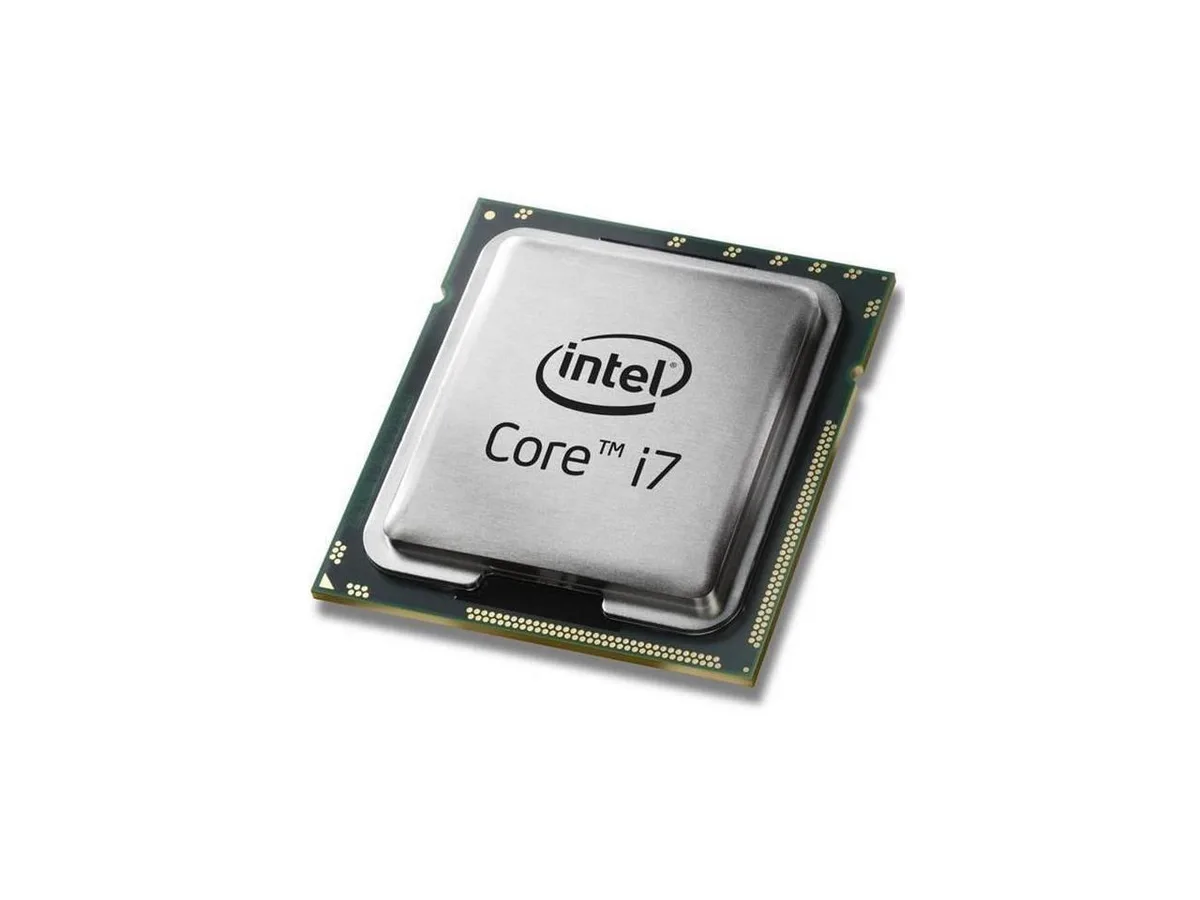


Intel
A quad-core desktop processor running at 3.4 GHz with 8 MB L3 cache, Intel HD Graphics 530 and a 65 W TDP in an LGA 1151 socket
The Intel Core i7-6700 is a 65W desktop processor built on the 14nm Skylake architecture. It delivers four cores running at a base frequency of 3.4 GHz. The chip includes Intel HD Graphics 530 and 8MB of L3 cache.
This processor fits motherboards with the LGA 1151 socket that accept 65W CPUs. It is not intended for builds that require an unlocked multiplier or a bundled cooling solution. Buyers needing those features should select a different model.
The LGA 1151 interface and 65W thermal design power are the critical specifications for motherboard and cooler selection. Verify that the board supports this socket and power envelope before purchase.
| Processors Type | Desktop |
|---|
The processor is sold as an OEM unit without a cooling device, so a compatible LGA 1151 cooler must be supplied by the builder.
The CPU fits the LGA 1151 socket, but the motherboard must support 6th generation Intel Core processors and may need a BIOS update before the chip will post.
Check the CPU frequency in the BIOS hardware monitor or use a hardware-information utility in the operating system to confirm the core speed reads 3.4 GHz under load.
Juga di rak ini
Rak yang sama, checkout yang sama — lapan koin kripto dan kunci kadar 30 minit.
Apa yang anda hantar untuk membayar, dan mata wang yang anda guna untuk membaca harga.
Dihantar daripada dompet anda semasa semak keluar
Untuk paparan sahaja — katalog diberi harga dalam USD
Tiada mata wang yang sepadan.
Pilih bahasa yang digunakan oleh laman web ini.
Tiada bahasa yang sepadan.
Pengguna baharu?
Sudah mempunyai akaun?
Tiada set semula automatik: kedai ini tidak menghantar sebarang e-mel, jadi tiada pautan sekali guna untuk diminta. Biarkan alamat pada akaun tersebut, ia akan diuruskan secara manual.
Permintaan direkodkan
Tiada apa-apa akan sampai ke peti masuk anda — kedai ini tidak menghantar sebarang e-mel. Seseorang akan menguruskannya secara manual.
Sudah teringat?



