DELL
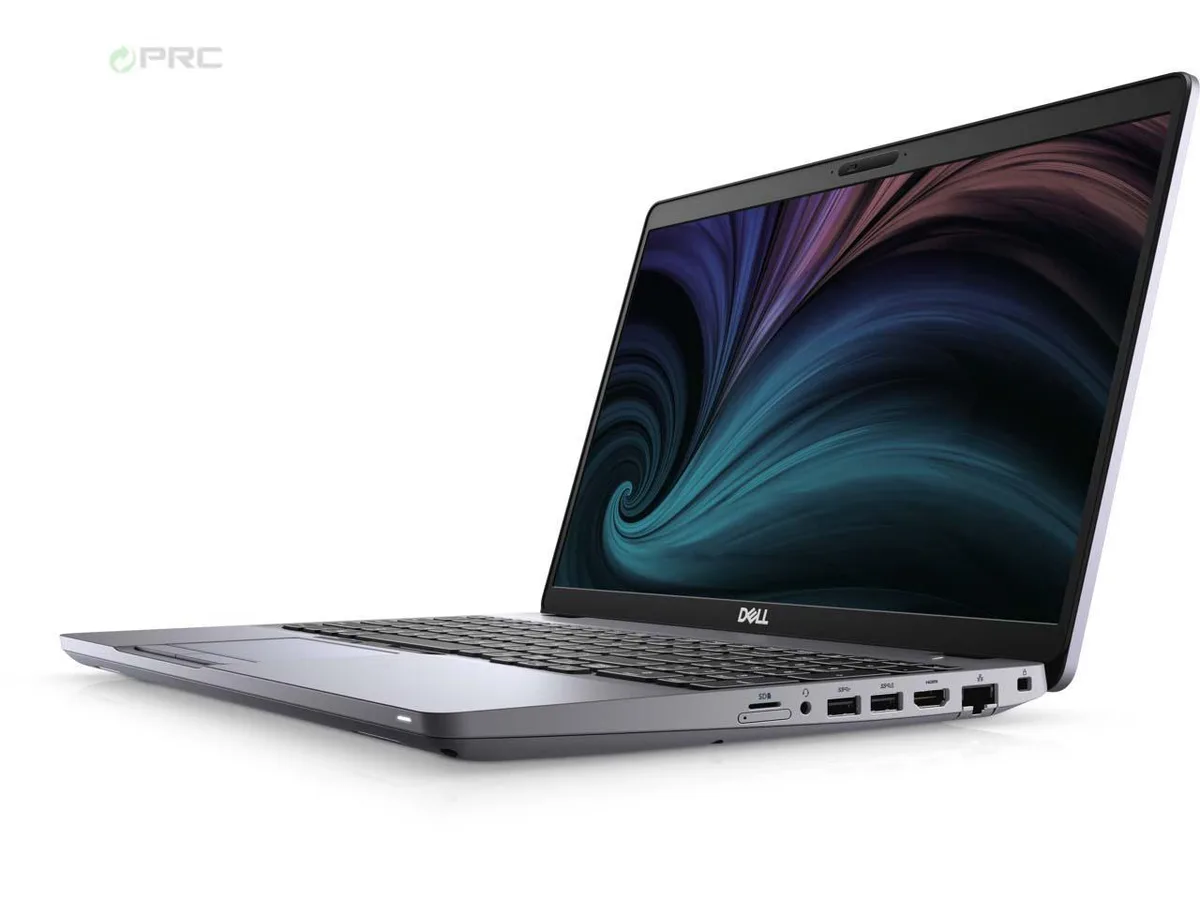
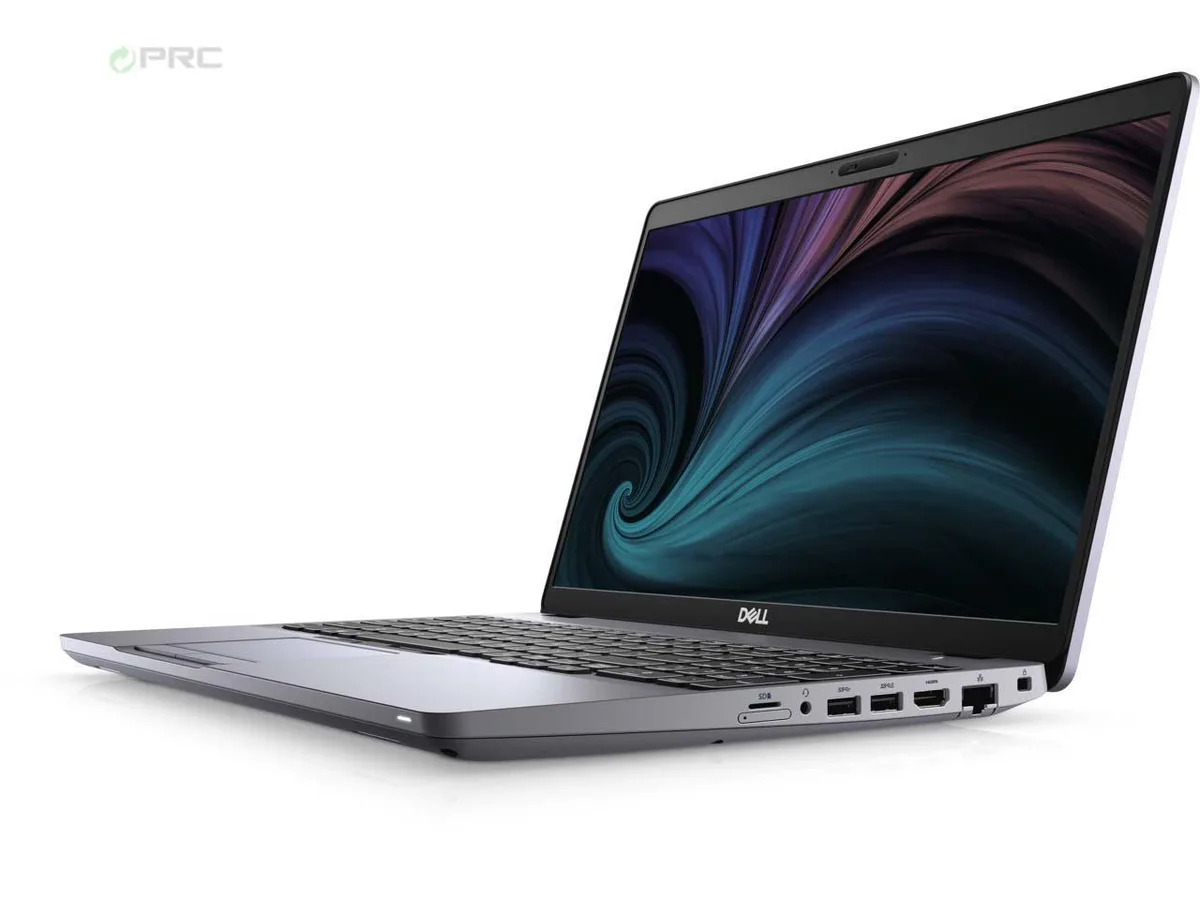
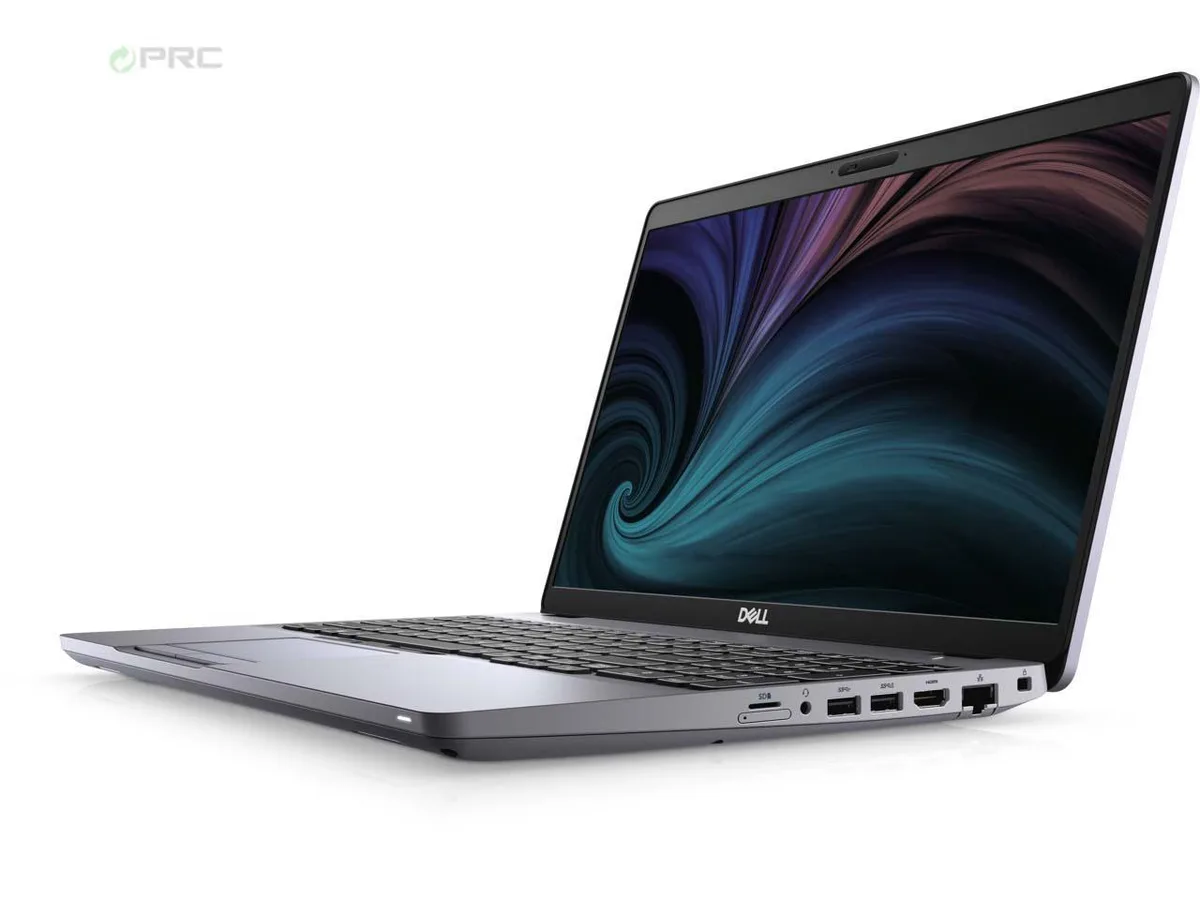
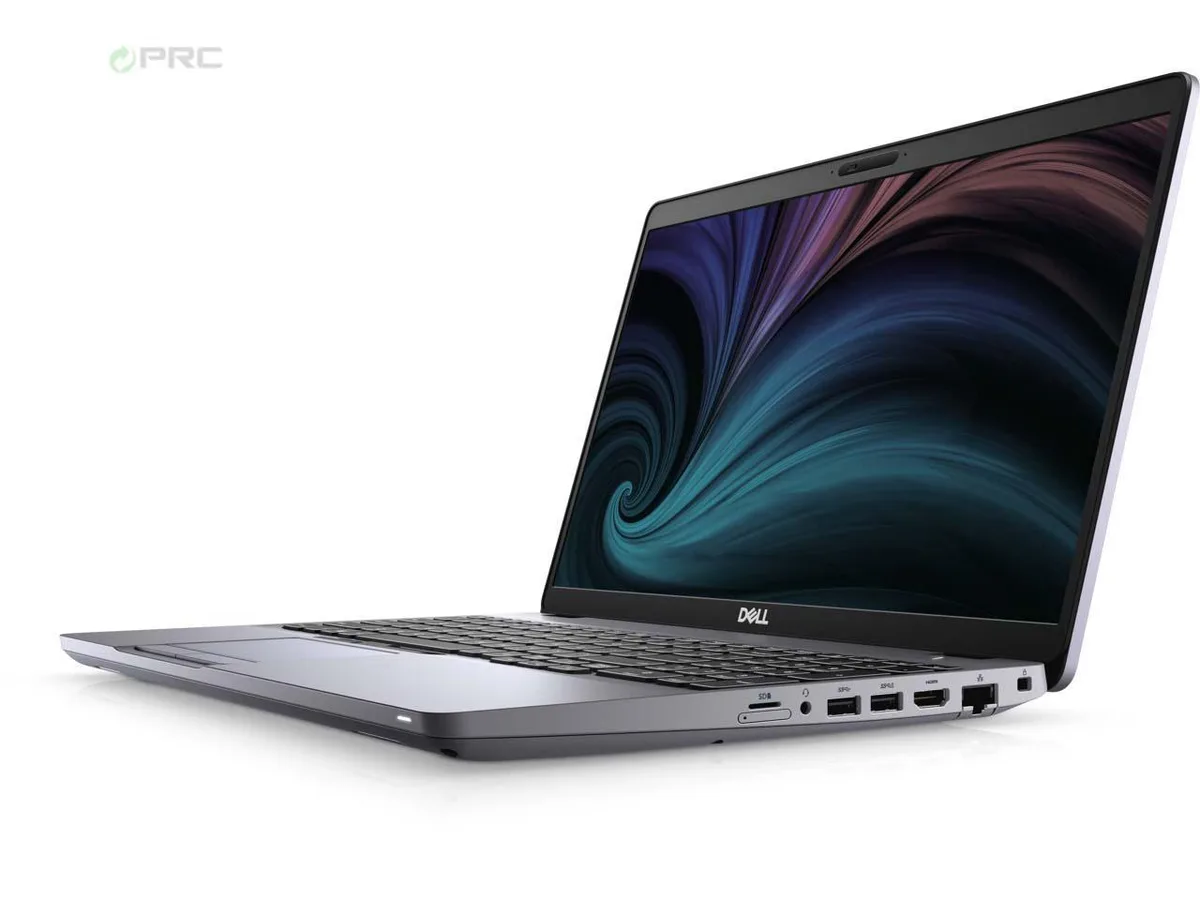
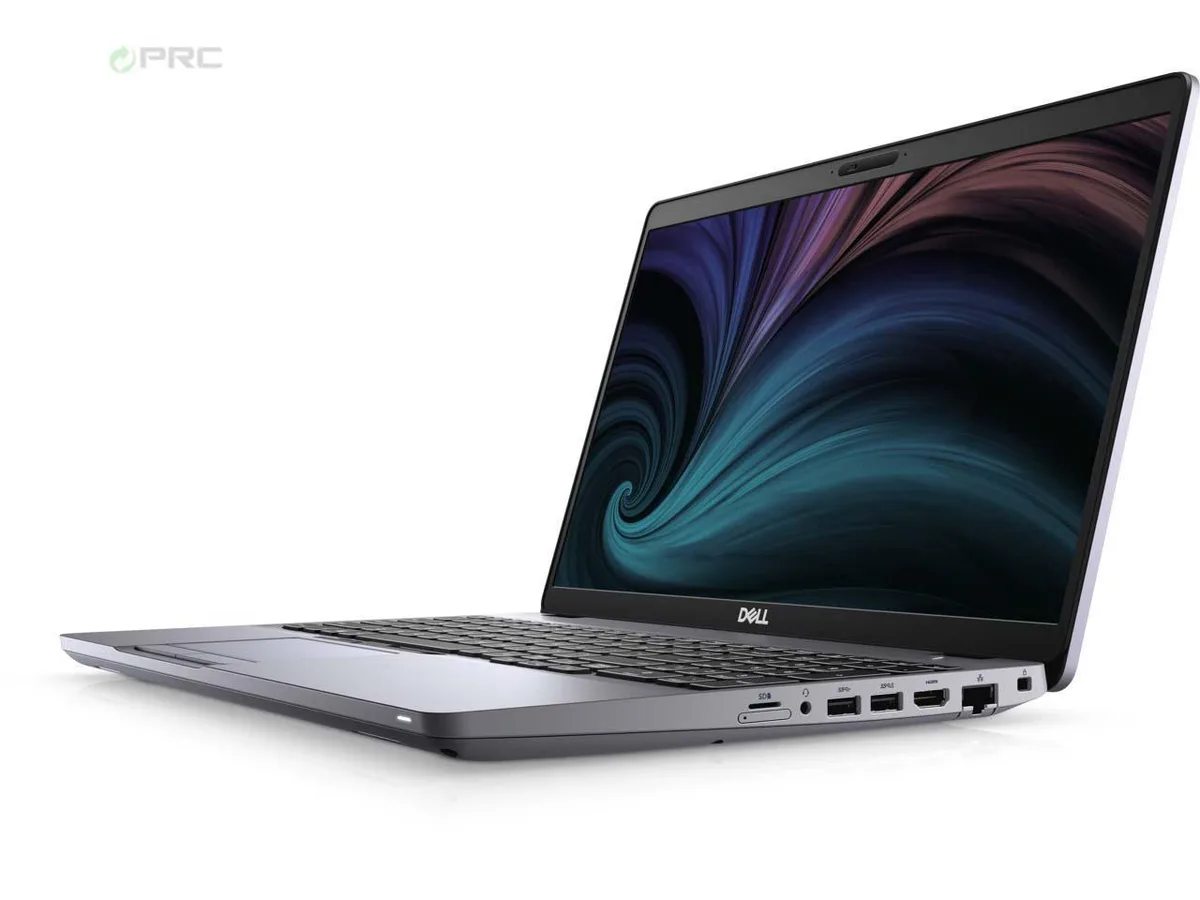
DELL Latitude 5511 15.6" laptop i7-10850H 16GB 512GB nVME
- Aluminum Silver
- Windows 10 Pro
341,99 USD
0.00436696BTC
Til á lagerVið tökum við rafmynt — svo myntirnar sem þú átt geta keypt alvöru vélbúnað.Greiddu í rafmynt, eyddu henni í alvöru vélbúnað. Frí, tryggð sending um allan heim fyrir pantanir yfir 399 $. Hlutlausir pappakassar án merkinga, sendir frá Þýskalandi.Frí, tryggð sending yfir 399 $. Gengið þitt er læst í 30 mínútur um leið og greiðsluferlið hefst.Gengið læst í 30 mínútur. Hver vara er innsigluð, raðnúmer hennar yfirfarið, og hún nýtur 24 mánaða ábyrgðar.Innsiglað, með 24 mánaða ábyrgð.


DELL
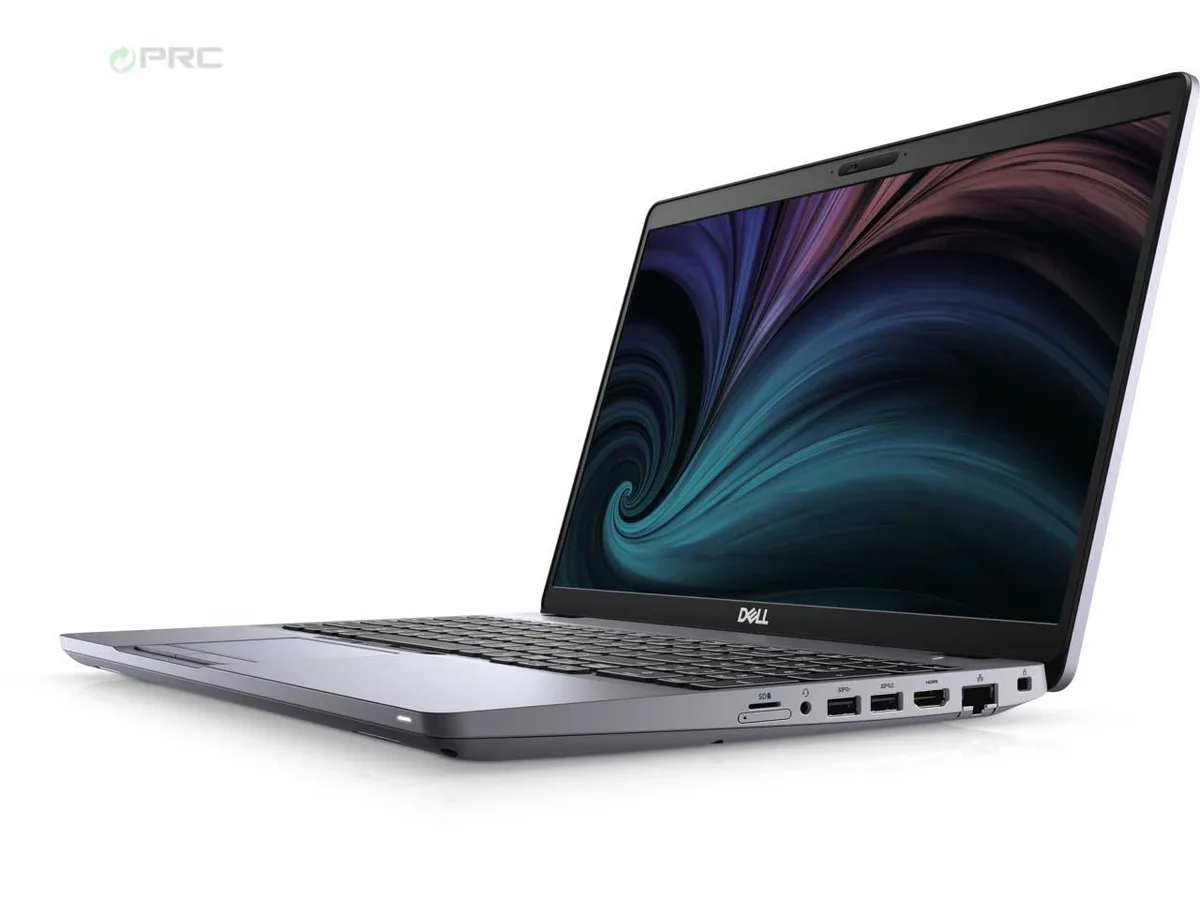
A 15.6-inch FHD business laptop with a 6-core i7-10850H, 32 GB DDR4, 512 GB nVME SSD, Wi-Fi 6 and Thunderbolt, running Windows 10 Pro
Options 32GB/512GB W10P
Yfirstrikaðar útgáfur eru til, en ekki til hér.
The DELL Latitude 5511 is a 15.6-inch business laptop built around a 10th Generation Intel Core i7-10850H six-core processor. It ships with 32 GB of DDR4 memory and a 512 GB nVME solid-state drive. Windows 10 Pro comes pre-installed. The configuration suits professionals who need a portable workstation for multitasking, document workloads and video conferencing.
The chassis uses an H-class processor rated at 2.7 GHz base frequency with turbo up to 5.10 GHz. Intel UHD Graphics shares system memory for visual output. The 220-nit IPS panel draws modest power. Wi-Fi 6 (Gig+) and optional LTE connectivity are integrated. No discrete GPU is present, so sustained heavy compute will rely on the integrated thermal solution.
The single specification that determines suitability is the integrated Intel UHD Graphics with shared video memory. Buyers who need dedicated graphics memory for 3D rendering, CAD or modern gaming workloads cannot meet that requirement with this unit. The 512 GB nVME drive and 32 GB DDR4 are fixed in this configuration.
| Brand | DELL |
|---|---|
| Series | Latitude |
| Model | 5511 |
| Part Number | 5511 |
| Color | Aluminum Silver |
| Operating System | Windows 10 Pro |
| CPU Type | Intel Core i7 10th Gen |
| Processor Name | Intel Core i7-10850H |
| Number of Cores | 6-core Processor |
| Screen Size | 15.6" |
| Touchscreen | Non-Touch Screen |
| Resolution | 1920 x 1080 |
| Panel | IPS |
| GPU/VPU | Intel UHD Graphics |
| Video Memory | Shared |
| Graphic Type | Integrated Card |
| SSD | 512GB PCIe |
| HDD | No |
| Storage Spec | 512 GB nVME |
| Memory | 32GB |
| Memory Speed | DDR4 |
| Memory Spec | 16 GB x 2 |
| Memory Slot (Total) | 2 |
| Memory Slot (Available) | 0 |
| Max Memory Supported | 64 GB |
| Optical Drive Type | NONE |
| LAN | 10/100/1000Mbps |
| WLAN | Intel Wi-Fi 6 AX 201 |
| USB | 2 x USB 3.2 Gen 1, USB 3.2 Gen 1 (PowerShare), USB-C 3.2 Gen 2 |
| Video Port | DisplayPort 1.4 (Power Delivery) |
| HDMI | No |
| Ethernet | 1 x RJ-45 (1Gbps) |
| Audio | Integrated Sound card |
| Speaker | Internal Speakers |
| Touchpad | Yes |
| Keyboard | Standard |
| Backlit Keyboard | Non-backlit |
| Webcam | Yes |
| Style | Ultrabook |
| Type | Mainstream |
| Usage | Business |
| AC Adapter/Charger | 90-watt AC Adapter |
| Battery | Yes |
| Dimensions (W x D x H) | 14.1 x 9.3 x 1 |
| Weight | 4.17 |
| Software Included | NO |
Aðrar útgáfur af þessari vöru
Sama fjölskylda, mismunandi minni, kælingu eða klukkuhraða — berðu saman áður en þú ákveður þig.
Open the bottom cover, insert the drive into the empty M.2 slot, then enable the second drive in BIOS under Storage Configuration so Windows can see it.
The internal battery degrades after several hundred charge cycles; the 32 GB DDR4 is soldered and not user-replaceable, so plan on a battery swap first.
In bright offices or outdoors the 220-nit screen maxes out, forcing you to seek shade or an external monitor for comfortable viewing.
Einnig í þessum vöruflokki
Sama hilla, sama greiðsluferli — átta myntir og 30 mínútna gengislæsing.
Það sem þú greiðir í, og það sem þú sérð verð í.
Sent úr veskinu þínu í greiðsluferlinu
Aðeins til skýringar — verð í vörulistanum eru í Bandaríkjadölum
Enginn gjaldmiðill passar við það.
Veldu tungumálið sem síðan talar við þig á.
Ekkert tungumál fannst.
Fyrsta heimsókn?
Áttu þegar aðgang?
Það er engin sjálfvirk endurstilling: þessi verslun sendir engan tölvupóst, svo það er enginn einnota tengill til að biðja um. Skildu netfangið eftir á aðganginum og einhver sinnir því handvirkt.
Beiðni skráð
Ekkert er á leiðinni í pósthólfið þitt — þessi verslun sendir engan tölvupóst. Einhver sinnir þessu handvirkt.
Mundir þú það?