DELL
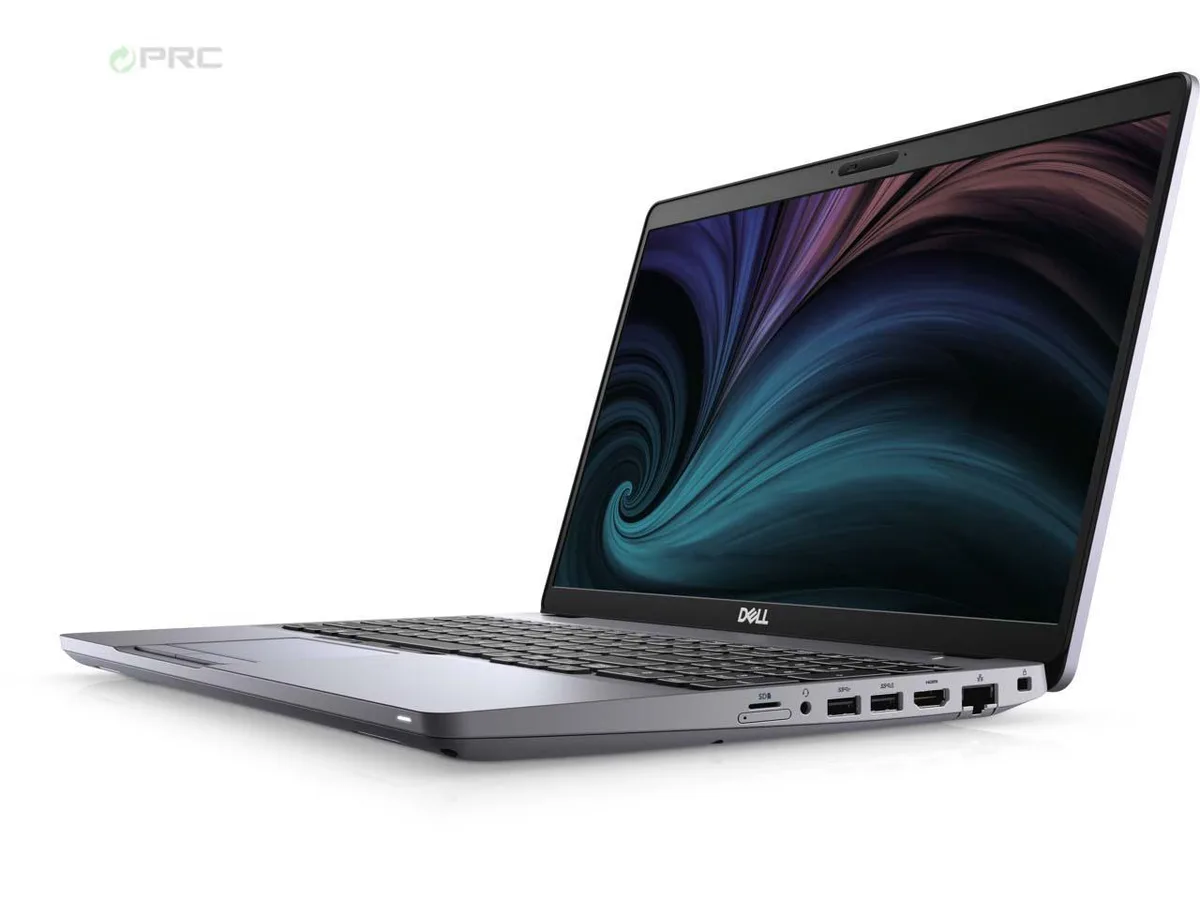
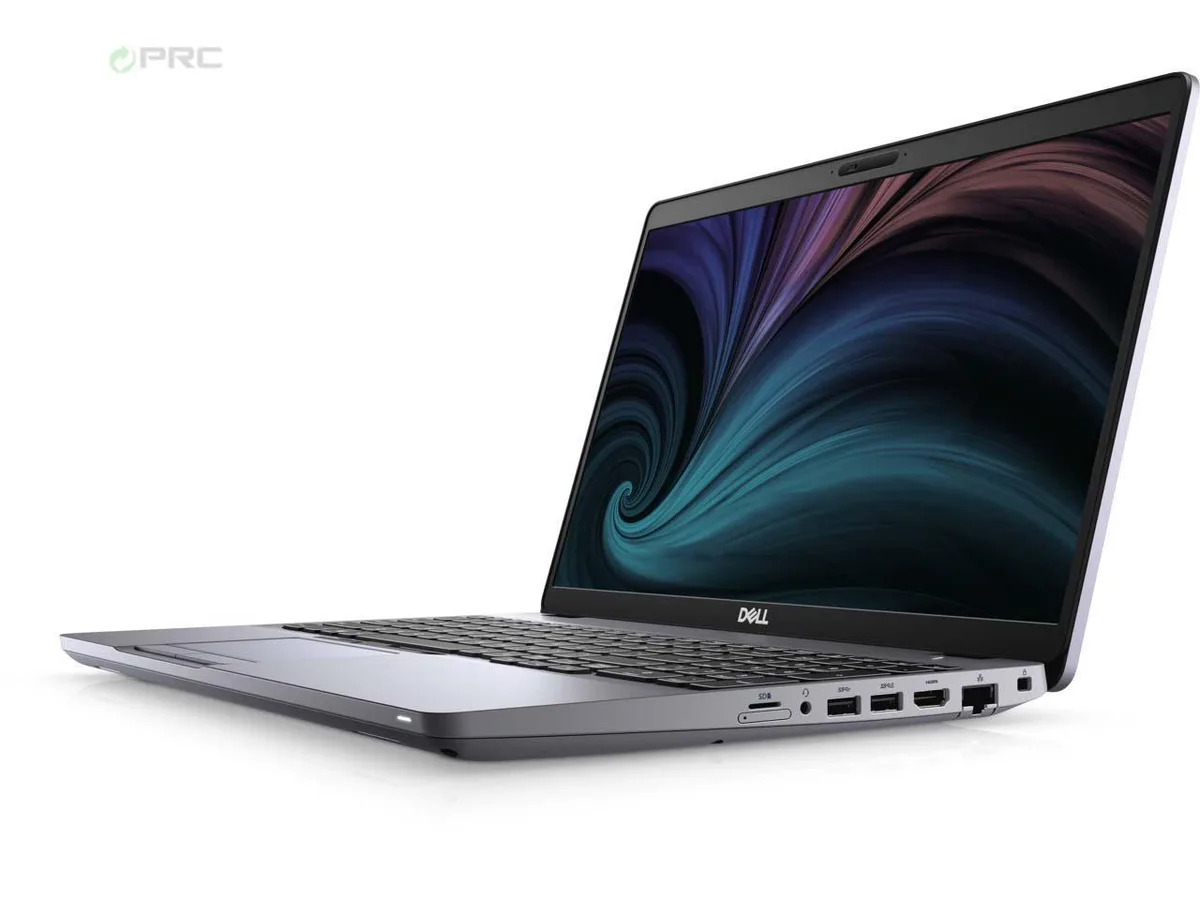
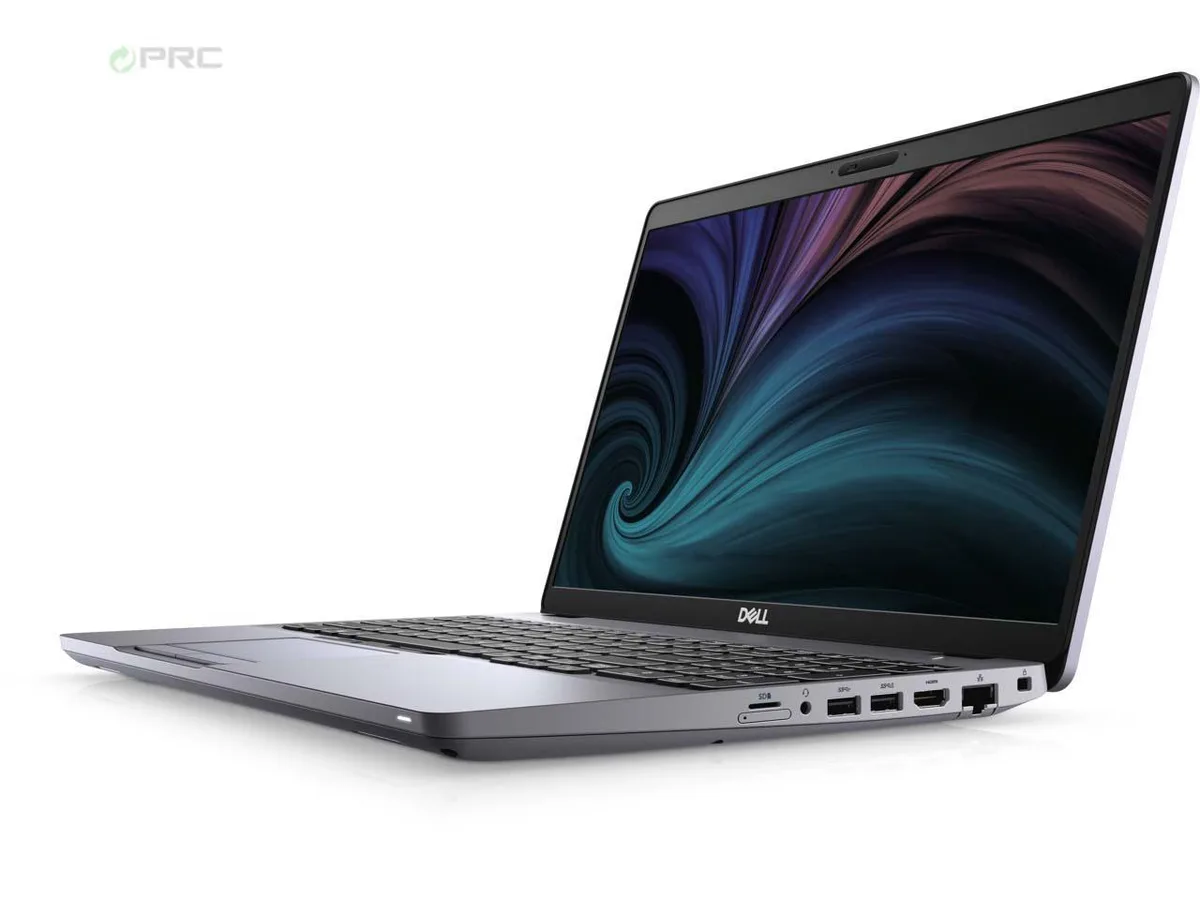
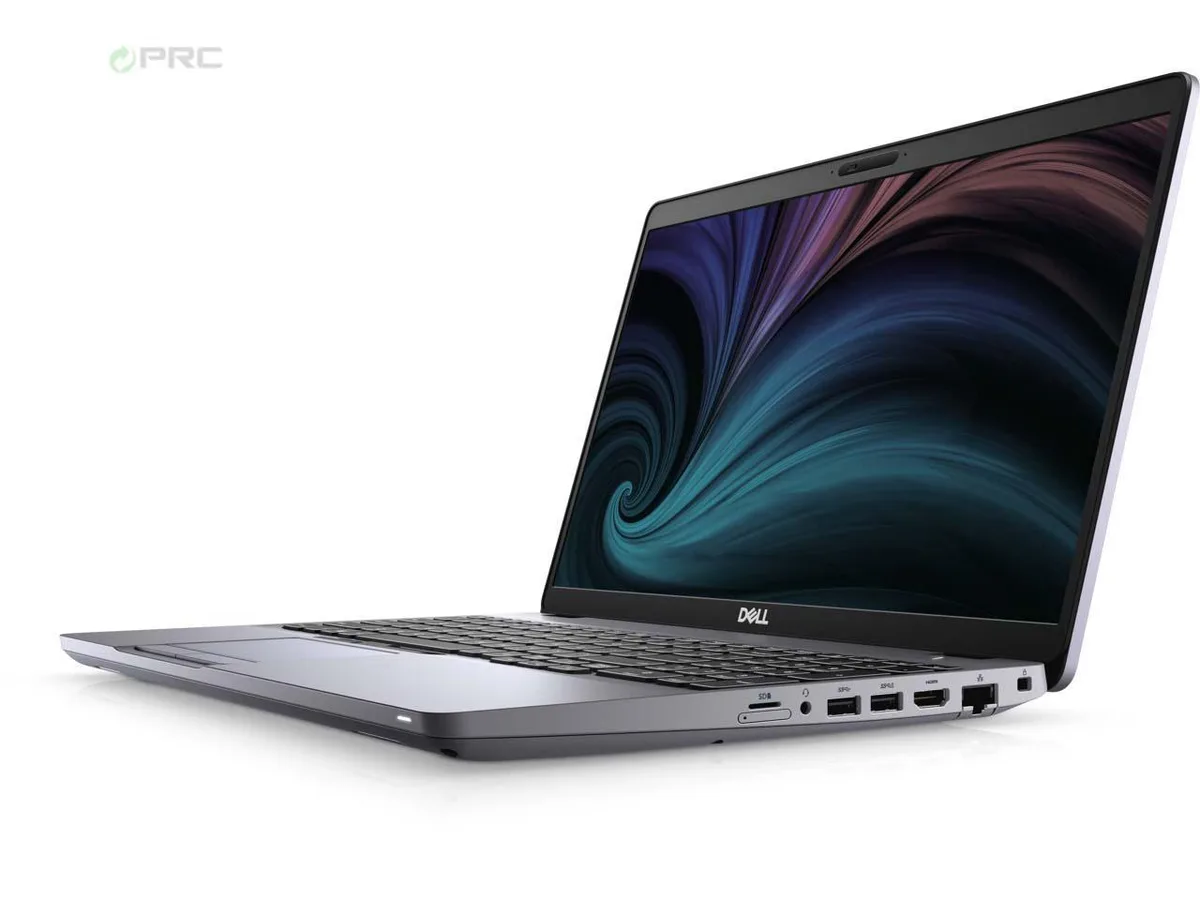
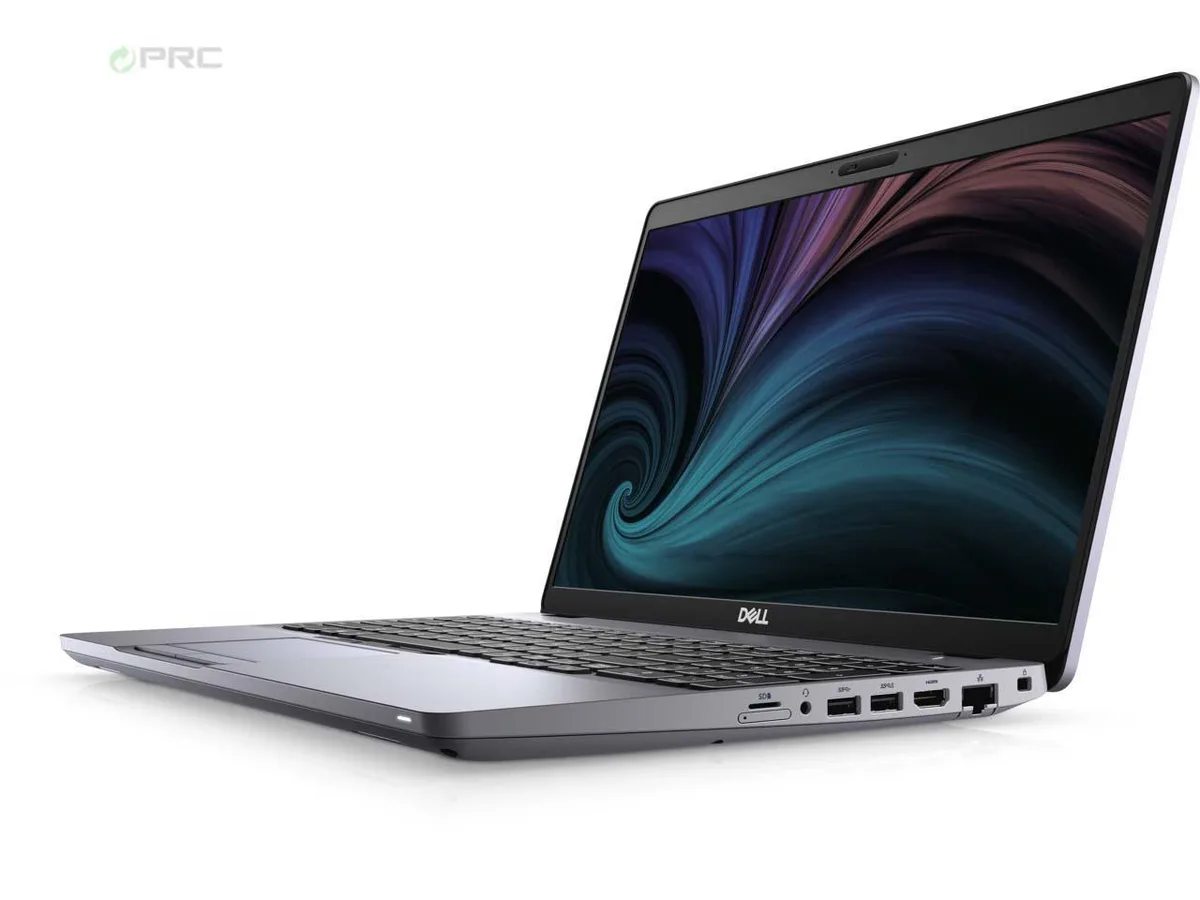
DELL Latitude 5511 15.6" laptop i7-10850H 16GB 512GB nVME
- Aluminum Silver
- Windows 10 Pro
341,99 USD
0.00441067BTC
DisponibileAccettiamo criptovalute — così le crypto che Lei possiede possono comprare hardware reale.Paghi in crypto, la spenda in hardware reale. Spedizione assicurata gratuita in tutto il mondo oltre i 399 $. Cartoni neutri, senza marchio, spediti dalla Germania.Spedizione assicurata gratuita oltre i 399 $. Il Suo tasso resta bloccato per 30 minuti dall’apertura del checkout.Tasso bloccato 30 minuti. Ogni articolo è sigillato, il numero di serie è verificato, ed è coperto da una garanzia di 24 mesi.Sigillato, garantito 24 mesi.


DELL
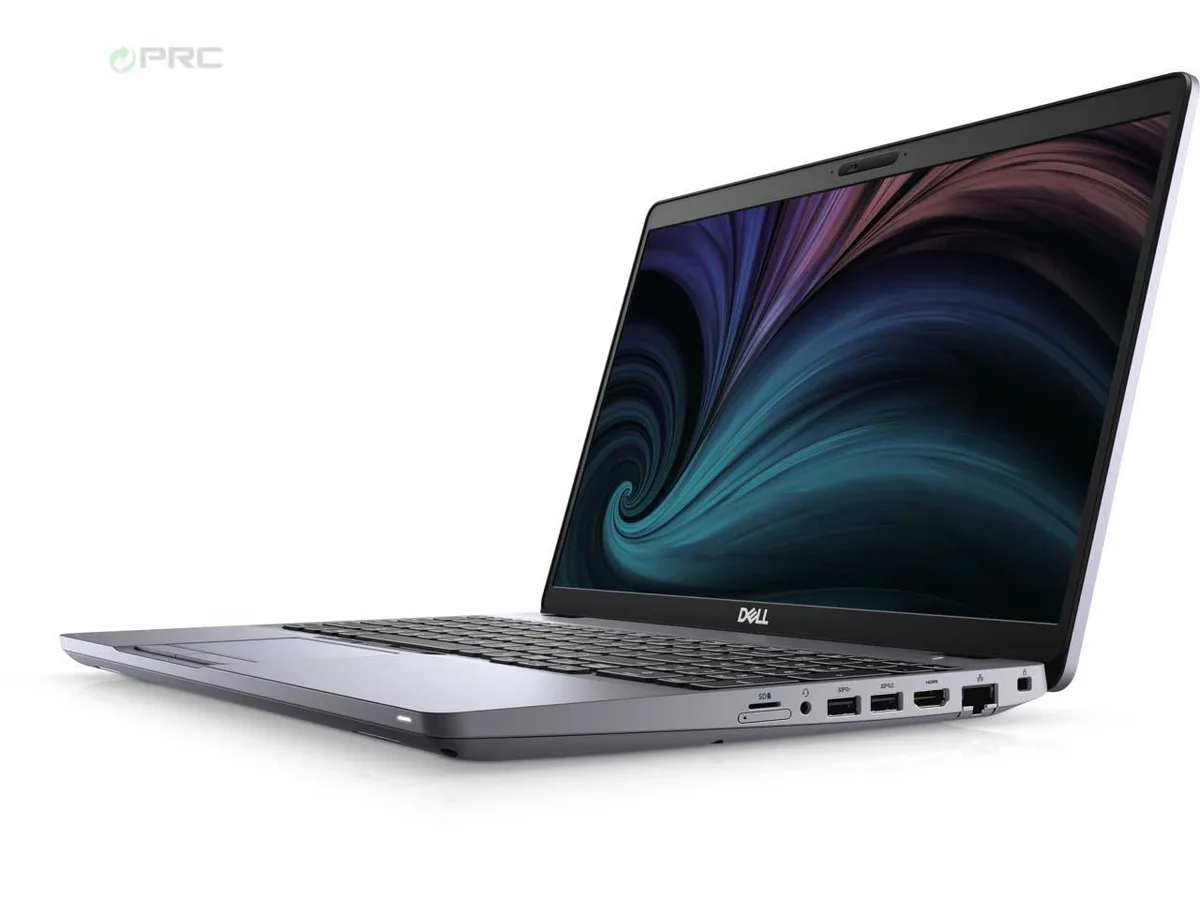
A 15.6-inch FHD business laptop with a 6-core i7-10850H, 32 GB DDR4, 512 GB nVME SSD, Wi-Fi 6 and Thunderbolt, running Windows 10 Pro
Options 32GB/512GB W10P
Le versioni barrate esistono, ma non sono disponibili qui.
The DELL Latitude 5511 is a 15.6-inch business laptop built around a 10th Generation Intel Core i7-10850H six-core processor. It ships with 32 GB of DDR4 memory and a 512 GB nVME solid-state drive. Windows 10 Pro comes pre-installed. The configuration suits professionals who need a portable workstation for multitasking, document workloads and video conferencing.
The chassis uses an H-class processor rated at 2.7 GHz base frequency with turbo up to 5.10 GHz. Intel UHD Graphics shares system memory for visual output. The 220-nit IPS panel draws modest power. Wi-Fi 6 (Gig+) and optional LTE connectivity are integrated. No discrete GPU is present, so sustained heavy compute will rely on the integrated thermal solution.
The single specification that determines suitability is the integrated Intel UHD Graphics with shared video memory. Buyers who need dedicated graphics memory for 3D rendering, CAD or modern gaming workloads cannot meet that requirement with this unit. The 512 GB nVME drive and 32 GB DDR4 are fixed in this configuration.
| Brand | DELL |
|---|---|
| Series | Latitude |
| Model | 5511 |
| Part Number | 5511 |
| Color | Aluminum Silver |
| Operating System | Windows 10 Pro |
| CPU Type | Intel Core i7 10th Gen |
| Processor Name | Intel Core i7-10850H |
| Number of Cores | 6-core Processor |
| Screen Size | 15.6" |
| Touchscreen | Non-Touch Screen |
| Resolution | 1920 x 1080 |
| Panel | IPS |
| GPU/VPU | Intel UHD Graphics |
| Video Memory | Shared |
| Graphic Type | Integrated Card |
| SSD | 512GB PCIe |
| HDD | No |
| Storage Spec | 512 GB nVME |
| Memory | 32GB |
| Memory Speed | DDR4 |
| Memory Spec | 16 GB x 2 |
| Memory Slot (Total) | 2 |
| Memory Slot (Available) | 0 |
| Max Memory Supported | 64 GB |
| Optical Drive Type | NONE |
| LAN | 10/100/1000Mbps |
| WLAN | Intel Wi-Fi 6 AX 201 |
| USB | 2 x USB 3.2 Gen 1, USB 3.2 Gen 1 (PowerShare), USB-C 3.2 Gen 2 |
| Video Port | DisplayPort 1.4 (Power Delivery) |
| HDMI | No |
| Ethernet | 1 x RJ-45 (1Gbps) |
| Audio | Integrated Sound card |
| Speaker | Internal Speakers |
| Touchpad | Yes |
| Keyboard | Standard |
| Backlit Keyboard | Non-backlit |
| Webcam | Yes |
| Style | Ultrabook |
| Type | Mainstream |
| Usage | Business |
| AC Adapter/Charger | 90-watt AC Adapter |
| Battery | Yes |
| Dimensions (W x D x H) | 14.1 x 9.3 x 1 |
| Weight | 4.17 |
| Software Included | NO |
Altre versioni di questo modello
Stessa famiglia, con memoria, dissipatore o frequenza diversi — confronti prima di decidere.
Open the bottom cover, insert the drive into the empty M.2 slot, then enable the second drive in BIOS under Storage Configuration so Windows can see it.
The internal battery degrades after several hundred charge cycles; the 32 GB DDR4 is soldered and not user-replaceable, so plan on a battery swap first.
In bright offices or outdoors the 220-nit screen maxes out, forcing you to seek shade or an external monitor for comfortable viewing.
Anche in questo reparto
Stesso reparto, stessa cassa — otto monete e un cambio bloccato per 30 minuti.
Cosa invia per pagare, e in quale valuta legge i prezzi.
Inviato dal Suo portafoglio alla cassa
Solo a titolo indicativo — il catalogo è espresso in dollari
Nessuna valuta corrisponde.
Scelga la lingua in cui il sito Le parla.
Nessuna lingua corrisponde.
Prima visita?
Ne ha già uno?
Non esiste un ripristino automatico: questo negozio non invia e-mail, quindi non esiste alcun link monouso da richiedere. Lasci l’indirizzo sull’account: verrà gestito manualmente.
Richiesta registrata
Non arriverà nulla nella Sua casella di posta — questo negozio non invia e-mail. Qualcuno se ne occupa manualmente.
L’ha ritrovata?