

Intel
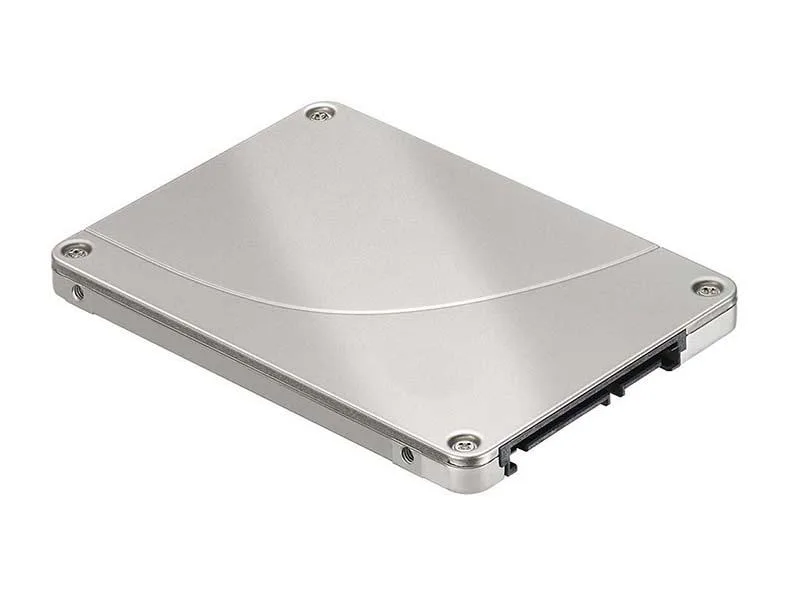
Intel D3-S4510 240GB 2.5-inch SATA internal SSD
2.5-inch SATA internal SSD with 240 GB capacity and 3D TLC NAND
- Device TypeInternal Solid State Drive (SSD)
- Weight3.0000
- SATA 6Gb/s interface enables fast data access
- 240GB capacity stores operating system and key applications
- 5-inch form factor fits standard drive bays
- 0000g lightweight design reduces system weight
Intel D3-S4510 240GB SATA SSD
The Intel D3-S4510 is a 240GB 2.5-inch internal solid state drive that connects through the SATA 6Gb/s interface. It uses triple-level cell flash memory to store data in a standard drive bay. This drive suits system builders who want a direct replacement for a mechanical hard drive in a laptop or desktop.
Thermals, noise and power
With no moving parts the drive runs silently and produces minimal heat during normal operation. Power draw stays low because the SATA interface and triple-level cell design are optimised for efficiency. The 3.0000 gram weight reflects the lightweight construction that helps keep thermal load modest in compact chassis.
Priekšrocības
- SATA 6Gb/s interface enables fast data access
- 240GB capacity stores operating system and key applications
- 5-inch form factor fits standard drive bays
- 0000g lightweight design reduces system weight
Specifikācijas
| Device Type | Internal Solid State Drive (SSD) |
|---|---|
| Weight | 3.0000 |
Jautājumi par šo preci
How do I install the 2.5-inch SATA SSD in my system, and what step is often missed?
Mount the drive in a 2.5-inch bay, connect the SATA data cable to the motherboard and the SATA power cable from the PSU, then initialise and format the 240GB volume in the OS — the step often missed is assigning a drive letter or mount point after formatting.
What maintenance or replacement will the Triple-Level-Cell SATA SSD need over its life?
No scheduled maintenance is required; keep firmware current via the Intel toolbox, monitor SMART health attributes for wear, and replace the drive once the media‑wear indicator approaches its rated limit.
Arī šajā sadaļā
Klienti arī salīdzināja
Tas pats plaukts, tā pati kase — astoņas kriptovalūtas un kursa fiksēšana uz 30 minūtēm.




