Intel
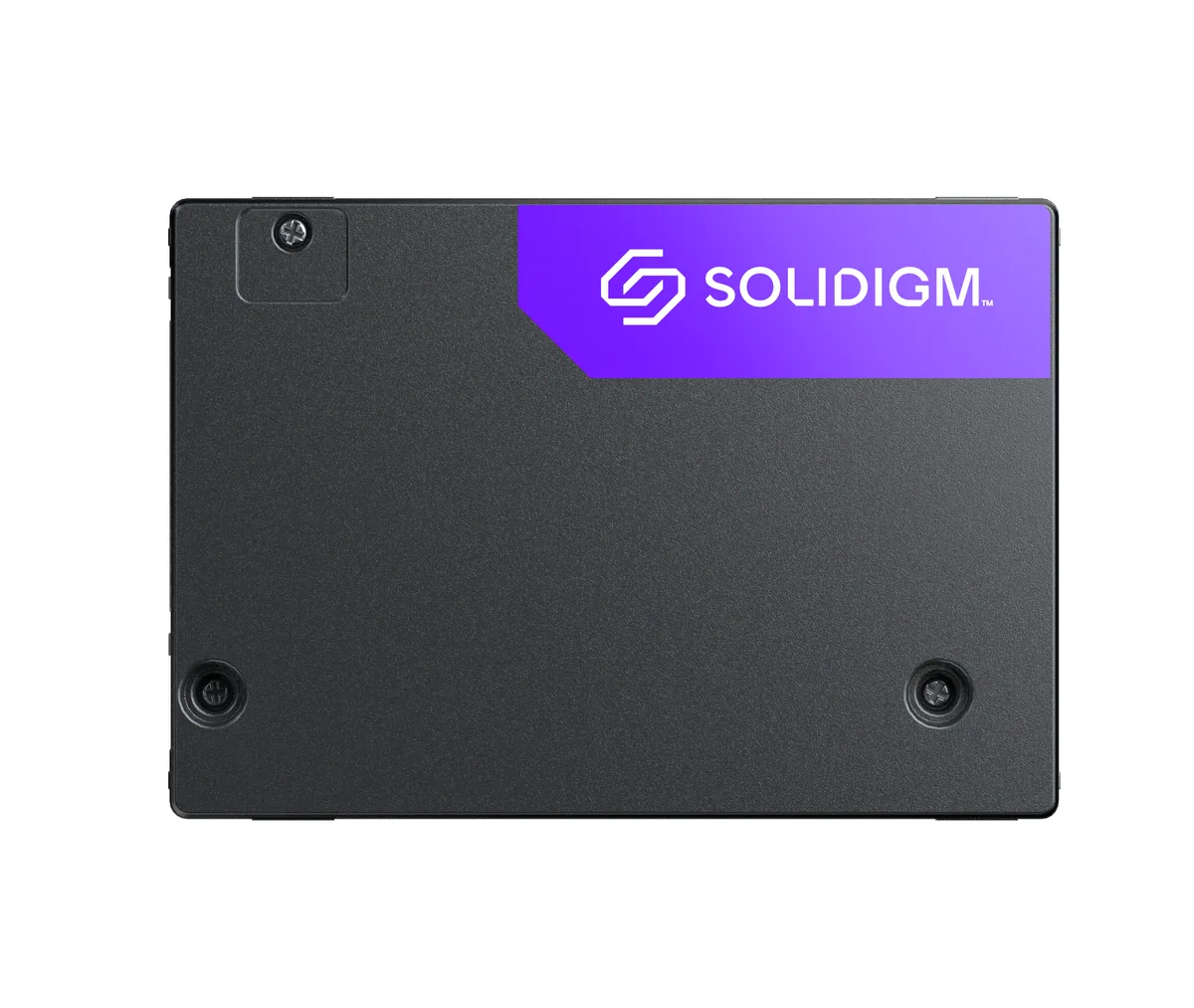
Intel Optane SSD DC P4801X 200GB M.2 22110 enterprise SSD SSDPEL1K200GA01
- M.2 22110
- 200GB
660,99 $US
0.00852714BTC
En stockNous acceptons la cryptomonnaie — les cryptos que vous détenez peuvent ainsi acheter du matériel réel.Payez en crypto, dépensez-la en matériel réel. Livraison assurée offerte partout dans le monde au-delà de 399 $. Cartons neutres, sans marque, expédiés depuis l’Allemagne.Livraison assurée offerte au-delà de 399 $. Votre taux est bloqué pendant 30 minutes dès l’ouverture de la caisse.Taux bloqué 30 minutes. Chaque article est scellé, son numéro de série est vérifié, et il est couvert par une garantie de 24 mois.Scellé, garanti 24 mois.

Intel
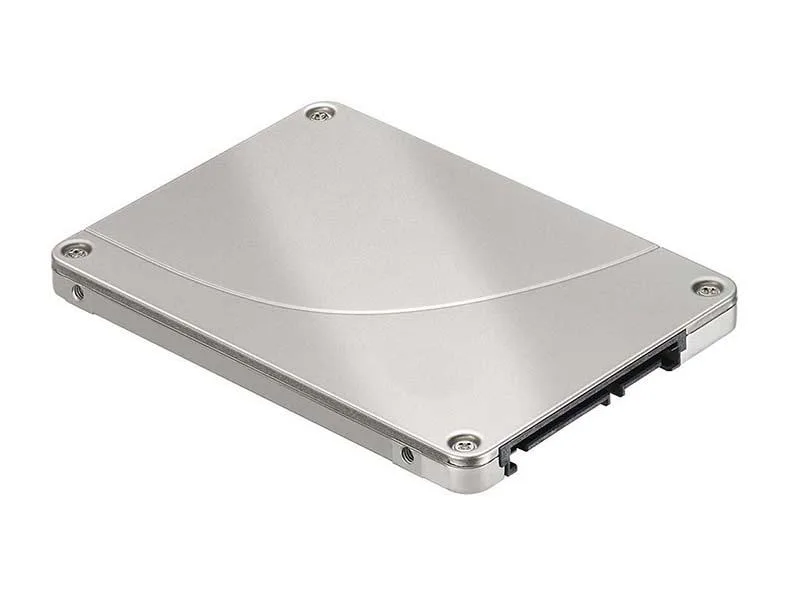
2.5-inch SATA internal SSD with 240 GB capacity and 3D TLC NAND
The Intel D3-S4510 is a 240GB 2.5-inch internal solid state drive that connects through the SATA 6Gb/s interface. It uses triple-level cell flash memory to store data in a standard drive bay. This drive suits system builders who want a direct replacement for a mechanical hard drive in a laptop or desktop.
With no moving parts the drive runs silently and produces minimal heat during normal operation. Power draw stays low because the SATA interface and triple-level cell design are optimised for efficiency. The 3.0000 gram weight reflects the lightweight construction that helps keep thermal load modest in compact chassis.
| Device Type | Internal Solid State Drive (SSD) |
|---|---|
| Weight | 3.0000 |
Mount the drive in a 2.5-inch bay, connect the SATA data cable to the motherboard and the SATA power cable from the PSU, then initialise and format the 240GB volume in the OS — the step often missed is assigning a drive letter or mount point after formatting.
No scheduled maintenance is required; keep firmware current via the Intel toolbox, monitor SMART health attributes for wear, and replace the drive once the media‑wear indicator approaches its rated limit.
Également dans ce rayon
Même rayon, même caisse — huit monnaies et un taux bloqué 30 minutes.
Ce que vous envoyez, et ce dans quoi vous lisez les prix.
Envoyé depuis votre portefeuille à la caisse
Affichage seul — le catalogue est libellé en dollars
Aucune monnaie ne correspond.
Choisissez la langue dans laquelle le site vous parle.
Première visite ?
Vous avez déjà un compte ?
Il n’y a pas de réinitialisation automatique : cette boutique n’envoie aucun e-mail, il n’existe donc aucun lien à usage unique à demander. Laissez l’adresse sur le compte, elle sera traitée à la main.
Demande enregistrée
Rien n’arrivera dans votre boîte de réception — cette boutique n’envoie aucun e-mail. Quelqu’un s’en occupe à la main.
Vous l’avez retrouvé ?