

Intel
Intel DC S3610 SSDSC2BX016T401 1.6TB 2.5" SATA enterprise SSD
- 2.5"
- 1.6TB
$1,299
0.01678555BTC
In stockWe take cryptocurrency — so the coins you hold can buy real hardware.Pay in crypto, spend it on real hardware. Free insured shipping worldwide over $399. Plain, unbranded boxes, sent from Germany.Free insured shipping over $399. Your rate is locked for 30 minutes once checkout opens.Rate locked 30 minutes. Every item sealed, serial-checked and covered by a 24-month warranty.Sealed, 24-month warranty.
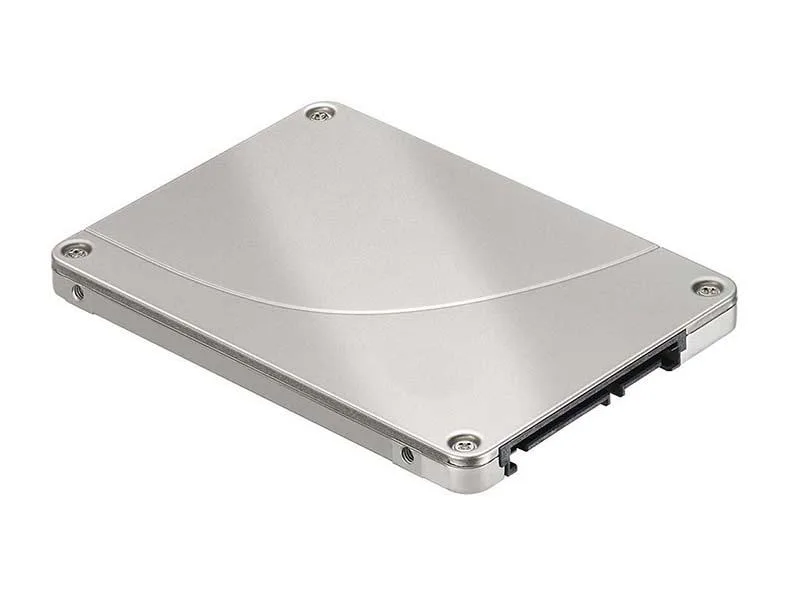

Intel
2.5-inch SATA internal SSD with 240 GB capacity and 3D TLC NAND
The Intel D3-S4510 is a 240GB 2.5-inch internal solid state drive that connects through the SATA 6Gb/s interface. It uses triple-level cell flash memory to store data in a standard drive bay. This drive suits system builders who want a direct replacement for a mechanical hard drive in a laptop or desktop.
With no moving parts the drive runs silently and produces minimal heat during normal operation. Power draw stays low because the SATA interface and triple-level cell design are optimised for efficiency. The 3.0000 gram weight reflects the lightweight construction that helps keep thermal load modest in compact chassis.
| Device Type | Internal Solid State Drive (SSD) |
|---|---|
| Weight | 3.0000 |
Mount the drive in a 2.5-inch bay, connect the SATA data cable to the motherboard and the SATA power cable from the PSU, then initialise and format the 240GB volume in the OS — the step often missed is assigning a drive letter or mount point after formatting.
No scheduled maintenance is required; keep firmware current via the Intel toolbox, monitor SMART health attributes for wear, and replace the drive once the media‑wear indicator approaches its rated limit.
Also in this aisle
Same shelf, same checkout — eight coins and a 30-minute rate lock.
What you pay in, and what you read prices in.
Sent from your wallet at checkout
Display only — the catalogue is priced in USD
No currency matches that.
Pick the language the site speaks to you in.
New here?
Already have one?
There is no automatic reset: this shop sends no mail, so there is no one-time link to ask for. Leave the address on the account and it gets picked up by hand.
Request noted
Nothing is on its way to your inbox — this shop sends no mail at all. Someone picks these up by hand.
Remembered it?


