ASUS
ASUS Vivobook 16" WUXGA i9-13900H 16GB 512GB Silver
- Silver
- Fingerprint reader
USD 772.99
0.0099282BTC
Ada stokKami menerima kripto — jadi koin yang anda simpan boleh membeli perkakasan sebenar.Bayar dengan kripto, belanjakannya untuk perkakasan sebenar. Penghantaran berinsurans percuma ke seluruh dunia untuk belian melebihi USD 399. Kotak biasa tanpa jenama, dihantar dari Jerman.Penghantaran berinsurans percuma untuk belian melebihi USD 399. Kadar anda dikunci selama 30 minit sebaik sahaja proses pesanan bermula.Kadar dikunci selama 30 minit. Setiap item disegel, nombor sirinya disemak, dan dilindungi waranti 24 bulan.Disegel, waranti 24 bulan.


ASUS
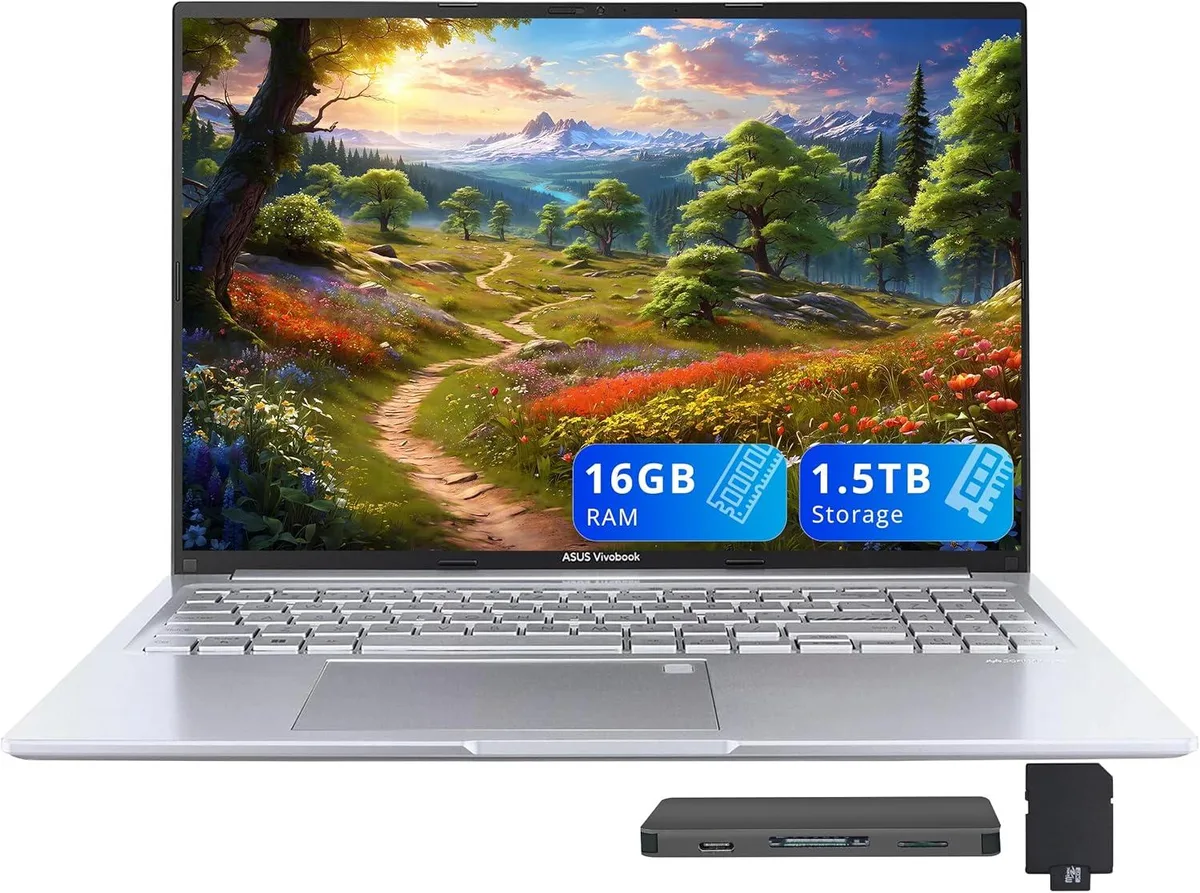
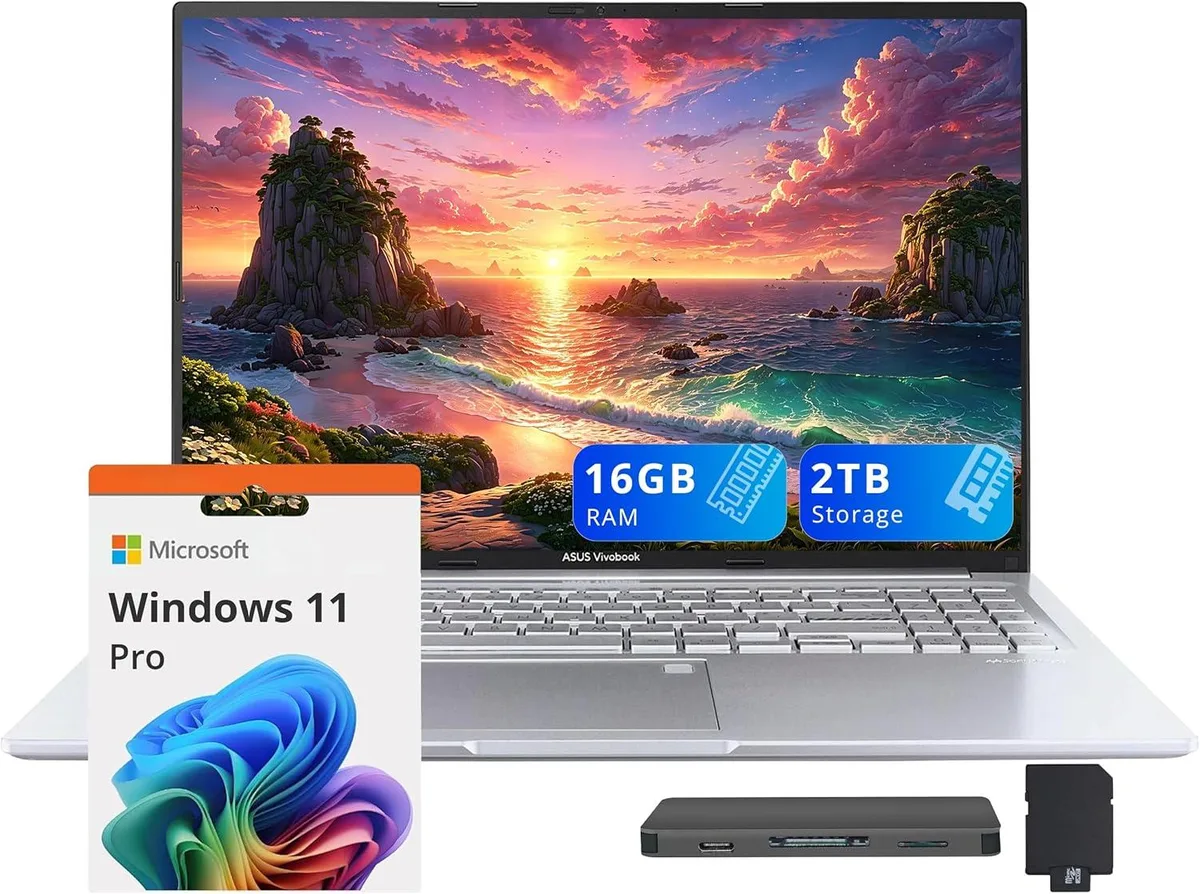
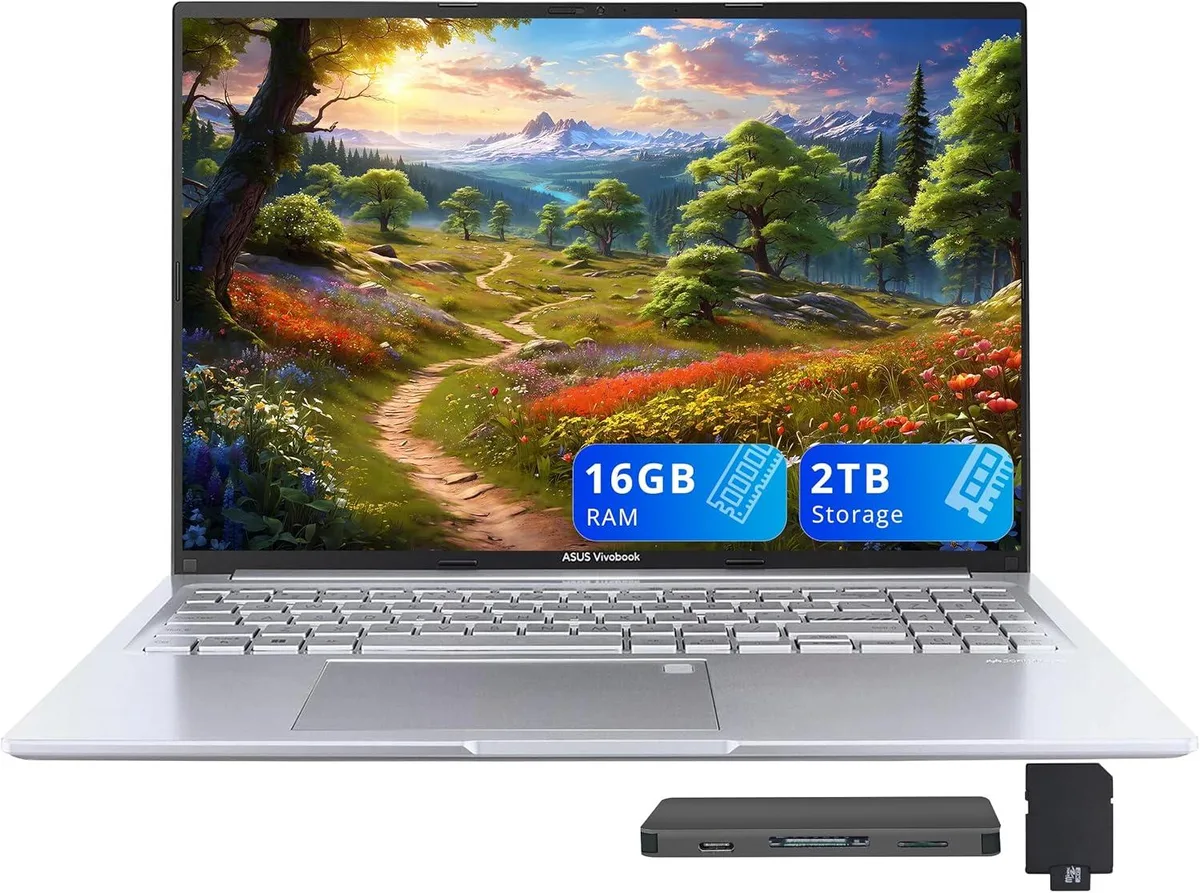
16-inch WUXGA business laptop with 14-core Intel Core i9-13900H, 16GB DDR4, 1TB SSD, and included docking station set
Capacity 16GB / 2TB Storage
The ASUS Vivobook 16" WUXGA laptop is a new business system built around an Intel Core i9-13900H 14-core processor. It ships with Windows 11 Home, 16GB DDR4 memory, and a 1TB SSD. The 16.0-inch non-touch display delivers a 1920 x 1200 resolution, while Intel Iris Xe Graphics handles integrated visual tasks.
This device suits users who rely on 14 cores for heavy multitasking, data analysis, or content creation and who value the fingerprint reader and backlit keyboard for secure, low-light work. Buyers who require discrete graphics performance, a touchscreen interface, or memory beyond the soldered 16GB DDR4 configuration should consider alternatives.
Under continuous multi-threaded workloads the 14-core i9-13900H maintains high frequencies within the slim 0.78-inch profile, though thermal limits will eventually throttle clocks below peak boost. Intel Iris Xe graphics share system memory and power budget, so extended render or compute sessions reduce available headroom for the CPU compared to short bursts.
| Brand | ASUS |
|---|---|
| Series | ASUS Vivobook |
| Model | ASUS Vivobook |
| Color | Silver |
| Other Features | Fingerprint reader |
| Operating System | Windows 11 Home |
| CPU Type | Intel Core i9 13th Gen |
| Processor Name | Intel Core i9-13900H |
| Number of Cores | 14-cores Processor |
| Screen Size | 16.0" |
| Touchscreen | Non-Touch Screen |
| Display Type | WUXGA |
| Resolution | 1920 x 1200 |
| GPU/VPU | Intel Iris Xe Graphics |
| Graphic Type | Integrated Card |
| SSD | 1TB |
| Storage Spec | 1TB |
| Memory | 16GB DDR4 |
| WLAN | 802.11ax Wireless LAN |
| Bluetooth | Yes |
| USB | 1x USB-C, 3x USB-A |
| HDMI | 1 x HDMI 1.4 |
| Audio Ports | 1 x Headphone/Microphone Combo Jack |
| Backlit Keyboard | Backlit |
| Webcam | 720p HD |
| Style | Standard |
| Type | Work / Business |
| Usage | Business |
| Package Content | Laptop; Power Adapter; Documentation; 1TB Docking Station Set |
Versi lain model ini
Keluarga yang sama, memori, penyejuk atau kelajuan jam yang berbeza — bandingkan sebelum membuat keputusan.
No extra hardware is required; the dock connects through the USB-C 3.2 port and draws power from the laptop.
Yes, the USB-A 2.0 port is backward compatible and will run USB 2.0 devices at their native speed.
Open Task Manager, select the Performance tab, choose CPU and verify that 14 logical processors are shown.
Juga di rak ini
Rak yang sama, checkout yang sama — lapan koin kripto dan kunci kadar 30 minit.
Apa yang anda hantar untuk membayar, dan mata wang yang anda guna untuk membaca harga.
Dihantar daripada dompet anda semasa semak keluar
Untuk paparan sahaja — katalog diberi harga dalam USD
Tiada mata wang yang sepadan.
Pilih bahasa yang digunakan oleh laman web ini.
Tiada bahasa yang sepadan.
Pengguna baharu?
Sudah mempunyai akaun?
Tiada set semula automatik: kedai ini tidak menghantar sebarang e-mel, jadi tiada pautan sekali guna untuk diminta. Biarkan alamat pada akaun tersebut, ia akan diuruskan secara manual.
Permintaan direkodkan
Tiada apa-apa akan sampai ke peti masuk anda — kedai ini tidak menghantar sebarang e-mel. Seseorang akan menguruskannya secara manual.
Sudah teringat?