ASUS
ASUS Vivobook 16" WUXGA i9-13900H 16GB 512GB Silver
- Silver
- Fingerprint reader
772,99 USD
0.01003727BTC
SkladomPrijímame kryptomeny — takže mince, ktoré držíte, môžete zameniť za skutočný hardvér.Plaťte v krypte, miňte ho na skutočný hardvér. Poistená doprava zadarmo po celom svete nad 399 $. Neutrálne kartóny bez potlače, odosielané z Nemecka.Poistená doprava zadarmo nad 399 $. Váš kurz je zablokovaný na 30 minút hneď po otvorení pokladne.Kurz zablokovaný na 30 minút. Každý produkt je zapečatený, jeho sériové číslo je overené a vzťahuje sa naň 24-mesačná záruka.Zapečatené, 24-mesačná záruka.


ASUS
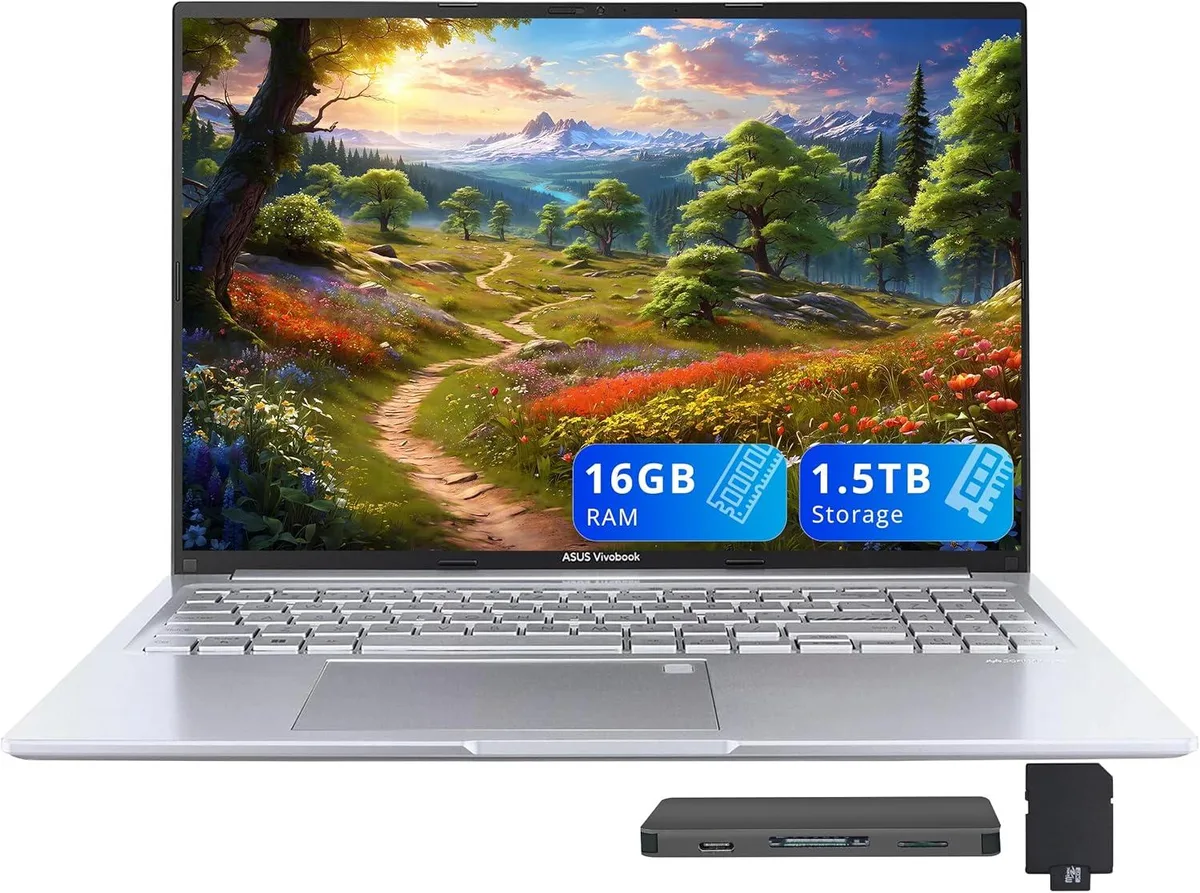
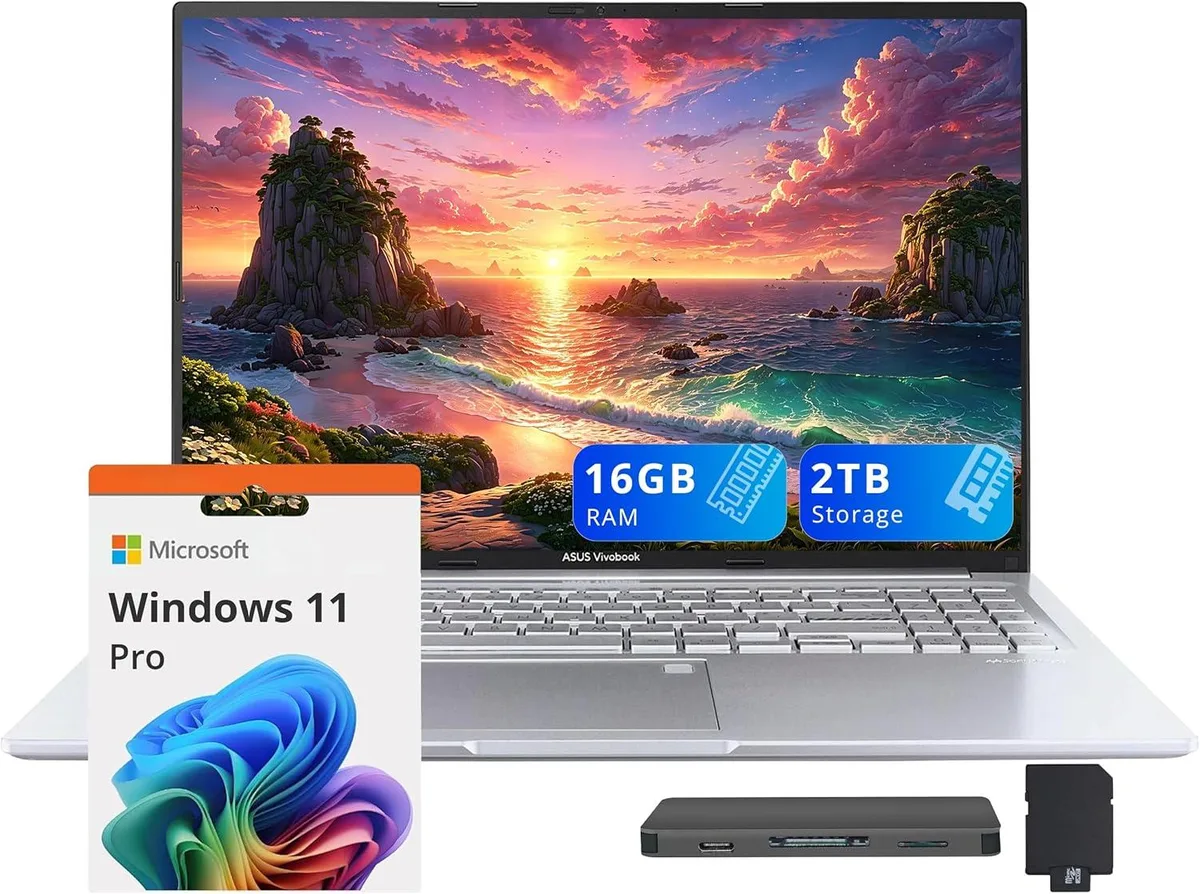
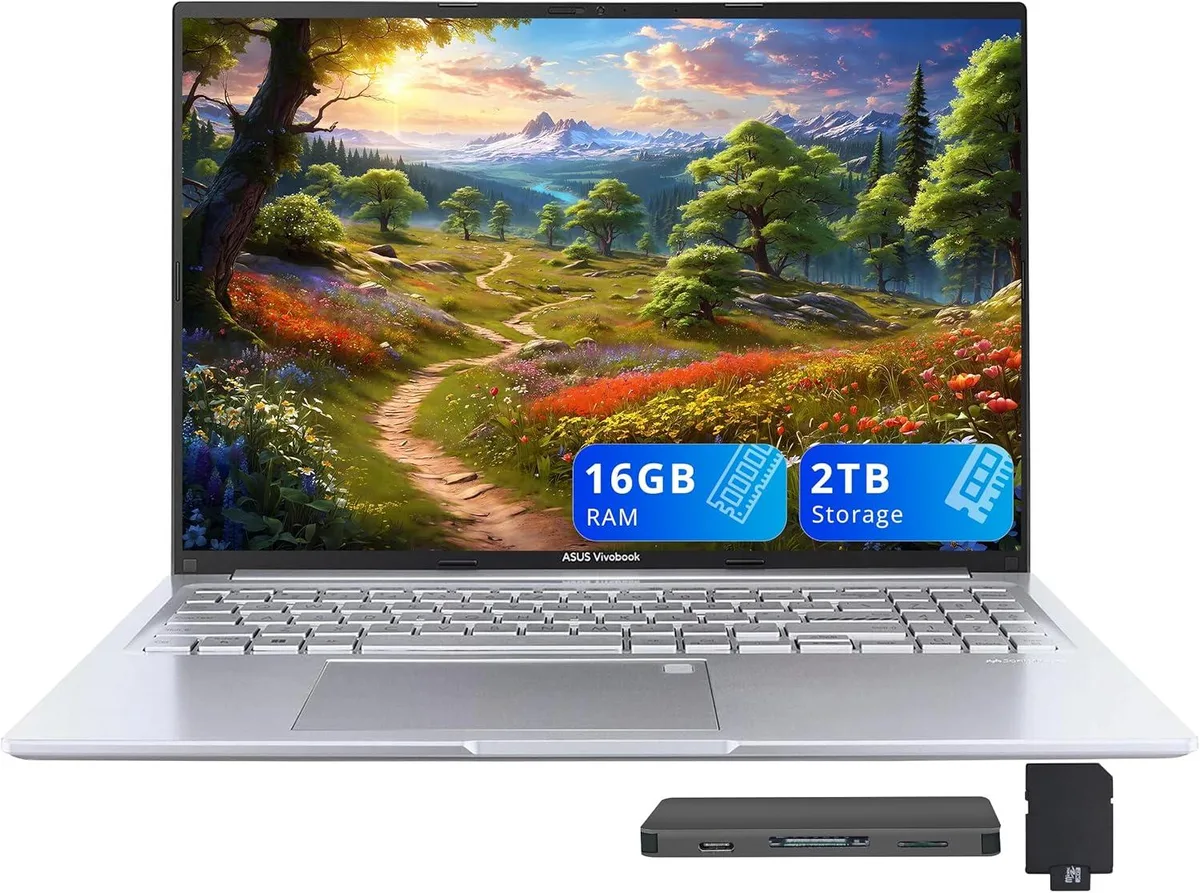
16-inch WUXGA business laptop with 14-core Intel Core i9-13900H, 16GB DDR4, 1TB SSD, and included docking station set
Capacity 16GB / 2TB Storage
The ASUS Vivobook 16" WUXGA laptop is a new business system built around an Intel Core i9-13900H 14-core processor. It ships with Windows 11 Home, 16GB DDR4 memory, and a 1TB SSD. The 16.0-inch non-touch display delivers a 1920 x 1200 resolution, while Intel Iris Xe Graphics handles integrated visual tasks.
This device suits users who rely on 14 cores for heavy multitasking, data analysis, or content creation and who value the fingerprint reader and backlit keyboard for secure, low-light work. Buyers who require discrete graphics performance, a touchscreen interface, or memory beyond the soldered 16GB DDR4 configuration should consider alternatives.
Under continuous multi-threaded workloads the 14-core i9-13900H maintains high frequencies within the slim 0.78-inch profile, though thermal limits will eventually throttle clocks below peak boost. Intel Iris Xe graphics share system memory and power budget, so extended render or compute sessions reduce available headroom for the CPU compared to short bursts.
| Brand | ASUS |
|---|---|
| Series | ASUS Vivobook |
| Model | ASUS Vivobook |
| Color | Silver |
| Other Features | Fingerprint reader |
| Operating System | Windows 11 Home |
| CPU Type | Intel Core i9 13th Gen |
| Processor Name | Intel Core i9-13900H |
| Number of Cores | 14-cores Processor |
| Screen Size | 16.0" |
| Touchscreen | Non-Touch Screen |
| Display Type | WUXGA |
| Resolution | 1920 x 1200 |
| GPU/VPU | Intel Iris Xe Graphics |
| Graphic Type | Integrated Card |
| SSD | 1TB |
| Storage Spec | 1TB |
| Memory | 16GB DDR4 |
| WLAN | 802.11ax Wireless LAN |
| Bluetooth | Yes |
| USB | 1x USB-C, 3x USB-A |
| HDMI | 1 x HDMI 1.4 |
| Audio Ports | 1 x Headphone/Microphone Combo Jack |
| Backlit Keyboard | Backlit |
| Webcam | 720p HD |
| Style | Standard |
| Type | Work / Business |
| Usage | Business |
| Package Content | Laptop; Power Adapter; Documentation; 1TB Docking Station Set |
Ďalšie verzie tohto modelu
Rovnaký rad, iná pamäť, chladič alebo frekvencia — porovnajte pred rozhodnutím.
No extra hardware is required; the dock connects through the USB-C 3.2 port and draws power from the laptop.
Yes, the USB-A 2.0 port is backward compatible and will run USB 2.0 devices at their native speed.
Open Task Manager, select the Performance tab, choose CPU and verify that 14 logical processors are shown.
Aj v tomto oddelení
Rovnaké oddelenie, rovnaká pokladňa — osem mien a kurz zablokovaný na 30 minút.
Mena, v ktorej platíte, a mena, v ktorej sa zobrazujú ceny.
Odoslané z vašej peňaženky na pokladni
Len na zobrazenie — katalóg je uvedený v dolároch
Žiadna mena nezodpovedá.
Vyberte jazyk, v ktorom s vami bude web komunikovať.
Žiadny jazyk nezodpovedá.
Ste tu prvýkrát?
Účet už máte?
Automatický reset hesla neexistuje: tento obchod neposiela žiadne e-maily, takže neexistuje jednorazový odkaz, o ktorý by ste mohli požiadať. Nechajte adresu na účte — niekto sa jej ujme ručne.
Žiadosť zaznamenaná
Do vašej schránky nič nepríde — tento obchod neposiela vôbec žiadne e-maily. Niekto sa o to postará ručne.
Spomenuli ste si?