


TP-Link
TP-Link Archer AX23 AX1800 Wi-Fi 6 wireless router
Dual-band Wi-Fi 6 router delivers up to 1.8 Gbps with four fixed antennas, four gigabit LAN ports and WPA3 security
- WiFi GenerationWi-Fi 6
- Wireless StandardIEEE 802.11a / IEEE 802.11ac / IEEE 802.11b / IEEE 802.11g /
- SecuritySPI Firewall Access Control IP & MAC Binding Application Lay
- WPAWPA WPA2 WPA3 WPA/WPA2-Enterprise (802.1x)
- WAN Ports1 x 10/100/1000M
- LAN Ports4 x 10/100/1000M
- Smooth 4K streaming with up to 1.8 Gbps Wi-Fi speed
- Connect more devices simultaneously using OFDMA technology reducing lag
- Broader Wi-Fi coverage from four fixed high-performance antennas with beamforming
- Free versatile parental controls including URL blocking and profile management
- Works with most ISPs and supports IPTV with L2TP and PPTP
AX1800 Wi-Fi 6 Router
The TP-Link Archer AX23 is a dual-band wireless router that delivers combined wireless data rates up to 1.8 Gbps using the Wi-Fi 6 standard. It provides one gigabit WAN port and four gigabit LAN ports for wired connections. Four fixed high-performance antennas support beamforming to extend coverage across the home.
Home Users Needing Basic Wi-Fi 6
This router suits households that want faster 4K streaming and lower lag when multiple devices are connected through OFDMA technology. Buyers who require multi-gigabit WAN or LAN ports for internet plans above 1 Gbps should consider other hardware. Those needing tri-band operation or mesh nodes beyond OneMesh compatibility will also need a different solution.
1.8 Gbps Combined Wireless Throughput
The AX1800 rating represents the maximum aggregate speed across the 2.4 GHz and 5 GHz bands. Real-world throughput depends on client capabilities, channel width, and environmental interference. Matching this figure to the broadband plan and device mix determines whether the router meets performance expectations.
Ciri-ciri utama
- Smooth 4K streaming with up to 1.8 Gbps Wi-Fi speed
- Connect more devices simultaneously using OFDMA technology reducing lag
- Broader Wi-Fi coverage from four fixed high-performance antennas with beamforming
- Free versatile parental controls including URL blocking and profile management
- Works with most ISPs and supports IPTV with L2TP and PPTP
Spesifikasi
| Brand | TP-Link |
|---|---|
| Model | Archer AX23 |
| WiFi Generation | Wi-Fi 6 |
| Wireless Standard | IEEE 802.11a / IEEE 802.11ac / IEEE 802.11b / IEEE 802.11g / IEEE 802.11n |
| Security | SPI Firewall Access Control IP & MAC Binding Application Layer Gateway |
| WPA | WPA WPA2 WPA3 WPA/WPA2-Enterprise (802.1x) |
| WAN Ports | 1 x 10/100/1000M |
| LAN Ports | 4 x 10/100/1000M |
| Buttons | WPS/Wi-Fi Button Power On/Off Button LED On/Off Button Reset Button |
| Wireless Data Rates | AX1800 / Up to 1.8Gbps |
| Frequency Band | 2.4 GHz / 5 GHz |
| Antenna | 4 x Fixed High-Performance Antennas |
| Transmitted Power | CE: <20dBm(2.4 GHz) <23dBm(5.15 GHz~5.25 GHz) FCC: <30dBm(2.4 GHz & 5.15 GHz~5.825 GHz) |
| Operation Mode | Access Point Mode / Wireless Router Mode |
| VPN support | OpenVPN PPTP |
| Power Supply | 12 V, 1 A |
| System Requirements | Internet Explorer 11+, Firefox 12.0+, Chrome 20.0+, Safari 4.0+, or other JavaScript-enabled browser Cable or DSL Modem (if needed) Subscription with an internet service provider (for internet access) |
| Dimensions | 10.20" x 5.30" x 1.50" |
| Temperature | Operating Temperature: 0°C~40°C (32°F ~104°F) Storage Temperature: -40°C~70°C (-40°F ~158°F) |
| Humidity | Operating Humidity: 10%~90% non-condensing Storage Humidity: 5%~90% non-condensing |
| Package Contents | Wi-Fi Router Archer AX23 Power Adapter RJ45 Ethernet Cable Quick Installation Guide |
Soalan tentang produk ini
Does the 10/100/1000M WAN port cap my internet speed at 1 Gbps?
Yes, the single Gigabit WAN port limits the maximum wired internet throughput to 1 Gbps even though the Wi-Fi 6 radio can reach 1.8 Gbps aggregate.
How much space do the four fixed antennas need on a desk or shelf?
The chassis measures 10.20 x 5.30 x 1.50 inches; the non-removable antennas extend upward, so allow extra vertical clearance above the 1.50-inch body height.
What is the correct order to connect the modem and power during first-time setup?
Connect the modem to the WAN port first, then apply the 12 V 1 A power adapter; the Tether app will guide the remaining configuration steps.
Juga di rak ini
Pelanggan turut membandingkan
Rak yang sama, checkout yang sama — lapan koin kripto dan kunci kadar 30 minit.

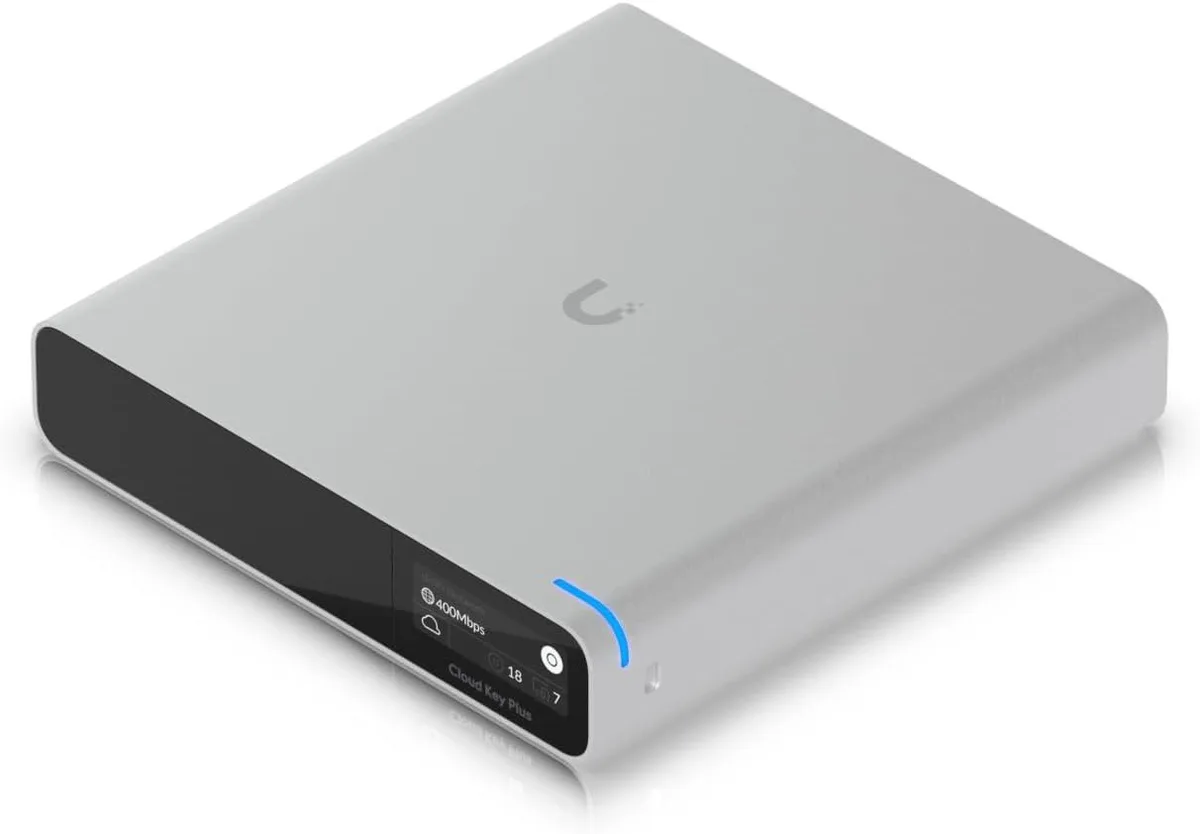
Ubiquiti Networks
Ubiquiti Networks Cloud Key Gen2 UCK-G2-SSD wireless router
USD 400.99
0.00513333BTC
Ada stok
