DELL
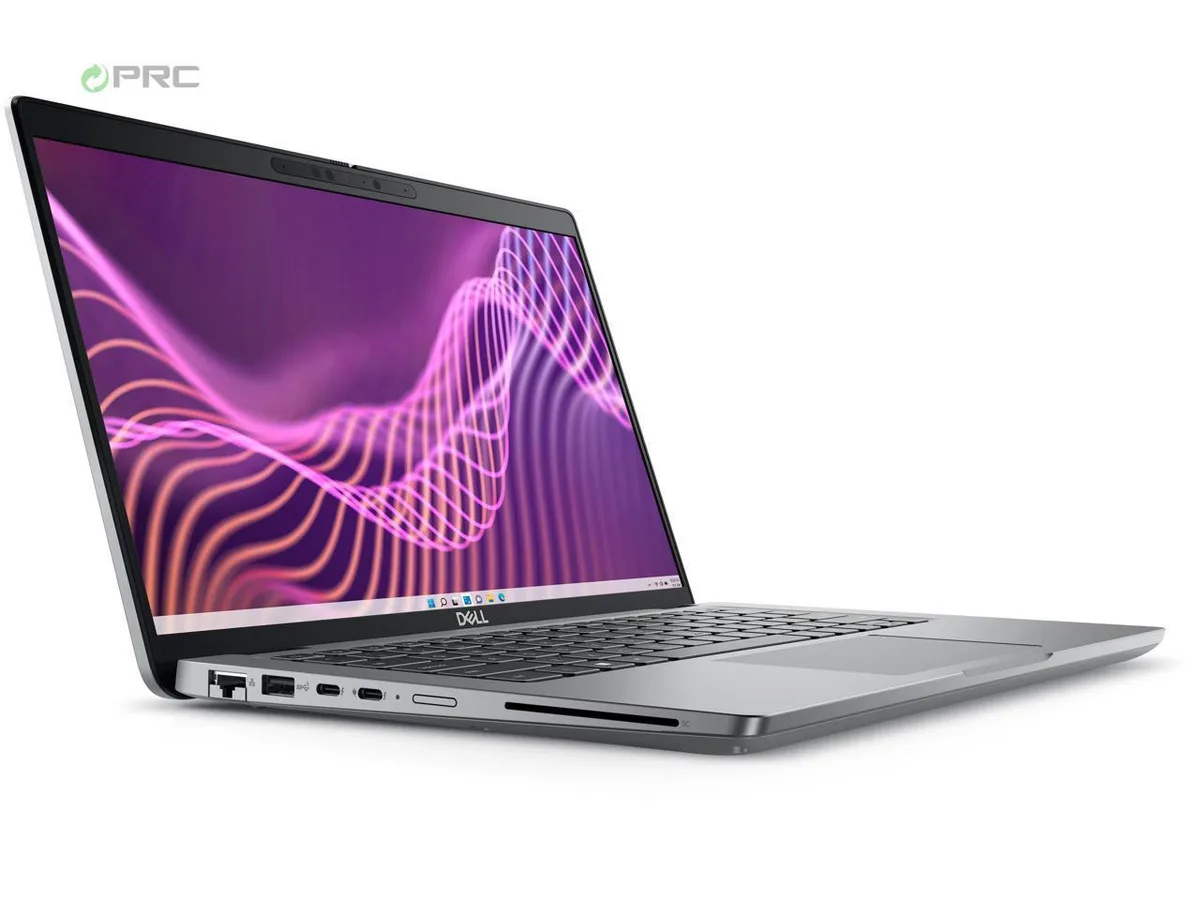
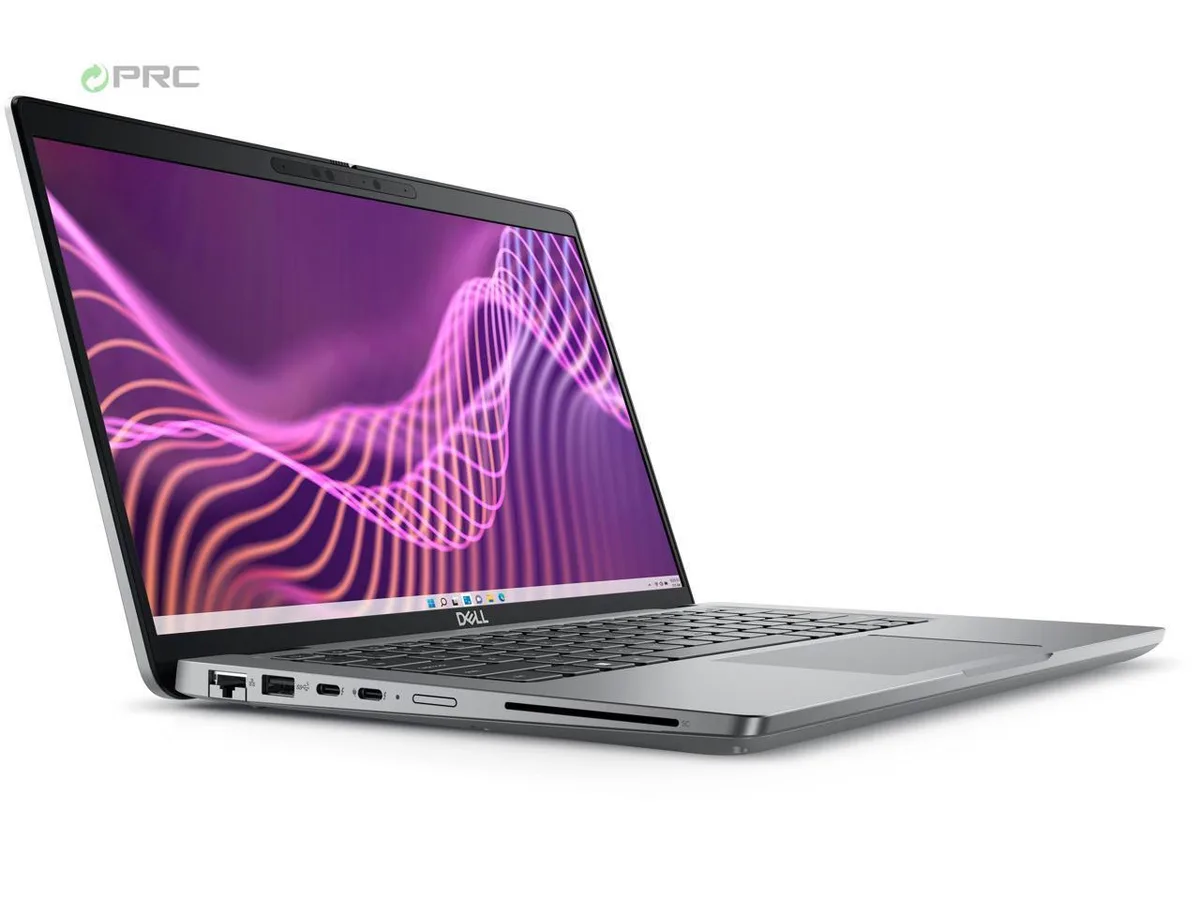
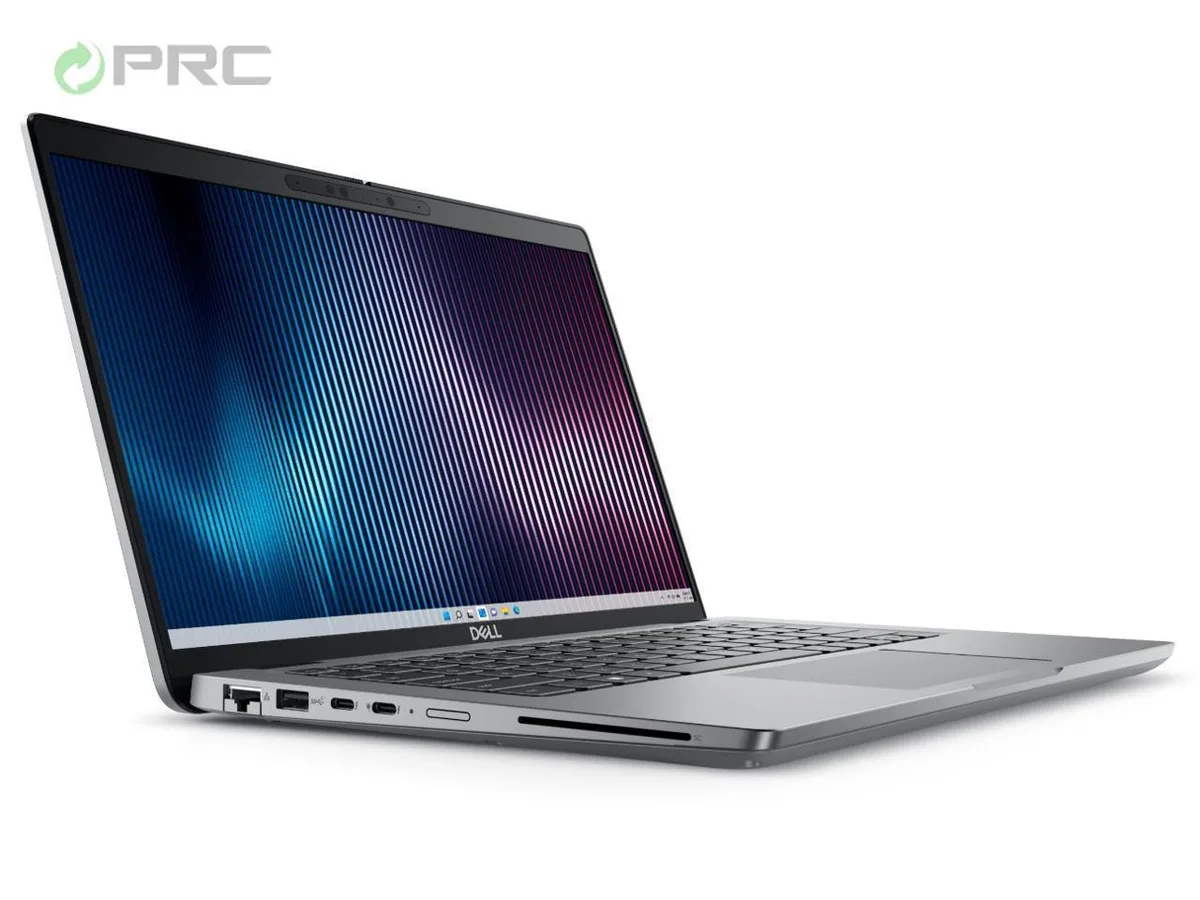
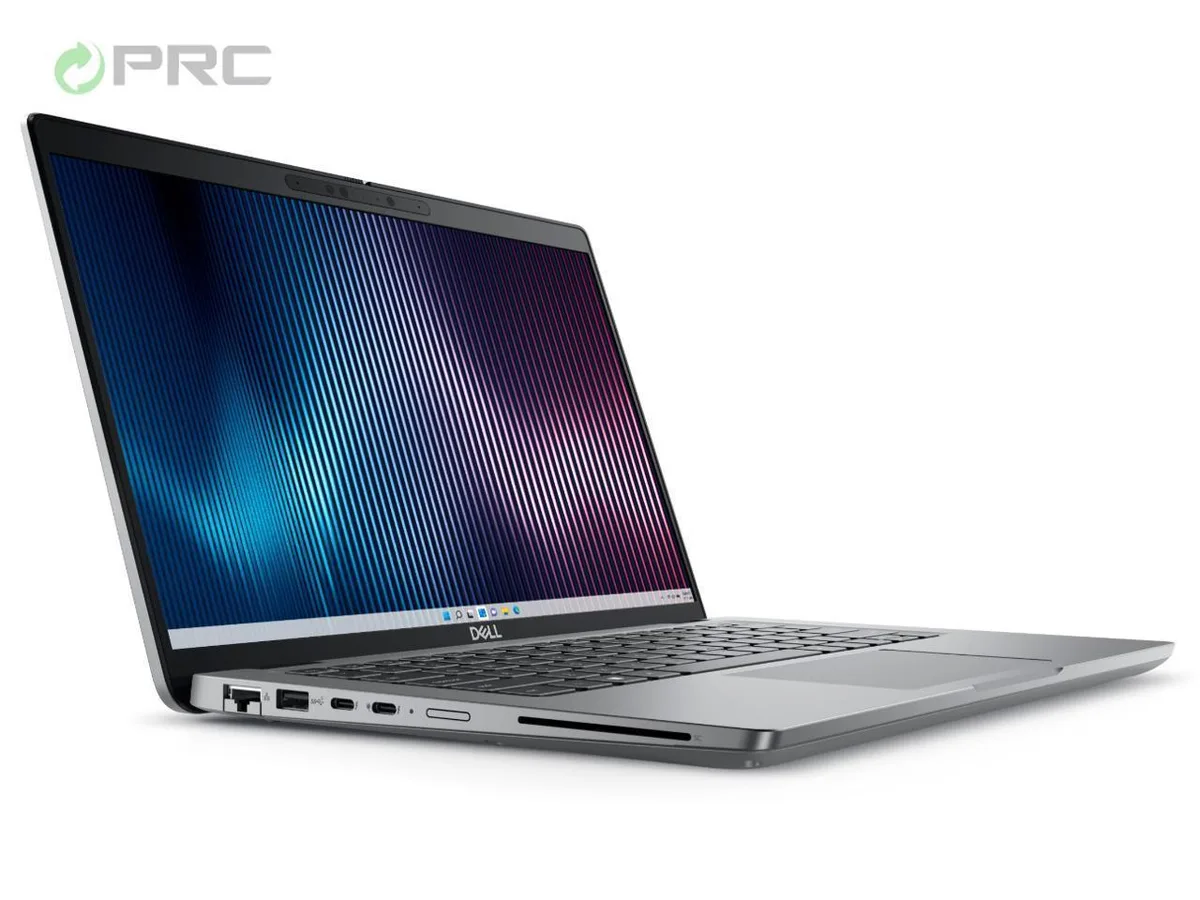
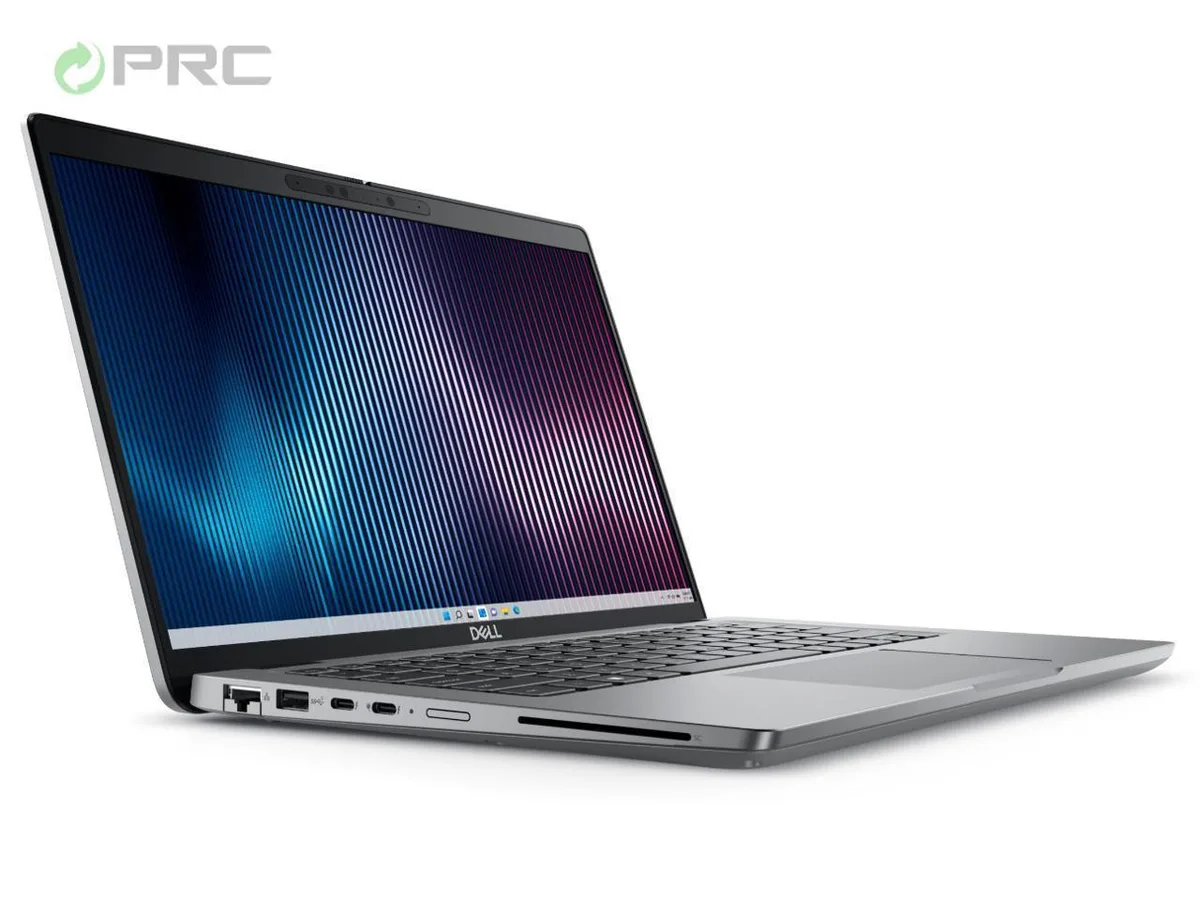
Dell Latitude 5000 5440 laptop 14" FHD Core i5-1335U 512GB SSD 8GB DDR4
- Gray
- Windows 11 Pro
483,99 USD
0.00621743BTC
På lagerVi tar imot kryptovaluta — slik kan kryptovalutaene du eier, kjøpe ekte maskinvare.Betal med krypto, bruk den på ekte maskinvare. Gratis, forsikret levering verden over for bestillinger over 399 $. Nøytrale kartonger uten merking, sendt fra Tyskland.Gratis, forsikret levering over 399 $. Kursen din er låst i 30 minutter når kassen åpnes.Kurs låst i 30 minutter. Alle varer er forseglet, serienummerkontrollert og dekket av 24 måneders garanti.Forseglet, 24 måneders garanti.


DELL
A 14-inch FHD business laptop with a 13th Gen Intel Core i7-1355U, 8 GB DDR4, 512 GB NVMe SSD, Wi-Fi 6 and Windows 11 Pro
Options i7-1365U 8GB/512GB W11P
The Dell Latitude 5440 is a 14.0 inch business laptop powered by a 13th Gen Intel Core i7-1355U processor with 10 cores and 12 threads. It comes with 8 GB of DDR4 memory and a 512 GB NVMe SSD. The 1920 x 1080 anti-glare display offers 250 nits brightness. Windows 11 Pro is pre-installed and a 65 W AC adapter is included.
This configuration suits professionals who need a light 1.39 kg chassis for daily office applications, video calls and web-based workflows. Buyers who want more storage capacity or 64 GB of memory for heavy virtualization should look at other configurations. The integrated Intel Iris Xe graphics are not intended for demanding 3D rendering or modern gaming titles.
The laptop arrives ready to use with the operating system already activated. Connectivity includes HDMI 2.0, USB-C 3.2 Gen 2, two USB-A 3.2 Gen 1 ports, one USB-A with PowerShare, RJ-45 Ethernet, a universal audio jack, Wi-Fi 6 and Bluetooth 5.2. No internal assembly is required; simply plug in the supplied power adapter and press the power button.
| Brand | DELL |
|---|---|
| Series | 5000 |
| Model | Latitude |
| Part Number | 5440 |
| Color | Gray |
| Operating System | Windows 11 Pro |
| CPU Type | Intel Core i7 13th Gen |
| Processor Name | Intel Core i7-1355U |
| CPU L2 Cache | 6MB |
| Screen Size | 14.0" |
| Touchscreen | Non-Touch Screen |
| Display Type | FHD |
| Resolution | 1920 x 1080 |
| GPU/VPU | Intel Iris Xe Graphics |
| Graphic Type | Integrated Card |
| SSD | 512GB |
| HDD | No |
| Storage Spec | 512 GB SSD |
| Memory | 8GB |
| Memory Speed | DDR4 |
| Memory Spec | 4 GB x 2 |
| Memory Slot (Total) | 2 |
| Memory Slot (Available) | 0 |
| Max Memory Supported | 64 GB |
| Optical Drive Type | No |
| LAN | 10/100/1000Mbps |
| WiFi Generation | Wi-Fi 6 |
| Bluetooth | Yes |
| USB | 2 x USB 3.2 Gen 1, 1 x USB 3.2 (PowerShare), 1 x USB-C 3.2 Gen 2 |
| Video Port | 1 x HDMI 2.0 |
| HDMI | 1 x HDMI 2.0 |
| Audio Ports | 1 x Microphone Jack, 1 x Headphone Jack |
| Audio | Integrated Sound card |
| Touchpad | Yes |
| Keyboard | Standard |
| Webcam | Yes |
| Style | Ultrabook |
| Type | Mainstream |
| Usage | Consumer |
| AC Adapter/Charger | 65-watt AC Adapter |
| Weight | 3 - 3.9 lbs. |
Andre versjoner av denne modellen
Samme familie, annet minne, annen kjøler eller klokkefrekvens — sammenlign før du bestemmer deg.
The unit ships with 8 GB of DDR4 installed and has two slots total, so you only add modules if you want more than 8 GB.
Yes, both USB 3.2 Gen 1 Type-A ports are backward compatible with your current USB 3.2 Gen 1 and USB 2.0 devices.
Open Device Manager, expand Display adapters, and verify Intel Iris Xe Graphics appears without a warning icon.
Også i denne avdelingen
Samme hylle, samme kasse — åtte mynter og 30 minutters kurslås.
Det du betaler med, og det du ser prisene i.
Sendes fra lommeboken din i kassen
Kun visning — katalogen er prissatt i USD
Fant ingen valuta.
Velg språket nettstedet snakker til deg på.
Ingen språk samsvarer.
Ny her?
Har du allerede en konto?
Det finnes ingen automatisk tilbakestilling: butikken sender ikke e-post, så det finnes ingen engangslenke å be om. La adressen stå på kontoen, så blir den behandlet manuelt.
Forespørsel registrert
Ingenting er på vei til innboksen din — butikken sender ingen e-post i det hele tatt. Noen behandler dette manuelt.
Husket du det likevel?