


LiteVis
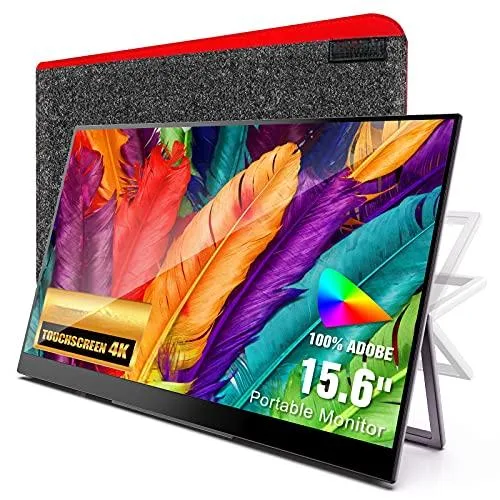
LiteVis M004 15.6" 4K Touchscreen Portable Monitor
A 15.6 inch 4K IPS touchscreen with dual USB-C ports, automatic rotation and 500 cd/m2 brightness
- Cabinet ColorBlack
- PanelIPS
- Screen Size15.6"
- Display TypeTFT LCD
- Resolution3840 x 2160 (4K)
- Pixel Pitch0.179mm
- Sharp 4K detail on a 15.6" IPS panel
- 500 cd/m² brightness for clear outdoor viewing
- 10-point touch via USB-C with no driver needed
- Gravity sensor auto-rotates between landscape and portrait
- Dual USB-C ports carry power and video simultaneously
Portable 4K Touch Display
The LiteVis M004 is a 15.6-inch portable monitor with a 3840 x 2160 IPS panel and 10-point touch input. It targets mobile professionals, creatives and gamers who need an Adobe 100% RGB screen for colour-critical work or console play on the move. Dual full-function USB-C ports and a Mini-HDMI input handle video, touch data and power delivery from laptops, phones or game consoles. A built-in kickstand and integrated speakers complete the self-contained package.
Sustained Operation
The 500 cd/m² panel maintains full brightness during extended sessions without active cooling, while the 1000:1 contrast ratio and 10 ms response time remain stable across long work periods. Gravity-sensor auto-rotation switches between landscape and portrait instantly, reducing manual adjustments during multi-tasking. Touch latency stays consistent because the G+FF layer draws power directly from the host over USB-C, avoiding battery drain on the monitor itself. The 30 W USB-C adapter supplies both the display and upstream device simultaneously.
Setup Checks
Verify that your source device offers a full-featured USB-C port with DisplayPort Alt Mode or a Mini-HDMI output; phones and consoles lacking video-over-USB-C will not drive the screen or enable touch. Confirm the host can supply at least 30 W over USB-C if you intend single-cable operation without the bundled adapter. The monitor has no internal battery, so a continuous power source is mandatory. Touch drivers are not required on supported operating systems.
Høydepunkter
- Sharp 4K detail on a 15.6" IPS panel
- 500 cd/m² brightness for clear outdoor viewing
- 10-point touch via USB-C with no driver needed
- Gravity sensor auto-rotates between landscape and portrait
- Dual USB-C ports carry power and video simultaneously
Spesifikasjoner
| Brand | LiteVis |
|---|---|
| Model | M004 |
| Cabinet Color | Black |
| Panel | IPS |
| Screen Size | 15.6" |
| Display Type | TFT LCD |
| Resolution | 3840 x 2160 (4K) |
| Pixel Pitch | 0.179mm |
| Brightness | 500 cd/m2 |
| Contrast Ratio | 1000:1 |
| Response Time | 10ms |
| Touchscreen Interface | USB-C |
| Input Video Compatibility | USB-C, Mini-HDMI |
| Connectors | USB-C, Mini-HDMI |
| Power Supply | 30W USB-C Power Adapter |
| User Controls | Yes |
| Built-in Speakers | Yes |
Spørsmål om denne varen
Does the 500 cd/m² panel or the 30 W USB-C adapter run hot or noisy after hours of use?
The IPS panel is rated at 500 cd/m² brightness and the monitor draws power through a 30 W USB-C adapter; no fan is present so operation is silent, and the chassis stays warm but not hot during extended sessions.
Which cables or ports must my laptop already have to drive the 3840×2160 touchscreen?
You need a host with either a full-featured USB-C port that carries DisplayPort Alt Mode and touch data, or a Mini-HDMI output plus a separate USB-C link for the 10-point touch function.
Will the gravity-sensor auto-rotation work when I connect this 15.6″ monitor to an older console over Mini-HDMI?
Auto-rotation relies on the USB-C link to a phone or laptop that reports orientation; over Mini-HDMI alone the sensor is inactive, so you must rotate the image from the source device instead.
Også i denne avdelingen
Kunder sammenlignet disse
Samme hylle, samme kasse — åtte mynter og 30 minutters kurslås.


Innovera
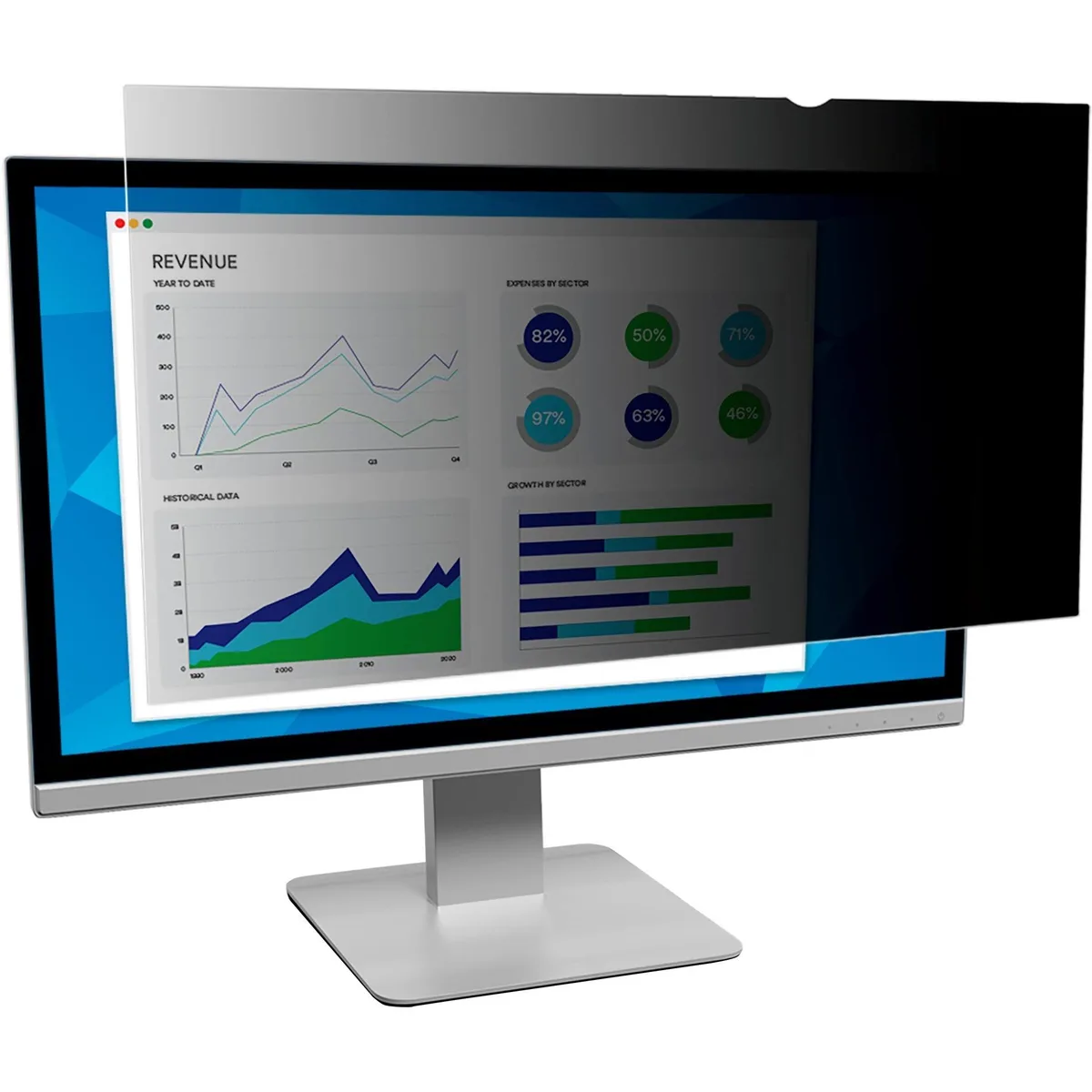
Innovera Privacy Filter 20" Widescreen 16:9 Black Frameless
- Privacy Filter
- Black
28,99 USD
0.00037534BTC
På lager

DELL
DELL MDS19 Dual Monitor Stand 19–27 in monitor accessory
- Dual Monitor Stand
- Black
140,99 USD
0.00182542BTC
På lager