


BenQ
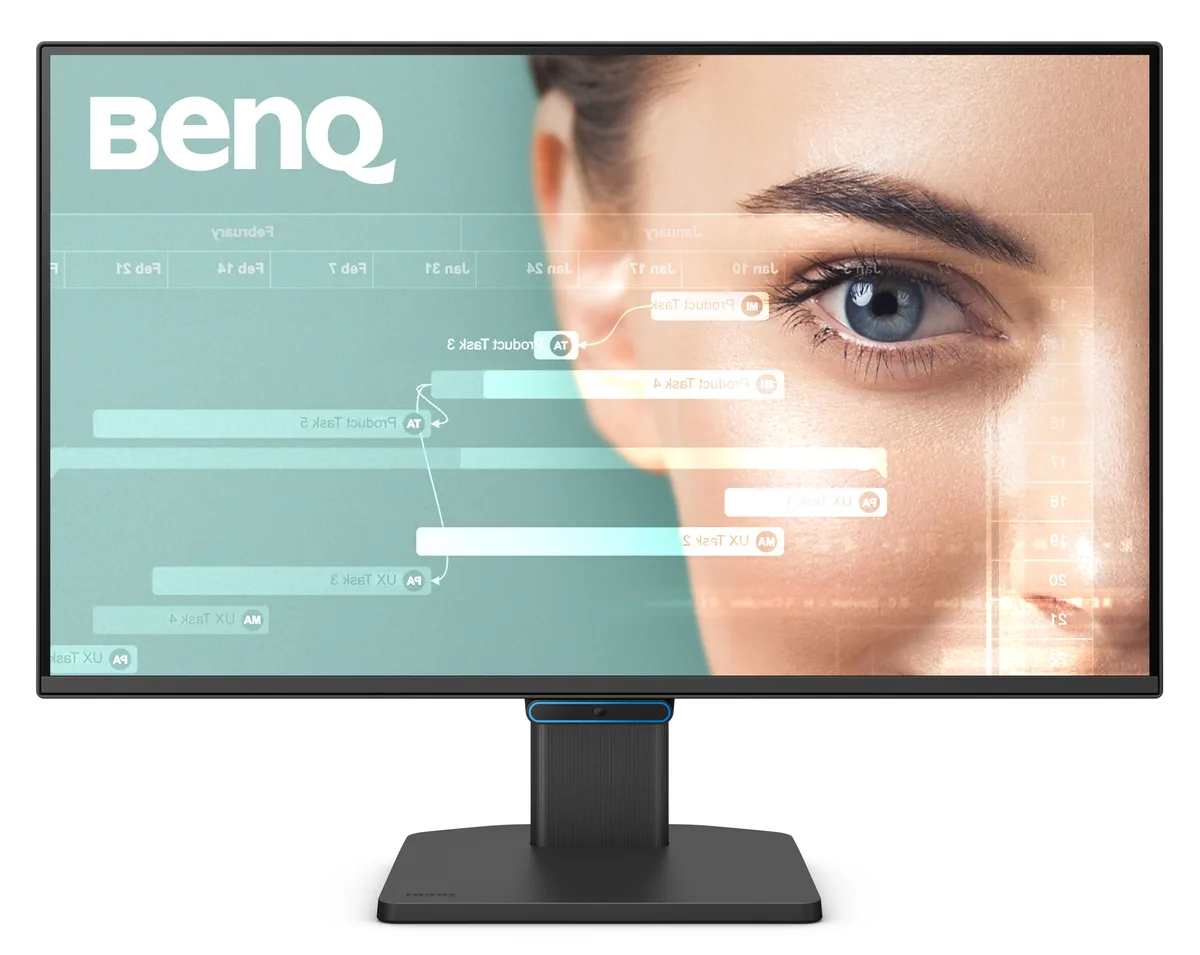
BenQ GW2490C 23.8" 144Hz IPS FHD monitor
A 23.8 inch IPS panel delivers 1920 x 1080 resolution at 144Hz with 99% sRGB coverage and a USB Type-C port
- Cabinet ColorBlack
- Screen Size23.8"
- LED BacklightYes
- WidescreenYes
- Resolution1920 x 1080
- Refresh Rate144Hz
- 144Hz refresh rate keeps motion smooth for work and play
- IPS panel delivers 178° viewing angles with 99% sRGB colour accuracy
- USB-C port enables fast data transfer and broad device compatibility
- Flicker-free, Low Blue Light and e-Paper modes reduce eye strain
- 100 x 100mm VESA mount and tilt stand suit flexible desk setups
23.8-inch 144 Hz IPS monitor for daily work
The BenQ GW2490C is a flat-panel display built around a 23.8-inch IPS screen running at 1920 x 1080 resolution and a 144 Hz refresh rate. It covers 99 percent of the sRGB gamut and delivers 250 cd/m2 brightness with a 1,500:1 contrast ratio. The 5 ms grey-to-grey response time and 178-degree viewing angles suit general office tasks, video playback and casual gaming alike.
Single DisplayPort 1.2 and HDMI 1.4 plus USB-C
Video enters through one DisplayPort 1.2 and one HDMI 1.4 connection, while a USB Type-C port handles data and peripheral links. The built-in 90 to 264 V AC supply removes the need for an external brick, and the stand provides -5 to 20 degrees of tilt adjustment. VESA 100 x 100 mm mounting points allow wall or arm installation when desk space is tight.
1080p at high refresh with basic colour needs met
At 1920 x 1080 the panel drives smoothly at 144 Hz from most modern integrated or discrete graphics without demanding heavy GPU resources. The 99 percent sRGB coverage handles everyday content creation and media consumption, while the 250 cd/m2 peak brightness is adequate for normal indoor lighting. Users requiring wider gamuts, higher resolution or HDR brightness will need a different class of display.
Fordele
- 144Hz refresh rate keeps motion smooth for work and play
- IPS panel delivers 178° viewing angles with 99% sRGB colour accuracy
- USB-C port enables fast data transfer and broad device compatibility
- Flicker-free, Low Blue Light and e-Paper modes reduce eye strain
- 100 x 100mm VESA mount and tilt stand suit flexible desk setups
Specifikationer
| Brand | BenQ |
|---|---|
| Model | GW2490C |
| Cabinet Color | Black |
| Screen Size | 23.8" |
| LED Backlight | Yes |
| Widescreen | Yes |
| Resolution | 1920 x 1080 |
| Refresh Rate | 144Hz |
| Viewing Angle | 178° (H) / 178° (V) |
| Display Colors | 16.7 Million |
| Brightness | 250 cd/m2 |
| Contrast Ratio | 1,500:1 |
| Aspect Ratio | 16:9 |
| Response Time | 5ms (GtG) |
| Panel | IPS |
| Display Type | FHD |
| Color Gamut | 99% sRGB |
| Curved Surface Screen | Flat Panel |
| Video Ports | 1 x DisplayPort 1.2 / 1 x HDMI 1.4 |
| USB Ports | 1 x USB Type-C |
| Headphone | Headphone jack |
| Power Supply | 90-264 AC built in |
| Power Consumption | 20W (On mode), <0.5W (Power saving mode), <0.3W (Off mode) |
| Stand Adjustments | Tilt (down/up): -5° / 20° |
| Built-in Speakers | 2 x 2W |
| Built-in Webcam | No |
| VESA Compatibility - Mountable | 100 x 100mm |
| Features | Visual Optimizer (formerly B.I.+) Low Blue Light Flicker-free Technology e-Paper Mode Care Mode Color Weakness |
| Dimensions | 16.1" x 21.3" x 8.16" with stand 12.9" x 21.3" x 2.5" without stand |
| Weight | 7.72 lbs. |
| Package Contents | Power Cord (1.5m) HDMI Cable (1.5m) |
| Forsendelsesvægt | 4.08 kg |
| Pakkestørrelse | 635 × 381 × 203 mm |
Spørgsmål om denne vare
How long before the 5 ms grey-to-grey response time shows motion blur in fast scenes?
The panel is rated at 5 ms GtG so blur only becomes noticeable when pixel transitions exceed that speed, which typical 144 Hz gaming does not reach.
What are the noise heat and power figures when the monitor runs all day at 144 Hz?
Built-in 2 W speakers are the only moving parts so acoustic noise is near zero; power draw is 20 W in on mode and below 0.5 W in power saving.
Which cable must I already own to get 144 Hz at 1920 x 1080?
A DisplayPort 1.2 cable is required; the HDMI 1.4 port cannot deliver 144 Hz at this resolution.
Også på denne hylde
Kunderne har også sammenlignet disse
Samme hylde, samme kasse — otte mønter og 30 minutters kurslås.


Innovera
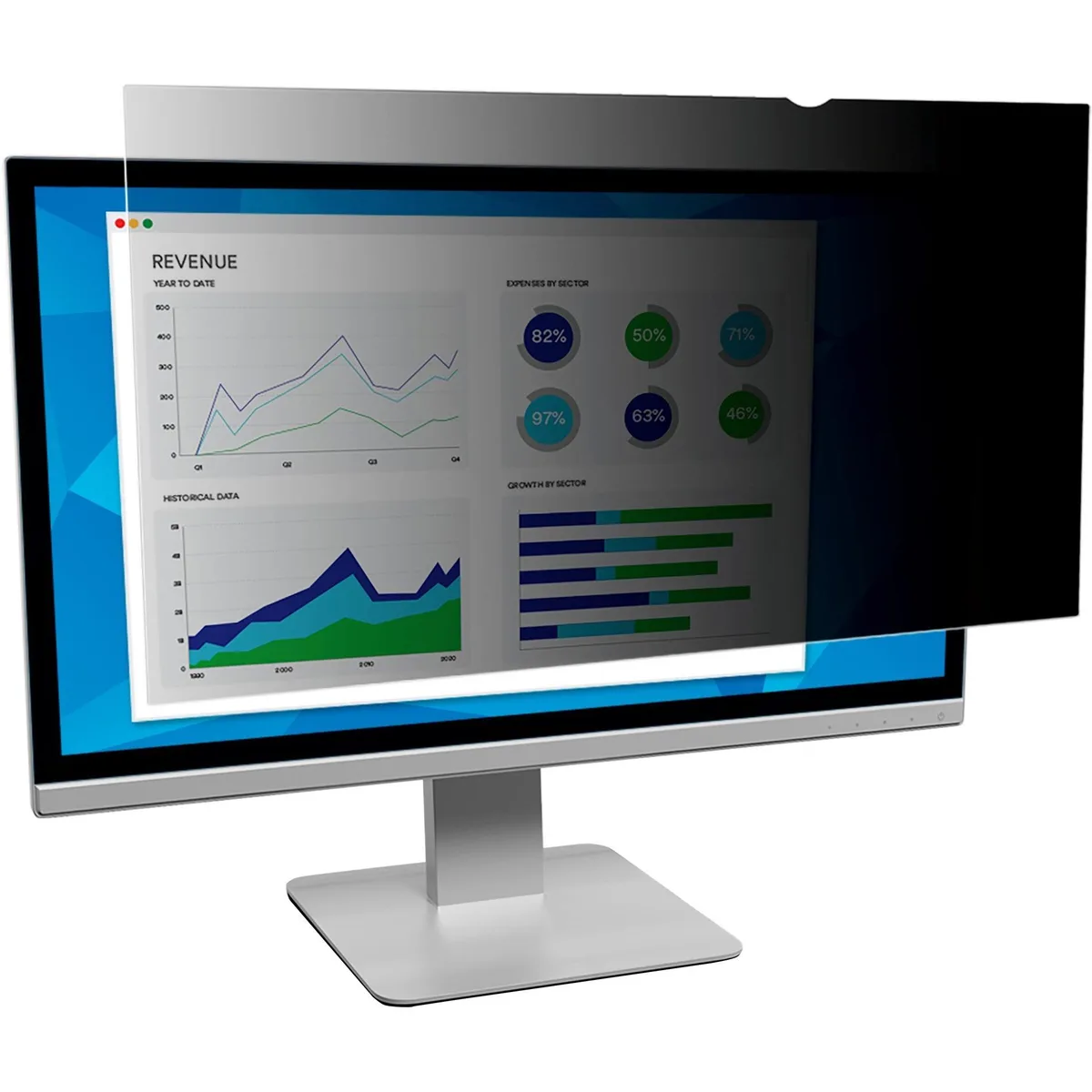
Innovera Privacy Filter 20" Widescreen 16:9 Black Frameless
- Privacy Filter
- Black
28,99 US$
0.00037439BTC
På lager

DELL
DELL MDS19 Dual Monitor Stand 19–27 in monitor accessory
- Dual Monitor Stand
- Black
140,99 US$
0.00182082BTC
På lager