
DELL
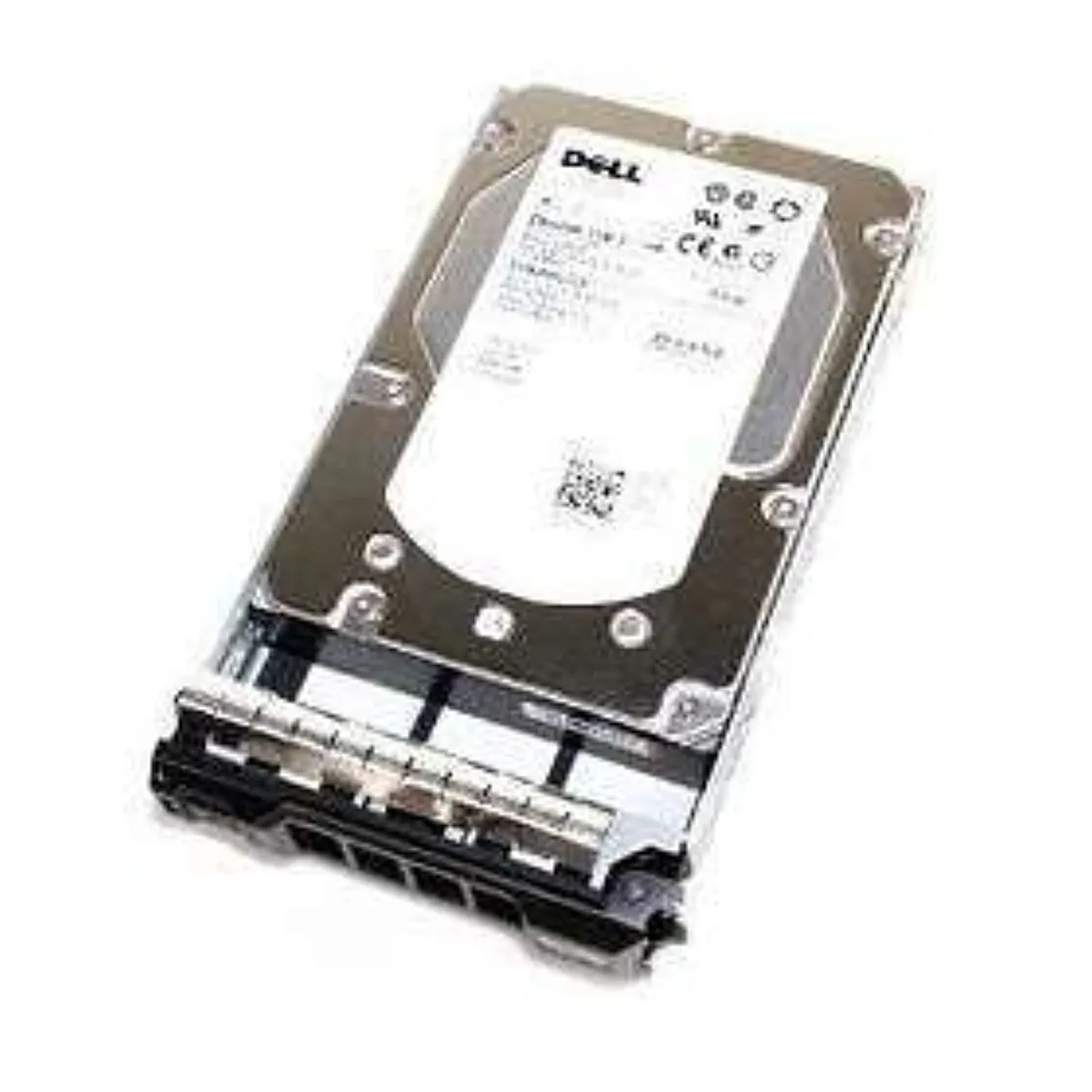
DELL 0C3YJM 500GB 7.2K RPM 3.5" SATA internal hard drive
A 500 GB 3.5-inch SATA desktop drive spinning at 7200 rpm, supplied in a hot-swap tray
- 500 GB capacity stores large data sets
- 7200 RPM spindle speed enables quick file access
- 6 Gb/s SATA interface supports fast data transfers
- 5 inch form factor fits standard desktop bays
- Hot-swap tray allows drive changes without downtime
Capacity and form factor
The Dell 0C3YJM is a 3.5 inch internal hard drive with a 500GB capacity and a 7200 rpm spindle speed. It connects through a SATA interface rated at 6Gb/s and ships inside a hot-swap tray for easy installation.
Suitable workloads
This drive suits desktop systems, entry-level servers or external enclosures that need affordable bulk storage with hot-swap convenience. It is not aimed at users who need solid-state speeds, higher capacities or enterprise-grade endurance ratings.
Sustained operation
At 7200 rpm the drive maintains consistent throughput during long sequential reads and writes such as backups or video archiving. The mechanical design and SATA link deliver steady performance without the thermal throttling seen in some faster but smaller drives.
Fordele
- 500 GB capacity stores large data sets
- 7200 RPM spindle speed enables quick file access
- 6 Gb/s SATA interface supports fast data transfers
- 5 inch form factor fits standard desktop bays
- Hot-swap tray allows drive changes without downtime
Specifikationer
Der er endnu ikke offentliggjort specifikationer for denne vare.
Spørgsmål om denne vare
Does the Dell 0C3YJM drive need a 3.5 inch drive bay and a SATA data cable to work?
Yes, the 3.5 inch form factor requires a standard 3.5 inch bay and the SATA interface needs a SATA data cable plus a SATA power connector from the power supply.
Will this 7200 rpm SATA drive run at its 6Gb/s transfer rate on an older motherboard that only supports 3Gb/s SATA?
The drive is backward compatible and will operate at the slower 3Gb/s speed when connected to a 3Gb/s SATA port.
How can I verify the Dell 0C3YJM is recognised with its full 500GB capacity after installation?
Check the BIOS or operating system disk management to confirm the drive appears as a 500GB device and run a SMART health check for a clean status.
Også på denne hylde
Kunderne har også sammenlignet disse
Samme hylde, samme kasse — otte mønter og 30 minutters kurslås.




Western Digital
Western Digital G-DRIVE ArmorATD 5TB portable hard drive SDPH81G005TGBA1D
298,99 US$
0.00381623BTC
På lager
OWC
OWC Gemini Ultra X6 12TB Thunderbolt portable SSD (OWCTB3GMA6X12)
- 12TB
- Thunderbolt
2.645,99 US$
0.0337727BTC
På lager