
DELL
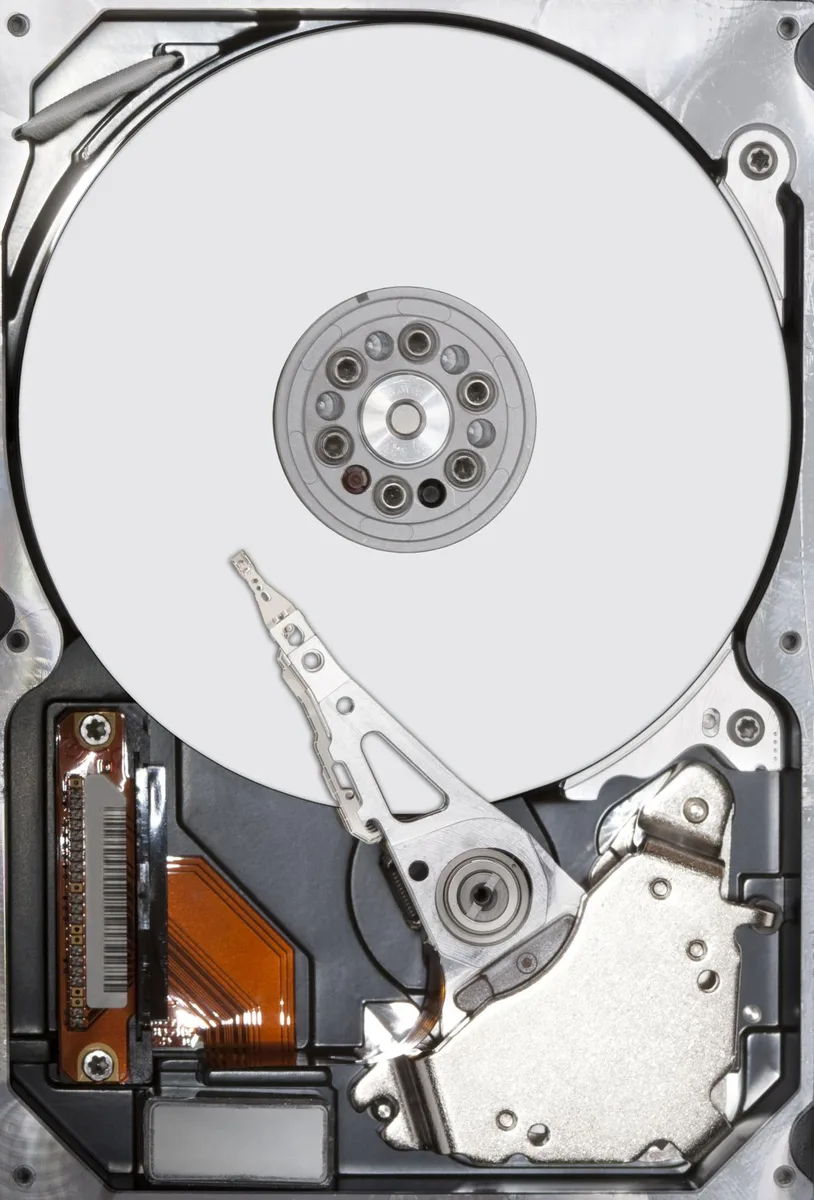
DELL 400-AEEH 300GB 2.5" SAS 15000 RPM internal hard drive
300 GB 2.5" SAS drive spinning at 15,000 RPM for high-throughput server workloads
- PackagingBare Drive
- InterfaceSAS 6Gb/s
- Capacity300GB
- RPM15000 RPM
- Average Latency6Gb/s
- Form Factor2.5"
- 15,000 RPM spindle enables rapid data access
- 300 GB capacity stores critical workloads
- SAS 6Gb/s interface delivers high-throughput connectivity
- 5 inch form factor fits dense server bays
- Bare drive packaging suits direct replacement scenarios
Dell 400-AEEH 300GB 15K SAS Drive
The Dell 400-AEEH is a 300GB 2.5" SAS hard drive spinning at 15000 RPM with a 6Gb/s interface. It arrives as a bare drive intended for internal desktop or server installations.
Suited for 15K SAS Replacements Not Lower Speed
This drive suits administrators replacing a failed 15K SAS unit in a compatible Dell chassis or expanding an existing SAS backplane. Buyers who need a lower spindle speed or a different capacity should look elsewhere.
SAS 6Gb/s Interface Determines Compatibility
The single specification that decides fit is the SAS 6Gb/s interface; the system must provide a matching SAS backplane or controller. Without that connection the drive cannot be used.
Fordele
- 15,000 RPM spindle enables rapid data access
- 300 GB capacity stores critical workloads
- SAS 6Gb/s interface delivers high-throughput connectivity
- 5 inch form factor fits dense server bays
- Bare drive packaging suits direct replacement scenarios
Specifikationer
| Brand | Dell |
|---|---|
| Model | 400-AEEH |
| Packaging | Bare Drive |
| Interface | SAS 6Gb/s |
| Capacity | 300GB |
| RPM | 15000 RPM |
| Average Latency | 6Gb/s |
| Form Factor | 2.5" |
Spørgsmål om denne vare
What throughput does the SAS 6Gb/s interface cap at in practice?
The SAS 6Gb/s interface caps throughput at 6Gb/s, matching the drive's rated transfer rate.
What physical space and mounting does the 2.5-inch bare drive need?
It fits a standard 2.5-inch drive bay; a separate tray or caddy is required because the unit ships as a bare drive without brackets.
How is the drive installed and which step is often missed?
Mount the bare drive in a compatible tray, connect the SAS data and power cables, then configure the drive in the RAID or HBA BIOS so the system recognises it.
Også på denne hylde
Kunderne har også sammenlignet disse
Samme hylde, samme kasse — otte mønter og 30 minutters kurslås.




Western Digital
Western Digital G-DRIVE ArmorATD 5TB portable hard drive SDPH81G005TGBA1D
298,99 US$
0.00378243BTC
På lager
OWC
OWC Gemini Ultra X6 12TB Thunderbolt portable SSD (OWCTB3GMA6X12)
- 12TB
- Thunderbolt
2.645,99 US$
0.03347363BTC
På lager