
Intel
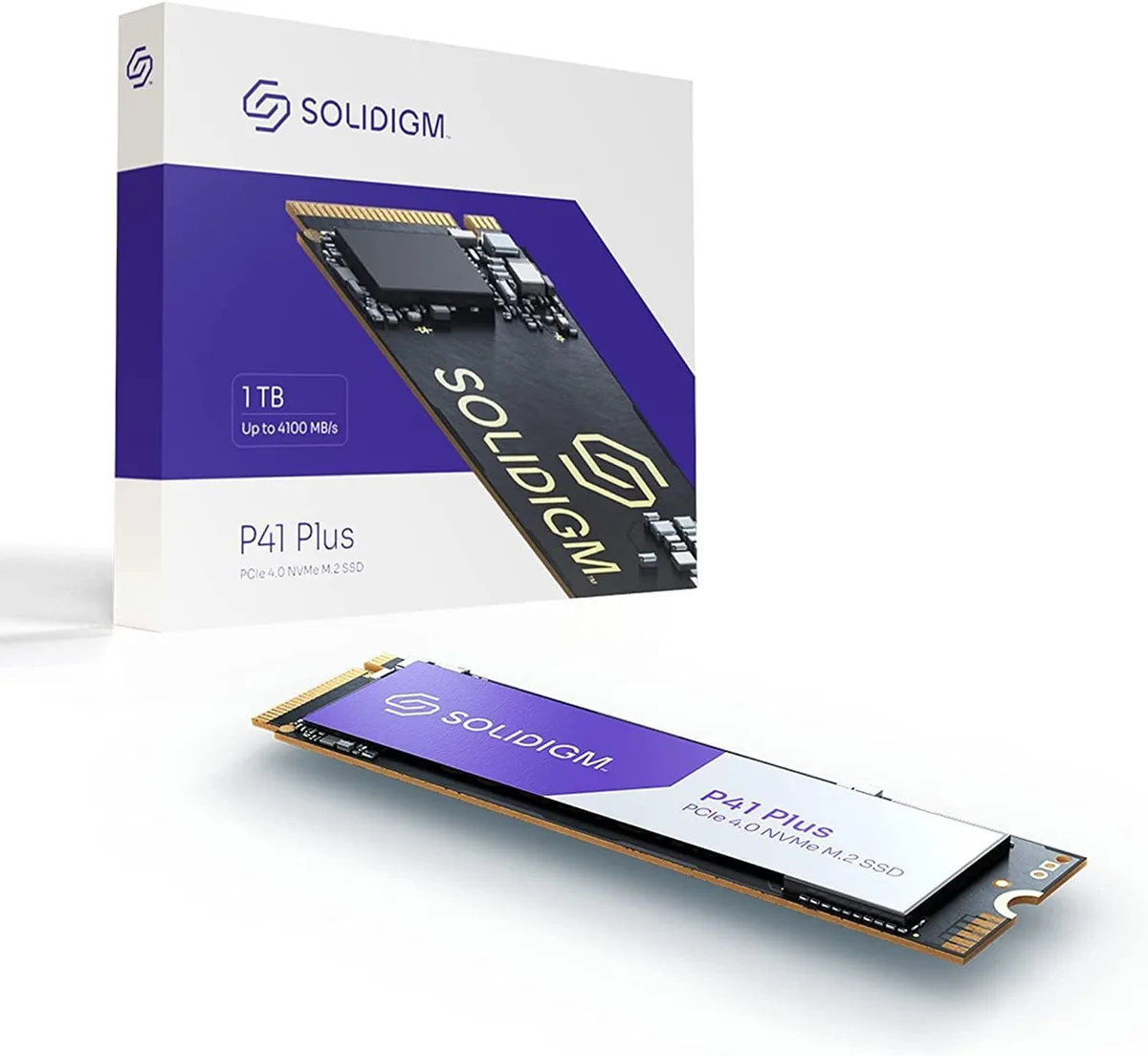
Intel SSDPFKNU010TZX1 1 TB internal SSD M.2 2280
One-terabyte internal SSD in the M.2 2280 form factor for compatible laptops and desktops
- 1 TB capacity for large files and applications
- Intel P41 Plus series for reliable performance
- M.2 2280 form factor fits standard laptop and desktop slots
- PCI interface for direct motherboard connection
- New condition ensures full rated lifespan
1 TB Intel P41 Plus for everyday storage
The Intel P41 Plus SSDPFKNU010TZX1 provides 1 TB of solid-state capacity in an M.2 2280 module. It suits builders adding fast primary storage to a compatible desktop or laptop. The drive targets users who want responsive boot and application loading without mechanical noise.
M.2 2280 form factor fits standard slots
The 2280 length matches the common M.2 key found on current motherboards and many notebooks. Installation requires only a single screw and no cables, keeping the internal layout clean. Builders should verify that their platform supports the drive’s electrical interface before purchase.
No bundled software or accessories included
The package contains the drive alone, so cloning tools or management utilities must be sourced separately. This keeps the initial cost focused on the hardware itself. Users who rely on vendor migration software will need to download a third-party alternative.
Fordele
- 1 TB capacity for large files and applications
- Intel P41 Plus series for reliable performance
- M.2 2280 form factor fits standard laptop and desktop slots
- PCI interface for direct motherboard connection
- New condition ensures full rated lifespan
Specifikationer
Der er endnu ikke offentliggjort specifikationer for denne vare.
Spørgsmål om denne vare
What PCIe interface does the Intel P41 Plus SSDPFKNU010TZX1 use and what does it cap in practice?
The drive uses a PCIe 4.0 x4 interface, which caps sequential read and write speeds at the limits of the Gen 4 standard in real-world use.
What physical slot and form factor does the SSDPFKNU010TZX1 require to fit?
It requires an M.2 2280 slot, meaning a key-M connector with 80 mm of board length and 22 mm width on the motherboard.
How is the Intel P41 Plus installed and what step do people often get wrong?
Insert the drive at an angle into the M.2 slot, press it flat, and secure it with the single retention screw; the step often missed is removing the motherboard's pre-installed standoff if it sits at the wrong length.
Også på denne hylde
Kunderne har også sammenlignet disse
Samme hylde, samme kasse — otte mønter og 30 minutters kurslås.




