


PUSKILL
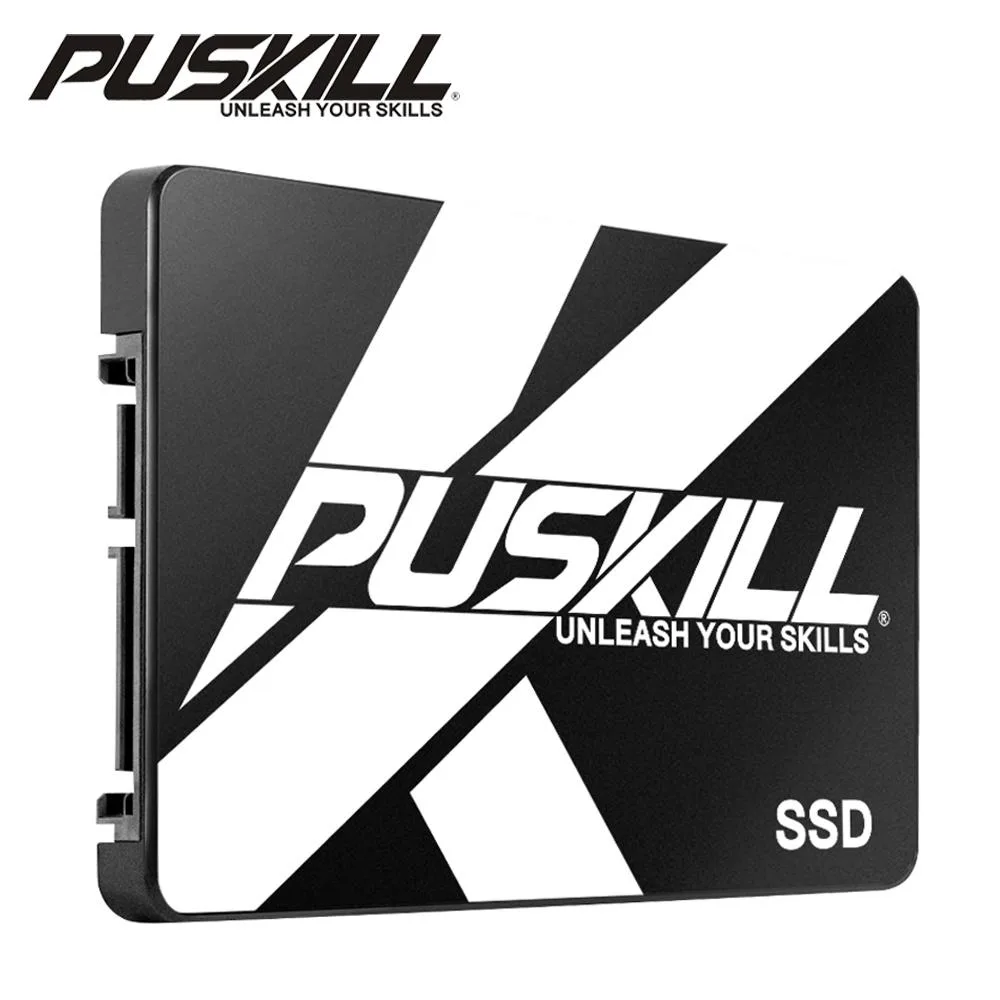
PUSKILL 2.5" SATA Internal SSD 240GB
A 2.5 inch SATA internal SSD with 240GB capacity, compatible with desktops, laptops and mini PCs
- Device TypeInternal Solid State Drive (SSD)
- Capacity240GB
- 240 GB capacity for everyday storage needs
- SATA 6.0 Gb/s interface delivers up to 600 MB/s sequential speed
- Works with SATA 3.0 Gb/s and SATA 1.5 Gb/s ports for broad compatibility
- 5 inch form factor fits desktops, laptops and mini PCs
- Initialise the drive after installation to access full usable space
PUSKILL 2.5" SATA Internal SSD 240GB
This 240GB solid-state drive uses the SATA interface and fits desktops, laptops, mini PCs and all-in-one systems. It upgrades older mechanical storage with faster access times and silent operation. The drive arrives new and requires initialization before first use.
Thermals noise and power draw
With no moving parts the SSD runs silently and generates minimal heat during normal workloads. Power consumption stays low compared to traditional hard disks, helping battery life in portable devices. Performance scales with the host SATA link speed.
SATA 6.0Gb/s maximum throughput
The drive supports the SATA 6.0Gb/s standard with a theoretical ceiling of 600MB/s and is backward compatible with 3.0Gb/s and 1.5Gb/s ports. Real-world speed depends on the controller, cable and system configuration. Usable capacity follows the 0.93 factor from the 1000KB equals 1MB definition.
Fordele
- 240 GB capacity for everyday storage needs
- SATA 6.0 Gb/s interface delivers up to 600 MB/s sequential speed
- Works with SATA 3.0 Gb/s and SATA 1.5 Gb/s ports for broad compatibility
- 5 inch form factor fits desktops, laptops and mini PCs
- Initialise the drive after installation to access full usable space
Specifikationer
| Device Type | Internal Solid State Drive (SSD) |
|---|---|
| Capacity | 240GB |
Andre versioner af denne model
5 flere i samme serie
Samme familie, men med anden hukommelse, køler eller clockfrekvens — sammenlign, før du bestemmer dig.


Spørgsmål om denne vare
How do I install the 2.5" SATA SSD in my laptop and what initialisation step is often missed?
Fit the drive into the 2.5" bay, connect the SATA data and power cables, then initialise and format the disk in Windows Disk Management or macOS Disk Utility before first use.
What maintenance or replacement will the 240GB SATA SSD need over its service life?
No moving parts require servicing; the drive is covered by a three-year free-replacement warranty, so a replacement would only be needed if the unit fails within that period.
What speed limit appears first when the 240GB SATA SSD runs sustained transfers on a SATA 3.0 link?
The SATA 3.0 interface caps sequential throughput at 600 MB/s, so that ceiling is reached before the drive's own flash can become the bottleneck.
Også på denne hylde
Kunderne har også sammenlignet disse
Samme hylde, samme kasse — otte mønter og 30 minutters kurslås.



