RIMLANCE
RIMLANCE RSO17000D8C2K32-1 32GB (2x16GB) DDR4 2133MHz CL15 260-Pin SODIMM Laptop RAM
A 32 GB dual-channel DDR4 SODIMM kit running at 2133 MHz CL15 with 1.2 V operation for laptop memory upgrades
- Capacity32GB (2 x 16GB)
- Type260-Pin DDR4 SO-DIMM
- CAS LatencyCL15
- ECCNo
- Buffered/RegisteredUnbuffered
- 32 GB dual-channel kit doubles multitasking headroom
- 2133 MHz PC4-17000 speed keeps data flowing smoothly
- CL15 latency reduces response delay in heavy workloads
- 2 V DDR4 operation lowers power draw and heat
- 260-pin SODIMM form factor fits standard laptop slots
Kit configuration
This RIMLANCE kit supplies 32 GB of DDR4 laptop memory as two 16 GB modules. Each stick is a 260-pin SO-DIMM rated at 2133 MHz with CL15 latency and 1.2 V operation. The kit is unbuffered and non-ECC.
Compatibility fit
It suits owners of DDR4 laptops with two free SO-DIMM slots who want the maximum 32 GB capacity in a matched pair. Buyers whose machines have only one slot, require ECC or registered memory, or need a different DDR generation should look elsewhere.
Sustained behaviour
Under continuous load the modules maintain their rated 2133 MHz speed and CL15 timing at the standard 1.2 V. The unbuffered design keeps latency consistent during extended multitasking, video editing or other memory-intensive workloads.
Fordele
- 32 GB dual-channel kit doubles multitasking headroom
- 2133 MHz PC4-17000 speed keeps data flowing smoothly
- CL15 latency reduces response delay in heavy workloads
- 2 V DDR4 operation lowers power draw and heat
- 260-pin SODIMM form factor fits standard laptop slots
Specifikationer
| Brand | RIMLANCE |
|---|---|
| Model | RSO17000D8C2K32-1 |
| Capacity | 32GB (2 x 16GB) |
| Type | 260-Pin DDR4 SO-DIMM |
| CAS Latency | CL15 |
| ECC | No |
| Buffered/Registered | Unbuffered |
Spørgsmål om denne vare
My laptop has two DDR4 SODIMM slots — is this 32 GB (2×16 GB) kit the right capacity?
Yes, the kit provides two 16 GB modules for a total of 32 GB, matching a two-slot laptop.
Will the CL15 timing work if my current stick is CL17?
The system will run both modules at the slower CL15 timing, so the existing CL17 stick will operate at CL15.
After installation, how do I confirm the memory is running at 2133 MHz?
Open Task Manager or a tool like CPU-Z and check the reported speed; it should show 2133 MHz.
Også på denne hylde
Kunderne har også sammenlignet disse
Samme hylde, samme kasse — otte mønter og 30 minutters kurslås.

NShi
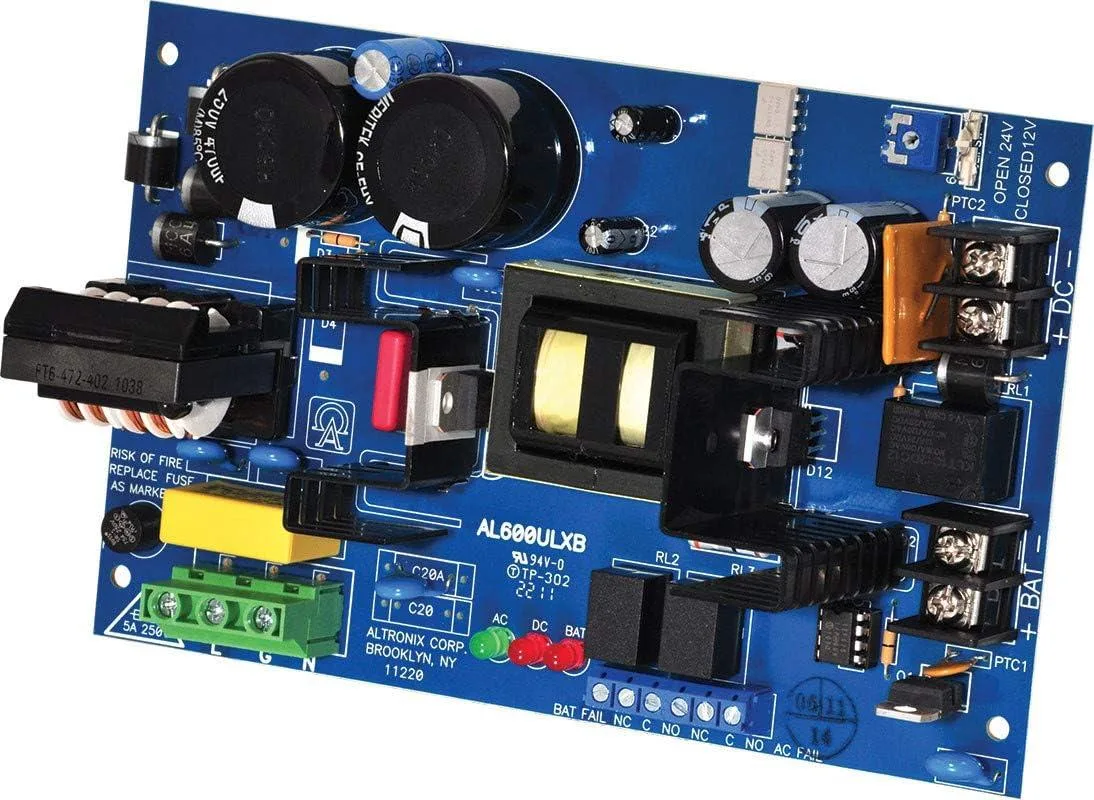
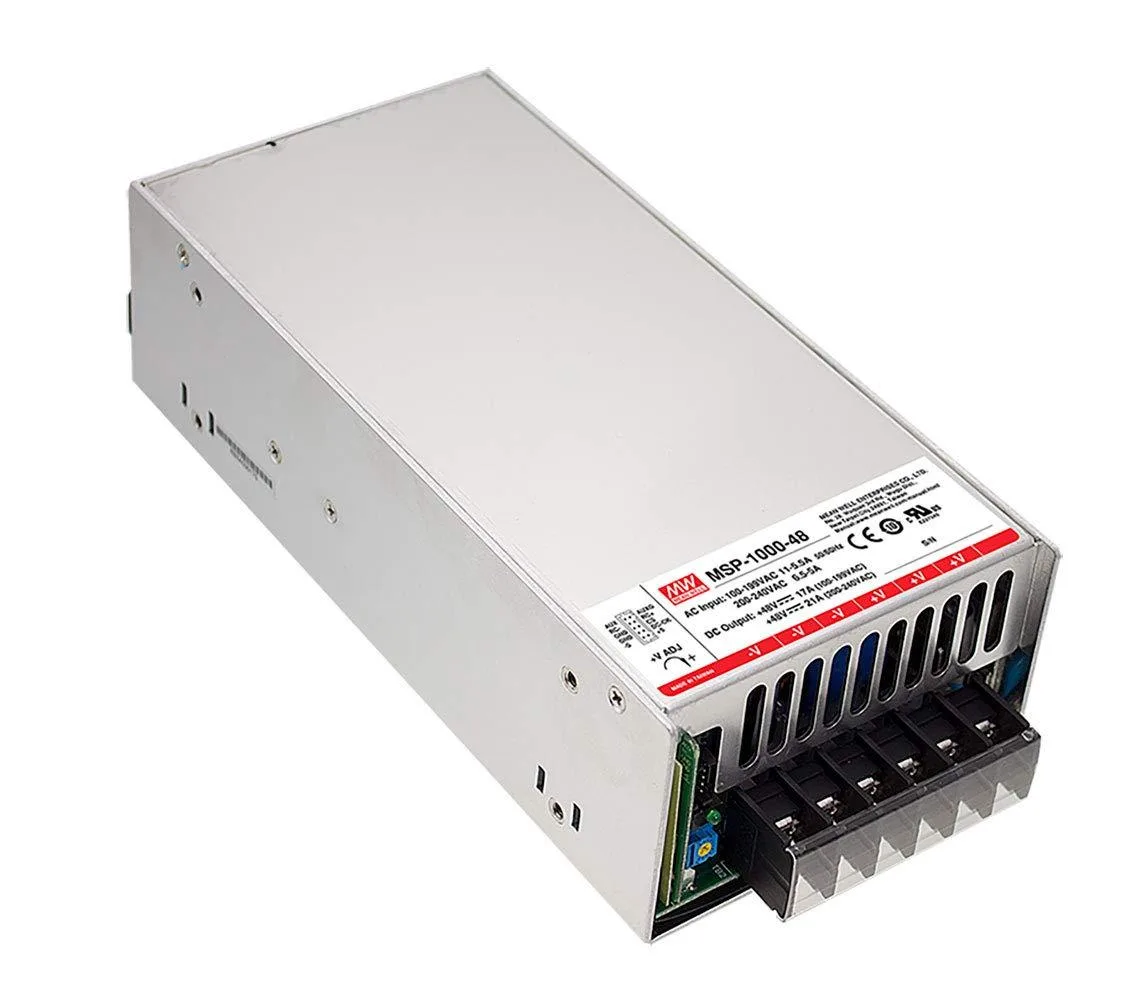
NShi 1008W 48V 21A AC-DC Medical Power Supply server chassis
- Desktop
253,99 US$
0.00311858BTC
På lager