Arozzi
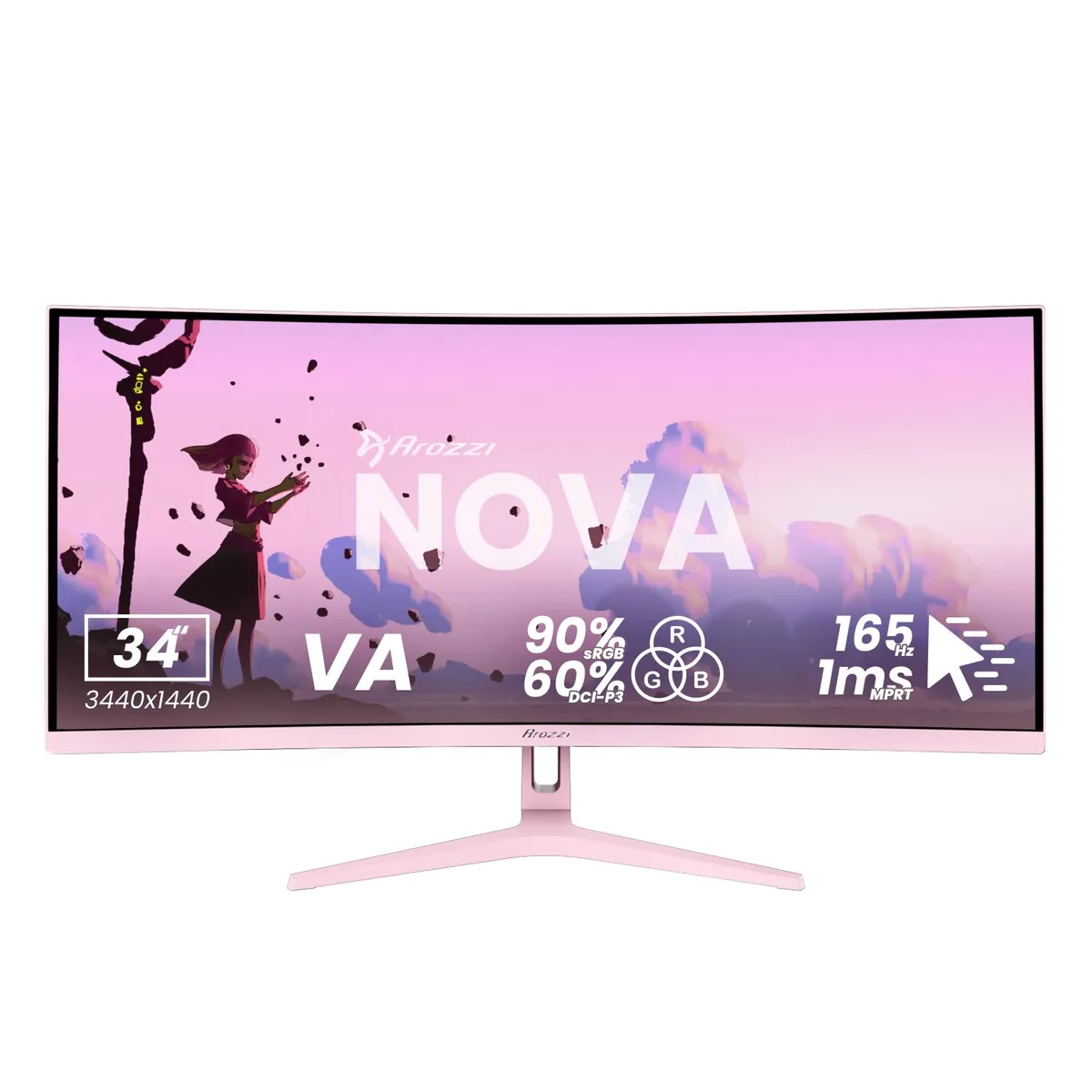
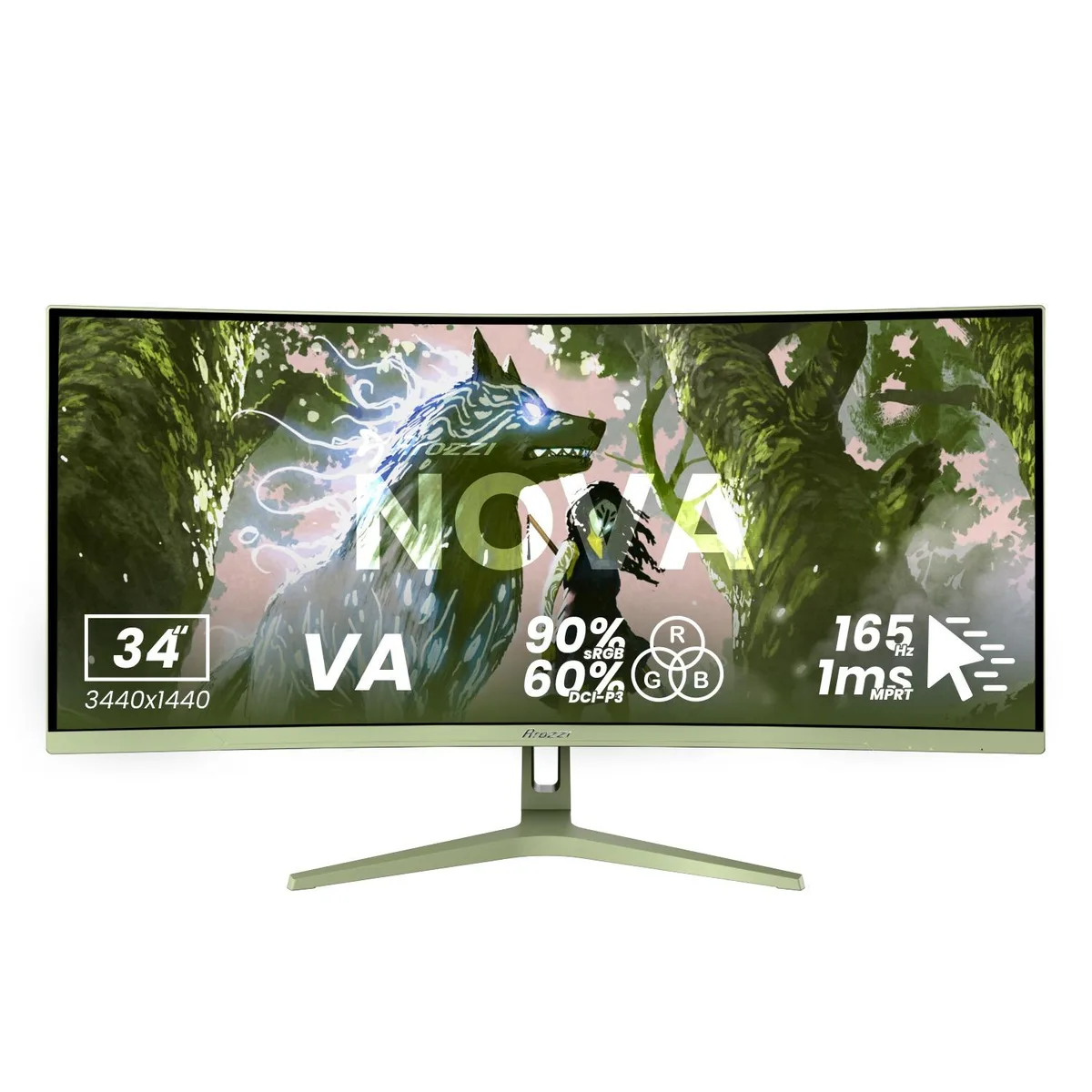
Arozzi Nova 34" 165Hz curved ultrawide gaming monitor Forest Green
- 34"
- Curved
258,99 $
0.00335284BTC
LaosMe võtame vastu krüptoraha — nii saab teie hoitav krüptoraha osta päris riistvara.Makske krüptorahaga, kulutage seda päris riistvarale. Tasuta kindlustatud tarne kogu maailmas, üle 399 $. Lihtsad, kaubamärgita väliskarbid, saadetud Saksamaalt.Tasuta kindlustatud tarne üle 399 $. Teie kurss lukustatakse 30 minutiks kohe, kui kassa avaneb.Kurss lukustatud 30 minutiks. Iga toode on pitseeritud, selle seerianumber on kontrollitud ja sellel kehtib 24-kuuline garantii.Pitseeritud, 24-kuulise garantiiga.


Arozzi
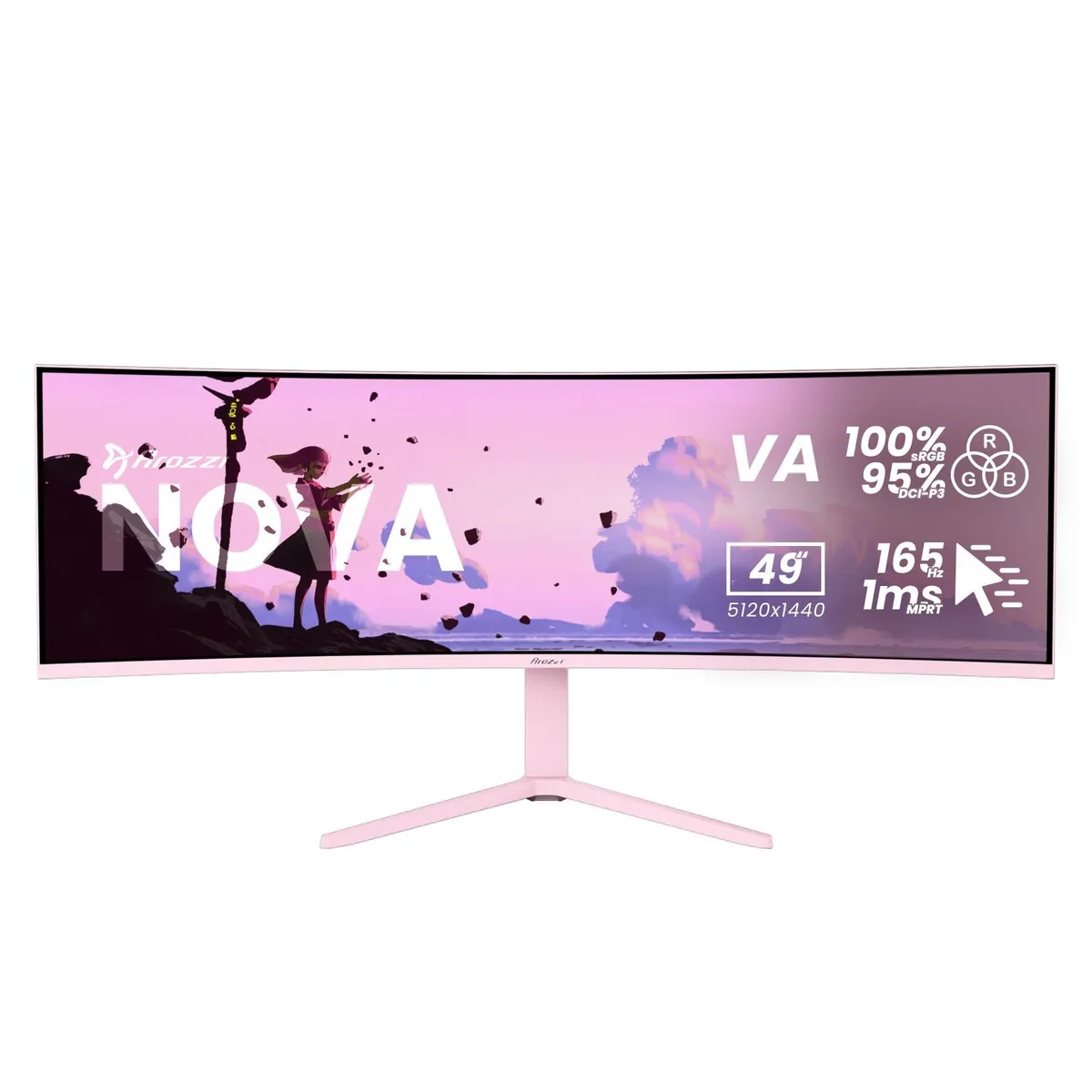
A 49-inch curved VA panel delivers 5120 x 1440 resolution at 165 Hz with 1 ms response time and adaptive sync for smooth gaming
Size 49" Curved
Color Pink
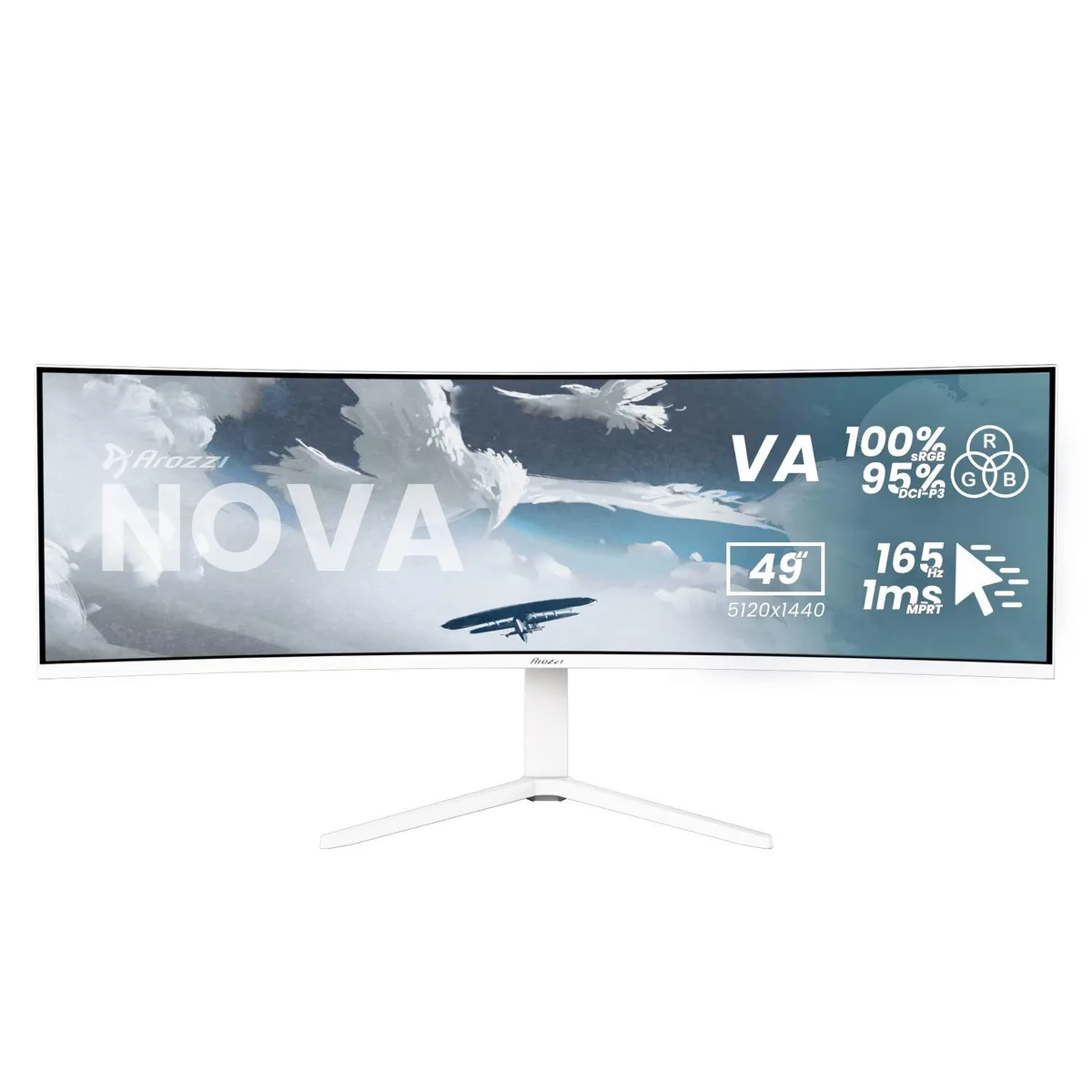
This Arozzi Nova is a 49-inch curved VA panel with a 32:9 aspect ratio, 5120 x 1440 resolution, 165 Hz refresh rate and 1 ms MPRT response time. It includes HDMI, DisplayPort and a USB-C input with 65 W Power Delivery plus a built-in USB hub and automatic KVM switch. The panel reaches 350 nits peak brightness and covers 100 % sRGB and 95 % DCI-P3 colour gamut.
The super-ultrawide format and KVM function suit users who run a PC and a laptop or console side-by-side on a single screen. Adaptive sync support works with any brand of GPU for tear-free motion. Buyers who need a flat panel, a standard 16:9 aspect ratio or higher pixel density for detailed text work should look elsewhere.
The 32:9 aspect ratio combined with 5120 x 1440 resolution is the single specification that determines whether this monitor fits the workflow. It replaces a dual-monitor array without a centre bezel, but it demands a deep desk and graphics hardware able to drive the full pixel count at high refresh rates.
| Screen Size | 49" |
|---|---|
| Panel | Curved |
| Resolution | 5120 x 1440 |
| Aspect Ratio | 32:9 |
| Response Time | 1 ms |
| Refresh Rate | 165Hz |
Selle mudeli teised versioonid
Sama seeria, erinev mälumaht, jahutus või taktsagedus — võrrelge enne otsustamist.
The monitor supports a 100 x 100 mm VESA mount, letting you attach it to compatible arms or wall brackets without an adapter.
Connect a DisplayPort cable to the PC, then open the OSD and set the refresh rate to 165 Hz; many users leave it at the default 60 Hz.
Power off the monitor, then gently wipe the surface with a dry microfibre cloth; for stubborn marks use a cloth lightly dampened with distilled water only.
Veel samast osakonnast
Sama osakond, sama kassa — kaheksa krüptovaluutat ja 30-minutiline kursilukk.
See, millega maksate, ja see, milles vaatate hindu.
Saadetud teie rahakotist kassas
Ainult kuvamiseks — kataloogi hinnad on dollarites
Ükski vääring ei vasta sellele.
Valige keel, milles sait teiega räägib.
Ükski keel ei vasta.
Esimest korda siin?
Teil on juba konto?
Automaatset lähtestamist ei ole: see pood ei saada ühtegi e-kirja, seega pole ka ühekordset linki, mida küsida. Jätke aadress kontole alles, seda käsitletakse käsitsi.
Päring registreeritud
Teie postkasti ei jõua midagi — see pood ei saada e-kirju üldse. Keegi tegeleb sellega käsitsi.
Tuli meelde?