Arozzi
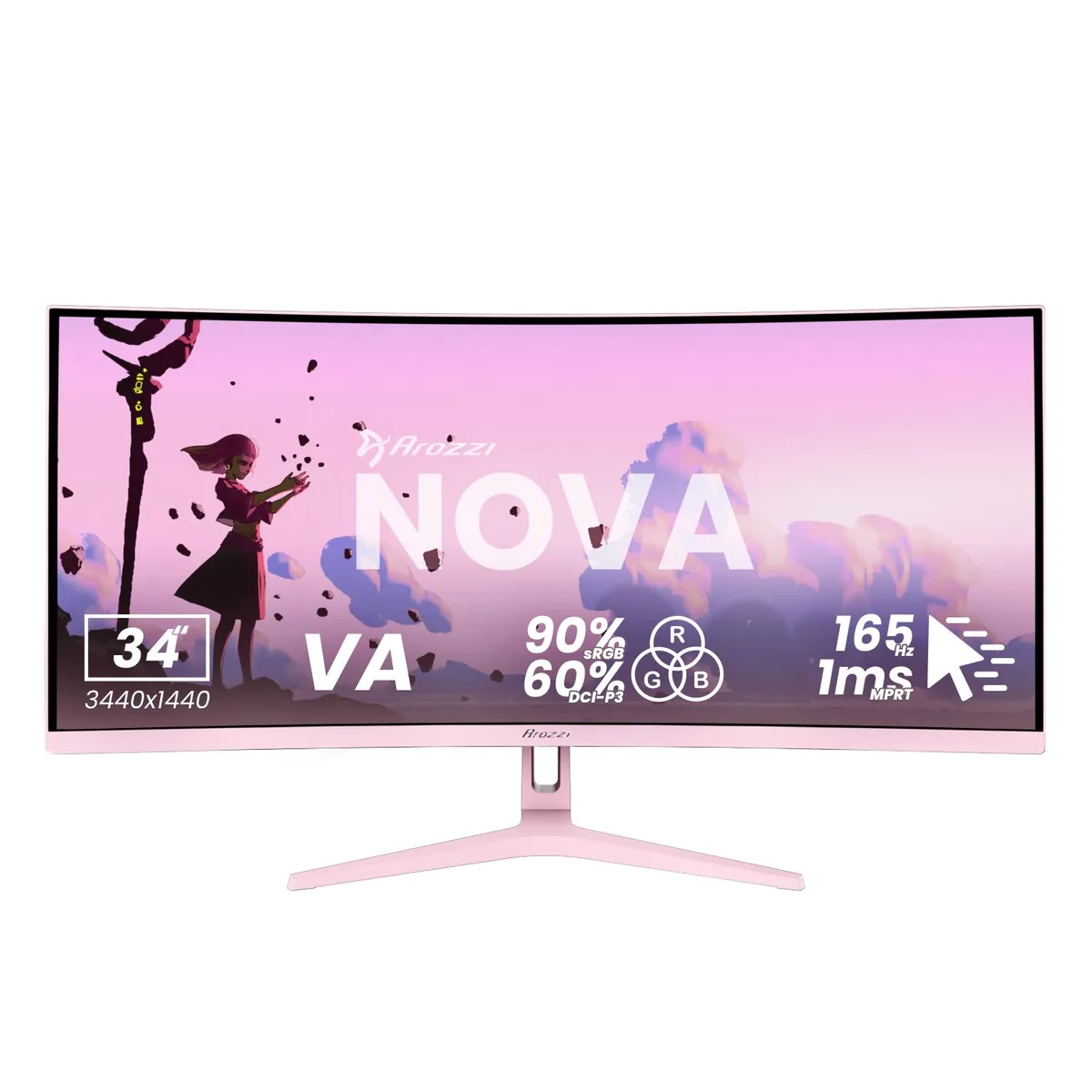
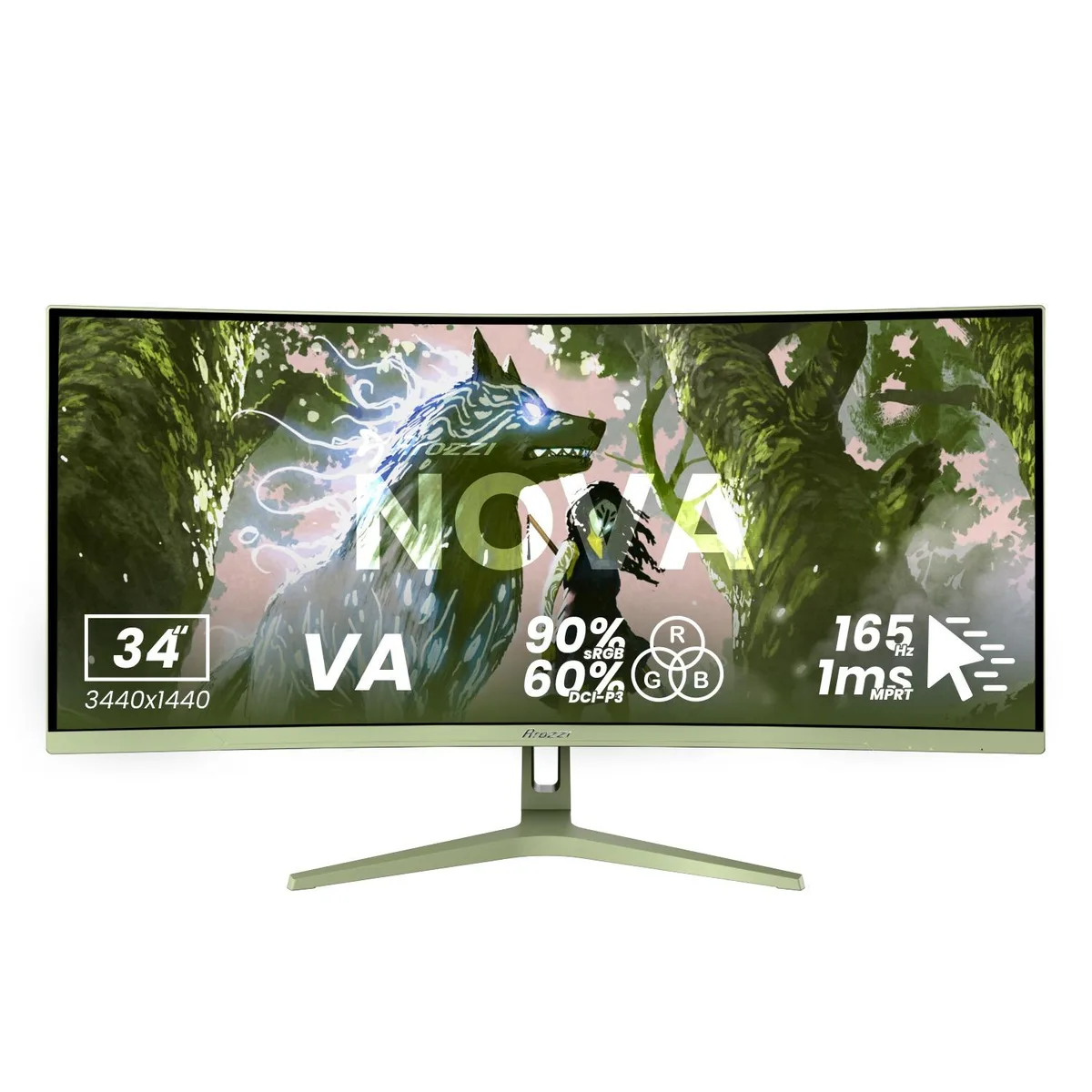
Arozzi Nova 34" 165Hz curved ultrawide gaming monitor Forest Green
- 34"
- Curved
258,99 US$
0.00332644BTC
SklademPřijímáme kryptoměny — takže to, co držíte, můžete utratit za skutečný hardware.Plaťte kryptem, utrácejte ho za skutečný hardware. Pojištěná doprava zdarma po celém světě nad 399 $. Neutrální přepravní krabice bez loga, odesílané z Německa.Pojištěná doprava zdarma nad 399 $. Jakmile se otevře pokladna, je váš kurz zablokovaný na 30 minut.Kurz zablokovaný na 30 minut. Každý výrobek je zapečetěný, jeho sériové číslo je zkontrolované a vztahuje se na něj 24měsíční záruka.Zapečetěno, záruka 24 měsíců.


Arozzi
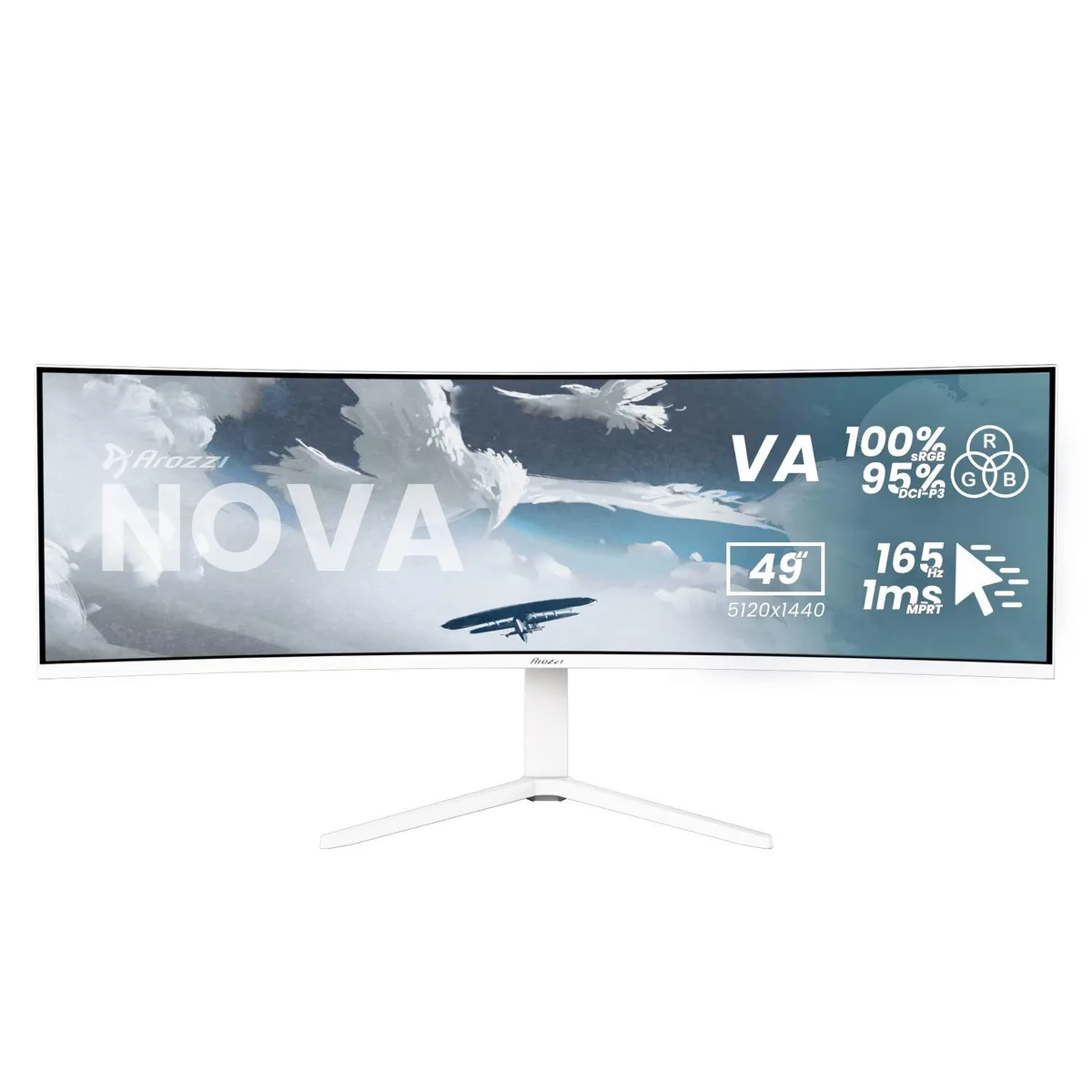
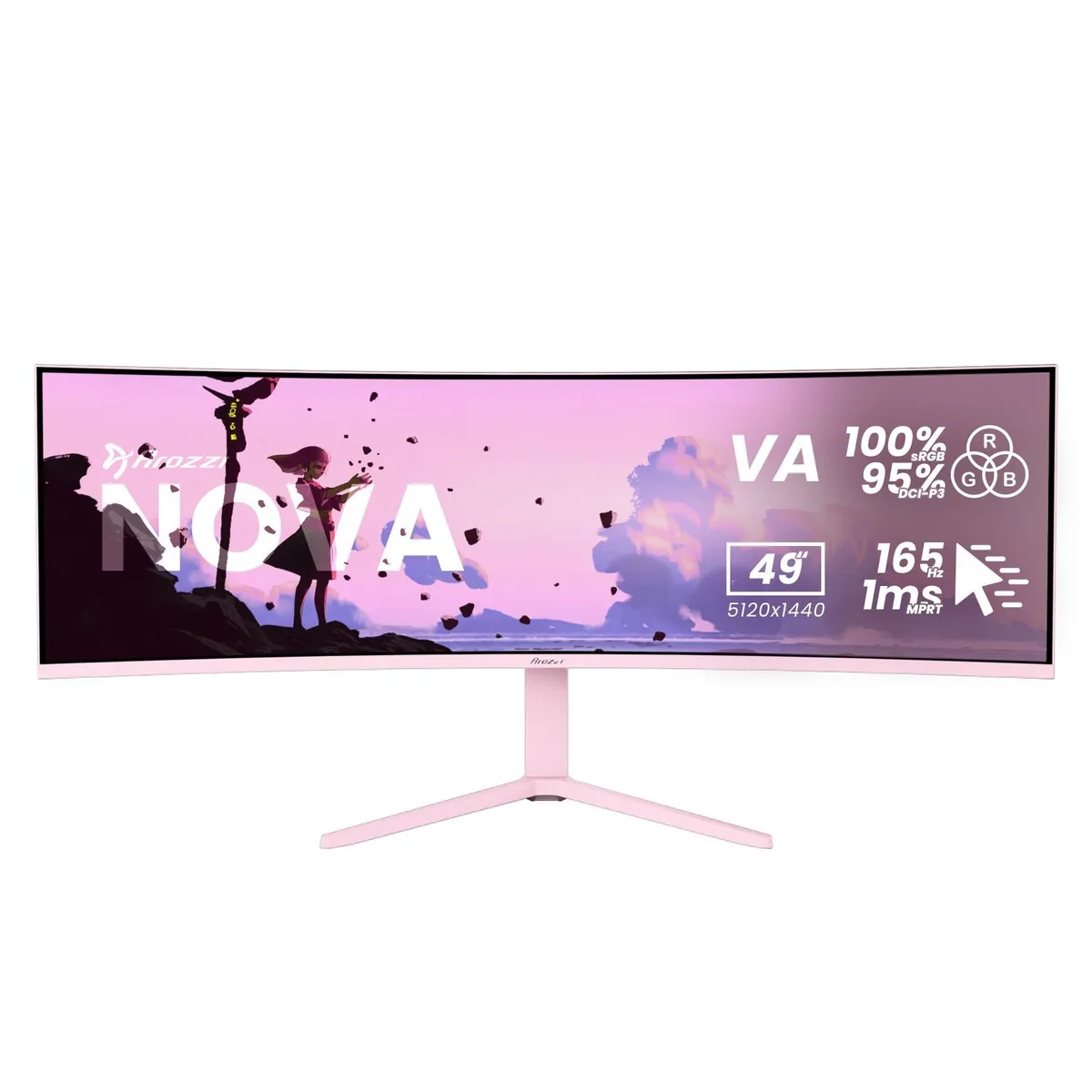
A 49-inch curved VA panel delivers 5120 x 1440 resolution at 165 Hz with 1 ms response time and adaptive sync for smooth gaming
Size 49" Curved
Color Pink
This Arozzi Nova is a 49-inch curved VA panel with a 32:9 aspect ratio, 5120 x 1440 resolution, 165 Hz refresh rate and 1 ms MPRT response time. It includes HDMI, DisplayPort and a USB-C input with 65 W Power Delivery plus a built-in USB hub and automatic KVM switch. The panel reaches 350 nits peak brightness and covers 100 % sRGB and 95 % DCI-P3 colour gamut.
The super-ultrawide format and KVM function suit users who run a PC and a laptop or console side-by-side on a single screen. Adaptive sync support works with any brand of GPU for tear-free motion. Buyers who need a flat panel, a standard 16:9 aspect ratio or higher pixel density for detailed text work should look elsewhere.
The 32:9 aspect ratio combined with 5120 x 1440 resolution is the single specification that determines whether this monitor fits the workflow. It replaces a dual-monitor array without a centre bezel, but it demands a deep desk and graphics hardware able to drive the full pixel count at high refresh rates.
| Screen Size | 49" |
|---|---|
| Panel | Curved |
| Resolution | 5120 x 1440 |
| Aspect Ratio | 32:9 |
| Response Time | 1 ms |
| Refresh Rate | 165Hz |
Další verze tohoto modelu
Stejná řada, jiná paměť, chladič nebo takt — porovnejte, než se rozhodnete.
The monitor supports a 100 x 100 mm VESA mount, letting you attach it to compatible arms or wall brackets without an adapter.
Connect a DisplayPort cable to the PC, then open the OSD and set the refresh rate to 165 Hz; many users leave it at the default 60 Hz.
Power off the monitor, then gently wipe the surface with a dry microfibre cloth; for stubborn marks use a cloth lightly dampened with distilled water only.
Také v této kategorii
Stejná kategorie, stejná pokladna — osm měn a kurz zamčený na 30 minut.
Měna, ve které platíte, a měna, ve které se zobrazují ceny.
Odesláno z vaší peněženky u pokladny
Pouze pro zobrazení — katalog je veden v dolarech
Žádná měna neodpovídá.
Vyberte jazyk, ve kterém s vámi bude web komunikovat.
Žádný jazyk neodpovídá.
Poprvé tady?
Už účet máte?
Neexistuje žádná automatická obnova hesla: tento obchod neposílá žádné e-maily, takže neexistuje jednorázový odkaz, o který by bylo možné požádat. Nechte adresu uvedenou u účtu, vyřídíme ji ručně.
Žádost zaznamenána
Do vaší schránky nic nedorazí — tento obchod neposílá žádné e-maily. Někdo se o to postará ručně.
Vzpomněli jste si?