Arozzi
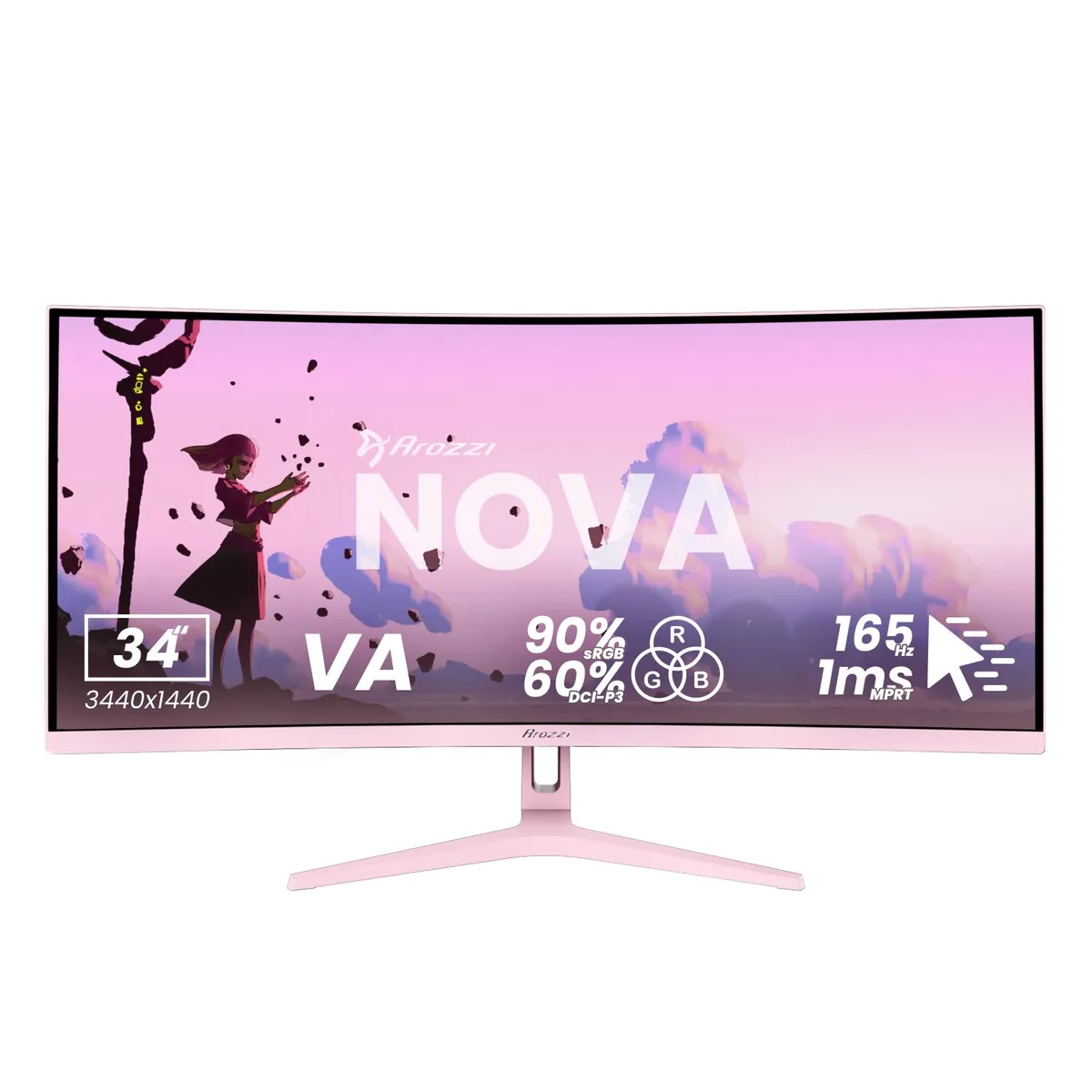
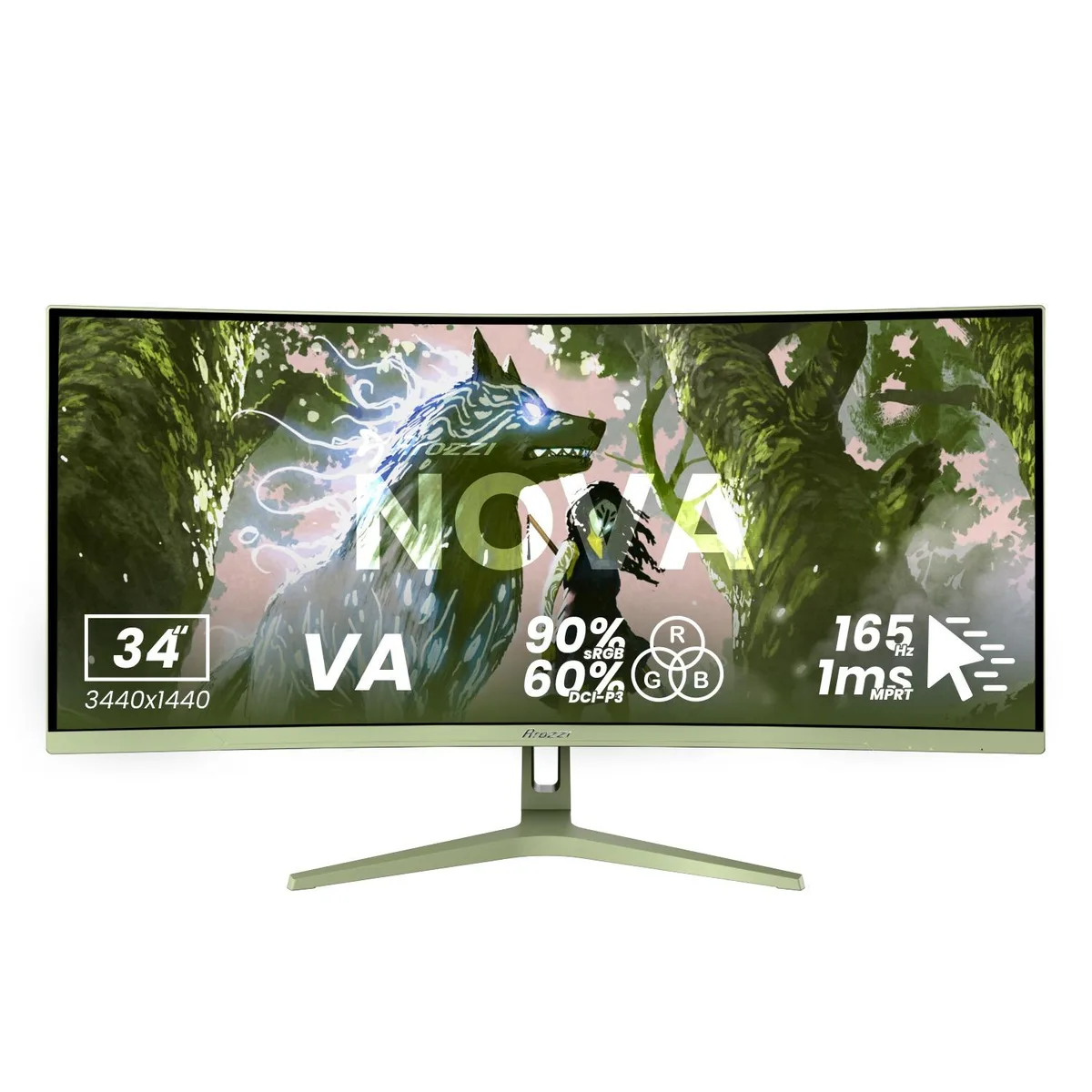
Arozzi Nova 34" 165Hz curved ultrawide gaming monitor Forest Green
- 34"
- Curved
US$258.99
0.00332431BTC
มีสินค้าเรารับชำระด้วยคริปโต — เหรียญที่คุณถืออยู่จึงนำมาซื้อฮาร์ดแวร์ของจริงได้จ่ายด้วยคริปโต แล้วนำไปซื้อฮาร์ดแวร์ของจริง จัดส่งฟรีพร้อมประกันภัยทั่วโลก เมื่อสั่งซื้อเกิน US$399 กล่องพัสดุเรียบไม่มีตราสินค้า จัดส่งจากประเทศเยอรมนีจัดส่งฟรีพร้อมประกันภัย เมื่อสั่งซื้อเกิน US$399 อัตราแลกเปลี่ยนของคุณจะถูกล็อกไว้ 30 นาที ทันทีที่เปิดหน้าชำระเงินล็อกอัตราแลกเปลี่ยน 30 นาที สินค้าทุกชิ้นปิดผนึกจากโรงงาน ตรวจสอบหมายเลขซีเรียล และรับประกัน 24 เดือนปิดผนึกจากโรงงาน รับประกัน 24 เดือน


Arozzi
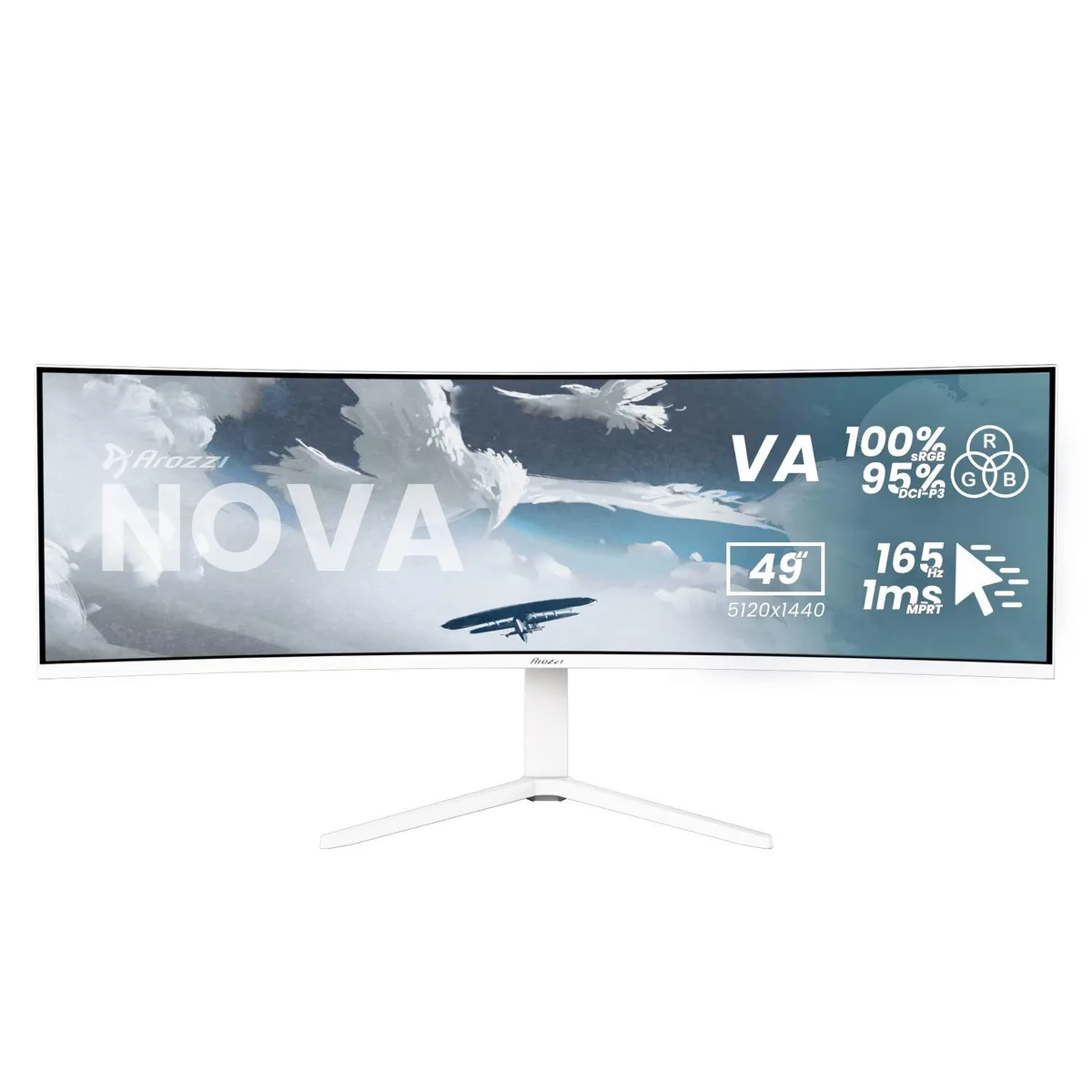
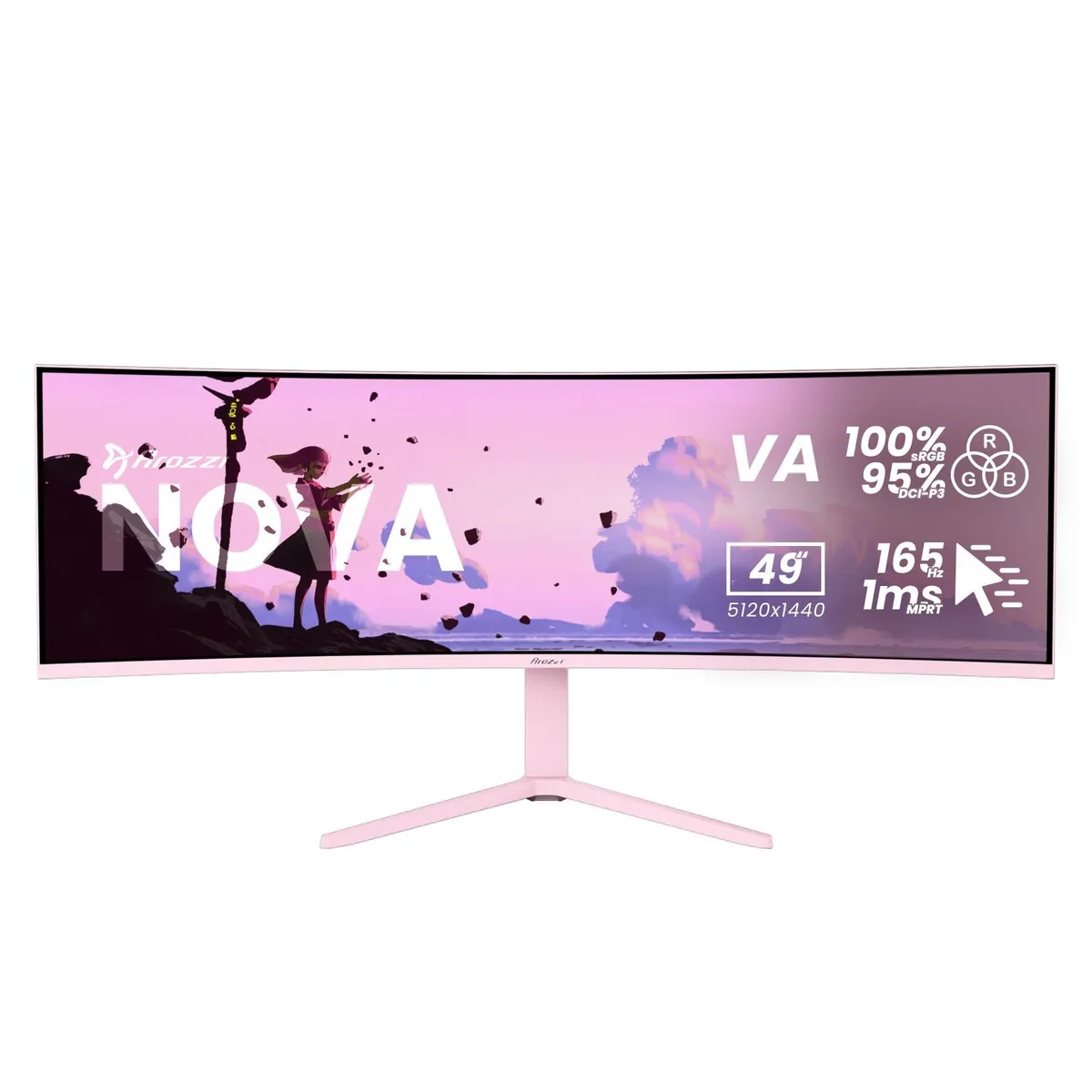
A 49-inch curved VA panel delivers 5120 x 1440 resolution at 165 Hz with 1 ms response time and adaptive sync for smooth gaming
Size 49" Curved
Color Pink
This Arozzi Nova is a 49-inch curved VA panel with a 32:9 aspect ratio, 5120 x 1440 resolution, 165 Hz refresh rate and 1 ms MPRT response time. It includes HDMI, DisplayPort and a USB-C input with 65 W Power Delivery plus a built-in USB hub and automatic KVM switch. The panel reaches 350 nits peak brightness and covers 100 % sRGB and 95 % DCI-P3 colour gamut.
The super-ultrawide format and KVM function suit users who run a PC and a laptop or console side-by-side on a single screen. Adaptive sync support works with any brand of GPU for tear-free motion. Buyers who need a flat panel, a standard 16:9 aspect ratio or higher pixel density for detailed text work should look elsewhere.
The 32:9 aspect ratio combined with 5120 x 1440 resolution is the single specification that determines whether this monitor fits the workflow. It replaces a dual-monitor array without a centre bezel, but it demands a deep desk and graphics hardware able to drive the full pixel count at high refresh rates.
| Screen Size | 49" |
|---|---|
| Panel | Curved |
| Resolution | 5120 x 1440 |
| Aspect Ratio | 32:9 |
| Response Time | 1 ms |
| Refresh Rate | 165Hz |
รุ่นอื่นในตระกูลเดียวกัน
ตระกูลเดียวกัน แต่หน่วยความจำ คูลเลอร์ หรือสัญญาณนาฬิกาต่างกัน — เปรียบเทียบก่อนตัดสินใจ
The monitor supports a 100 x 100 mm VESA mount, letting you attach it to compatible arms or wall brackets without an adapter.
Connect a DisplayPort cable to the PC, then open the OSD and set the refresh rate to 165 Hz; many users leave it at the default 60 Hz.
Power off the monitor, then gently wipe the surface with a dry microfibre cloth; for stubborn marks use a cloth lightly dampened with distilled water only.
อื่น ๆ ในหมวดนี้
หมวดเดียวกัน การชำระเงินแบบเดียวกัน — แปดสกุลเงินคริปโตและอัตราแลกเปลี่ยนที่ล็อกไว้ 30 นาที
สิ่งที่คุณใช้ชำระ และสิ่งที่คุณใช้อ่านราคา
ส่งจากกระเป๋าเงินของคุณเมื่อชำระเงิน
แสดงผลเท่านั้น — แคตตาล็อกสินค้าตั้งราคาเป็นดอลลาร์สหรัฐ
ไม่พบสกุลเงินที่ตรงกัน
เลือกภาษาที่ต้องการให้เว็บไซต์แสดงผล
ไม่พบภาษาที่ตรงกัน
ยังไม่เคยใช้งานใช่ไหม
มีบัญชีอยู่แล้วใช่ไหม
ไม่มีการรีเซ็ตแบบอัตโนมัติ ร้านนี้ไม่ส่งอีเมลใด ๆ จึงไม่มีลิงก์ใช้ครั้งเดียวให้ขอ ปล่อยที่อยู่อีเมลนี้ไว้ในบัญชี แล้วเจ้าหน้าที่จะดำเนินการให้ด้วยตนเอง
รับคำขอแล้ว
ไม่มีอะไรถูกส่งไปยังกล่องจดหมายของคุณ — ร้านนี้ไม่ส่งอีเมลใด ๆ เลย มีคนดำเนินการเรื่องนี้ให้ด้วยมือ
นึกออกแล้วใช่ไหม