Arozzi
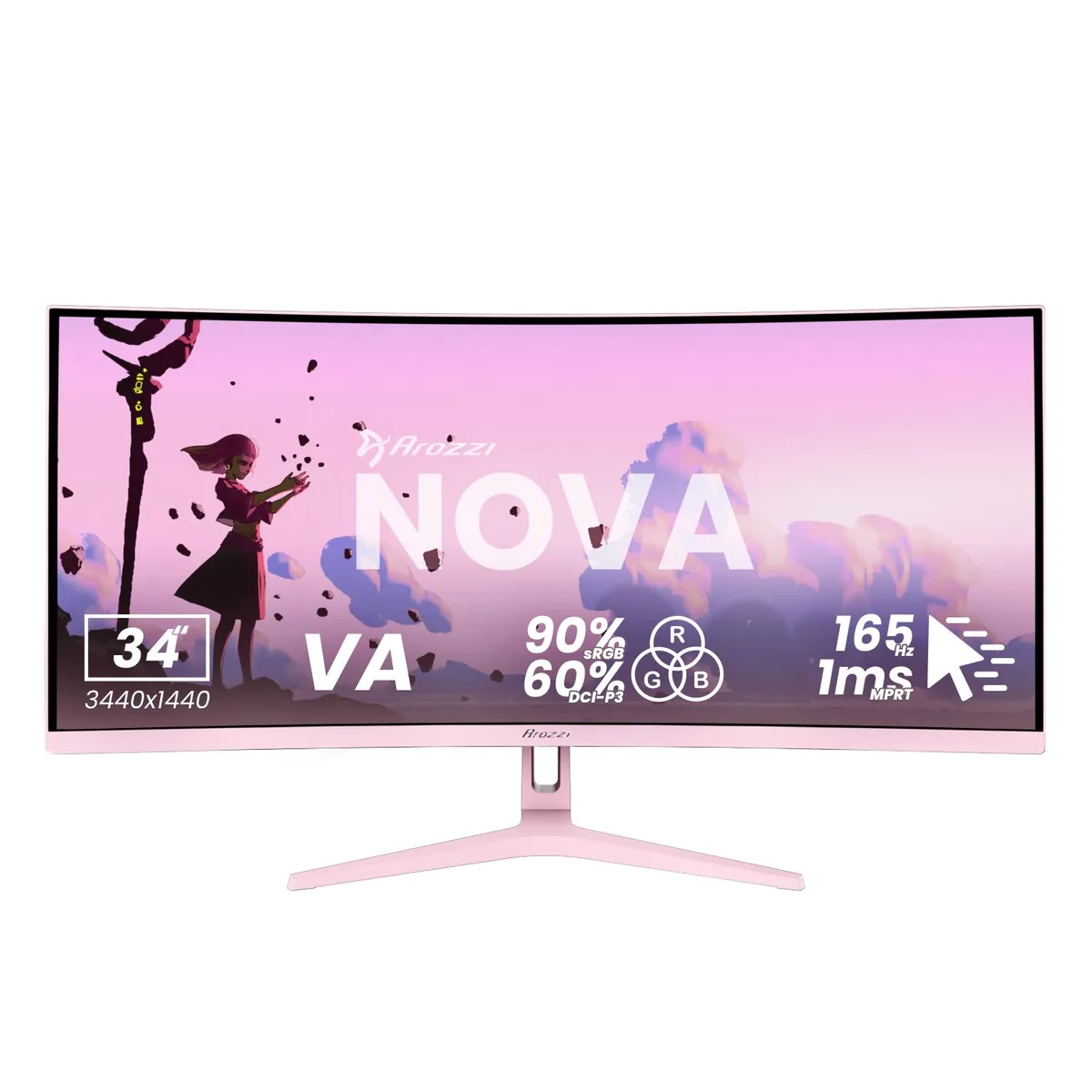
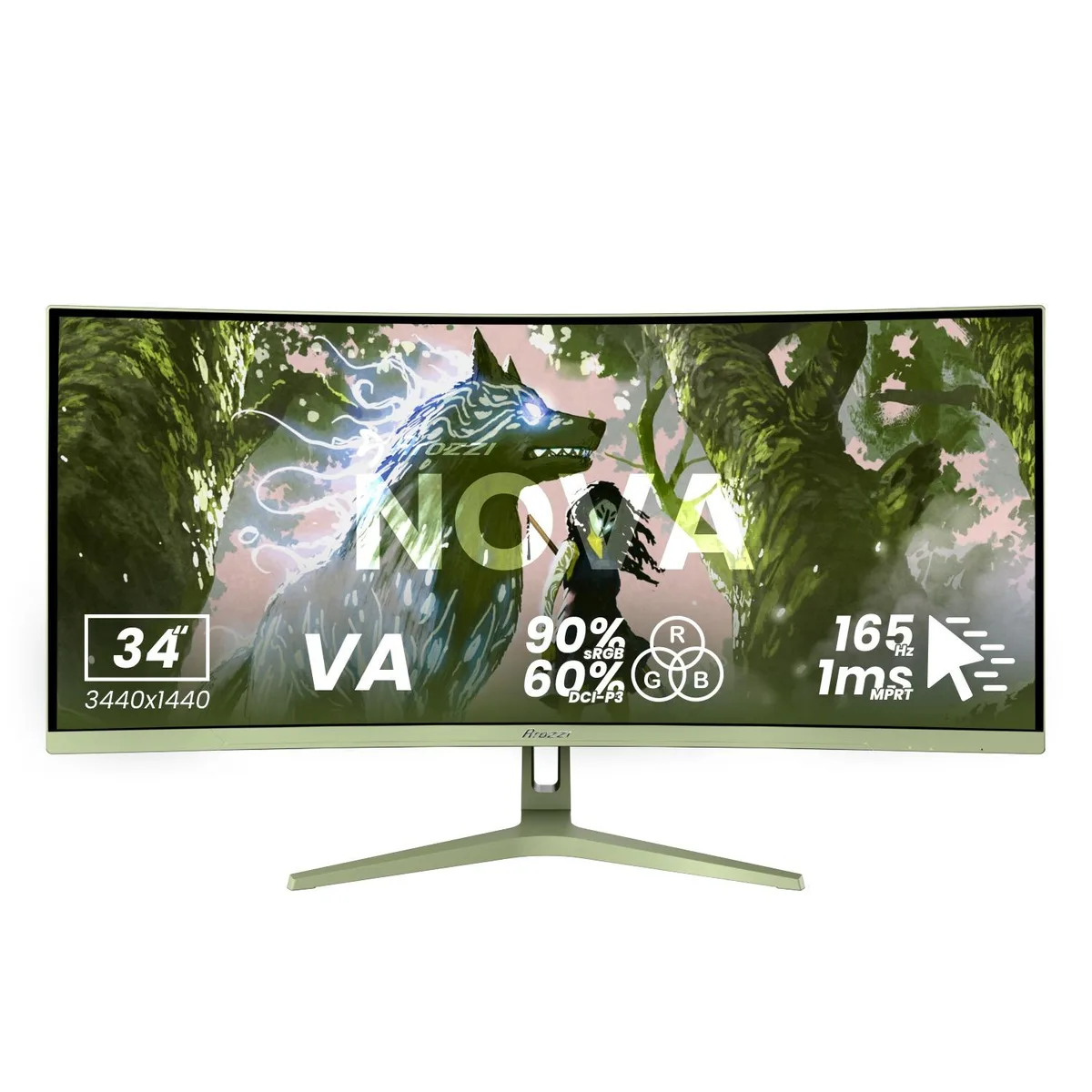
Arozzi Nova 34" 165Hz curved ultrawide gaming monitor Forest Green
- 34"
- Curved
258.99 US$
0.00335431BTC
متوفرنقبل الدفع بالعملة المشفرة — لذلك يمكن للعملات الرقمية التي تملكها أن تشتري أجهزة حقيقية.ادفع بالعملة المشفرة، وأنفقها على أجهزة حقيقية. شحن مؤمن مجانا إلى كل أنحاء العالم لما يتجاوز 399 US$. صناديق شحن بسيطة بلا علامة تجارية، ترسل من ألمانيا.شحن مؤمن مجانا لما يتجاوز 399 US$. يُقفل سعرك لمدة 30 دقيقة بمجرد فتح صفحة الدفع.السعر مقفل لمدة 30 دقيقة. كل قطعة مختومة، ورقمها التسلسلي متحقق منه، ومشمولة بضمان 24 شهرا.مختوم، وبضمان 24 شهرا.


Arozzi
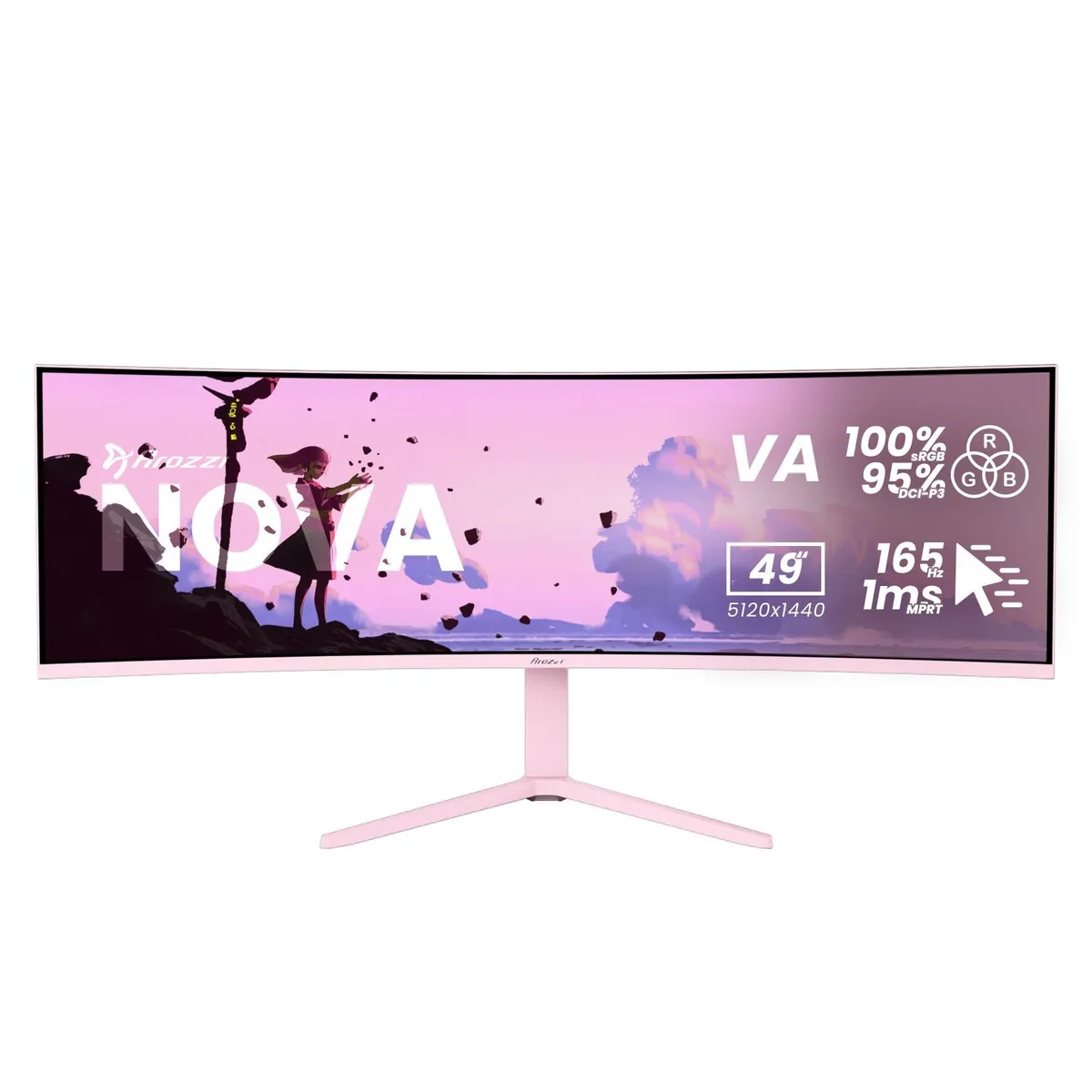
A 49-inch curved VA panel delivers 5120 x 1440 resolution at 165 Hz with 1 ms response time and adaptive sync for smooth gaming
Size 49" Curved
Color Pink
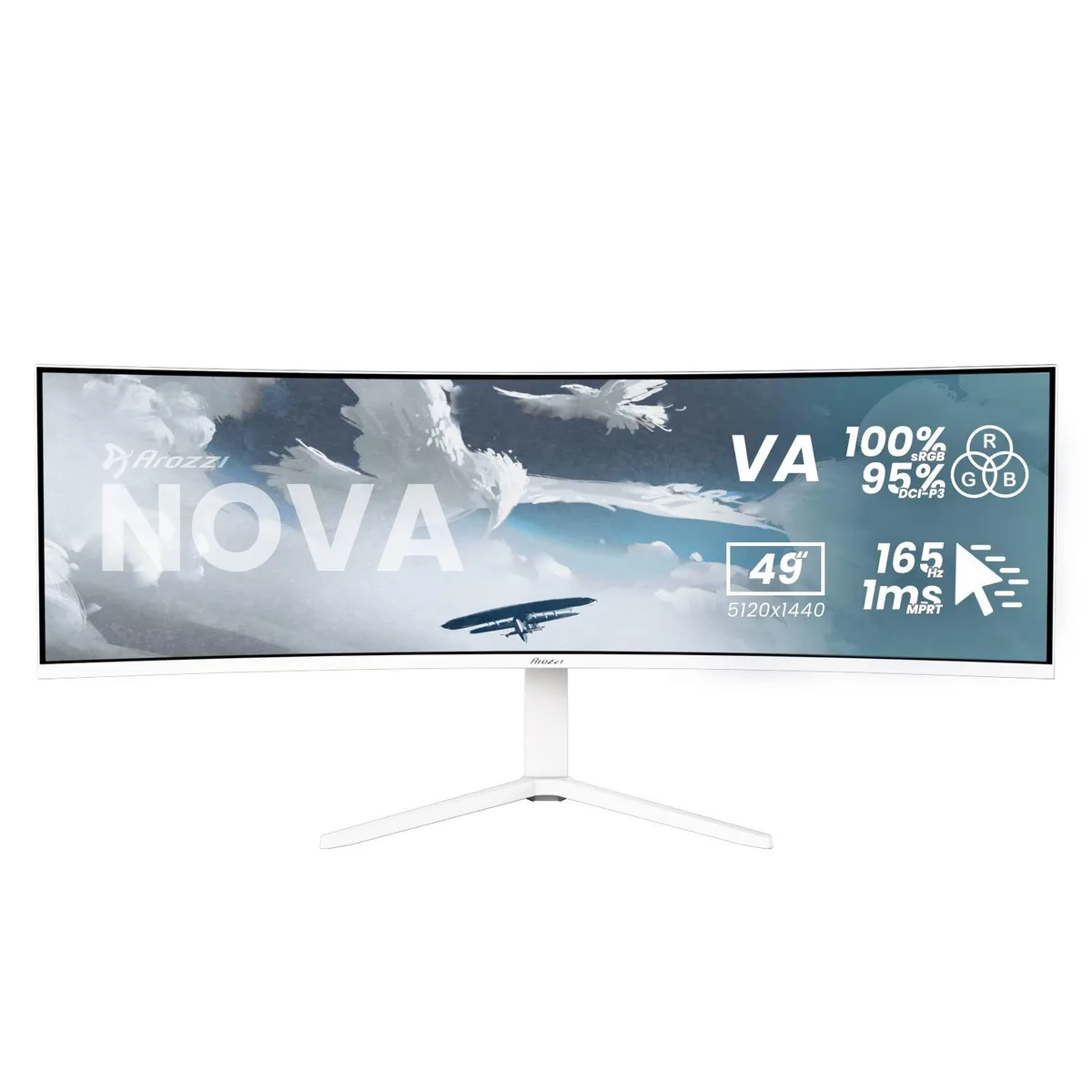
This Arozzi Nova is a 49-inch curved VA panel with a 32:9 aspect ratio, 5120 x 1440 resolution, 165 Hz refresh rate and 1 ms MPRT response time. It includes HDMI, DisplayPort and a USB-C input with 65 W Power Delivery plus a built-in USB hub and automatic KVM switch. The panel reaches 350 nits peak brightness and covers 100 % sRGB and 95 % DCI-P3 colour gamut.
The super-ultrawide format and KVM function suit users who run a PC and a laptop or console side-by-side on a single screen. Adaptive sync support works with any brand of GPU for tear-free motion. Buyers who need a flat panel, a standard 16:9 aspect ratio or higher pixel density for detailed text work should look elsewhere.
The 32:9 aspect ratio combined with 5120 x 1440 resolution is the single specification that determines whether this monitor fits the workflow. It replaces a dual-monitor array without a centre bezel, but it demands a deep desk and graphics hardware able to drive the full pixel count at high refresh rates.
| Screen Size | 49" |
|---|---|
| Panel | Curved |
| Resolution | 5120 x 1440 |
| Aspect Ratio | 32:9 |
| Response Time | 1 ms |
| Refresh Rate | 165Hz |
إصدارات أخرى من هذا الطراز
نفس الفئة، بذاكرة أو مبرّد أو تردد مختلف — قارن قبل أن تقرر.
The monitor supports a 100 x 100 mm VESA mount, letting you attach it to compatible arms or wall brackets without an adapter.
Connect a DisplayPort cable to the PC, then open the OSD and set the refresh rate to 165 Hz; many users leave it at the default 60 Hz.
Power off the monitor, then gently wipe the surface with a dry microfibre cloth; for stubborn marks use a cloth lightly dampened with distilled water only.
أيضًا في هذا القسم
نفس القسم، ونفس صفحة الدفع — ثماني عملات رقمية وقفل سعر لمدة 30 دقيقة.
ما تدفعه، وما تُعرض به الأسعار.
يُرسَل من محفظتك عند إتمام الطلب
للعرض فقط — أسعار الكتالوج بالدولار الأمريكي
لا توجد عملة مطابقة.
اختر اللغة التي يخاطبك بها الموقع.
لا توجد لغة مطابقة.
هل أنت جديد هنا؟
لديك حساب بالفعل؟
لا توجد إعادة تعيين تلقائية: هذا المتجر لا يُرسل أي بريد، فلا يوجد رابط لمرة واحدة يمكن طلبه. اترك العنوان في الحساب، وسيُعالَج الأمر يدويًا.
تم تسجيل الطلب
لا شيء في طريقه إلى بريدك الوارد — هذا المتجر لا يُرسل أي بريد إطلاقًا. يتولّى أحدهم معالجة هذه الطلبات يدويًا.
تذكّرتها؟