ASUS
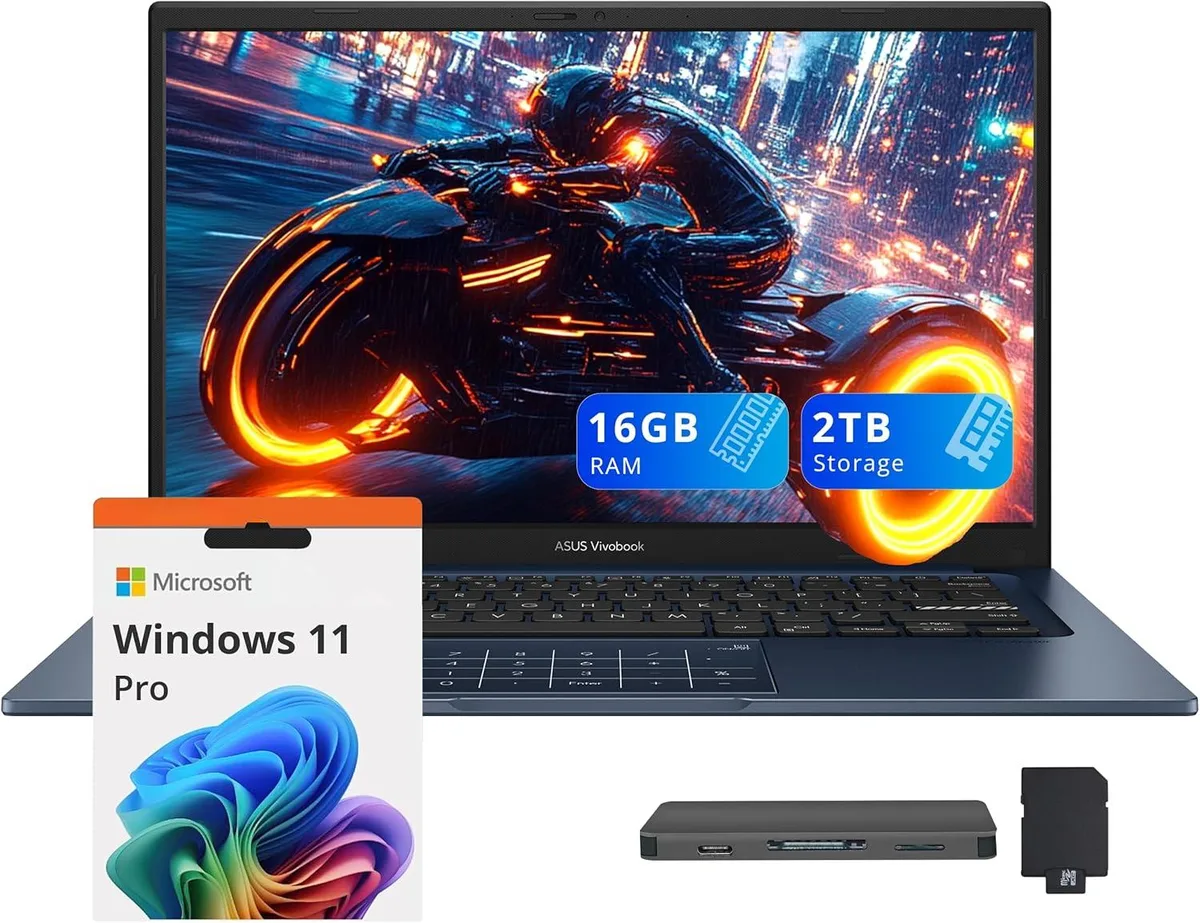
ASUS Vivobook 14 Business Laptop Core 5-120U 16GB 1TB SSD + 1TB Docking Station Quiet Blue
- Blue
- Windows 11 Home
637,99 $
0.00817999BTC
LaosMe võtame vastu krüptoraha — nii saab teie hoitav krüptoraha osta päris riistvara.Makske krüptorahaga, kulutage seda päris riistvarale. Tasuta kindlustatud tarne kogu maailmas, üle 399 $. Lihtsad, kaubamärgita väliskarbid, saadetud Saksamaalt.Tasuta kindlustatud tarne üle 399 $. Teie kurss lukustatakse 30 minutiks kohe, kui kassa avaneb.Kurss lukustatud 30 minutiks. Iga toode on pitseeritud, selle seerianumber on kontrollitud ja sellel kehtib 24-kuuline garantii.Pitseeritud, 24-kuulise garantiiga.


ASUS
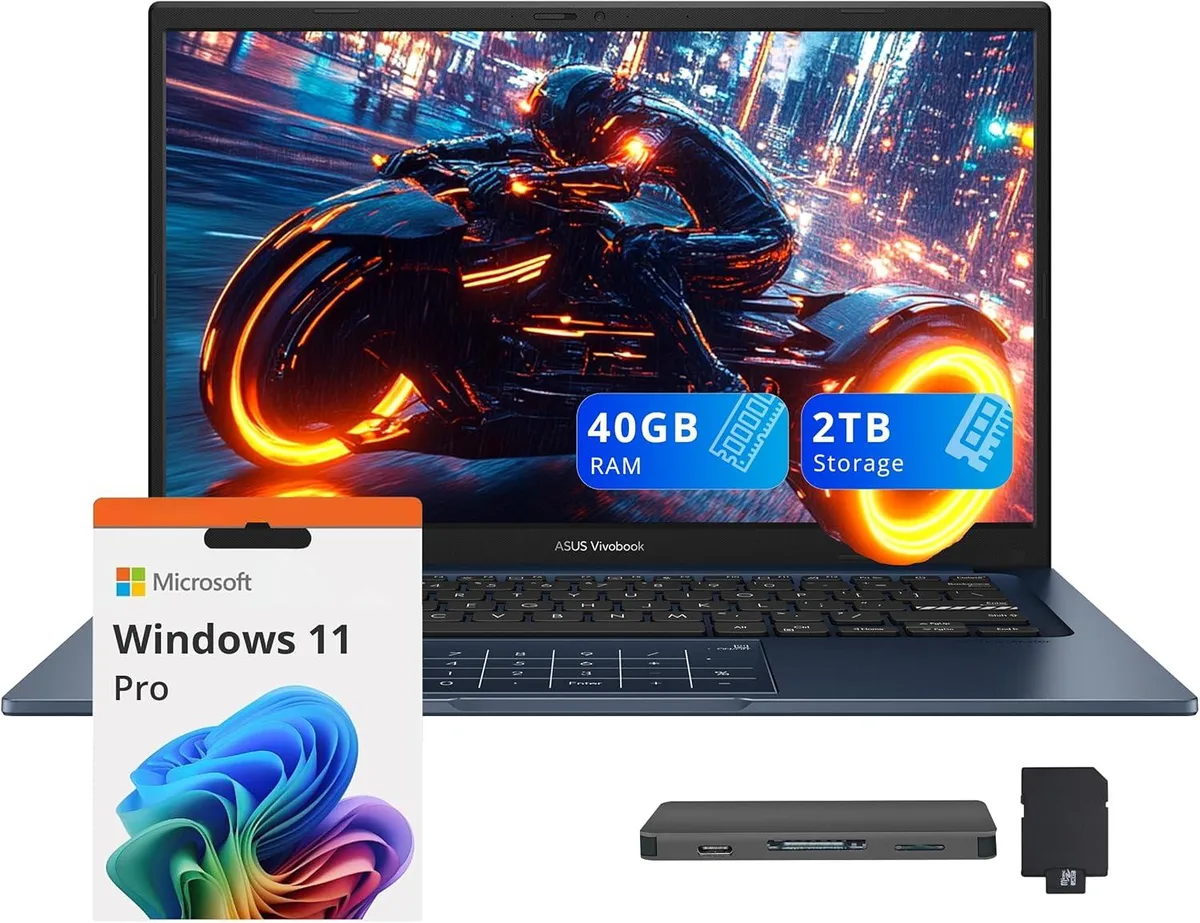
14.0" FHD IPS business laptop with Intel Core 5-120U, 40GB RAM, 1TB SSD plus 1TB docking station, Windows 11 Pro
Capacity 40GB / 2TB Storage
The ASUS Vivobook 14 is a 14.0 inch FHD IPS laptop in Quiet Blue running Windows 11 Pro. It targets professionals who need a portable device for daily office work, video calls and document handling. The 10-core Intel Core 5-120U processor and 40GB memory support smooth multitasking across typical business applications. Integrated Intel Graphics drive the 1920 x 1080 non-touch display for clear visuals.
The chassis measures 12.79 by 8.42 by .7 inches and weighs 3.09lbs, making it easy to carry between meetings. Built-in ports include one USB-C 3.2, one USB-A 3.2, one USB-A 2.0, one HDMI and a headphone/microphone combo jack. The bundle adds a 7-in-1 docking station with 1TB storage, a 32GB microSD card with adapter, a Type-C data cable, a 3-in-1 charging cable and a suede cleaning cloth for extended peripheral support.
Buyers who require a dedicated GPU for rendering or heavy creative suites should look elsewhere. The integrated graphics and non-touch screen limit suitability for intensive design or engineering tasks. Internal storage is 1TB SSD; the extra terabyte lives in the external dock, so plan file placement accordingly. Ensure your essential peripherals match the available USB-A, USB-C and HDMI interfaces before ordering.
| Brand | ASUS |
|---|---|
| Series | ASUS Vivobook 14 |
| Color | Blue |
| Operating System | Windows 11 Pro |
| CPU Type | Intel Core 5-120U |
| Number of Cores | 10-core Processor |
| Screen Size | 14.0" |
| Touchscreen | Non-Touch Screen |
| Display Type | FHD |
| Resolution | 1920 x 1080 |
| GPU/VPU | Intel Graphics |
| Graphic Type | Integrated Card |
| SSD | 1TB |
| Storage Spec | 1TB |
| Memory | 40GB |
| WLAN | Yes |
| Bluetooth | Yes |
| USB | 1x USB-C, 2x USB-A |
| HDMI | 1 x HDMI |
| Audio Ports | 1 x Headphone/Microphone Combo Jack |
| Backlit Keyboard | Non-backlit |
| Webcam | Yes |
| Style | Standard |
| Type | Work / Business |
| Usage | Business |
Selle mudeli teised versioonid
Sama seeria, erinev mälumaht, jahutus või taktsagedus — võrrelge enne otsustamist.
The USB-C 3.2 port carries data at up to 10 Gbit/s and can drive an external monitor through the same connector; it also accepts the laptop's charger for single-cable docking.
The laptop measures 12.79 inches wide, 8.42 inches deep and .7 inch thick, weighing 3.09 lbs — compact enough for most 14-inch sleeves.
Plug the dock's USB-C cable into the laptop's USB-C 3.2 port first, wait for the drive to enumerate in File Explorer, then attach any peripherals to the dock's remaining ports.
Veel samast osakonnast
Sama osakond, sama kassa — kaheksa krüptovaluutat ja 30-minutiline kursilukk.
See, millega maksate, ja see, milles vaatate hindu.
Saadetud teie rahakotist kassas
Ainult kuvamiseks — kataloogi hinnad on dollarites
Ükski vääring ei vasta sellele.
Valige keel, milles sait teiega räägib.
Ükski keel ei vasta.
Esimest korda siin?
Teil on juba konto?
Automaatset lähtestamist ei ole: see pood ei saada ühtegi e-kirja, seega pole ka ühekordset linki, mida küsida. Jätke aadress kontole alles, seda käsitletakse käsitsi.
Päring registreeritud
Teie postkasti ei jõua midagi — see pood ei saada e-kirju üldse. Keegi tegeleb sellega käsitsi.
Tuli meelde?