ASUS
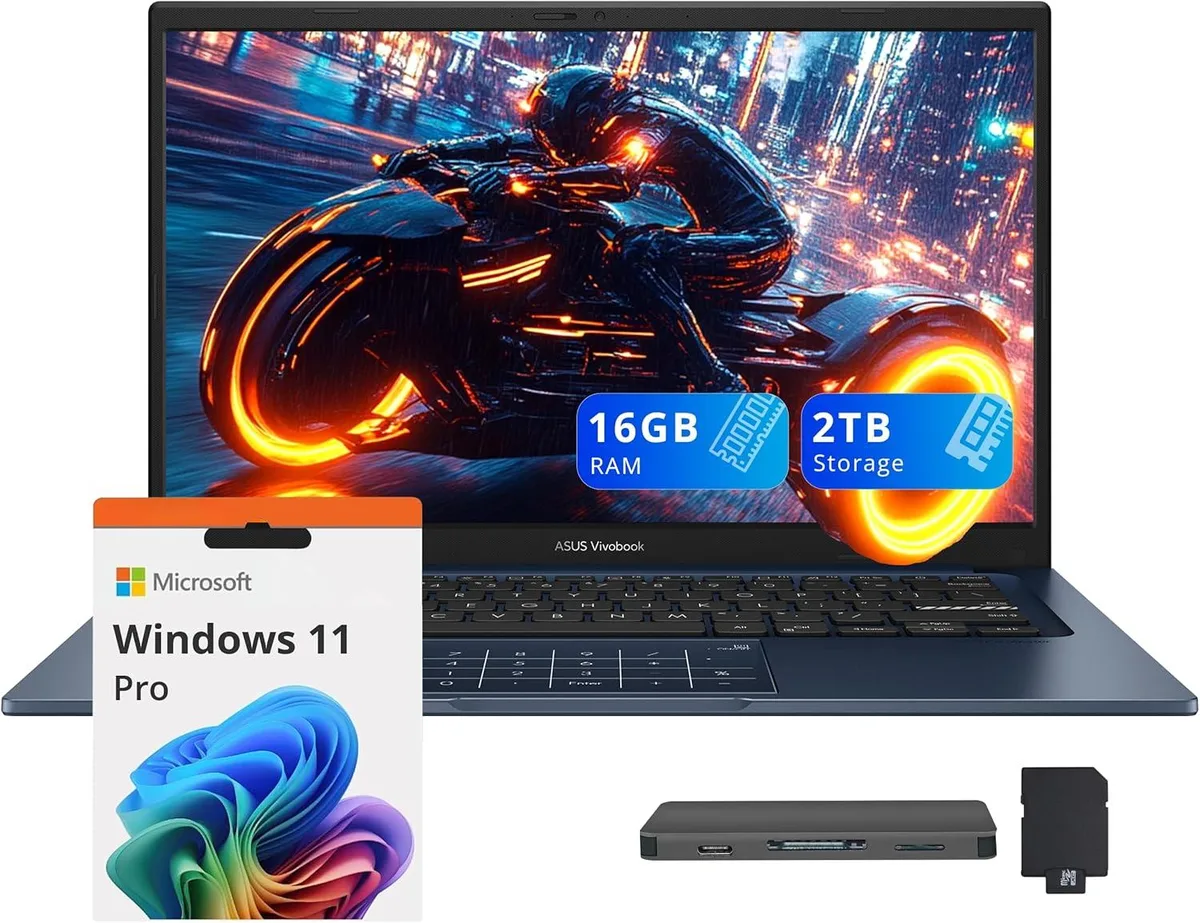
ASUS Vivobook 14 Business Laptop Core 5-120U 16GB 1TB SSD + 1TB Docking Station Quiet Blue
- Blue
- Windows 11 Home
637,99 $
0.00820313BTC
VarastossaHyväksymme kryptoa — hallussasi olevat kolikot voivat näin ostaa oikeaa laitteistoa.Maksa kryptolla, käytä se oikeaan laitteistoon. Ilmainen vakuutettu toimitus maailmanlaajuisesti yli 399 $. Neutraalit, tuotemerkittömät ulkopakkaukset, lähetetään Saksasta.Ilmainen vakuutettu toimitus yli 399 $. Kurssisi lukitaan 30 minuutiksi heti, kun kassa avautuu.Kurssi lukittu 30 minuutiksi. Jokainen tuote on sinetöity, sen sarjanumero on tarkistettu, ja sillä on 24 kuukauden takuu.Sinetöity, 24 kuukauden takuu.


ASUS
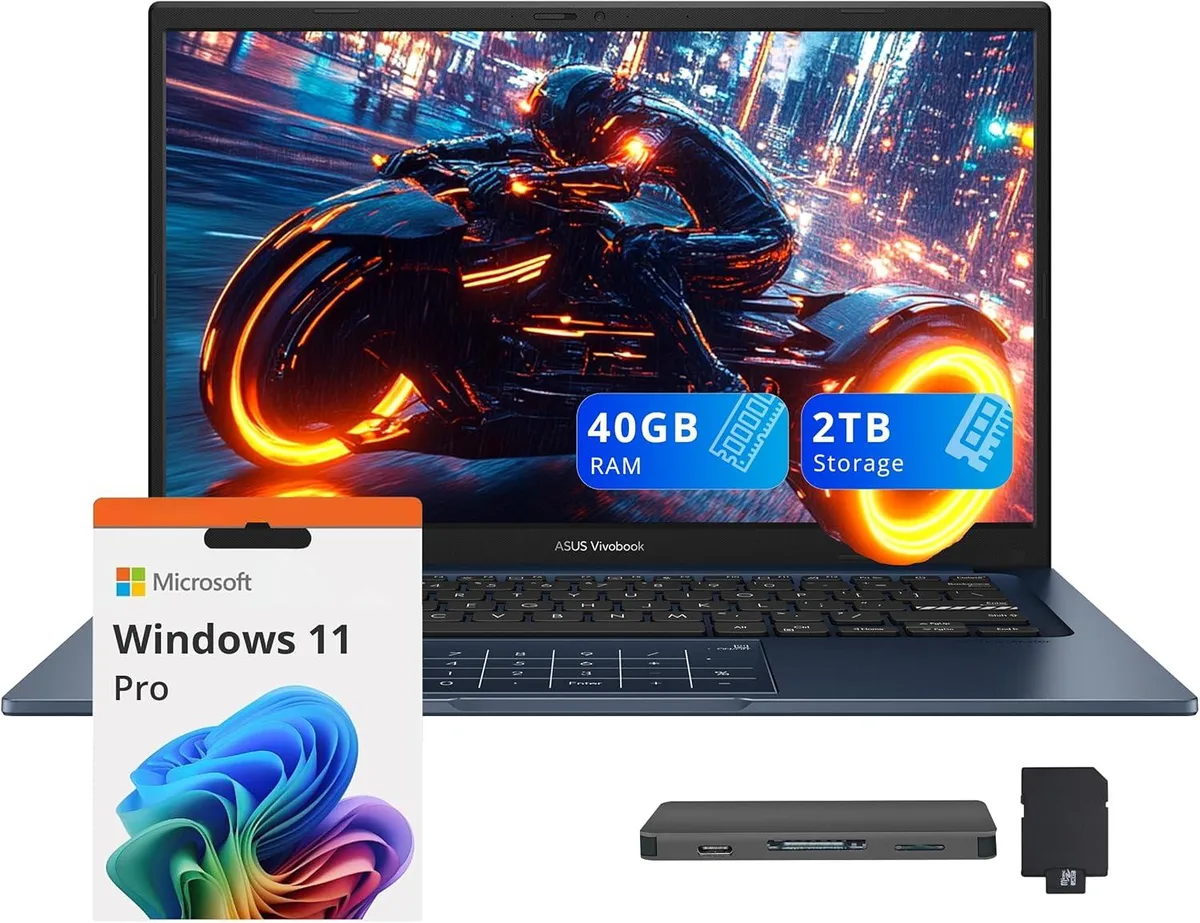
14.0" FHD IPS business laptop with Intel Core 5-120U, 40GB RAM, 1TB SSD plus 1TB docking station, Windows 11 Pro
Capacity 40GB / 2TB Storage
The ASUS Vivobook 14 is a 14.0 inch FHD IPS laptop in Quiet Blue running Windows 11 Pro. It targets professionals who need a portable device for daily office work, video calls and document handling. The 10-core Intel Core 5-120U processor and 40GB memory support smooth multitasking across typical business applications. Integrated Intel Graphics drive the 1920 x 1080 non-touch display for clear visuals.
The chassis measures 12.79 by 8.42 by .7 inches and weighs 3.09lbs, making it easy to carry between meetings. Built-in ports include one USB-C 3.2, one USB-A 3.2, one USB-A 2.0, one HDMI and a headphone/microphone combo jack. The bundle adds a 7-in-1 docking station with 1TB storage, a 32GB microSD card with adapter, a Type-C data cable, a 3-in-1 charging cable and a suede cleaning cloth for extended peripheral support.
Buyers who require a dedicated GPU for rendering or heavy creative suites should look elsewhere. The integrated graphics and non-touch screen limit suitability for intensive design or engineering tasks. Internal storage is 1TB SSD; the extra terabyte lives in the external dock, so plan file placement accordingly. Ensure your essential peripherals match the available USB-A, USB-C and HDMI interfaces before ordering.
| Brand | ASUS |
|---|---|
| Series | ASUS Vivobook 14 |
| Color | Blue |
| Operating System | Windows 11 Pro |
| CPU Type | Intel Core 5-120U |
| Number of Cores | 10-core Processor |
| Screen Size | 14.0" |
| Touchscreen | Non-Touch Screen |
| Display Type | FHD |
| Resolution | 1920 x 1080 |
| GPU/VPU | Intel Graphics |
| Graphic Type | Integrated Card |
| SSD | 1TB |
| Storage Spec | 1TB |
| Memory | 40GB |
| WLAN | Yes |
| Bluetooth | Yes |
| USB | 1x USB-C, 2x USB-A |
| HDMI | 1 x HDMI |
| Audio Ports | 1 x Headphone/Microphone Combo Jack |
| Backlit Keyboard | Non-backlit |
| Webcam | Yes |
| Style | Standard |
| Type | Work / Business |
| Usage | Business |
Tämän mallin muut versiot
Sama tuoteperhe, eri muisti, jäähdytin tai kellotaajuus — vertaile ennen päätöstä.
The USB-C 3.2 port carries data at up to 10 Gbit/s and can drive an external monitor through the same connector; it also accepts the laptop's charger for single-cable docking.
The laptop measures 12.79 inches wide, 8.42 inches deep and .7 inch thick, weighing 3.09 lbs — compact enough for most 14-inch sleeves.
Plug the dock's USB-C cable into the laptop's USB-C 3.2 port first, wait for the drive to enumerate in File Explorer, then attach any peripherals to the dock's remaining ports.
Myös tällä osastolla
Sama osasto, sama kassa — kahdeksan kryptovaluuttaa ja 30 minuutin kurssilukko.
Valuutta, jolla maksetaan, sekä valuutta, jossa hinnat näytetään.
Lähetetään lompakostasi kassalla
Vain näyttöä varten — hinnat ovat Yhdysvaltain dollareissa
Valuuttaa ei löytynyt.
Valitse kieli, jolla sivusto puhuu sinulle.
Ei vastaavaa kieltä.
Uusi täällä?
Onko sinulla jo tili?
Automaattista palautusta ei ole: kauppa ei lähetä sähköpostia lainkaan, joten kertakäyttöistä linkkiä ei ole mistä pyytää. Jätä osoite tilille, niin se käsitellään käsin.
Pyyntö kirjattu
Mikään ei ole tulossa sähköpostiisi — tämä kauppa ei lähetä sähköpostia lainkaan. Joku käsittelee nämä pyynnöt käsin.
Muistitko sen?