ASUS
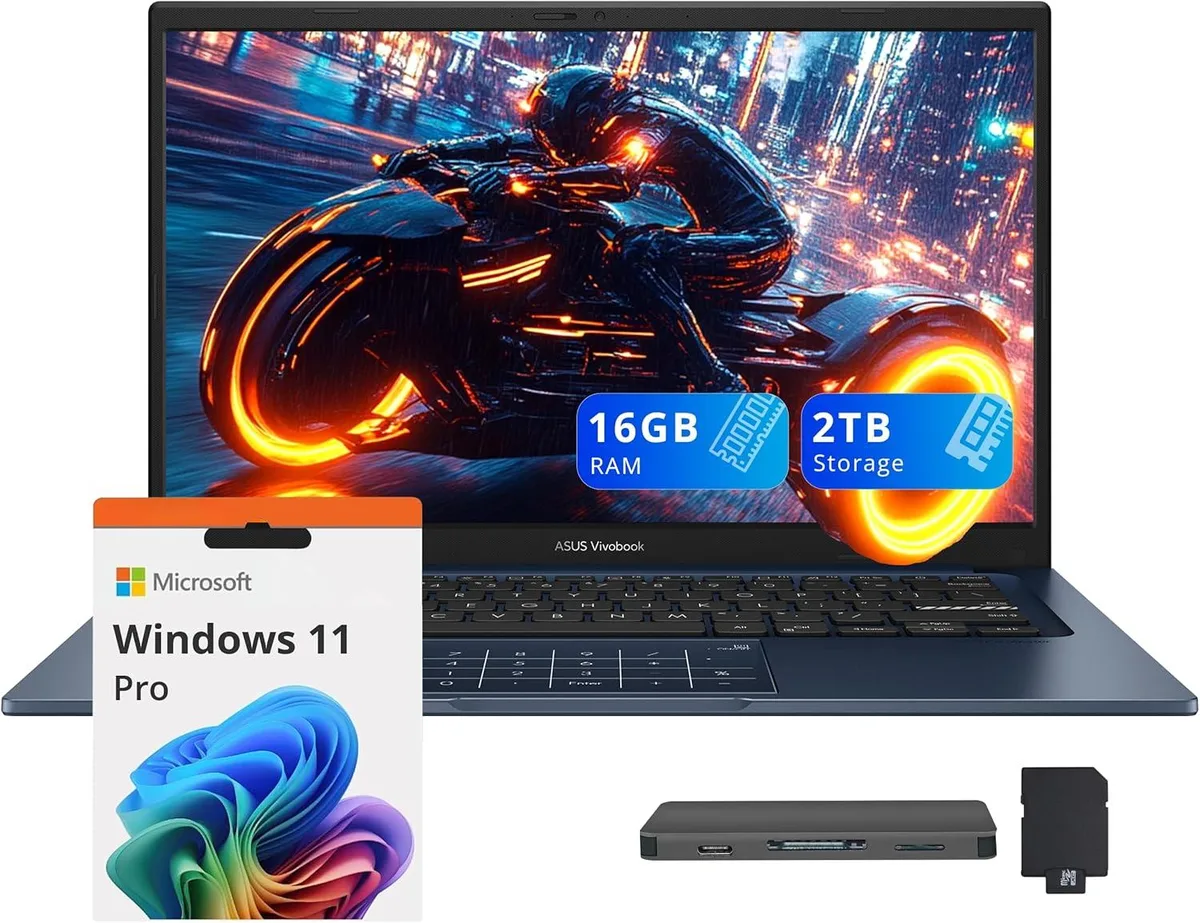
ASUS Vivobook 14 Business Laptop Core 5-120U 16GB 1TB SSD + 1TB Docking Station Quiet Blue
- Blue
- Windows 11 Home
$637,99
0.00819765BTC
StoktaKripto para kabul ediyoruz — böylece elinizdeki koinlerle gerçek donanım alabilirsiniz.Kripto parayla ödeyin, onu gerçek donanıma harcayın. $399 üzeri siparişlerde dünya genelinde sigortalı kargo ücretsizdir. Sade, markasız koliler Almanya’dan gönderilir.$399 üzeri siparişlerde sigortalı kargo ücretsizdir. Ödeme sayfası açıldığında kurunuz 30 dakika kilitli kalır.Kur 30 dakika kilitli. Her ürün mühürlüdür, seri numarası kontrol edilir ve 24 ay garanti kapsamındadır.Mühürlü, 24 ay garantili.


ASUS
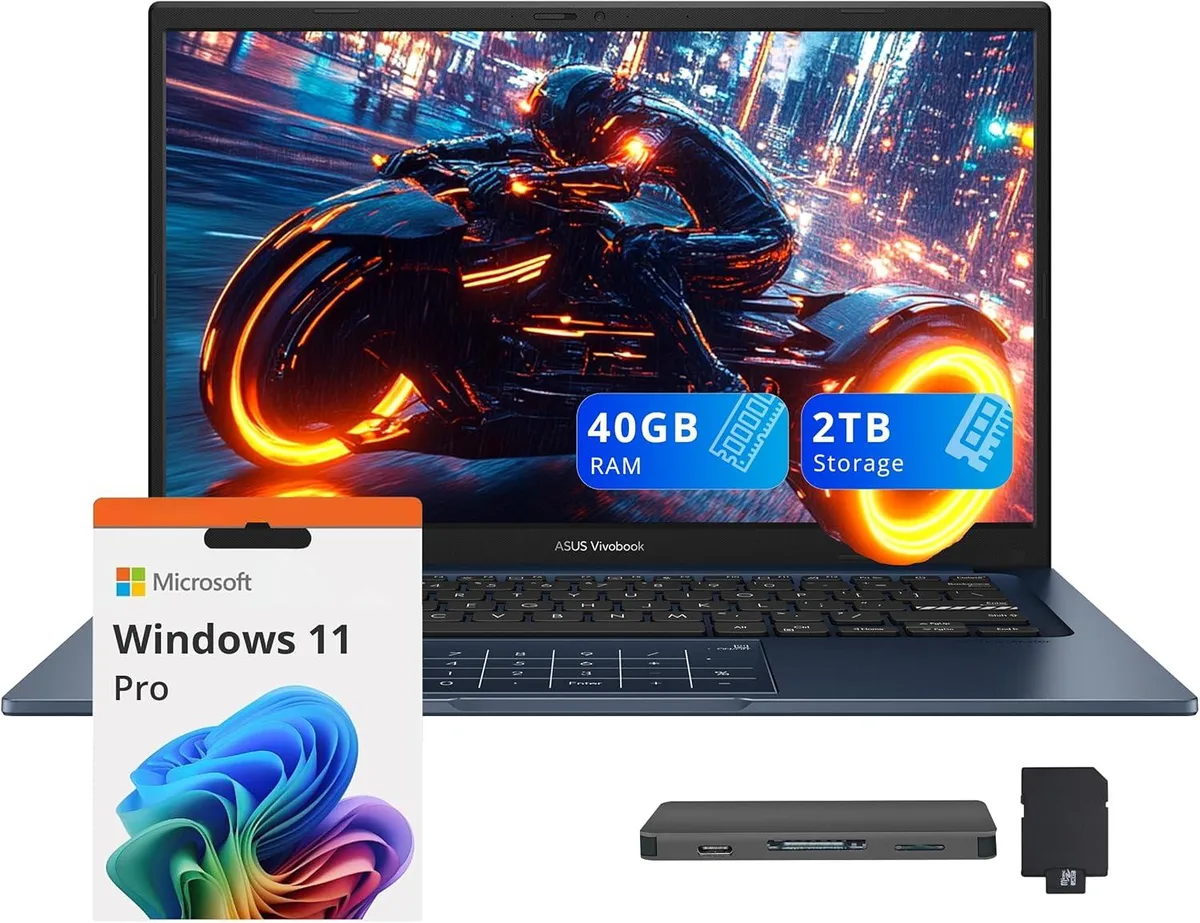
14.0" FHD IPS business laptop with Intel Core 5-120U, 40GB RAM, 1TB SSD plus 1TB docking station, Windows 11 Pro
Capacity 40GB / 2TB Storage
The ASUS Vivobook 14 is a 14.0 inch FHD IPS laptop in Quiet Blue running Windows 11 Pro. It targets professionals who need a portable device for daily office work, video calls and document handling. The 10-core Intel Core 5-120U processor and 40GB memory support smooth multitasking across typical business applications. Integrated Intel Graphics drive the 1920 x 1080 non-touch display for clear visuals.
The chassis measures 12.79 by 8.42 by .7 inches and weighs 3.09lbs, making it easy to carry between meetings. Built-in ports include one USB-C 3.2, one USB-A 3.2, one USB-A 2.0, one HDMI and a headphone/microphone combo jack. The bundle adds a 7-in-1 docking station with 1TB storage, a 32GB microSD card with adapter, a Type-C data cable, a 3-in-1 charging cable and a suede cleaning cloth for extended peripheral support.
Buyers who require a dedicated GPU for rendering or heavy creative suites should look elsewhere. The integrated graphics and non-touch screen limit suitability for intensive design or engineering tasks. Internal storage is 1TB SSD; the extra terabyte lives in the external dock, so plan file placement accordingly. Ensure your essential peripherals match the available USB-A, USB-C and HDMI interfaces before ordering.
| Brand | ASUS |
|---|---|
| Series | ASUS Vivobook 14 |
| Color | Blue |
| Operating System | Windows 11 Pro |
| CPU Type | Intel Core 5-120U |
| Number of Cores | 10-core Processor |
| Screen Size | 14.0" |
| Touchscreen | Non-Touch Screen |
| Display Type | FHD |
| Resolution | 1920 x 1080 |
| GPU/VPU | Intel Graphics |
| Graphic Type | Integrated Card |
| SSD | 1TB |
| Storage Spec | 1TB |
| Memory | 40GB |
| WLAN | Yes |
| Bluetooth | Yes |
| USB | 1x USB-C, 2x USB-A |
| HDMI | 1 x HDMI |
| Audio Ports | 1 x Headphone/Microphone Combo Jack |
| Backlit Keyboard | Non-backlit |
| Webcam | Yes |
| Style | Standard |
| Type | Work / Business |
| Usage | Business |
Bu modelin diğer sürümleri
Aynı aile, farklı bellek, soğutucu veya frekans — karar vermeden önce karşılaştırın.
The USB-C 3.2 port carries data at up to 10 Gbit/s and can drive an external monitor through the same connector; it also accepts the laptop's charger for single-cable docking.
The laptop measures 12.79 inches wide, 8.42 inches deep and .7 inch thick, weighing 3.09 lbs — compact enough for most 14-inch sleeves.
Plug the dock's USB-C cable into the laptop's USB-C 3.2 port first, wait for the drive to enumerate in File Explorer, then attach any peripherals to the dock's remaining ports.
Bu reyondan diğerleri
Aynı raf, aynı sipariş tamamlama — sekiz koin ve 30 dakikalık kur kilidi.
Ödediğiniz koin ve fiyatları gördüğünüz para birimi.
Ödeme sırasında cüzdanınızdan gönderilir.
Yalnızca görüntüleme içindir — katalog USD cinsinden fiyatlandırılır.
Eşleşen para birimi yok.
Sitenin size hangi dilde hitap edeceğini seçin.
Eşleşen dil yok.
İlk kez mi geliyorsunuz?
Zaten hesabınız var mı?
Otomatik bir sıfırlama yoktur: bu mağaza hiç e-posta göndermez, dolayısıyla talep edilecek tek kullanımlık bir bağlantı da yoktur. Adresi hesapta bırakın, elle işleme alınır.
Talep alındı
Gelen kutunuza doğru giden hiçbir şey yok — bu mağaza hiç e-posta göndermez. Bunları biri elle işleme alır.
Hatırladınız mı?