ASUS
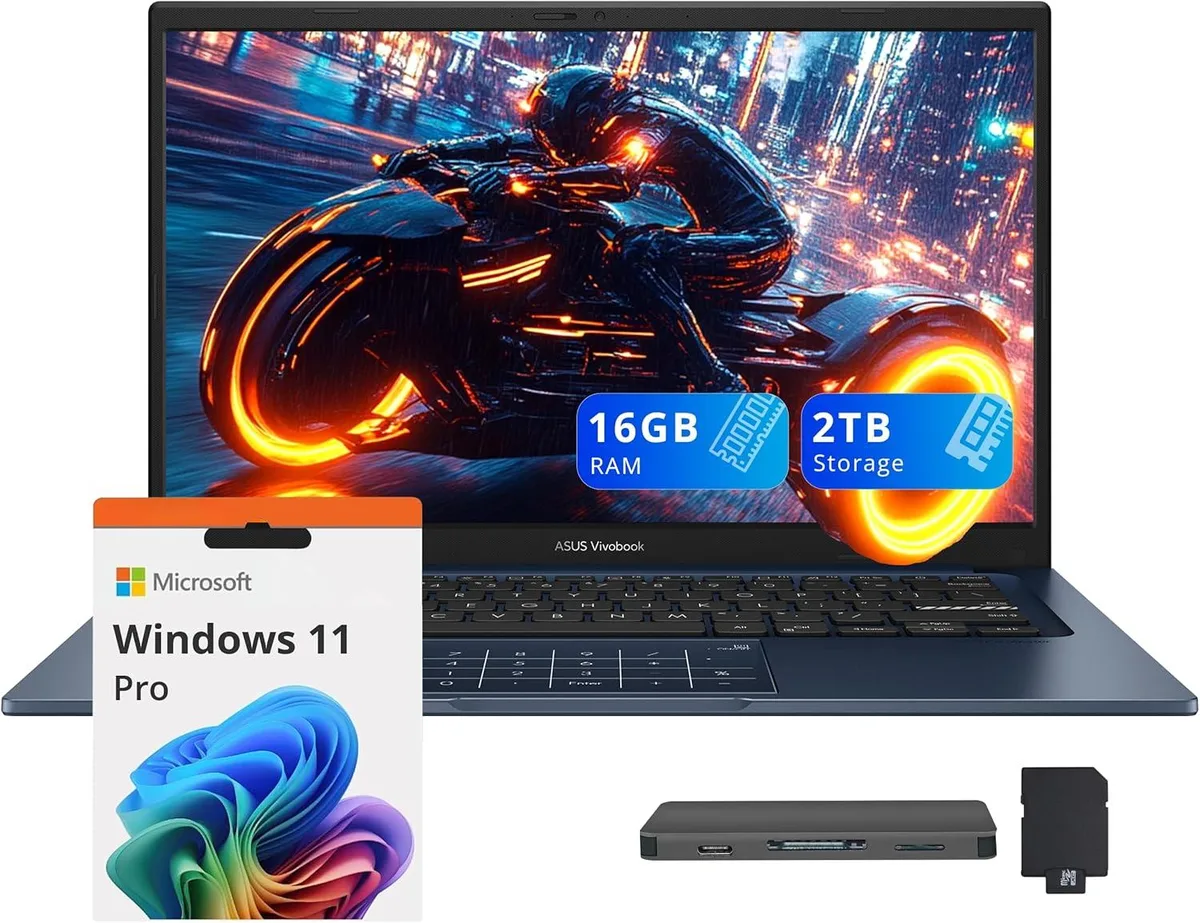
ASUS Vivobook 14 Business Laptop Core 5-120U 16GB 1TB SSD + 1TB Docking Station Quiet Blue
- Blue
- Windows 11 Home
USD 637.99
0.00812633BTC
Ada stokKami menerima kripto — jadi koin yang anda simpan boleh membeli perkakasan sebenar.Bayar dengan kripto, belanjakannya untuk perkakasan sebenar. Penghantaran berinsurans percuma ke seluruh dunia untuk belian melebihi USD 399. Kotak biasa tanpa jenama, dihantar dari Jerman.Penghantaran berinsurans percuma untuk belian melebihi USD 399. Kadar anda dikunci selama 30 minit sebaik sahaja proses pesanan bermula.Kadar dikunci selama 30 minit. Setiap item disegel, nombor sirinya disemak, dan dilindungi waranti 24 bulan.Disegel, waranti 24 bulan.


ASUS
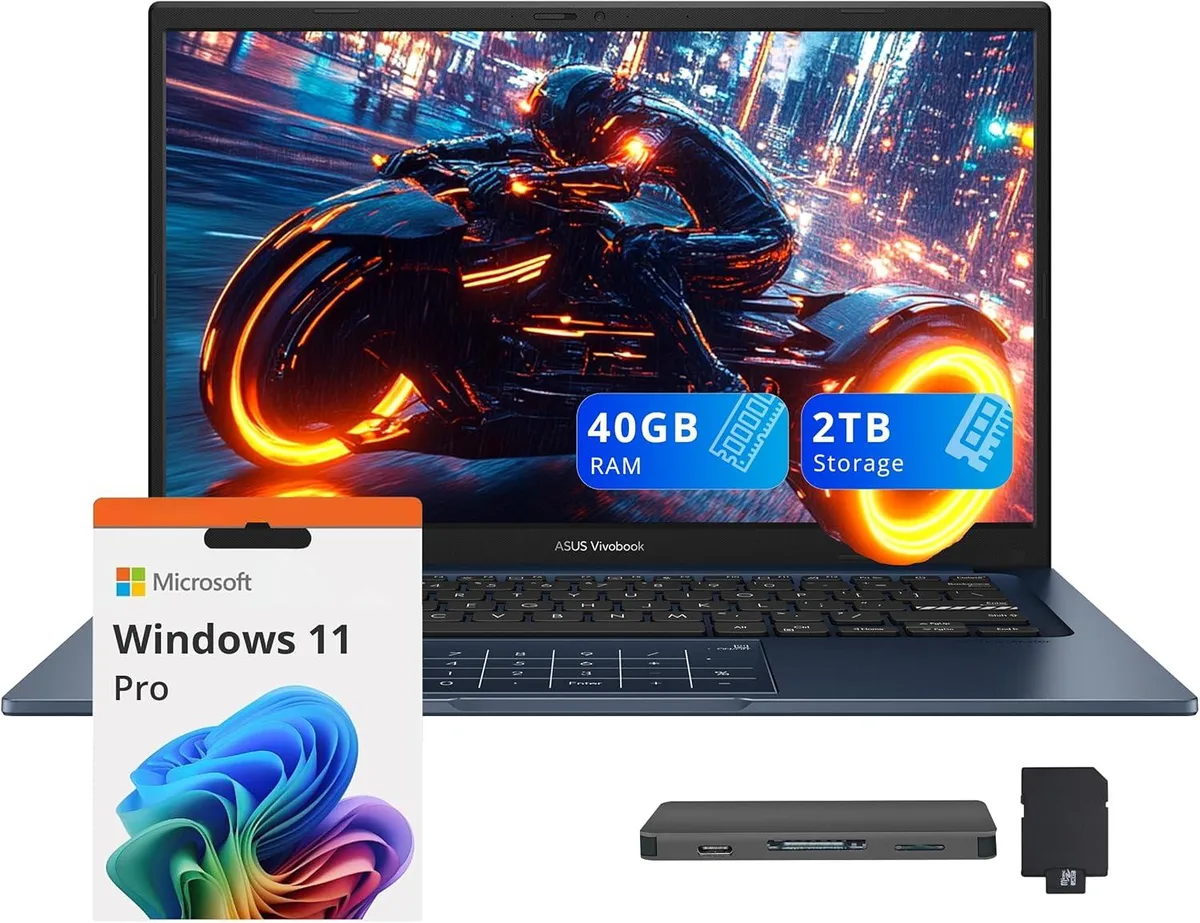
14.0" FHD IPS business laptop with Intel Core 5-120U, 40GB RAM, 1TB SSD plus 1TB docking station, Windows 11 Pro
Capacity 40GB / 2TB Storage
The ASUS Vivobook 14 is a 14.0 inch FHD IPS laptop in Quiet Blue running Windows 11 Pro. It targets professionals who need a portable device for daily office work, video calls and document handling. The 10-core Intel Core 5-120U processor and 40GB memory support smooth multitasking across typical business applications. Integrated Intel Graphics drive the 1920 x 1080 non-touch display for clear visuals.
The chassis measures 12.79 by 8.42 by .7 inches and weighs 3.09lbs, making it easy to carry between meetings. Built-in ports include one USB-C 3.2, one USB-A 3.2, one USB-A 2.0, one HDMI and a headphone/microphone combo jack. The bundle adds a 7-in-1 docking station with 1TB storage, a 32GB microSD card with adapter, a Type-C data cable, a 3-in-1 charging cable and a suede cleaning cloth for extended peripheral support.
Buyers who require a dedicated GPU for rendering or heavy creative suites should look elsewhere. The integrated graphics and non-touch screen limit suitability for intensive design or engineering tasks. Internal storage is 1TB SSD; the extra terabyte lives in the external dock, so plan file placement accordingly. Ensure your essential peripherals match the available USB-A, USB-C and HDMI interfaces before ordering.
| Brand | ASUS |
|---|---|
| Series | ASUS Vivobook 14 |
| Color | Blue |
| Operating System | Windows 11 Pro |
| CPU Type | Intel Core 5-120U |
| Number of Cores | 10-core Processor |
| Screen Size | 14.0" |
| Touchscreen | Non-Touch Screen |
| Display Type | FHD |
| Resolution | 1920 x 1080 |
| GPU/VPU | Intel Graphics |
| Graphic Type | Integrated Card |
| SSD | 1TB |
| Storage Spec | 1TB |
| Memory | 40GB |
| WLAN | Yes |
| Bluetooth | Yes |
| USB | 1x USB-C, 2x USB-A |
| HDMI | 1 x HDMI |
| Audio Ports | 1 x Headphone/Microphone Combo Jack |
| Backlit Keyboard | Non-backlit |
| Webcam | Yes |
| Style | Standard |
| Type | Work / Business |
| Usage | Business |
Versi lain model ini
Keluarga yang sama, memori, penyejuk atau kelajuan jam yang berbeza — bandingkan sebelum membuat keputusan.
The USB-C 3.2 port carries data at up to 10 Gbit/s and can drive an external monitor through the same connector; it also accepts the laptop's charger for single-cable docking.
The laptop measures 12.79 inches wide, 8.42 inches deep and .7 inch thick, weighing 3.09 lbs — compact enough for most 14-inch sleeves.
Plug the dock's USB-C cable into the laptop's USB-C 3.2 port first, wait for the drive to enumerate in File Explorer, then attach any peripherals to the dock's remaining ports.
Juga di rak ini
Rak yang sama, checkout yang sama — lapan koin kripto dan kunci kadar 30 minit.
Apa yang anda hantar untuk membayar, dan mata wang yang anda guna untuk membaca harga.
Dihantar daripada dompet anda semasa semak keluar
Untuk paparan sahaja — katalog diberi harga dalam USD
Tiada mata wang yang sepadan.
Pilih bahasa yang digunakan oleh laman web ini.
Tiada bahasa yang sepadan.
Pengguna baharu?
Sudah mempunyai akaun?
Tiada set semula automatik: kedai ini tidak menghantar sebarang e-mel, jadi tiada pautan sekali guna untuk diminta. Biarkan alamat pada akaun tersebut, ia akan diuruskan secara manual.
Permintaan direkodkan
Tiada apa-apa akan sampai ke peti masuk anda — kedai ini tidak menghantar sebarang e-mel. Seseorang akan menguruskannya secara manual.
Sudah teringat?