

DELL
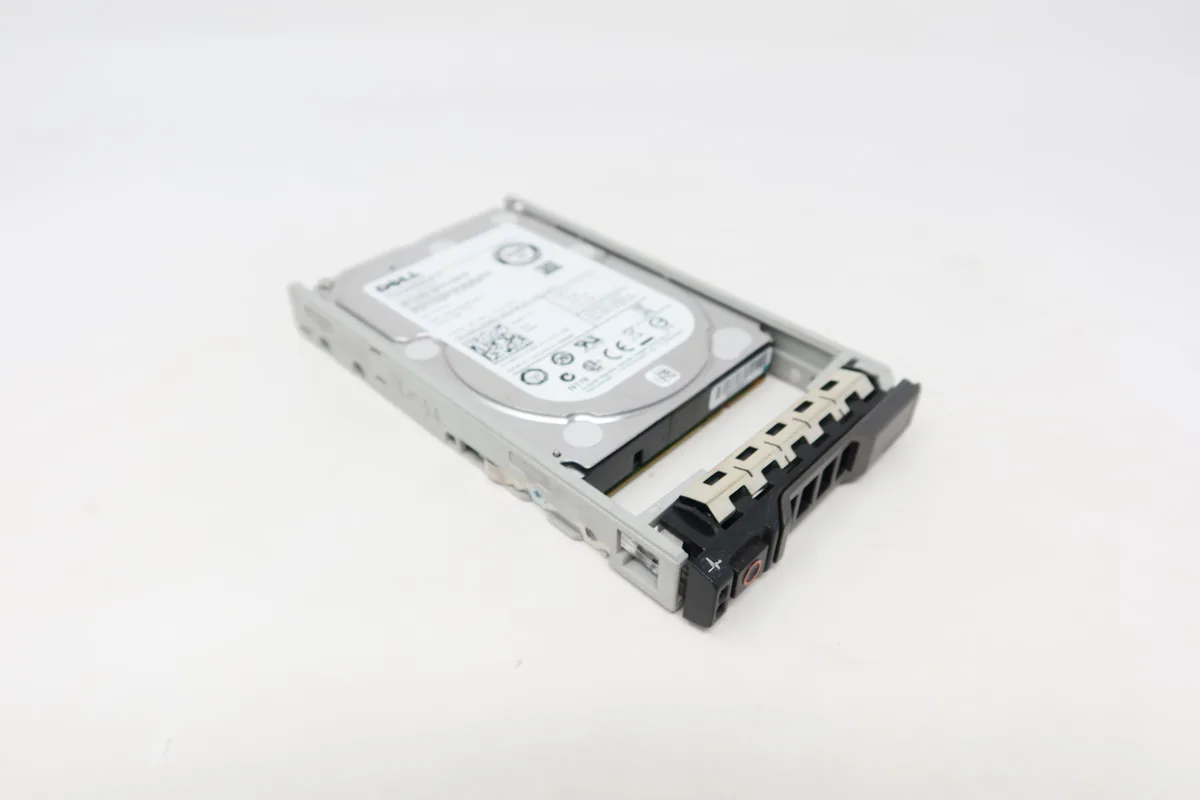
DELL 400-AJON 1.2TB 10K SAS 2.5" internal hard drive
A 1.2 TB 10 000 RPM SAS drive with a 12 Gb/s interface, supplied with a caddy for PowerEdge Gen 13 servers
- 2TB capacity supports demanding server workloads
- 10000RPM spindle speed accelerates data access
- SAS 12Gb/s interface delivers high-throughput connectivity
- Includes PowerEdge Gen13 server tray for direct installation
- Compatible with R630 R730 T430 R430 R730xd T530 R530 R930 T630 T330
Dell 400-AJON 1.2TB SAS drive
The Dell 400-AJON is a 1.2TB 2.5 inch internal hard drive built for PowerEdge Gen13 servers. It spins at 10000RPM and connects through a 12Gb/s SAS interface. A compatible caddy is included for direct installation in supported bays. The drive arrives new with zero hours of operation.
Suited for Gen13 PowerEdge bays
This drive fits the listed PowerEdge Gen13 models including R630, R730, T430, R430, R730xd, T530, R530, R930, T630 and T330. It is intended for administrators replacing or adding SAS storage in those specific chassis. Buyers needing a different capacity or a non-SAS interface should look at other parts.
12Gb/s SAS interface decides fit
The single specification that determines compatibility is the 12Gb/s SAS interface. The server backplane and controller must support this exact interface for the drive to function. Verify that the target system lists SAS 12Gb/s support before purchase.
Kohokohdat
- 2TB capacity supports demanding server workloads
- 10000RPM spindle speed accelerates data access
- SAS 12Gb/s interface delivers high-throughput connectivity
- Includes PowerEdge Gen13 server tray for direct installation
- Compatible with R630 R730 T430 R430 R730xd T530 R530 R930 T630 T330
Tekniset tiedot
Tälle tuotteelle ei ole vielä julkaistu teknisiä tietoja.
Kysymyksiä tästä tuotteesta
What size drive bay and tray does the 2.5" SAS drive require?
It fits a standard 2.5-inch bay and ships with a Dell PowerEdge R-series caddy tray included.
How do I install the 1.2TB 10000RPM drive into a PowerEdge Gen13 server?
Slide the supplied tray into the front hot-swap bay until the latch clicks; the common error is not seating the tray fully so the SAS connector does not engage.
When should I plan to replace the 10000RPM SAS drive in a RAID array?
Monitor SMART reallocated-sector counts and replace the drive once the counter rises or after the one-year warranty period in high-write workloads.
Myös tällä osastolla
Asiakkaat vertailivat myös näitä
Sama osasto, sama kassa — kahdeksan kryptovaluuttaa ja 30 minuutin kurssilukko.




