DELL
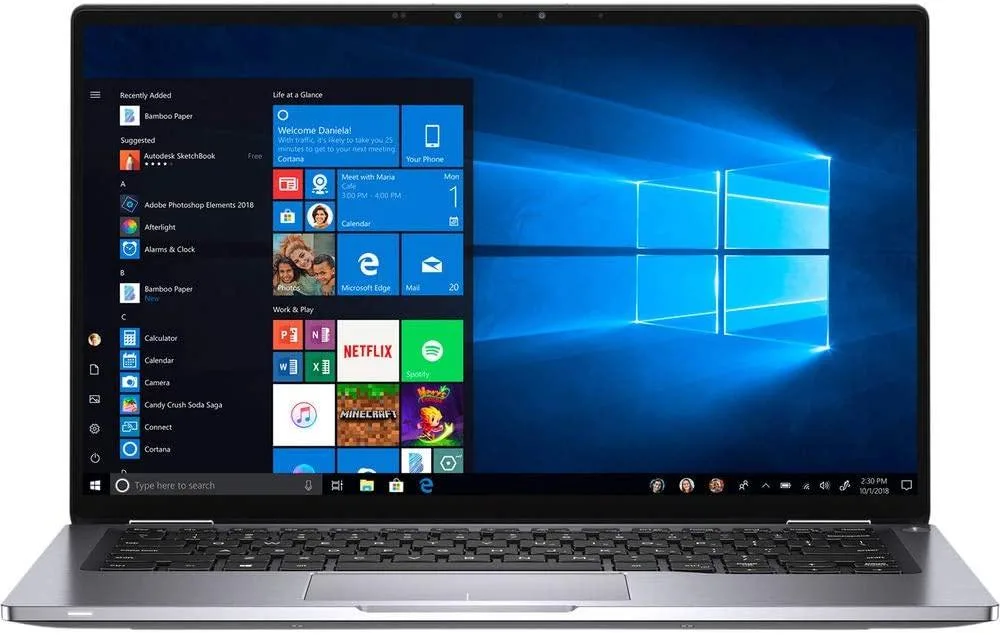
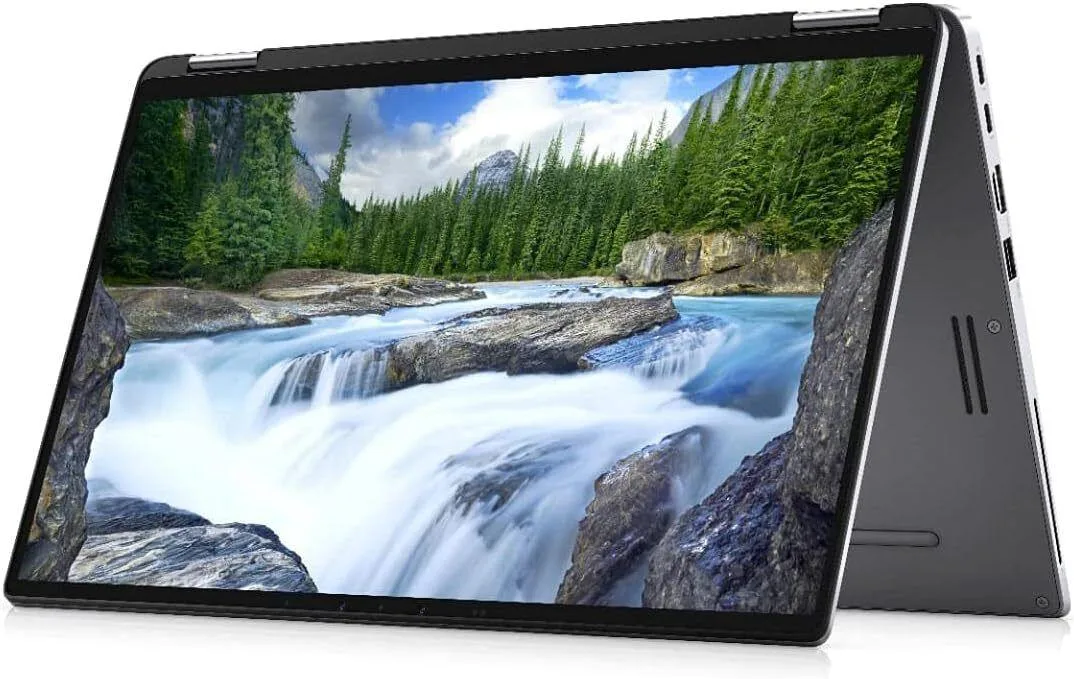
DELL Latitude 7400 Core i5-8365U 1.60GHz 16GB 512GB 14 W11P laptop
- Windows 11 Pro
- Intel Core i5 8th G…
197,99 $
0.00251864BTC
VarastossaHyväksymme kryptoa — hallussasi olevat kolikot voivat näin ostaa oikeaa laitteistoa.Maksa kryptolla, käytä se oikeaan laitteistoon. Ilmainen vakuutettu toimitus maailmanlaajuisesti yli 399 $. Neutraalit, tuotemerkittömät ulkopakkaukset, lähetetään Saksasta.Ilmainen vakuutettu toimitus yli 399 $. Kurssisi lukitaan 30 minuutiksi heti, kun kassa avautuu.Kurssi lukittu 30 minuutiksi. Jokainen tuote on sinetöity, sen sarjanumero on tarkistettu, ja sillä on 24 kuukauden takuu.Sinetöity, 24 kuukauden takuu.


DELL
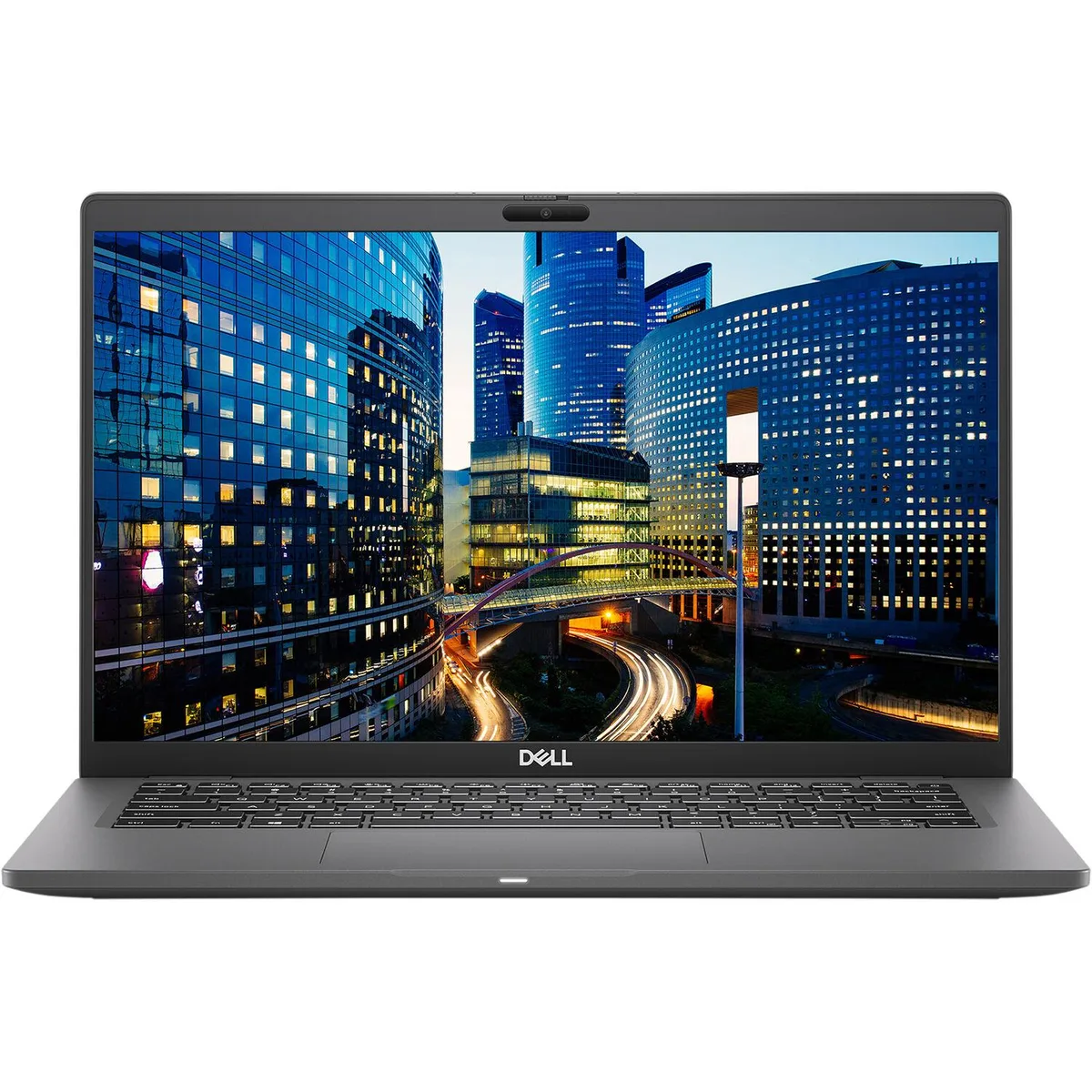
A 14-inch FHD business laptop with Intel Core i5 10th Gen, 8 GB DDR4, 256 GB SSD and Windows 11 Pro
The DELL Latitude 7410 pairs a 10th Gen Intel Core i5-10310U processor with 8 GB of DDR4 memory and a 256 GB SSD. A 14.0-inch 1920 x 1080 display with Corning Gorilla Glass provides a crisp, non-touch workspace. Windows 11 Pro 64-bit comes pre-installed, ready for business tasks out of the box.
The black magnesium-alloy body meets MIL-STD durability standards and includes a wedge-shaped lock slot for physical security. Connectivity covers one USB 3.2 Gen 1 Type-A port with PowerShare, two USB 3.2 Gen 2 Type-C ports supporting Thunderbolt 3, DisplayPort and Power Delivery, an HDMI 2.0 output, Gigabit Ethernet, a micro-SD reader and a universal audio jack. Bluetooth 4.1 and 802.11ac dual-band Wi-Fi handle wireless links.
Replacing a 6th or 7th generation ultrabook, this unit adds Thunderbolt 3 bandwidth, a brighter FHD panel and a guaranteed-charge battery in a similar footprint. The two memory slots allow expansion to 32 GB for heavier multitasking. Buyers who need dedicated graphics, a larger screen or a numeric keypad should look elsewhere.
| Brand | DELL |
|---|---|
| Series | Latitude |
| Model | 7410 |
| Color | Black |
| Other Features | Base screws are stripped. |
| Software Included | A fresh Windows 11 is installed, and no additional software is included |
| Package Content | DELL Latitude 7410, Pre installed Windows 11 Pro 64Bit, and Power Adapter |
| CPU Type | Intel Core i5 10th Gen |
| Screen Size | 14.0" |
| Touchscreen | No |
| Resolution | 1920 x 1080 |
| Video Memory | Shared system memory |
| Graphic Type | Integrated |
| SSD | 256GB |
| HDD | No |
| Memory | 8GB |
| Memory Slot (Total) | 2 |
| Max Memory Supported | 32 GB |
| Optical Drive Type | No |
| Bluetooth | Bluetooth 4.1 |
| HDMI | 1 |
| Backlit Keyboard | Full Size |
| Webcam | Yes |
| Style | Standard |
| Type | Mainstream |
| Usage | Business |
| AC Adapter/Charger | Yes |
| Battery | Lithium Ion |
| Dimensions (W x D x H) | Height 0.690 x Length 8.700 x Width 13.030 |
| Weight | 3.1100 |
| Consumer Alert | Grade A Refurbished |
Tämän mallin muut versiot
Sama tuoteperhe, eri muisti, jäähdytin tai kellotaajuus — vertaile ennen päätöstä.
The two USB 3.2 Gen 2 Type-C ports include Thunderbolt 3 with Power Delivery and DisplayPort alt mode.
The supplier notes that the base screws are stripped, so a screw extractor or careful technique is needed to remove the bottom cover.
After installing Windows, the Intel Rapid Storage Technology driver must be loaded from a USB stick before the 256 GB SSD becomes visible to the installer.
Myös tällä osastolla
Sama osasto, sama kassa — kahdeksan kryptovaluuttaa ja 30 minuutin kurssilukko.
Valuutta, jolla maksetaan, sekä valuutta, jossa hinnat näytetään.
Lähetetään lompakostasi kassalla
Vain näyttöä varten — hinnat ovat Yhdysvaltain dollareissa
Valuuttaa ei löytynyt.
Valitse kieli, jolla sivusto puhuu sinulle.
Ei vastaavaa kieltä.
Uusi täällä?
Onko sinulla jo tili?
Automaattista palautusta ei ole: kauppa ei lähetä sähköpostia lainkaan, joten kertakäyttöistä linkkiä ei ole mistä pyytää. Jätä osoite tilille, niin se käsitellään käsin.
Pyyntö kirjattu
Mikään ei ole tulossa sähköpostiisi — tämä kauppa ei lähetä sähköpostia lainkaan. Joku käsittelee nämä pyynnöt käsin.
Muistitko sen?