DELL
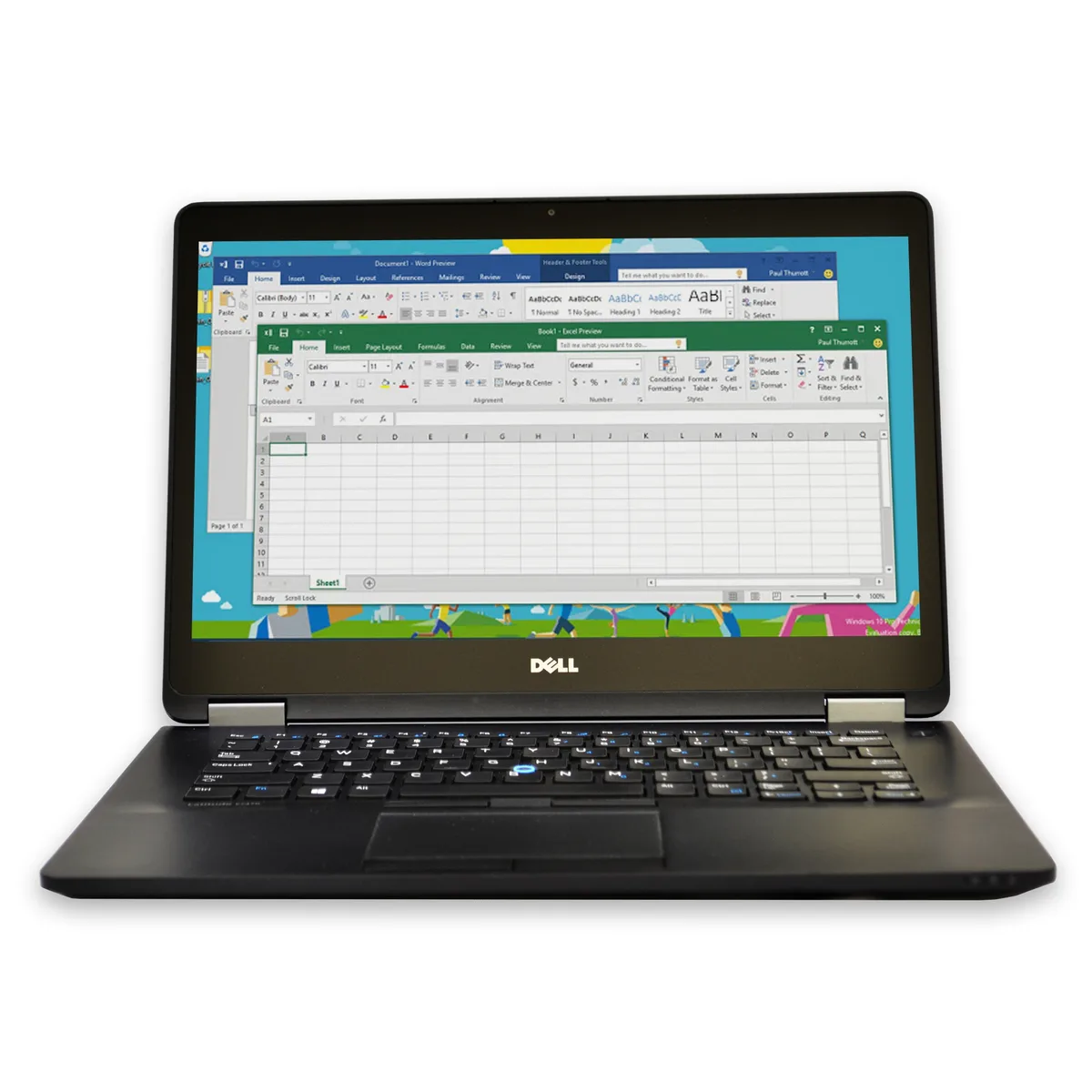
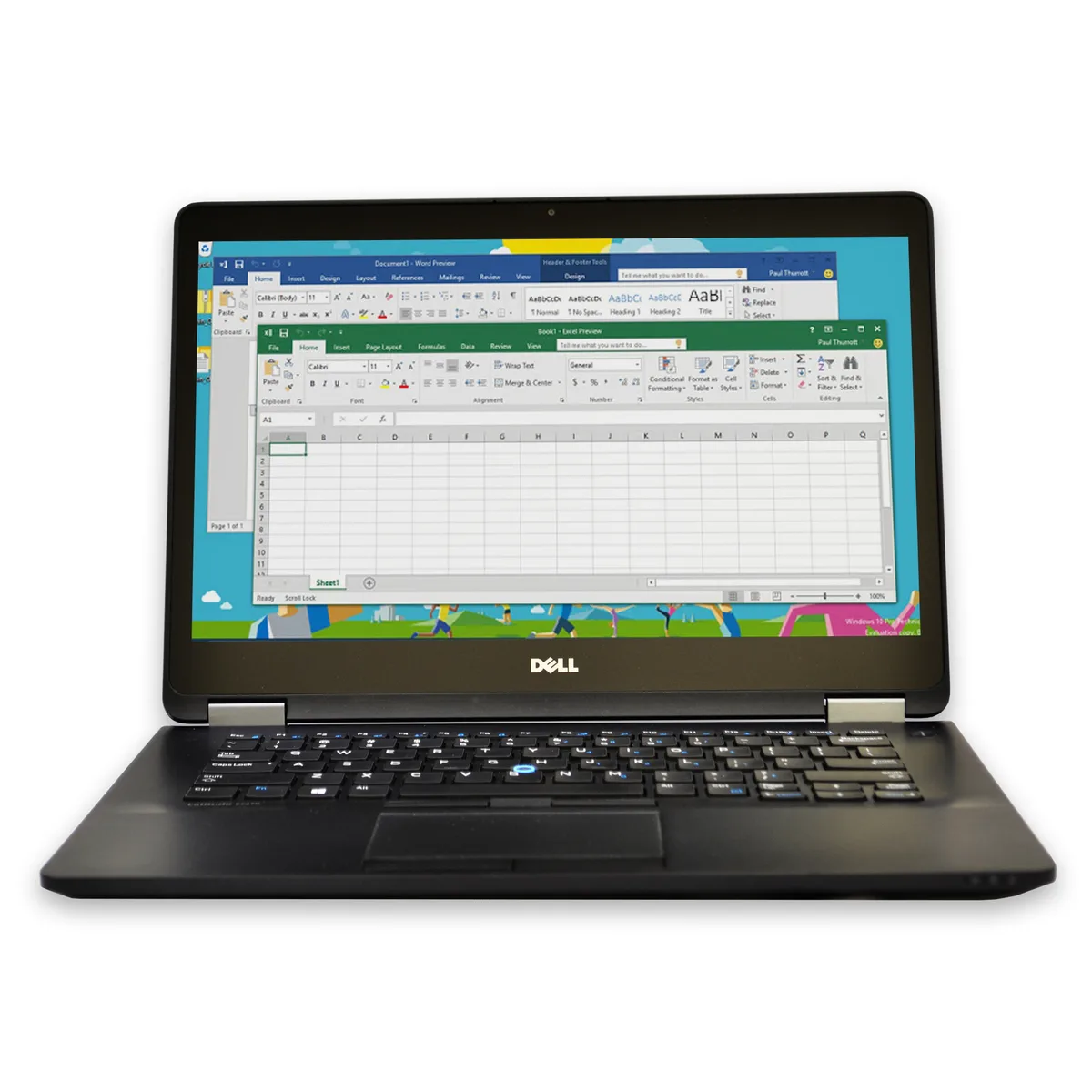
DELL Latitude E7470 laptop 2.40 GHz i5 8GB DDR3 128GB SSD 14
- Black
- Windows 10 Home 🙋♀…
158,99 $
0.00203716BTC
VarastossaHyväksymme kryptoa — hallussasi olevat kolikot voivat näin ostaa oikeaa laitteistoa.Maksa kryptolla, käytä se oikeaan laitteistoon. Ilmainen vakuutettu toimitus maailmanlaajuisesti yli 399 $. Neutraalit, tuotemerkittömät ulkopakkaukset, lähetetään Saksasta.Ilmainen vakuutettu toimitus yli 399 $. Kurssisi lukitaan 30 minuutiksi heti, kun kassa avautuu.Kurssi lukittu 30 minuutiksi. Jokainen tuote on sinetöity, sen sarjanumero on tarkistettu, ja sillä on 24 kuukauden takuu.Sinetöity, 24 kuukauden takuu.


DELL
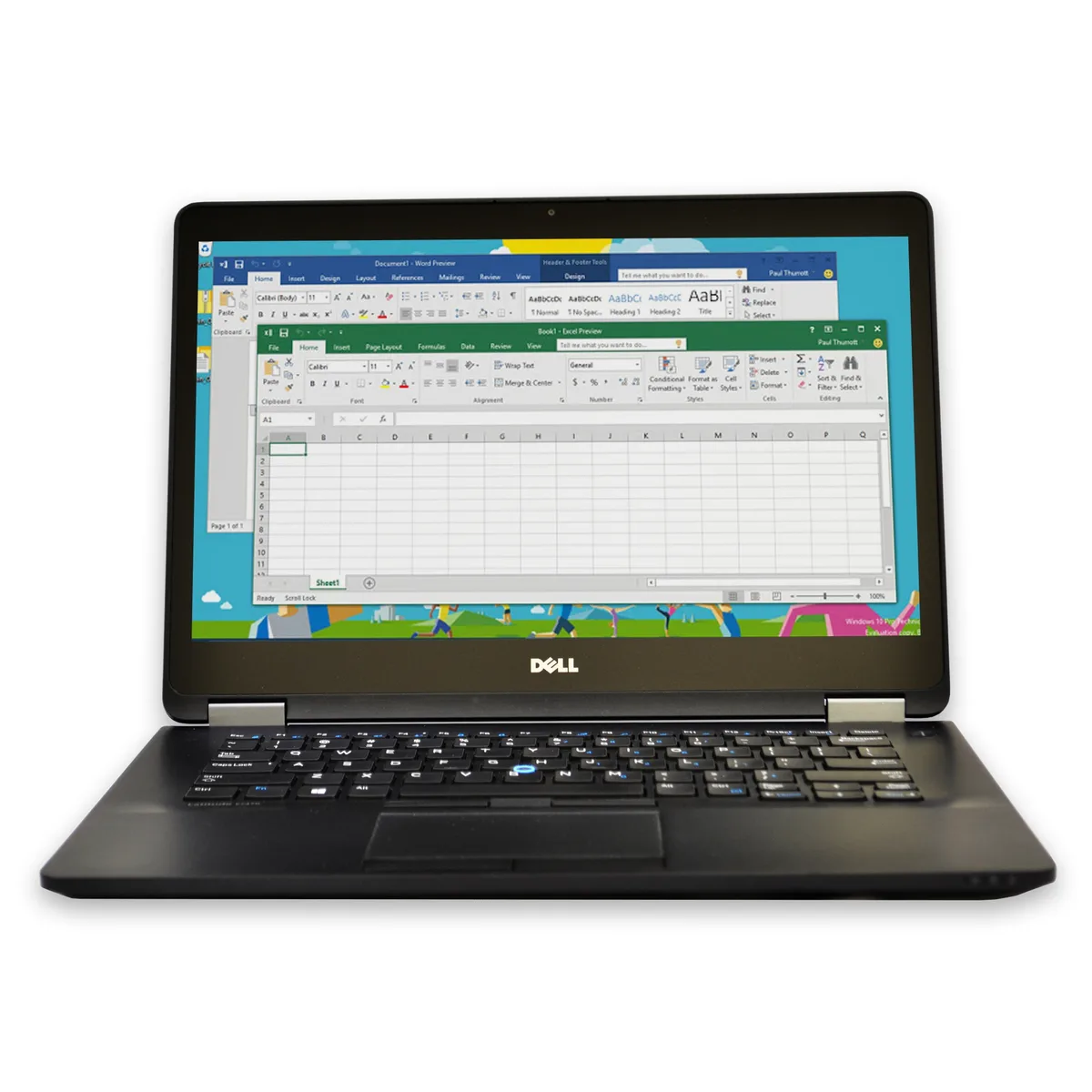
A 14-inch laptop with an Intel Core i5 processor, 8GB DDR3 memory and a 240GB SSD running Windows 10 Home
Options 8GB/240GB W10H
This 14-inch Dell Latitude E7470 runs a 2.40 GHz Intel Core i5 dual-core processor with 8 GB of DDR3 memory and a 240 GB solid-state drive. Windows 10 Home 64-bit is pre-installed and activates automatically on first use. The non-touch display keeps the chassis thin and light for daily mobility.
The black mainstream chassis contains two memory slots supporting up to 16 GB total, allowing a simple upgrade path. Connectivity includes 802.11a/b/g wireless LAN and Bluetooth for peripherals. A single USB port, integrated webcam and no optical drive keep the profile compact for desk or travel use.
Buyers who need multiple USB devices simultaneously should verify hub or dock compatibility because only one USB port is built in. The 802.11a/b/g wireless standard may limit throughput on modern routers, so confirm network requirements. Memory expansion is capped at 16 GB across the two slots.
| Brand | DELL |
|---|---|
| Series | Latitude |
| Model | E7470 |
| Color | Black |
| Operating System | Windows 10 Home 🙋♀️Microsoft Windows 11 Pro Upgrade 👉Check ABS/Helix computers with Windows 11 |
| CPU Type | Intel Core i5 5th Gen |
| Processor Name | 2.40GHz |
| Screen Size | 14.0" |
| Touchscreen | Non-Touch Screen |
| SSD | 240GB |
| HDD | No |
| Memory | 8GB |
| Memory Slot (Total) | 2 Slots |
| Max Memory Supported | 16 GB |
| Optical Drive Type | No |
| WLAN | 802.11a/b/g Wireless LAN |
| Bluetooth | Yes |
| USB | 1 |
| Webcam | Yes |
| Type | Mainstream |
| Usage | Consumer |
| AC Adapter/Charger | Yes |
| Battery | Li-Ion |
| Dimensions (W x D x H) | Height 0.700 x Width 9.200 x Depth 13.300 |
| Weight | 5.5 |
| Software Included | Anti-Virus Software & Libre Office Suite |
| Package Content | Dell Latitude E7470 , Pre installed Windows 10 Home 64 Bit, power cord(s), and quick start guide 🙋♀️Microsoft Windows 11 Pro Upgrade 👉Check ABS/Helix computers with Windows 11 |
Tämän mallin muut versiot
Sama tuoteperhe, eri muisti, jäähdytin tai kellotaajuus — vertaile ennen päätöstä.
The 802.11a/b/g wireless LAN connects to a/b/g networks only; it cannot join 802.11n or 802.11ac networks, so maximum link speed is capped at the legacy a/b/g rates.
The laptop has 2 DDR3 memory slots; 8 GB is installed and the board supports up to 16 GB total across both slots.
The SSD is already fitted in the internal drive bay; the common miss is forgetting to initialise the disk in Windows Disk Management before it appears in File Explorer.
Myös tällä osastolla
Sama osasto, sama kassa — kahdeksan kryptovaluuttaa ja 30 minuutin kurssilukko.
Valuutta, jolla maksetaan, sekä valuutta, jossa hinnat näytetään.
Lähetetään lompakostasi kassalla
Vain näyttöä varten — hinnat ovat Yhdysvaltain dollareissa
Valuuttaa ei löytynyt.
Valitse kieli, jolla sivusto puhuu sinulle.
Ei vastaavaa kieltä.
Uusi täällä?
Onko sinulla jo tili?
Automaattista palautusta ei ole: kauppa ei lähetä sähköpostia lainkaan, joten kertakäyttöistä linkkiä ei ole mistä pyytää. Jätä osoite tilille, niin se käsitellään käsin.
Pyyntö kirjattu
Mikään ei ole tulossa sähköpostiisi — tämä kauppa ei lähetä sähköpostia lainkaan. Joku käsittelee nämä pyynnöt käsin.
Muistitko sen?