Panasonic
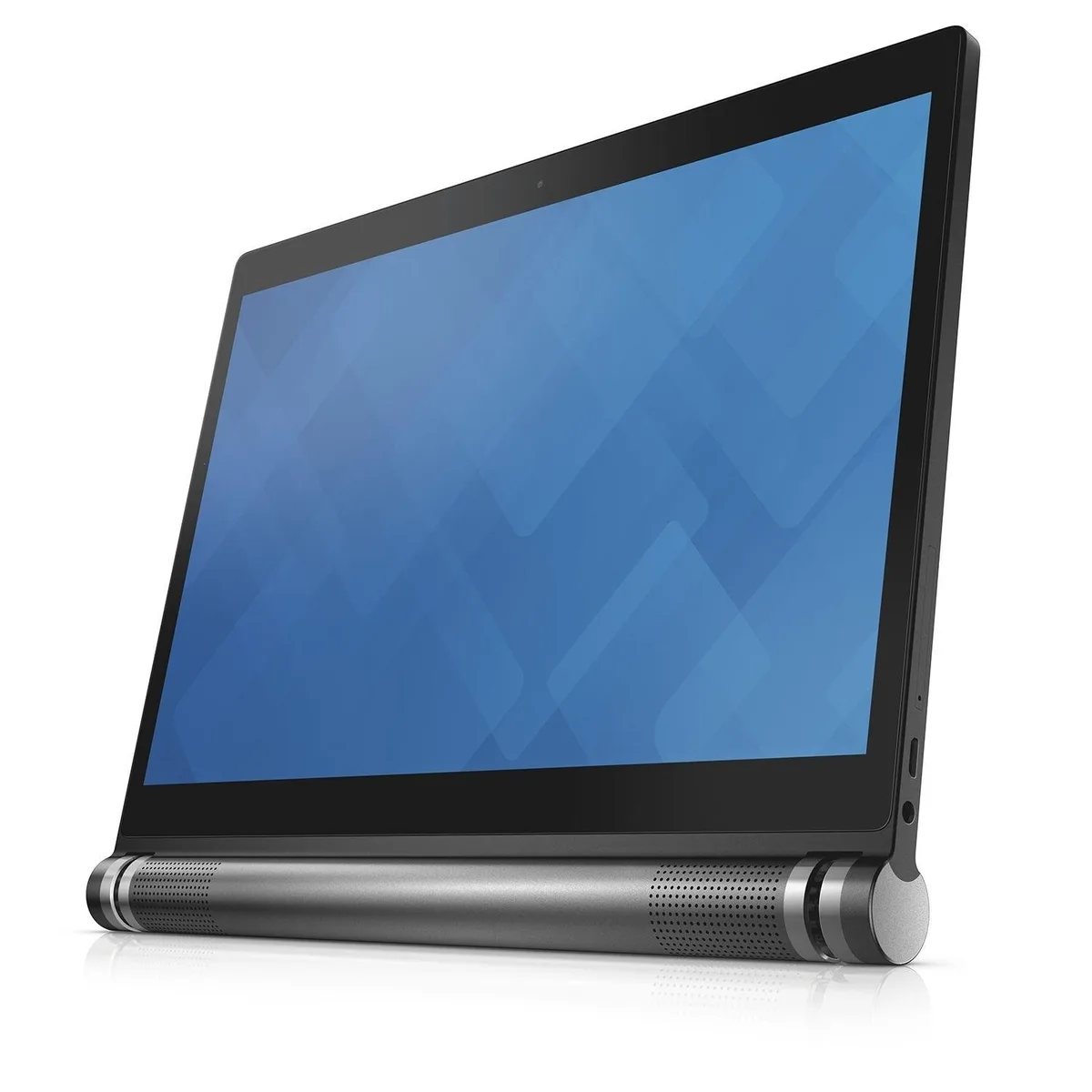
Panasonic Toughpad FZ-G1 MK5 Tablet 10.1" i5-7300U 8GB 256GB Barcode Reader
- Silver
- Windows 10 Pro
295,99 $
0.00386885BTC
VarastossaHyväksymme kryptoa — hallussasi olevat kolikot voivat näin ostaa oikeaa laitteistoa.Maksa kryptolla, käytä se oikeaan laitteistoon. Ilmainen vakuutettu toimitus maailmanlaajuisesti yli 399 $. Neutraalit, tuotemerkittömät ulkopakkaukset, lähetetään Saksasta.Ilmainen vakuutettu toimitus yli 399 $. Kurssisi lukitaan 30 minuutiksi heti, kun kassa avautuu.Kurssi lukittu 30 minuutiksi. Jokainen tuote on sinetöity, sen sarjanumero on tarkistettu, ja sillä on 24 kuukauden takuu.Sinetöity, 24 kuukauden takuu.


Panasonic
A rugged 10.1" Windows 10 Pro tablet with gloved multi-touch, digitizer, Core i5-7300U, 8GB RAM and 256GB SSD
Option No
The Panasonic Toughbook FZ-G1 MK5 is a fully rugged 10.1 inch Windows 10 Pro tablet powered by an Intel Core i5-7300U processor with 8GB of RAM and a 256GB SSD. It features a WUXGA IPS display with 10-point multi-touch and digitiser support, rated for gloved use. MIL-STD-810G and IP65 certifications confirm resistance to drops, vibration, dust and water jets.
This device suits users who need a durable, portable computer for outdoor, industrial or public-safety environments where standard tablets would fail. The integrated 2 MP front and 8.0 MP rear cameras support documentation and video calls in the field. Buyers who require discrete graphics performance, multiple USB ports or a larger screen area should evaluate alternative form factors.
The 10.1 inch display combines 10-point capacitive touch with an active digitiser, allowing precise input with gloves or a stylus in wet or cold conditions. This single feature determines whether the tablet fits workflows that demand reliable touch operation without removing protective gear.
| Brand | Panasonic |
|---|---|
| Series | Toughbook |
| Model | Toughbook FZ-G1 MK5 |
| Part Number | FZ-G1UXXXXXX |
| Color | Silver |
| Operating System | Windows 10 Pro |
| CPU Type | Intel Core i5 7th Gen |
| Processor Name | Intel Core i5-7300U |
| Number of Cores | Dual-core Processor |
| CPU Support | 3 MB Smart Cache |
| Screen Size | 10.1" |
| Touchscreen | Touch Screen |
| Display Type | Wide UXGA |
| Panel | IPS |
| Display Features | Anti-Reflective, Anti-Glare |
| Resolution | 1920 x 1200 |
| Webcam | Yes |
| Front-Facing Camera | 2 MP |
| Rear Camera | 8.0 MP |
| GPU/VPU | Intel HD Graphics 620 |
| Video Memory | Shared system memory |
| Built-in Storage | 256GB SSD |
| SSD | 256GB |
| Memory | 8GB |
| WLAN | 802.11ac Wireless LAN |
| Bluetooth | Bluetooth 4.2 |
| USB | 1 x USB 3.0 |
| HDMI | 1 x HDMI |
| Docking Connector | 1 |
| Audio Ports | 1 x Headphone/Microphone Combo Jack |
| Audio | Integrated Speaker |
| AC Adapter/Charger | Panasonic Adapter included |
| Battery | Lithium Ion |
| Dimensions (W x D x H) | 7.4" x 10.6" x 0.8" |
| Weight | 2 - 2.9 lbs. |
| Package Content | Panasonic Toughbook FZ-G1 MK5 Rugged Tablet, Panasonic Adapter |
Tämän mallin muut versiot
Sama tuoteperhe, eri muisti, jäähdytin tai kellotaajuus — vertaile ennen päätöstä.
The box includes the Panasonic AC adapter, so no separate adapter is required.
Yes, USB 3.0 is backward compatible with USB 2.0 devices, and HDMI will drive a 1080p display at its native resolution.
Open the Windows calibration tool, draw across the full 1920 x 1200 panel with finger and stylus, and confirm touch and pen input register accurately.
Myös tällä osastolla
Sama osasto, sama kassa — kahdeksan kryptovaluuttaa ja 30 minuutin kurssilukko.
Valuutta, jolla maksetaan, sekä valuutta, jossa hinnat näytetään.
Lähetetään lompakostasi kassalla
Vain näyttöä varten — hinnat ovat Yhdysvaltain dollareissa
Valuuttaa ei löytynyt.
Valitse kieli, jolla sivusto puhuu sinulle.
Ei vastaavaa kieltä.
Uusi täällä?
Onko sinulla jo tili?
Automaattista palautusta ei ole: kauppa ei lähetä sähköpostia lainkaan, joten kertakäyttöistä linkkiä ei ole mistä pyytää. Jätä osoite tilille, niin se käsitellään käsin.
Pyyntö kirjattu
Mikään ei ole tulossa sähköpostiisi — tämä kauppa ei lähetä sähköpostia lainkaan. Joku käsittelee nämä pyynnöt käsin.
Muistitko sen?