


SXDOOL
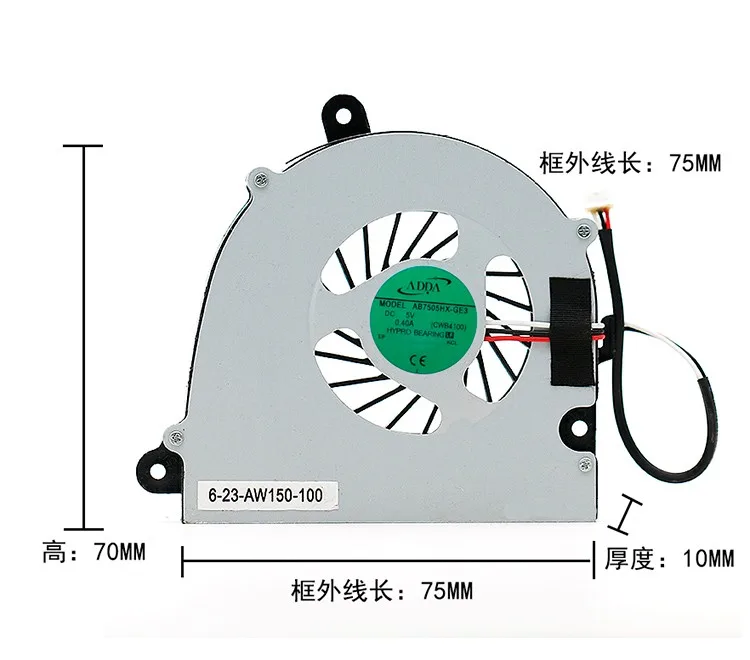
SXDOOL AB75005HX-GE3 75x70x10mm 5V 0.40A 4-wire case fan
A 75 mm by 70 mm 5 V four-wire turbine fan drawing 0.40 A for laptop cooling
- 5 V 0.40 A four-wire design enables PWM speed control
- 75 mm by 70 mm by 10 mm frame fits tight laptop chassis
- 5 cm external lead allows flexible routing inside notebook
- ADDA built-in turbine fan delivers focused airflow for cooling
Laptop replacement turbine fan
This 75 by 70 by 10 millimetre turbine fan is built as a direct replacement for notebook cooling assemblies. It runs on a 5 volt supply drawing 0.40 amps and connects through a four-wire lead that extends 7.5 centimetres from the housing. The unit is new and matches the ADDA AB75005HX-GE3 specification for integrated laptop thermal modules.
Thermals noise and power profile
At 5 volts and 0.40 amps the fan draws approximately 2 watts, a modest load for laptop power circuits. The four-wire interface supports speed reporting and PWM control so the system can balance airflow against acoustic output. Normal operation targets the 100 to 150 range indicated in the supplier data, keeping thermals in check without excessive noise.
Kohokohdat
- 5 V 0.40 A four-wire design enables PWM speed control
- 75 mm by 70 mm by 10 mm frame fits tight laptop chassis
- 5 cm external lead allows flexible routing inside notebook
- ADDA built-in turbine fan delivers focused airflow for cooling
Tekniset tiedot
Tälle tuotteelle ei ole vielä julkaistu teknisiä tietoja.
Kysymyksiä tästä tuotteesta
How do I install the 75x70x10mm fan and what step is often missed?
Align the four mounting holes with the laptop chassis, connect the four-wire plug to the motherboard header, and route the 7.5 cm lead so it does not foul the heatsink or keyboard ribbon — the routing step is the one most often missed.
What maintenance will the 5V 0.40A turbine fan need later?
Blow dust from the blades and intake vents every few months with compressed air; if bearing noise appears or speed drops below spec, replace the entire unit as the motor is not serviceable.
Myös tällä osastolla
Asiakkaat vertailivat myös näitä
Sama osasto, sama kassa — kahdeksan kryptovaluuttaa ja 30 minuutin kurssilukko.

TRENDnet
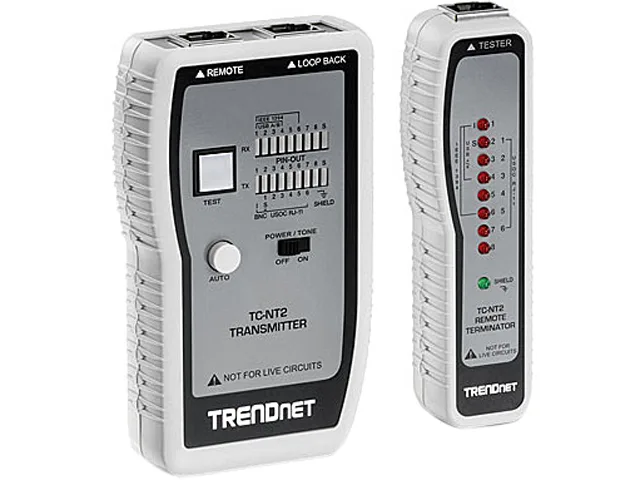
TRENDnet TC-NT2 Cable Tester for Ethernet, Coax, USB and Token Ring
- Tests Pin Configura…
- 99164H
41,99 $
0.00051545BTC
Varastossa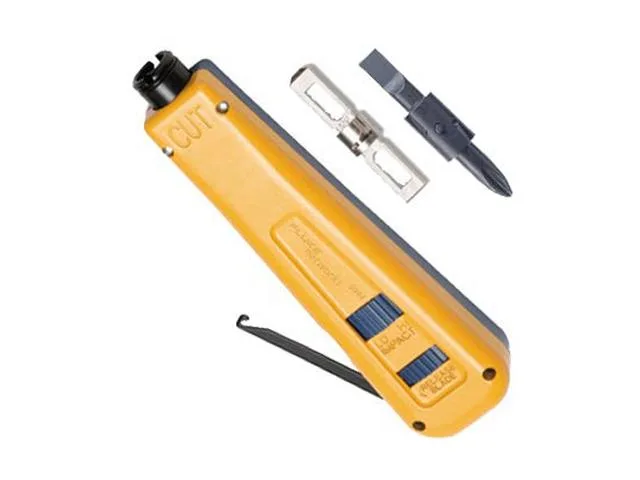
FLUKE networks
FLUKE networks 10061501 D914S Impact Tool pc tool
- Idustry standard, i…
- D914S 10061501 Impa…
70,99 $
0.00087144BTC
Varastossa