STARTECH
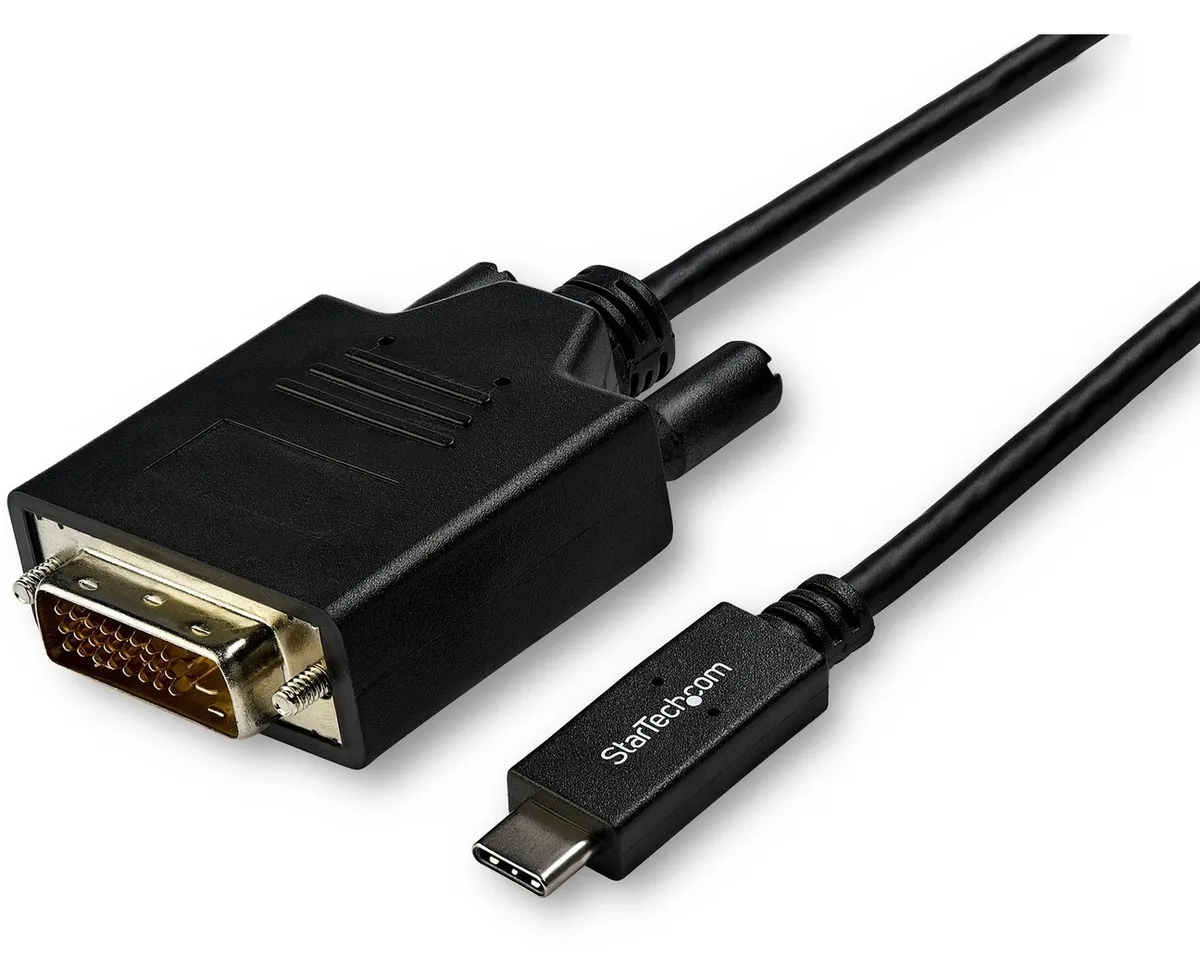
STARTECH CDP2DVI3MBNL usb display adapter 10 ft 1920x1200
- USB-C to DVI Adapte…
- USB-C to DVI
40,99 USD49,99 USD−18%
0.00050339BTC
RaktáronElfogadjuk a kriptovalutát — így az Ön birtokában lévő érmékből valódi hardvert vásárolhat.Fizessen kriptóval, és költse el valódi hardverre. 399 $ felett világszerte díjmentes a biztosított szállítás. Egyszerű, jelöletlen külső kartonok, Németországból küldve.399 $ felett díjmentes a biztosított szállítás. Az Ön árfolyama a pénztár megnyitásától számított 30 percre zárolva marad.Árfolyam zárolva 30 percre. Minden termék gyárilag zárt, sorozatszáma ellenőrzött, és 24 hónapos garancia fedezi.Zárt csomagolás, 24 hónap garancia.

Fans
Replacement CPU cooling fan compatible with Samsung NP-700Z3A series laptops
This new cooling fan fits Samsung NP-700Z3A and NP-700Z3AS06US laptops. It matches part codes 0M104271 and BA62-00630A. The component restores proper airflow to the processor heatsink.
Buyers with an NP-700Z3A series laptop needing a direct replacement will find the correct fit. Anyone repairing a different brand, a different Samsung series, or a desktop chassis should look elsewhere.
The single specification that decides fit is the exact connector pinout and screw-hole pattern for the NP-700Z3A series. Verify these against the original fan before ordering.
Ehhez a termékhez egyelőre nincs közzétett műszaki adat.
Remove the bottom cover, disconnect the old fan cable from the motherboard header, then secure the new fan; the step often missed is re-routing the cable exactly as the original to avoid pinching.
Clean dust from the heatsink fins and fan blades every six to twelve months using compressed air; the sleeve bearing is not user-serviceable and the whole unit is replaced when noise or speed drops.
The sleeve bearing temperature limit is reached first; prolonged high RPM operation increases bearing wear, leading to rising noise and reduced airflow before any electronic component fails.
Szintén ezen a polcon
Ugyanaz a polc, ugyanaz a pénztár — nyolc pénznem és 30 perces árfolyamzár.
Amivel fizet, és amiben az árakat olvassa.
A pénztárnál küldi el a tárcájából
Csak tájékoztató jellegű — a katalógus dollárban van árazva
Nincs ilyen pénznem.
Válassza ki, milyen nyelven szóljon Önhöz az oldal.
Nincs egyező nyelv.
Először jár itt?
Már van fiókja?
Nincs automatikus visszaállítás: ez a bolt nem küld e-mailt, tehát nincs kérhető egyszer használatos link. Hagyja meg a fiókhoz tartozó címet, azt valaki kézzel átnézi.
Kérés rögzítve
Semmi nem érkezik a postafiókjába — ez a bolt egyáltalán nem küld e-mailt. Ezeket valaki kézzel intézi.
Eszébe jutott?