STARTECH
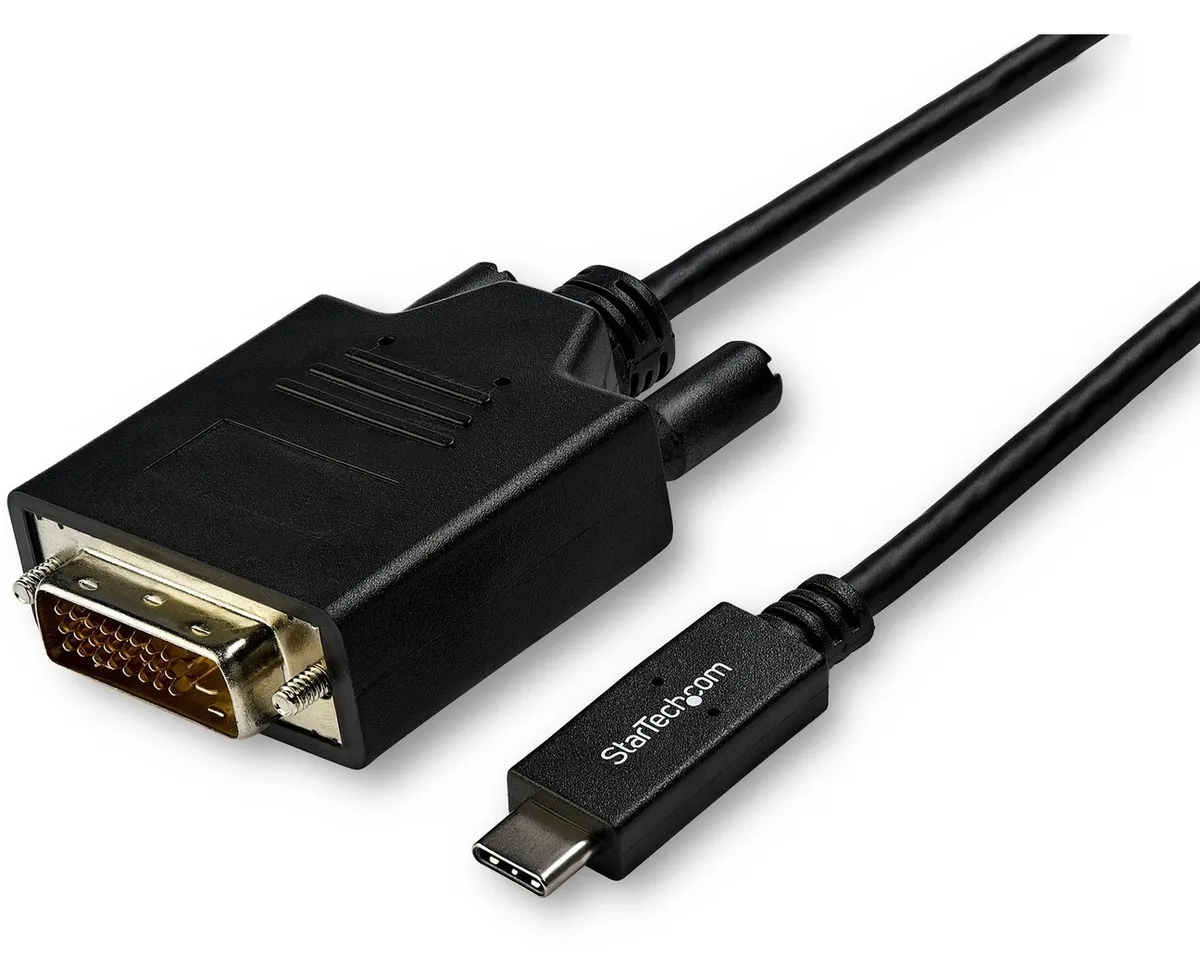
STARTECH CDP2DVI3MBNL usb display adapter 10 ft 1920x1200
- USB-C to DVI Adapte…
- USB-C to DVI
40,99 USD49,99 USD−18%
0.00050339BTC
SkladomPrijímame kryptomeny — takže mince, ktoré držíte, môžete zameniť za skutočný hardvér.Plaťte v krypte, miňte ho na skutočný hardvér. Poistená doprava zadarmo po celom svete nad 399 $. Neutrálne kartóny bez potlače, odosielané z Nemecka.Poistená doprava zadarmo nad 399 $. Váš kurz je zablokovaný na 30 minút hneď po otvorení pokladne.Kurz zablokovaný na 30 minút. Každý produkt je zapečatený, jeho sériové číslo je overené a vzťahuje sa naň 24-mesačná záruka.Zapečatené, 24-mesačná záruka.

Fans
Replacement CPU cooling fan compatible with Samsung NP-700Z3A series laptops
This new cooling fan fits Samsung NP-700Z3A and NP-700Z3AS06US laptops. It matches part codes 0M104271 and BA62-00630A. The component restores proper airflow to the processor heatsink.
Buyers with an NP-700Z3A series laptop needing a direct replacement will find the correct fit. Anyone repairing a different brand, a different Samsung series, or a desktop chassis should look elsewhere.
The single specification that decides fit is the exact connector pinout and screw-hole pattern for the NP-700Z3A series. Verify these against the original fan before ordering.
Pre tento produkt zatiaľ nie sú zverejnené žiadne špecifikácie.
Remove the bottom cover, disconnect the old fan cable from the motherboard header, then secure the new fan; the step often missed is re-routing the cable exactly as the original to avoid pinching.
Clean dust from the heatsink fins and fan blades every six to twelve months using compressed air; the sleeve bearing is not user-serviceable and the whole unit is replaced when noise or speed drops.
The sleeve bearing temperature limit is reached first; prolonged high RPM operation increases bearing wear, leading to rising noise and reduced airflow before any electronic component fails.
Aj v tomto oddelení
Rovnaké oddelenie, rovnaká pokladňa — osem mien a kurz zablokovaný na 30 minút.
Mena, v ktorej platíte, a mena, v ktorej sa zobrazujú ceny.
Odoslané z vašej peňaženky na pokladni
Len na zobrazenie — katalóg je uvedený v dolároch
Žiadna mena nezodpovedá.
Vyberte jazyk, v ktorom s vami bude web komunikovať.
Žiadny jazyk nezodpovedá.
Ste tu prvýkrát?
Účet už máte?
Automatický reset hesla neexistuje: tento obchod neposiela žiadne e-maily, takže neexistuje jednorazový odkaz, o ktorý by ste mohli požiadať. Nechajte adresu na účte — niekto sa jej ujme ručne.
Žiadosť zaznamenaná
Do vašej schránky nič nepríde — tento obchod neposiela vôbec žiadne e-maily. Niekto sa o to postará ručne.
Spomenuli ste si?