STARTECH
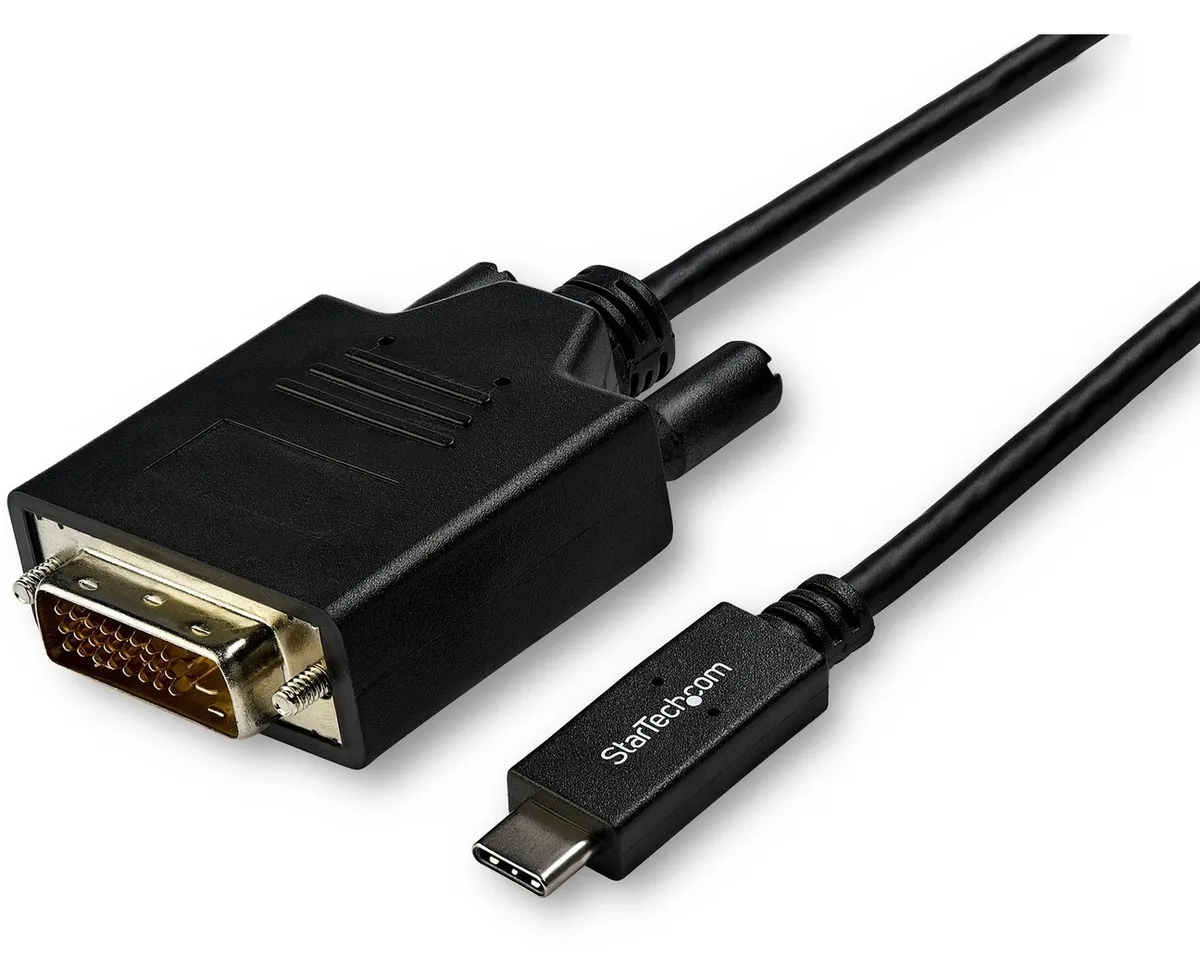
STARTECH CDP2DVI3MBNL usb display adapter 10 ft 1920x1200
- USB-C to DVI Adapte…
- USB-C to DVI
40,99 US$49,99 US$−18%
0.00050339BTC
I lagerVi tar emot kryptovaluta — så att kryptot du äger kan köpa riktig hårdvara.Betala med krypto, använd det till riktig hårdvara. Fri, försäkrad frakt över hela världen vid köp över 399 $. Neutrala, omärkta ytterkartonger, skickade från Tyskland.Fri, försäkrad frakt över 399 $. Din kurs låses i 30 minuter så snart kassan öppnas.Kursen låst i 30 minuter. Varje artikel är förseglad, har kontrollerat serienummer och täcks av 24 månaders garanti.Förseglad, 24 månaders garanti.

Fans
Replacement CPU cooling fan compatible with Samsung NP-700Z3A series laptops
This new cooling fan fits Samsung NP-700Z3A and NP-700Z3AS06US laptops. It matches part codes 0M104271 and BA62-00630A. The component restores proper airflow to the processor heatsink.
Buyers with an NP-700Z3A series laptop needing a direct replacement will find the correct fit. Anyone repairing a different brand, a different Samsung series, or a desktop chassis should look elsewhere.
The single specification that decides fit is the exact connector pinout and screw-hole pattern for the NP-700Z3A series. Verify these against the original fan before ordering.
Inga publicerade specifikationer för den här produkten än.
Remove the bottom cover, disconnect the old fan cable from the motherboard header, then secure the new fan; the step often missed is re-routing the cable exactly as the original to avoid pinching.
Clean dust from the heatsink fins and fan blades every six to twelve months using compressed air; the sleeve bearing is not user-serviceable and the whole unit is replaced when noise or speed drops.
The sleeve bearing temperature limit is reached first; prolonged high RPM operation increases bearing wear, leading to rising noise and reduced airflow before any electronic component fails.
Även i den här avdelningen
Samma hylla, samma kassa — åtta mynt och ett 30-minuters kurslås.
Det du betalar med, och det du ser priserna i.
Skickas från din plånbok i kassan
Endast visning — katalogen är prissatt i US-dollar
Ingen valuta matchar.
Välj det språk du vill att webbplatsen ska visas på.
Inga språk matchar.
Ny här?
Har du redan ett konto?
Det finns ingen automatisk återställning: den här butiken skickar inga e-postmeddelanden, så det finns ingen engångslänk att begära. Lämna adressen kopplad till kontot, så hanteras den för hand.
Förfrågan noterad
Inget är på väg till din inkorg — den här butiken skickar aldrig e-post. Någon tar hand om detta manuellt.
Kom du på det?