Buffalo Technology
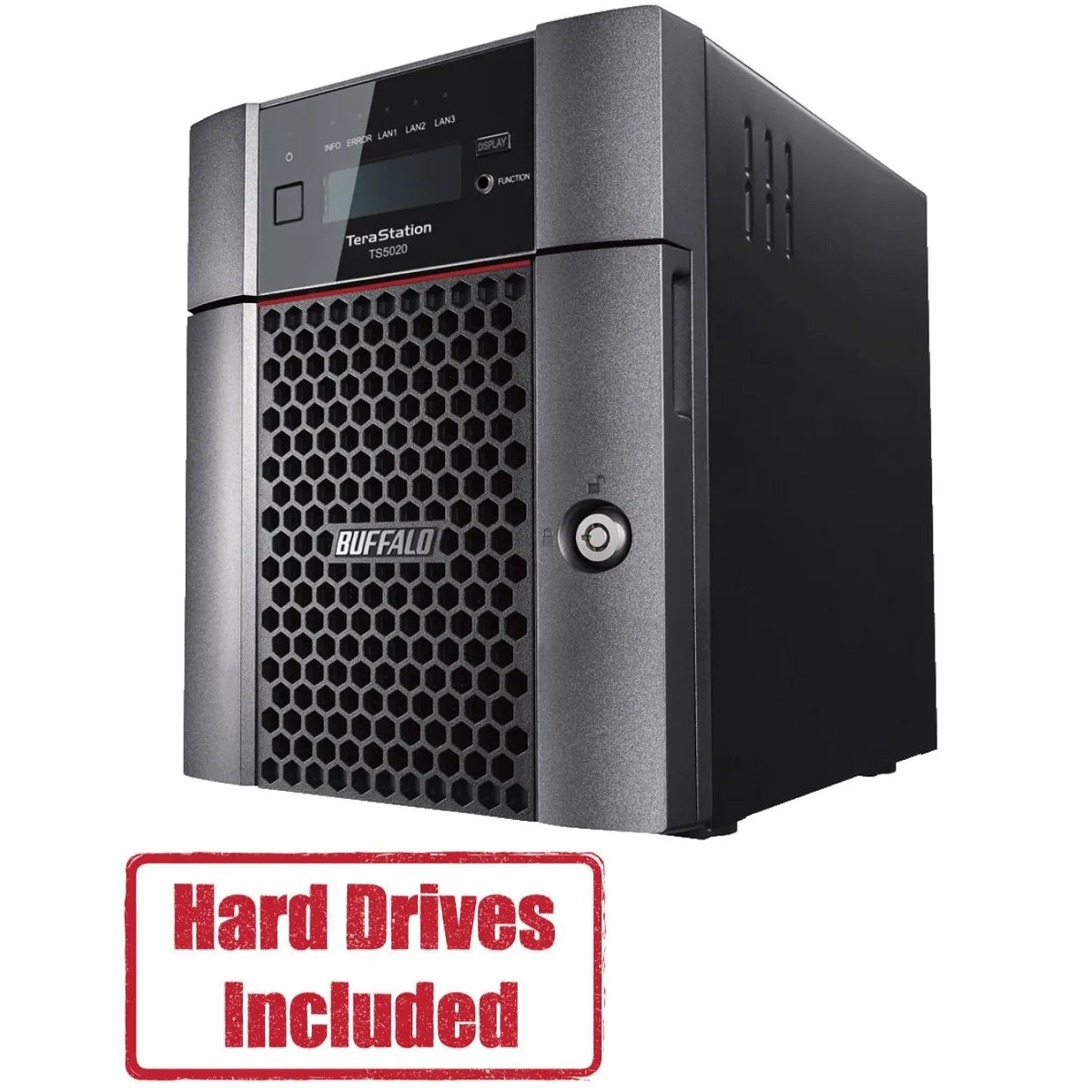
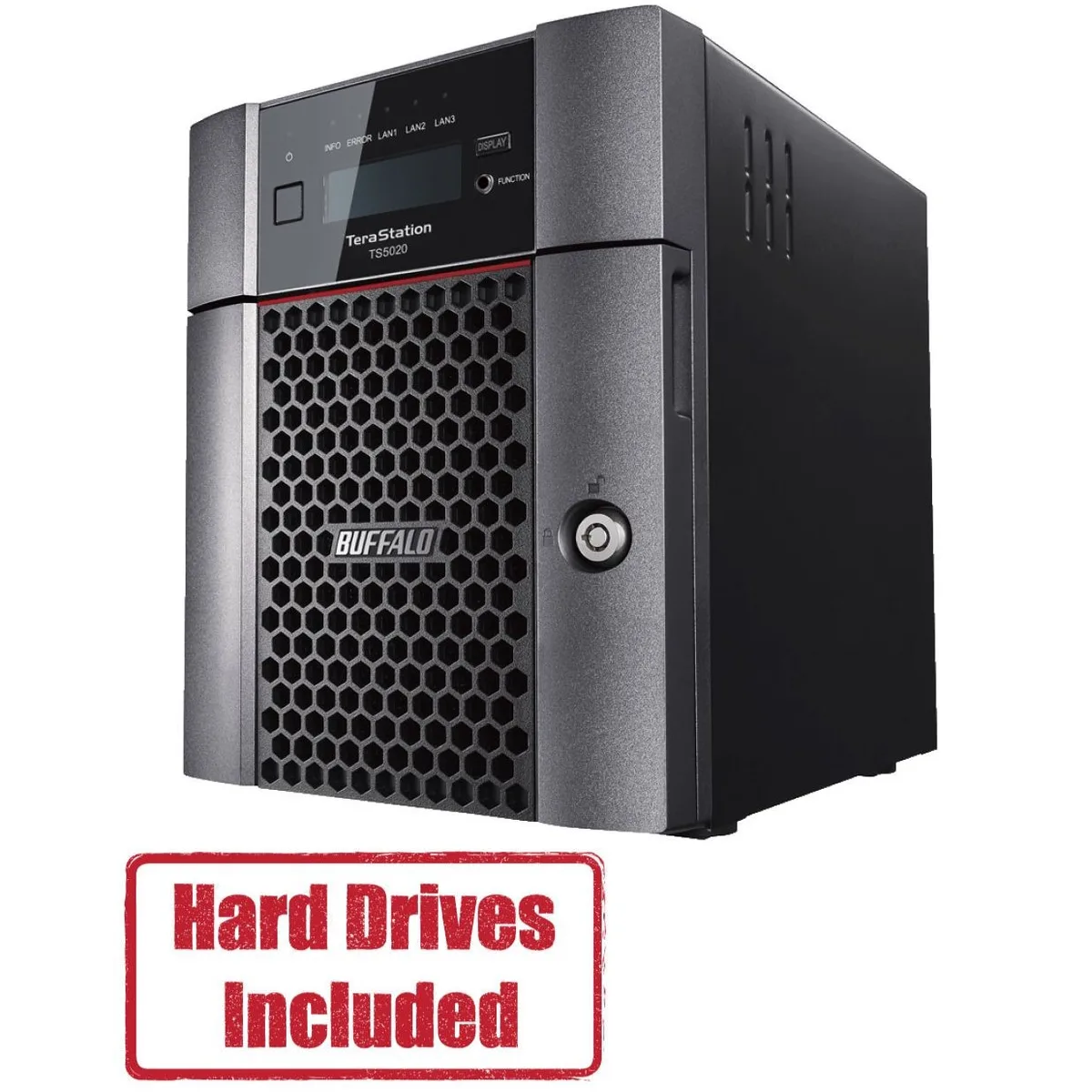
Buffalo Technology TS5420DN2402 4-Bay 24TB Desktop NAS
- Desktop NAS
- IEEE 802.3, IEEE 80…
1.202,99 USD
0.01548708BTC
Til á lagerVið tökum við rafmynt — svo myntirnar sem þú átt geta keypt alvöru vélbúnað.Greiddu í rafmynt, eyddu henni í alvöru vélbúnað. Frí, tryggð sending um allan heim fyrir pantanir yfir 399 $. Hlutlausir pappakassar án merkinga, sendir frá Þýskalandi.Frí, tryggð sending yfir 399 $. Gengið þitt er læst í 30 mínútur um leið og greiðsluferlið hefst.Gengið læst í 30 mínútur. Hver vara er innsigluð, raðnúmer hennar yfirfarið, og hún nýtur 24 mánaða ábyrgðar.Innsiglað, með 24 mánaða ábyrgð.


Buffalo Technology
A four-bay desktop NAS with 40 TB of pre-configured storage, a 10 GbE port, and quad-core processor for business file sharing
Included HDD Capacity 40TB (2 x 20TB)
Option Partially Populated
The Buffalo TeraStation 5420 arrives with two pre-tested 20TB NAS-grade drives installed and RAID pre-configured. A quad-core Annapurna Labs Alpine AL524 processor at 2.04 GHz and 8GB of DDR4 memory handle file serving, backup and virtualization workloads for small offices.
The single 10GbE port plus two 1GbE links suit workgroups that move large datasets without upgrading cabling. Buyers who require more than four drive bays, a second 10GbE port or GPU-accelerated applications should consider a larger platform.
Two 20TB drives and the pre-built RAID array eliminate initial setup time. The Remote Management System lets administrators monitor multiple TeraStations from one console, while AES-256 encryption, snapshots and two-factor authentication secure stored data.
| Brand | BUFFALO |
|---|---|
| Series | TeraStation 5020 |
| Model | TS5420DN4002 |
| Part Number | TS5420DN4002 |
| Type | Desktop NAS |
| Standards | IEEE 802.3, IEEE 802.3u, IEEE 802.3ab |
| Ports | 1 x 10GbE |
| Port RJ-45 | 1 x 10GbE + 2 x 1GbE |
| Port USB | 2 x USB3.0 + 2 x USB2.0 |
| HDD Interface | 4 x SATA (4 x Bay) |
| Form Factor | 4-Bay |
| Processor | Annapurna Labs Alpine Processor AL524 (2.04 GHz Quad-Core) |
| Installed Memory | 8GB DDR4 |
| Included HDD Capacity | 40TB (2 x 20TB) |
| RAID | RAID 0, 1, 5, 6, 10, and JBOD |
| Drive Compatibility | OP-HD20.0N |
| Supported Protocols | TCP/IP |
| LEDs | Power, HDD (Hard Disk Drive), LAN (10/100) |
| Power | 100-240 VAC 50/60Hz |
| Power Consumption | 60W |
| Temperature | 0°C - 40 °C |
| Humidity | 0-80% RH non-condensing |
| Usage | High read/write performance with RAID |
| Dimensions | 9.1 x 6.7 x 8.5 in |
| Weight | 18.1 lbs |
| Package Contents | TeraStation, Quick Setup Guide, AC Cable, Front Panel Key, and Warranty Statement |
| Sendingarþyngd | 7.26 kg |
| Stærð sendingar | 363 × 358 × 305 mm |
Aðrar útgáfur af þessari vöru
Sama fjölskylda, mismunandi minni, kælingu eða klukkuhraða — berðu saman áður en þú ákveður þig.
Connect the 10GbE RJ-45 port with Cat6a or better cabling to a switch port that supports 10GBASE-T. The unit also includes two 1GbE RJ-45 ports for standard Gigabit links.
Yes. The NAS provides one 10GbE and two 1GbE RJ-45 ports simultaneously, so it will operate on your current Gigabit infrastructure while also offering a 10GbE uplink for faster clients.
Check the front-panel LEDs: the Power LED should be solid on, each installed drive shows a steady HDD LED, and the LAN LEDs indicate link speed. Then log into the web UI to confirm RAID status and drive health.
Einnig í þessum vöruflokki
Sama hilla, sama greiðsluferli — átta myntir og 30 mínútna gengislæsing.
Það sem þú greiðir í, og það sem þú sérð verð í.
Sent úr veskinu þínu í greiðsluferlinu
Aðeins til skýringar — verð í vörulistanum eru í Bandaríkjadölum
Enginn gjaldmiðill passar við það.
Veldu tungumálið sem síðan talar við þig á.
Fyrsta heimsókn?
Áttu þegar aðgang?
Það er engin sjálfvirk endurstilling: þessi verslun sendir engan tölvupóst, svo það er enginn einnota tengill til að biðja um. Skildu netfangið eftir á aðganginum og einhver sinnir því handvirkt.
Beiðni skráð
Ekkert er á leiðinni í pósthólfið þitt — þessi verslun sendir engan tölvupóst. Einhver sinnir þessu handvirkt.
Mundir þú það?