Buffalo Technology
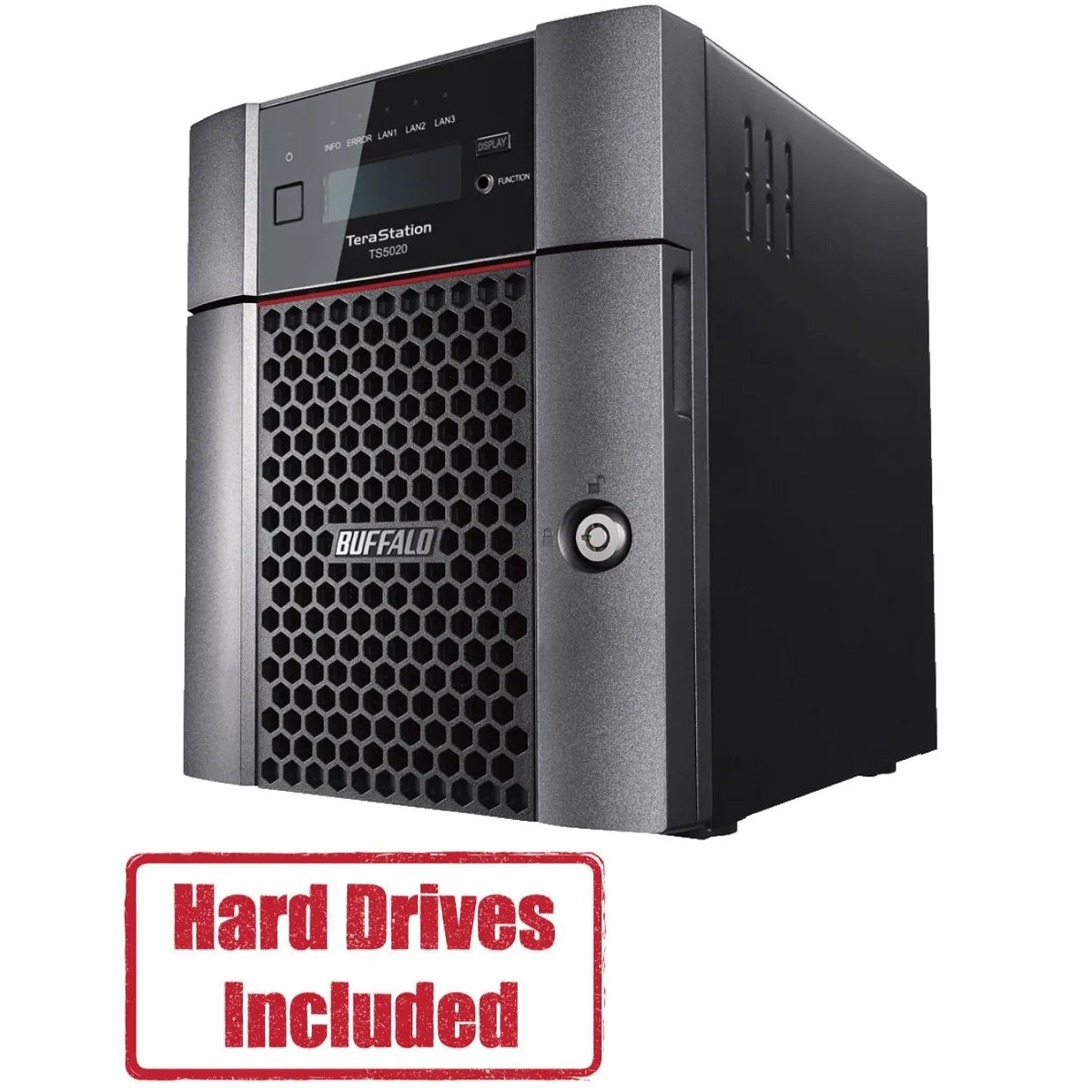
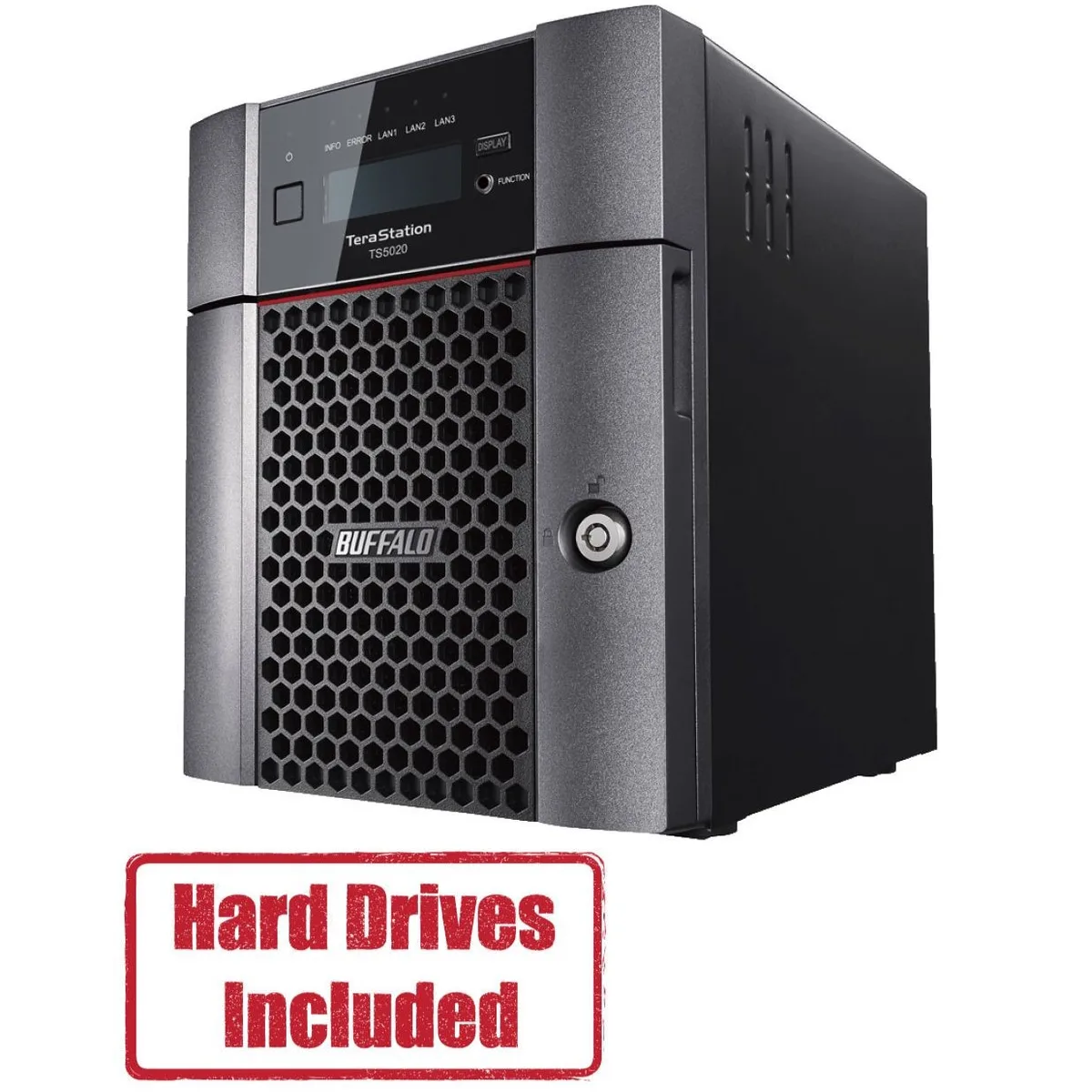
Buffalo Technology TS5420DN2402 4-Bay 24TB Desktop NAS
- Desktop NAS
- IEEE 802.3, IEEE 80…
1.202,99 US$
0.01503831BTC
På lagerVi tager imod kryptovaluta — så den krypto, du ejer, kan købe rigtig hardware.Betal med krypto, brug det på rigtig hardware. Gratis, forsikret levering til hele verden ved køb over 399 $. Neutrale, umærkede papkasser, sendt fra Tyskland.Gratis, forsikret levering over 399 $. Din kurs låses i 30 minutter, så snart kassen åbner.Kurs låst i 30 minutter. Hver vare er forseglet, har kontrolleret serienummer og er dækket af 24 måneders garanti.Forseglet, 24 måneders garanti.


Buffalo Technology
A four-bay desktop NAS with 40 TB of pre-configured storage, a 10 GbE port, and quad-core processor for business file sharing
Included HDD Capacity 40TB (2 x 20TB)
Option Partially Populated
The Buffalo TeraStation 5420 arrives with two pre-tested 20TB NAS-grade drives installed and RAID pre-configured. A quad-core Annapurna Labs Alpine AL524 processor at 2.04 GHz and 8GB of DDR4 memory handle file serving, backup and virtualization workloads for small offices.
The single 10GbE port plus two 1GbE links suit workgroups that move large datasets without upgrading cabling. Buyers who require more than four drive bays, a second 10GbE port or GPU-accelerated applications should consider a larger platform.
Two 20TB drives and the pre-built RAID array eliminate initial setup time. The Remote Management System lets administrators monitor multiple TeraStations from one console, while AES-256 encryption, snapshots and two-factor authentication secure stored data.
| Brand | BUFFALO |
|---|---|
| Series | TeraStation 5020 |
| Model | TS5420DN4002 |
| Part Number | TS5420DN4002 |
| Type | Desktop NAS |
| Standards | IEEE 802.3, IEEE 802.3u, IEEE 802.3ab |
| Ports | 1 x 10GbE |
| Port RJ-45 | 1 x 10GbE + 2 x 1GbE |
| Port USB | 2 x USB3.0 + 2 x USB2.0 |
| HDD Interface | 4 x SATA (4 x Bay) |
| Form Factor | 4-Bay |
| Processor | Annapurna Labs Alpine Processor AL524 (2.04 GHz Quad-Core) |
| Installed Memory | 8GB DDR4 |
| Included HDD Capacity | 40TB (2 x 20TB) |
| RAID | RAID 0, 1, 5, 6, 10, and JBOD |
| Drive Compatibility | OP-HD20.0N |
| Supported Protocols | TCP/IP |
| LEDs | Power, HDD (Hard Disk Drive), LAN (10/100) |
| Power | 100-240 VAC 50/60Hz |
| Power Consumption | 60W |
| Temperature | 0°C - 40 °C |
| Humidity | 0-80% RH non-condensing |
| Usage | High read/write performance with RAID |
| Dimensions | 9.1 x 6.7 x 8.5 in |
| Weight | 18.1 lbs |
| Package Contents | TeraStation, Quick Setup Guide, AC Cable, Front Panel Key, and Warranty Statement |
| Forsendelsesvægt | 7.26 kg |
| Pakkestørrelse | 363 × 358 × 305 mm |
Andre versioner af denne model
Samme familie, men med anden hukommelse, køler eller clockfrekvens — sammenlign, før du bestemmer dig.
Connect the 10GbE RJ-45 port with Cat6a or better cabling to a switch port that supports 10GBASE-T. The unit also includes two 1GbE RJ-45 ports for standard Gigabit links.
Yes. The NAS provides one 10GbE and two 1GbE RJ-45 ports simultaneously, so it will operate on your current Gigabit infrastructure while also offering a 10GbE uplink for faster clients.
Check the front-panel LEDs: the Power LED should be solid on, each installed drive shows a steady HDD LED, and the LAN LEDs indicate link speed. Then log into the web UI to confirm RAID status and drive health.
Også på denne hylde
Samme hylde, samme kasse — otte mønter og 30 minutters kurslås.
Det du betaler med, og det du ser priserne i.
Sendes fra din tegnebog i kassen
Kun til visning — kataloget er prissat i USD
Ingen valuta matcher det.
Vælg det sprog, siden taler til dig på.
Ny her?
Har du allerede en?
Der findes ingen automatisk nulstilling: denne butik sender ingen e-mails, så der er intet engangslink at bede om. Efterlad adressen på kontoen, så bliver den behandlet manuelt.
Anmodning registreret
Der er intet på vej til din indbakke — denne butik sender slet ingen e-mails. Nogen behandler dem manuelt.
Kom du i tanke om den?