NZXT
NZXT Kraken Z63 280mm liquid cooler RL-KRZ63-01
- Liquid Cooling Syst…
- Intel Socket LGA 20…
187,99 USD
0.00238942BTC
Til á lagerVið tökum við rafmynt — svo myntirnar sem þú átt geta keypt alvöru vélbúnað.Greiddu í rafmynt, eyddu henni í alvöru vélbúnað. Frí, tryggð sending um allan heim fyrir pantanir yfir 399 $. Hlutlausir pappakassar án merkinga, sendir frá Þýskalandi.Frí, tryggð sending yfir 399 $. Gengið þitt er læst í 30 mínútur um leið og greiðsluferlið hefst.Gengið læst í 30 mínútur. Hver vara er innsigluð, raðnúmer hennar yfirfarið, og hún nýtur 24 mánaða ábyrgðar.Innsiglað, með 24 mánaða ábyrgð.


NZXT
A 240 mm all-in-one liquid cooler with a 2.36 inch LCD screen for custom images or live data, two 120 mm fans running 500 to 2000 RPM at 21 to 36 dBA.
Fan Size 2 Fan Slots (120mm)
Color White
Model Kraken Z53 RGB
Yfirstrikaðar útgáfur eru til, en ekki til hér.
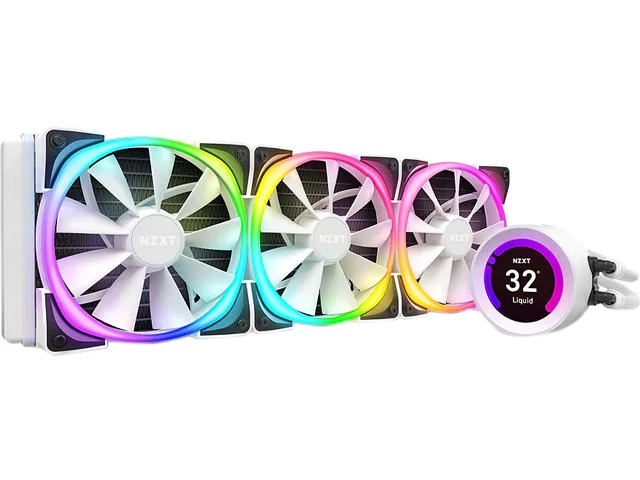
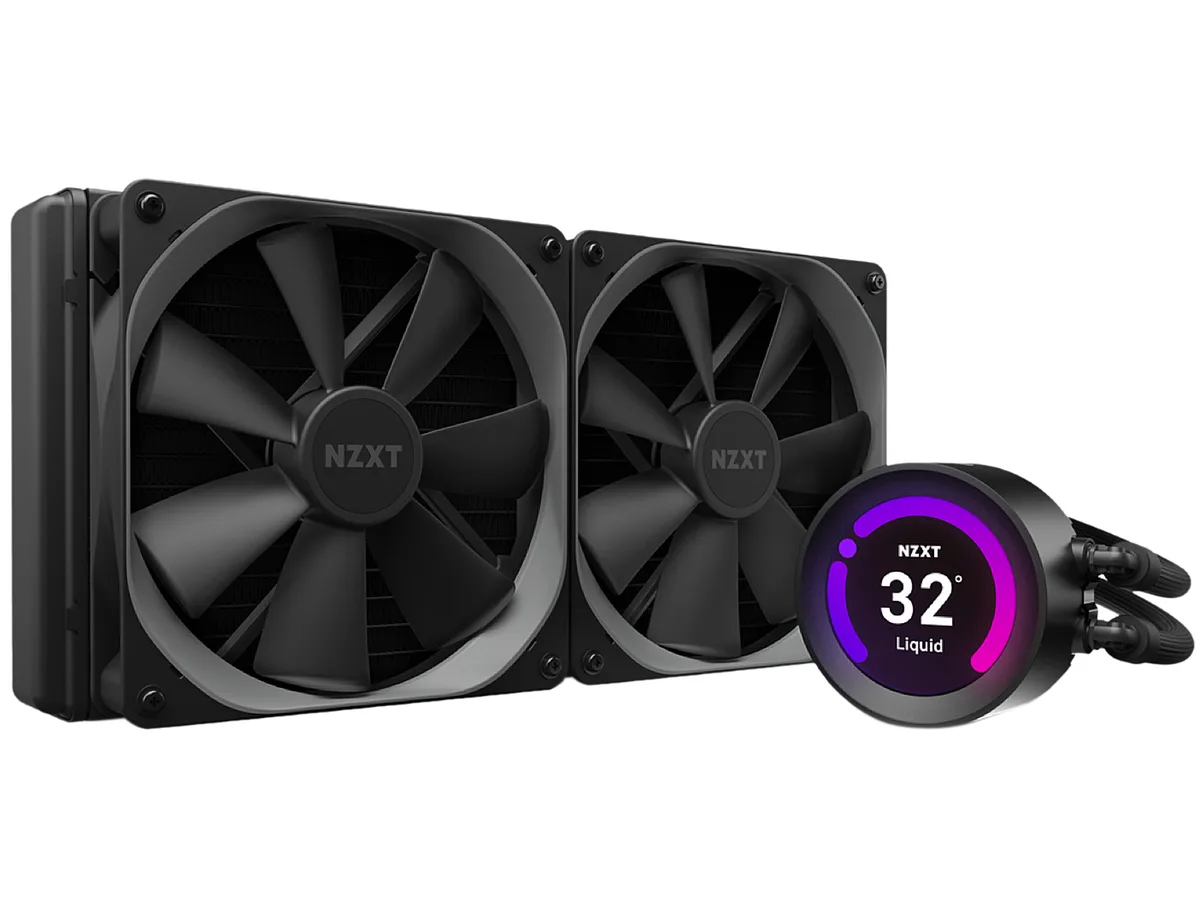
The NZXT Kraken Z53 is a 240mm all-in-one liquid cooler finished in white. It features a 2.36" LCD screen capable of 24-bit colour for custom images, GIFs or real-time CAM data. Two 120mm Aer P fans with chamfered intakes and fluid dynamic bearings handle airflow. Rubber tubing is reinforced with fine nylon mesh sleeves for durability.
Suits users who want a white AIO with a programmable LCD readout and RGB lighting controlled through NZXT CAM software. Fan speeds range from 500 to 2,000 RPM with noise between 21 and 36 dBA. Not for buyers who need Threadripper sTRX4 or TR4 support because the required bracket is not included in the box.
The cold plate mounts directly to Intel LGA 1700, 1200, 115x, 1366, 2011, 2011-3 and 2066 sockets plus AMD AM4. Threadripper sTRX4 and TR4 require a separate bracket. Radiator dimensions are 275.00 x 123.00 x 30.00 mm with 400mm tube length for case clearance planning.
| Brand | NZXT |
|---|---|
| Model | RL-KRZ53-RW |
| Type | Liquid Cooling System |
| Block Compatibility | Intel LGA 2066 / 2011-3 / 2011 / 1700 / 1366 / 1200 / 115x AMD AM4 / sTRX4* / TR4* (*Threadripper bracket not included) |
| Block Material | Copper & Plastic |
| Radiator Size | 275.00 x 123.00 x 30.00 mm |
| Radiator Material | Aluminum |
| Fan Size | 2 Fan Slots (120 mm) |
| Fan RPM | 500 - 2,000 (+/- 300) RPM |
| Fan Air Flow | 18.28 - 73.11 CFM |
| Fan Noise | 21 - 36 dBA |
| Fan Connector | 4 Pin |
| Color | White |
| LED Color | RGB |
| Tube Dim. | 400mm |
| Tube Material | Rubber with Nylon Sleeve |
| Sendingarþyngd | 2.09 kg |
| Stærð sendingar | 349 × 210 × 156 mm |
Aðrar útgáfur af þessari vöru
Sama fjölskylda, mismunandi minni, kælingu eða klukkuhraða — berðu saman áður en þú ákveður þig.
The cooler supports Intel LGA 1700, 1200, 115x, 2011, 2011-3 and 2066 plus AMD AM4; Threadripper sTRX4 and TR4 require a separate bracket not included.
Yes, the 120 mm fans mount on the 240 mm radiator and use standard 4-pin connectors compatible with most motherboard headers.
Open CAM, select the Kraken Z53, enable the temperature overlay and the screen will display real-time CPU or GPU readings in 24-bit colour.
Einnig í þessum vöruflokki
Sama hilla, sama greiðsluferli — átta myntir og 30 mínútna gengislæsing.
Það sem þú greiðir í, og það sem þú sérð verð í.
Sent úr veskinu þínu í greiðsluferlinu
Aðeins til skýringar — verð í vörulistanum eru í Bandaríkjadölum
Enginn gjaldmiðill passar við það.
Veldu tungumálið sem síðan talar við þig á.
Ekkert tungumál fannst.
Fyrsta heimsókn?
Áttu þegar aðgang?
Það er engin sjálfvirk endurstilling: þessi verslun sendir engan tölvupóst, svo það er enginn einnota tengill til að biðja um. Skildu netfangið eftir á aðganginum og einhver sinnir því handvirkt.
Beiðni skráð
Ekkert er á leiðinni í pósthólfið þitt — þessi verslun sendir engan tölvupóst. Einhver sinnir þessu handvirkt.
Mundir þú það?